

































































































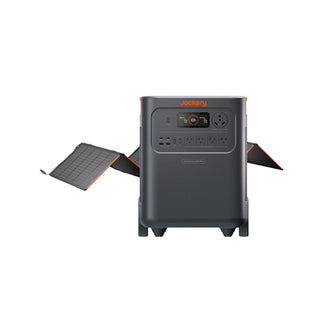



























![[Add-on] Jackery SolarSaga 500 X - Jackery](http://www.jackery.com/cdn/shop/files/add-on-jackery-solarsaga-500-x-1493607.webp?v=1786503068&width=324)





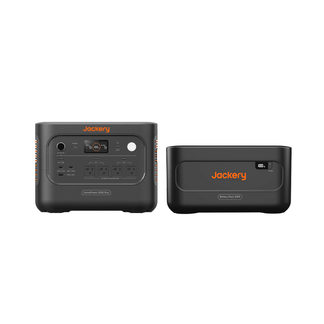
![[Add-on] Jackery Battery Pack 5000 Plus - Jackery](http://www.jackery.com/cdn/shop/files/add-on-jackery-battery-pack-5000-plus-6713401.webp?v=1786503068&width=324)


























































How to share the device with others for their use?
1. The other party (i.e. family members) enters the JACKERY APP, clicks on "Me" to enter the account page, and selects "My QR Share Code";
2. Open the JACKERY APP on the main device, enter the home page, and click on settings to find the "Scan to share device(s)" option;
3. Use the main device APP to scan the MY QR code on the family member's phone, and follow the prompts;
4. After the sharing is successful, the APP list of the other party (i.e. the family member) will show the device, and the device will have a shared identifier.
Aviso legal:
El tiempo de funcionamiento mencionado para los aparatos alimentados por Jackery es solo de referencia. El tiempo de funcionamiento real puede variar bajo diferentes condiciones. Para obtener resultados precisos, consulte el desempeño en condiciones reales.


