

































































































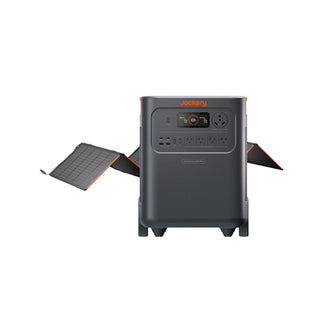



























![[Add-on] Jackery SolarSaga 500 X - Jackery](http://www.jackery.com/cdn/shop/files/add-on-jackery-solarsaga-500-x-1493607.webp?v=1786503068&width=324)





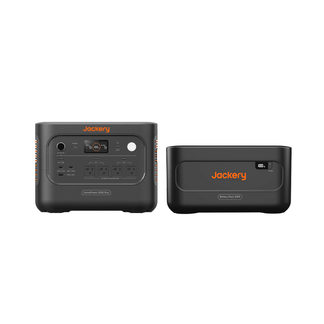
![[Add-on] Jackery Battery Pack 5000 Plus - Jackery](http://www.jackery.com/cdn/shop/files/add-on-jackery-battery-pack-5000-plus-6713401.webp?v=1786503068&width=324)






















































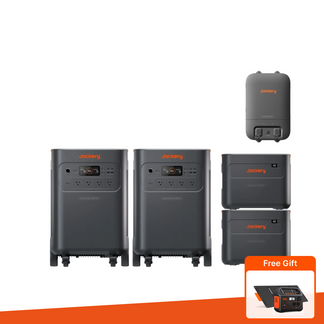




By default, a Jackery portable power station can be linked (bound) to one smartphone or tablet. However, you can operate the same power station from up to 5 devices using the app’s “Sharing” feature.
Requirements: The first device that binds the power station must be connected via Wi-Fi.
Sharing steps:
1. On the device you want to add (Device B), open the Jackery App and go to “Me” → “My QR Code”.
2. On the original device (Device A), open the app, go to Settings → “Scan to Share Device”, and scan Device B’s QR code.
Once done, Device B can control the same portable power station.
For detailed instructions, please refer to: Jackery App Guide


