

































































































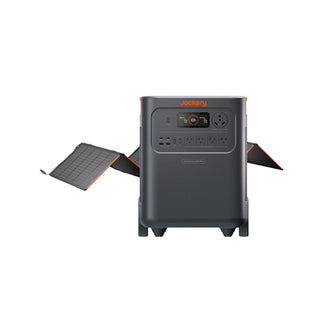



























![[Add-on] Jackery SolarSaga 500 X - Jackery](http://www.jackery.com/cdn/shop/files/add-on-jackery-solarsaga-500-x-1493607.webp?v=1786503068&width=324)





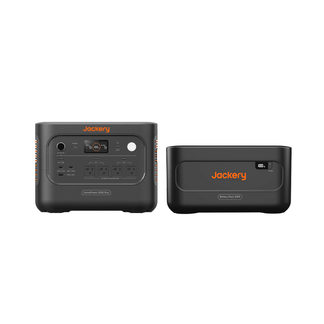
![[Add-on] Jackery Battery Pack 5000 Plus - Jackery](http://www.jackery.com/cdn/shop/files/add-on-jackery-battery-pack-5000-plus-6713401.webp?v=1786503068&width=324)


























































Applies to: Explorer 100 Plus, Explorer 1000, Explorer 1000 Plus, Explorer 1000 Pro, Explorer 1000 V2, Explorer 1500, Explorer 1500 Pro, Explorer 1500 Ultra, Explorer 1500 V2, Explorer 160, Explorer 2000 Plus, Explorer 2000 Pro, Explorer 2000 V2, Explorer 240, Explorer 240 V2, Explorer 240D, Explorer 300, Explorer 300 Plus, Explorer 300 V2, Explorer 3000 Pro, Explorer 3000 V2, Explorer 300D, Explorer 500, Explorer 500 V2, Explorer 5000 Plus, Explorer 600 Plus, Explorer 600 V2, HomePower 1000 V2, HomePower 2000 Plus V2, HomePower 3000, HomePower 3600 Plus, HomePower 3600 Pro Max, Jackery FridgeGuard
If your solar panel is not generating power, please follow these steps:
1. Check the solar panel connections
Ensure that the solar panel is securely connected to the power station and that the correct adapter is being used. Please provide a photo showing the connection.
2. Confirm sufficient sunlight
Make sure the solar panel is exposed to adequate sunlight. Charging may not work indoors or under low light conditions.
3. Check the battery level
If the power station battery is at 100% SOC, it will not charge further. Please ensure the battery has remaining capacity.


