






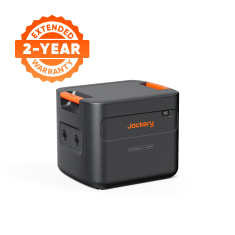
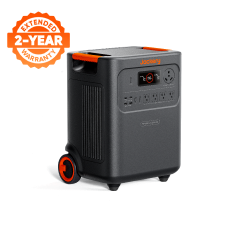
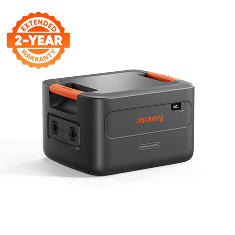
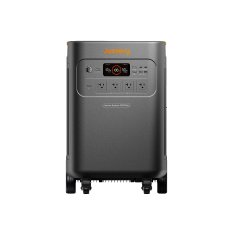
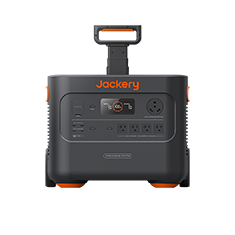
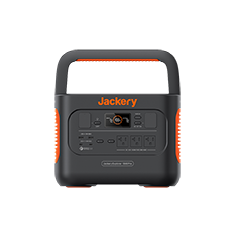
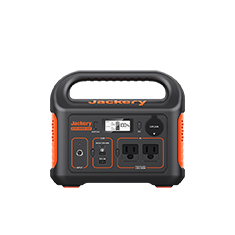























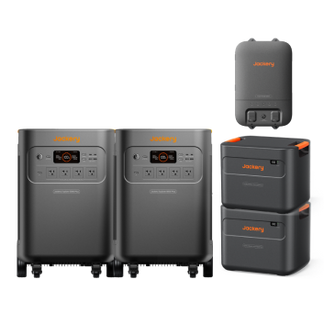


3 años de garantía + 2 años adicionales gratis — Exclusivamente en jackery.com
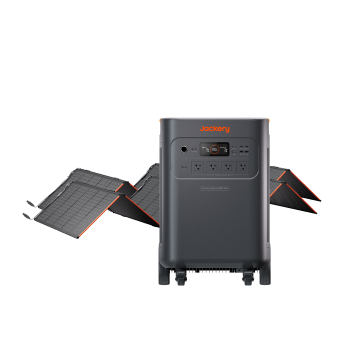
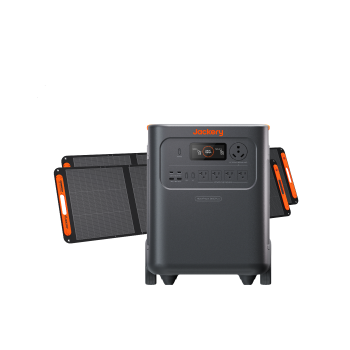
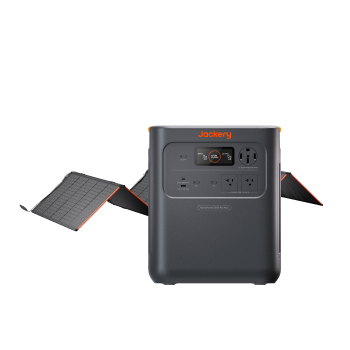
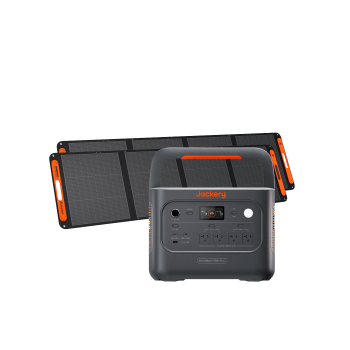
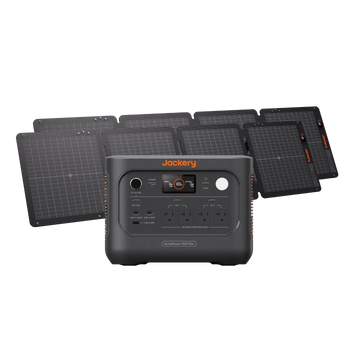
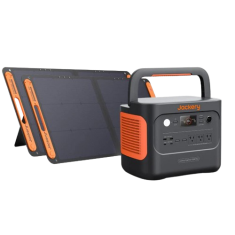
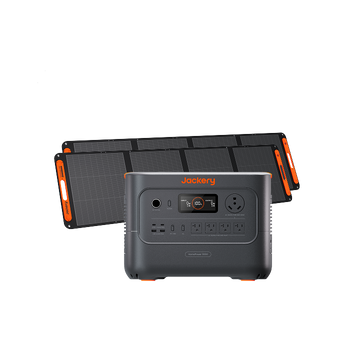
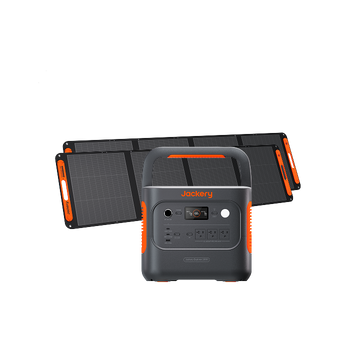
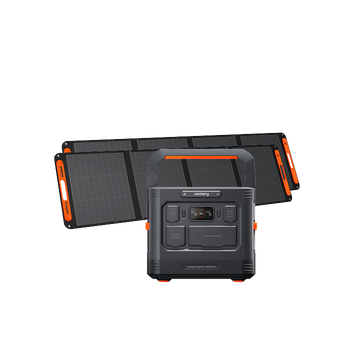
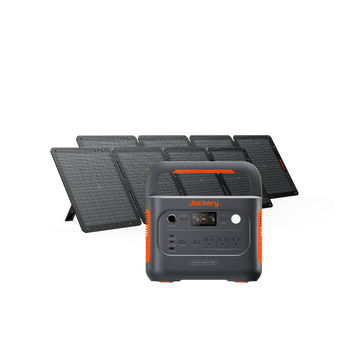
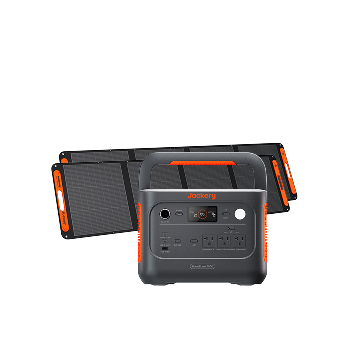
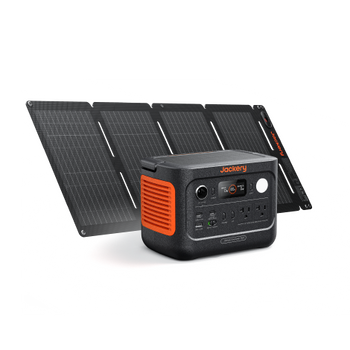
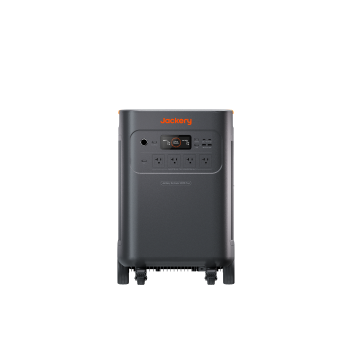
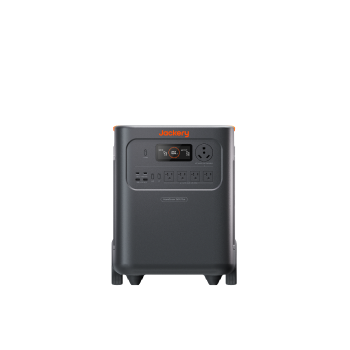
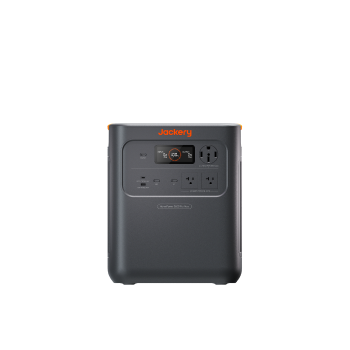
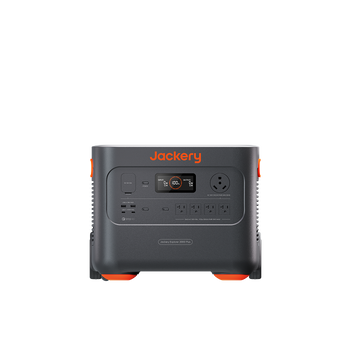
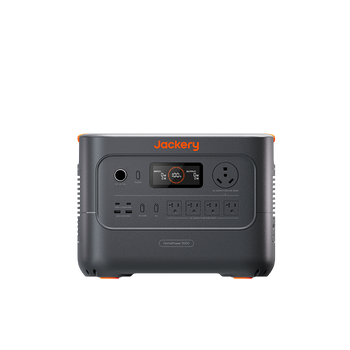
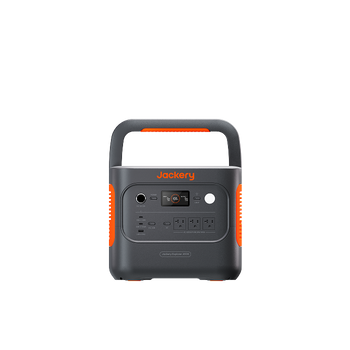
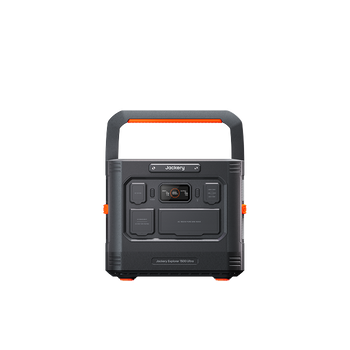
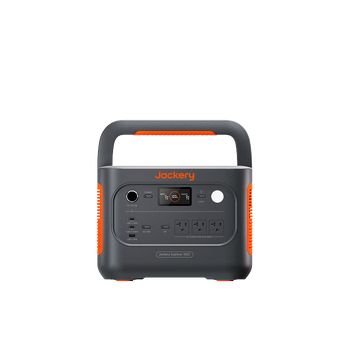
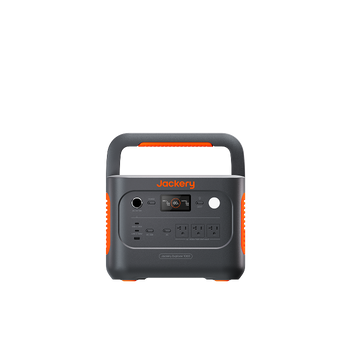
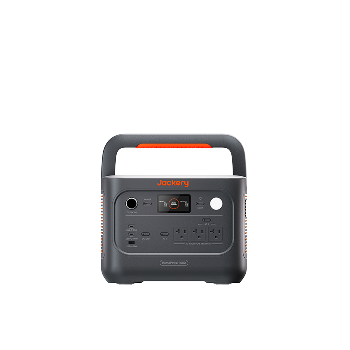
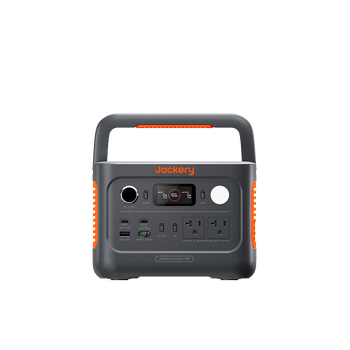
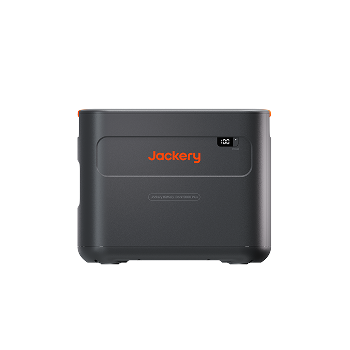
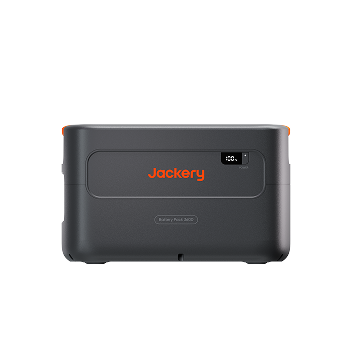
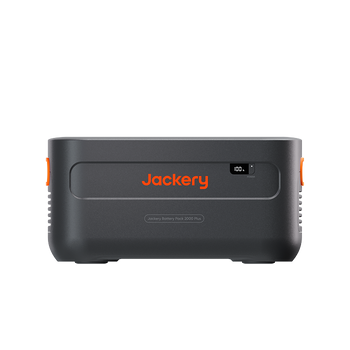
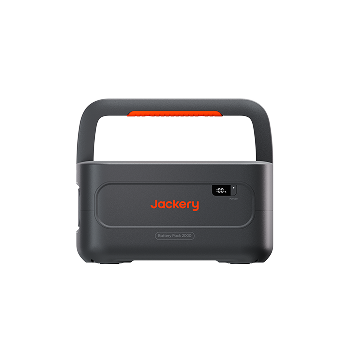
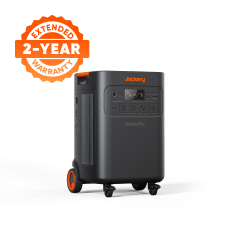
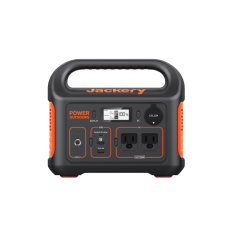
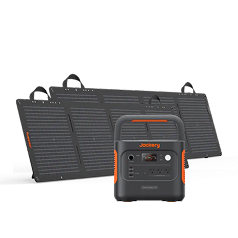
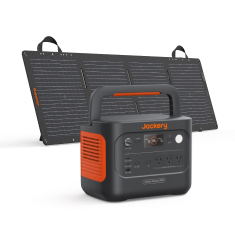
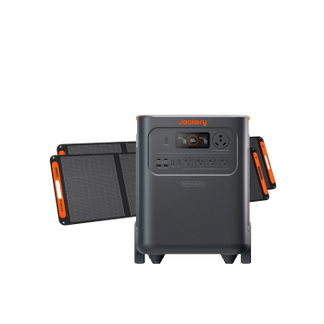
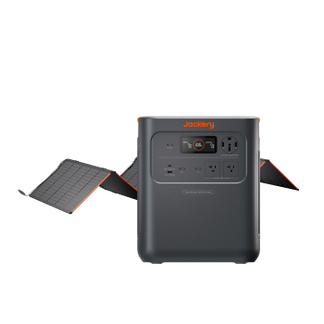
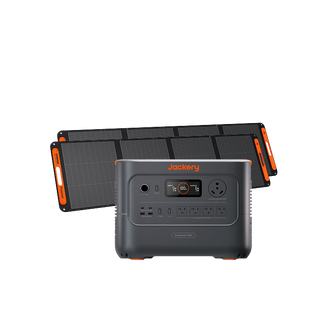
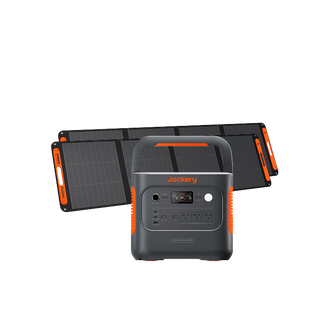
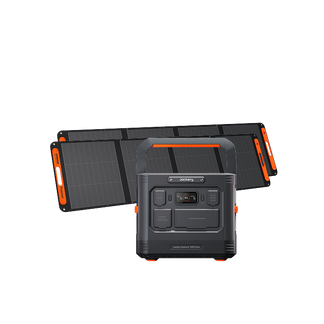
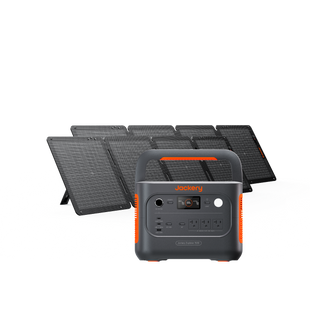
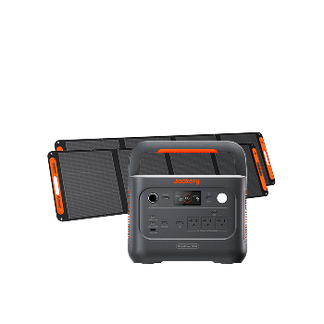
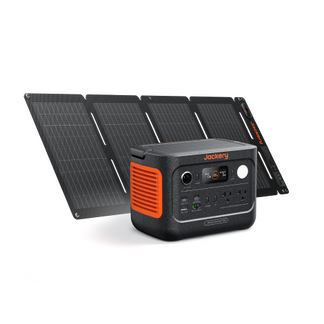
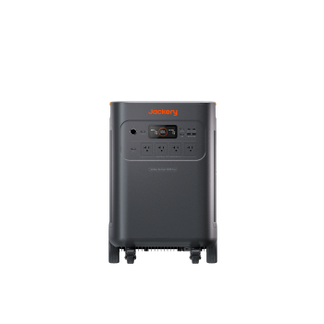
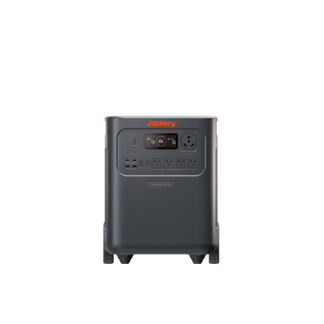
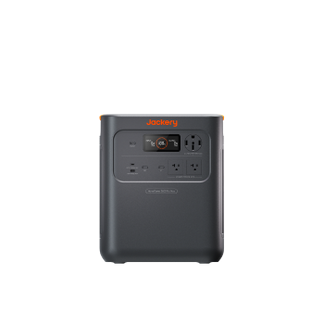
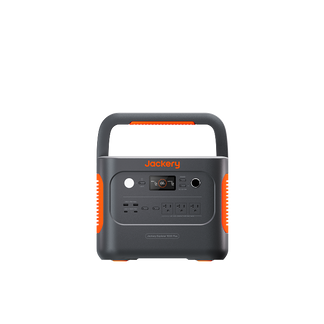
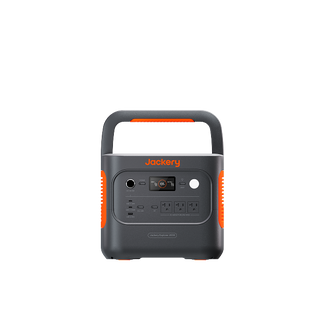
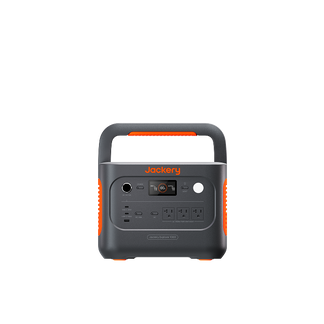
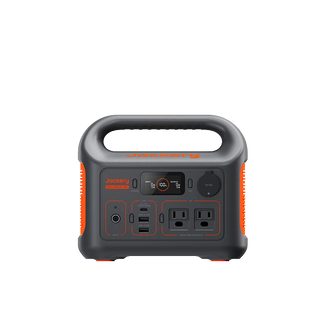
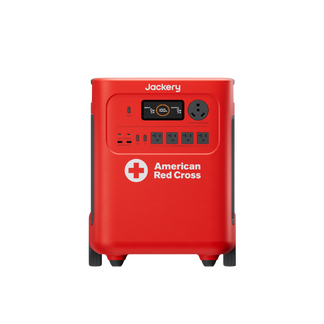
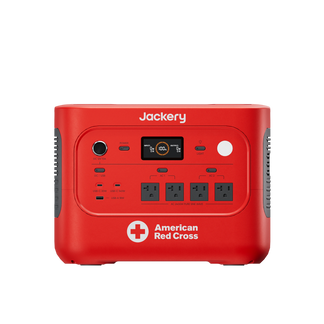
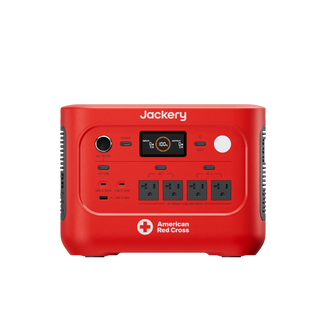
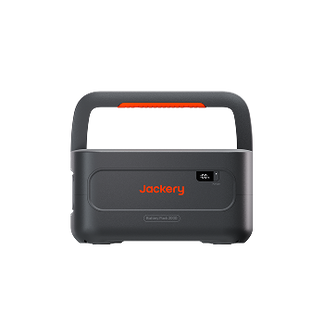
Jackery HomePower 1000 v2
$119.00

Up to 100 available for a cash deduction.
Login
- 96Wh Capacity
- 158W Output
- 3,000 Number of cycles
1. Respaldo que supera cualquier SAI
Con 1024Wh de capacidad, 1500W de salida y un tiempo de conmutación de menos de 10ms, disfruta de un respaldo de nivel profesional que mantiene tu PC funcionando 100 veces más que un SAI tradicional.
2. Protección avanzada para equipos de alta sensibilidad
La protección contra rayos incorporada y la resistencia a sobretensiones de 3kV actúan como una fortaleza para tu PC y tu frigorífico, asegurando que tanto la estación de energía como tus dispositivos permanezcan ilesos durante las descargas de rayos o los reinicios repentinos.
3. Nunca te quedes sin energía en lo que más importa
Jackery Priority Routing™ te permite decidir qué permanece encendido. Cuando la batería alcanza el nivel preestablecido, apaga automáticamente los dispositivos menos críticos y mantiene funcionando los esenciales como el frigorífico, el router, las luces y otros electrodomésticos durante el mayor tiempo posible.
4. Una década y media de energía fiable
Pequeño tamaño, enorme resistencia. Admite más de 6.000 ciclos para más de 16 años de uso diario.
5. Completamente cargado en solo 50 minutos
Cárgalo en menos tiempo del que se tarda en ver la mitad de una película. Ya sea para la oficina, emergencias o un viaje por carretera de última hora, dile adiós a la espera.
6. Energía silenciosa, cero distracciones
Operando a menos de 30dB, el 1000 v2 respeta tu espacio. Perfecto para un trabajo concentrado o una noche de sueño tranquilo.
Color


Durable. Efficient. Ready to Go Anywhere
Durable. Efficient.
Ready to Go Anywhere


Where to Buy
Where to Buy


Power Every Part of Your Day
Power Every Part of Your Day


Get Your Estimated Runtime
Device:
W
Add More Device
Runs for:
00
hrs
Note: This is a calculation for reference. Please take the actual use for accuracy.


Palm-Sized. Made to Fit
Palm-Sized. Made to Fit
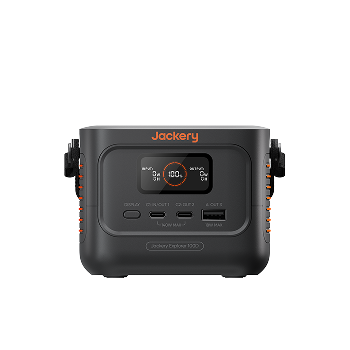
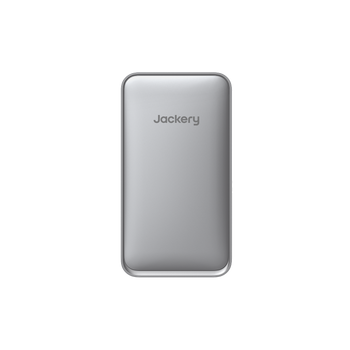
At just 4.67 × 3.25 × 3.37 in, Explorer 100D is about the size of an adult palm, with a compact, square design that fits easily on desks and in tight spaces.
At just 4.67 × 3.25 × 3.37 in, Explorer 100D is about the size of an adult palm, with a compact, square design that fits easily on desks and in tight spaces.


One Button. Simple Control
One Button. Simple Control
The TFT smart display puts key information at a glance, including input and output power, battery level, remaining runtime, battery health, temperature, and more.
The TFT smart display puts key information at a glance, including input and output power, battery level, remaining runtime, battery health, temperature, and more.

Double-press DISPLAY to keep the screen on or turn it off.
Double-press DISPLAY to keep the screen on or turn it off.

Press and hold DISPLAY for 3 seconds to switch to Low-Power Charging Mode.
Press and hold DISPLAY for 3 seconds to switch to Low-Power Charging Mode.
Low-Power Charging Mode
Designed for low-power devices like watches and earbuds.
Low-Power Charging Mode
Designed for low-power devices like watches and earbuds.

Press DISPLAY once to cycle through status screens.
Press DISPLAY once to cycle through status screens.
3 Ways To
3 Ways To
Recharge Wherever You Go
Recharge Wherever You Go


Compare with Others
*Figures shown are estimates; actual usage varies.
Product Details
Ports and Dimensions
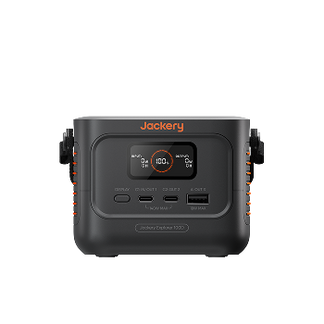
Explorer 100D Portable Power Station

Tech Specs
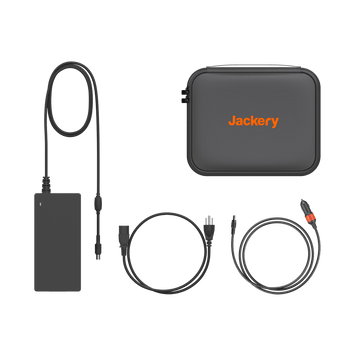
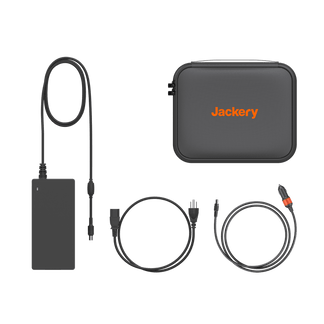
What's in The Box
Jackery Explorer 100D Portable Power Station
XJackery Explorer 100D Portable Power Station
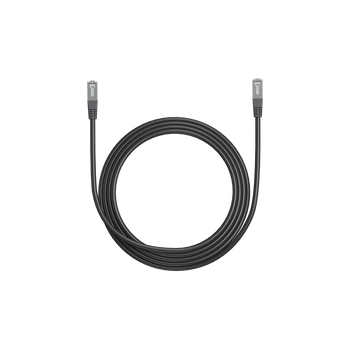
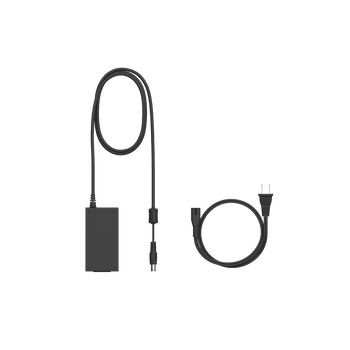
AC Charging Cable
X1

Jackery Explorer 100D Portable Power Station
XJackery Explorer 100D Portable Power Station
AC Charging Cable
X1
User Manual
About Explorer 100D
-
Why does the power output decrease?
-
Why does the charging power not reach 140W when using a PD charger?
-
How do I charge low-power devices such as smartwatches and earbuds?
-
What is the difference between the C1 and C2 USB-C ports?
-
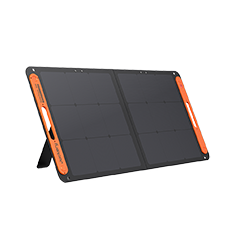
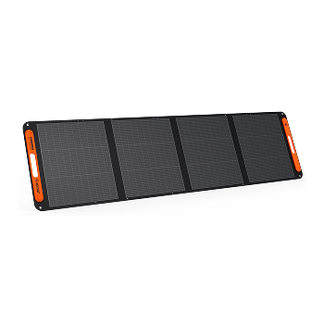
How do I charge the 100D with a solar panel?
-
Why does a 100W solar panel not provide 100W of actual charging power?
-
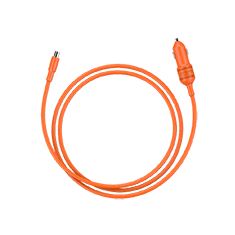
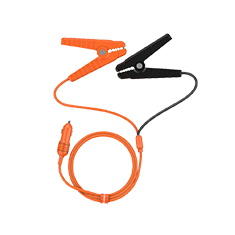
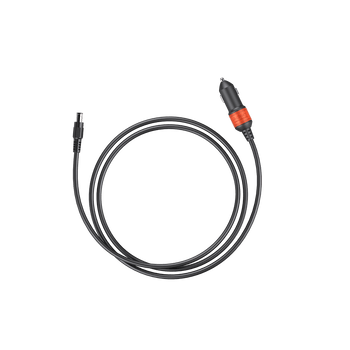
Can the 100D be charged through a vehicle's cigarette lighter socket?
-
Why is the actual charging power lower when charging from a vehicle's cigarette lighter socket?


