























































![[Add - on] Jackery Manual Transfer Switch for Explorer 5000 Plus - Jackery](http://www.jackery.com/cdn/shop/files/add-on-jackery-manual-transfer-switch-for-explorer-5000-plus-9017324.png?v=1754016782&width=350)





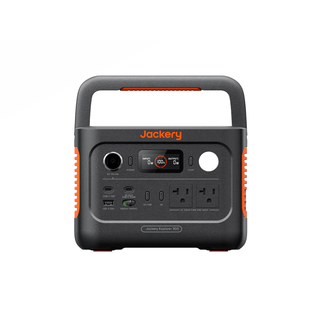
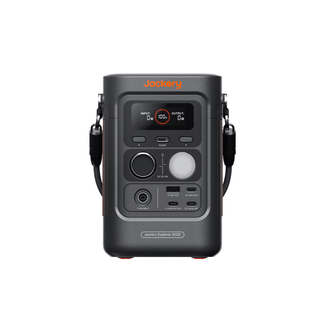
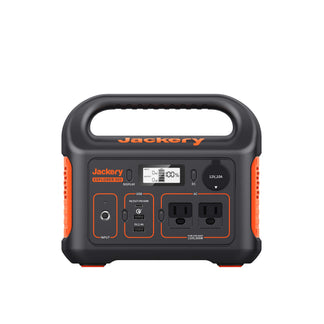
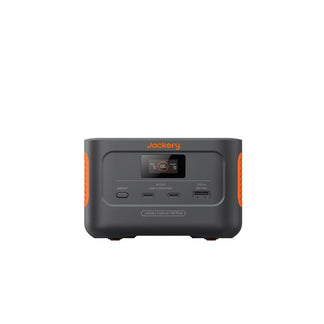
![[Add - on] Jackery Battery Pack 5000 Plus - Jackery](http://www.jackery.com/cdn/shop/files/add-on-jackery-battery-pack-5000-plus-6078351.png?v=1754016791&width=324)



![[Add - on] Jackery Car Charging Cable - Jackery](http://www.jackery.com/cdn/shop/files/add-on-jackery-car-charging-cable-3882421.png?v=1754016863&width=324)















![[Add - on] Jackery Smart Transfer Switch - Jackery](http://www.jackery.com/cdn/shop/files/add-on-jackery-smart-transfer-switch-5842915.png?v=1754016784&width=324)
![[Add - on]Jackery 102W GaN 3 - Port Fast Charger - Jackery](http://www.jackery.com/cdn/shop/files/add-onjackery-102w-gan-3-port-fast-charger-6377742.png?v=1754016790&width=324)



![[Add - on] SolarSaga 200W - Jackery](http://www.jackery.com/cdn/shop/files/add-on-solarsaga-200w-4834329.png?v=1754016915&width=324)


![[Add - on] Jackery Manual Transfer Switch for Explorer 5000 Plus - Jackery](http://www.jackery.com/cdn/shop/files/add-on-jackery-manual-transfer-switch-for-explorer-5000-plus-9017324.png?v=1754016782&width=324)


![How to Turn Off Jackery Power Station [Simple Steps for Every Model] - Jackery](http://www.jackery.com/cdn/shop/articles/how-to-turn-off-jackery-power-station-simple-steps-for-every-model-5565762.jpg?v=1770465702&width=800)
You can turn off a Jackery Portable Power Station by first switching off the AC and DC/USB output buttons, then holding the main POWER button until the display turns off. The exact steps depend on your model, because Explorer, Pro, Plus, v2, and HomePower models all use slightly different interfaces. Learning how to turn off a Jackery Power Station helps prevent standby power loss, protects the internal battery, and keeps your power station working efficiently for years.
Newer Jackery models also support app-based controls and updated auto shut-off features that turn the ports off automatically when no load is detected. This guide walks you through the proper power-off steps for different Jackery series, including Explorer Classic, Pro, Plus, v2, and HomePower, and explains how Jackery’s automatic shut-off feature works, when it activates, and how to adjust it on supported models.
Takeaways
- Turning off a Jackery Portable Power Station involves two steps: disabling AC/DC/USB ports and shutting down the main system.
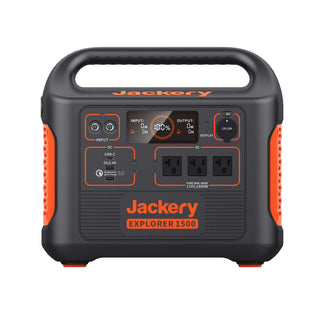
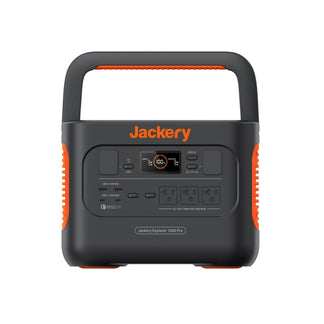
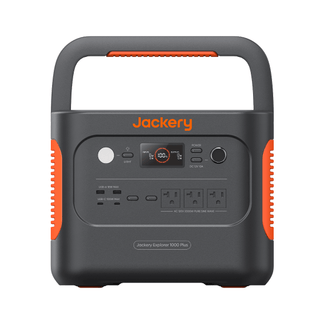
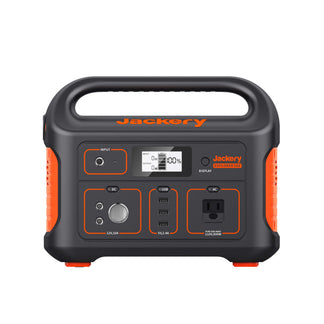
- Each Jackery model, including Classic Explorer, Pro, Plus, v2, and HomePower, has its own button layout and shutdown method.
- Some Jackery Portable Power Stations include an auto shut-off feature that turns off ports when no load is detected.
- What are the best practices to extend your Jackery’s lifespan.
How Do You Turn Off a Jackery Power Station?
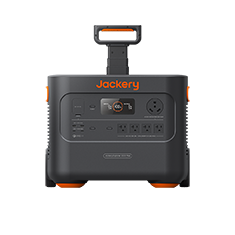
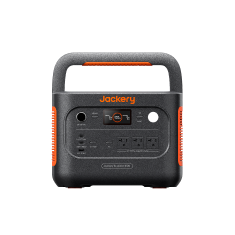
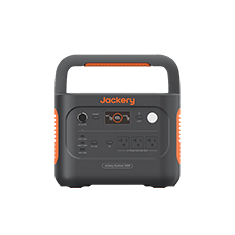
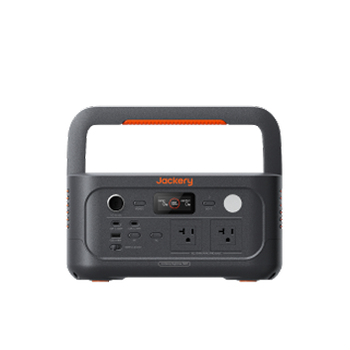
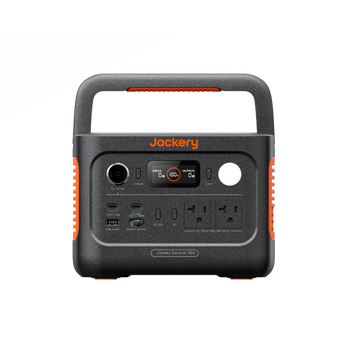
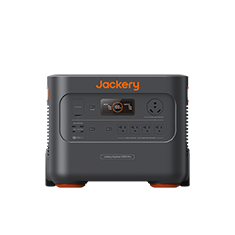
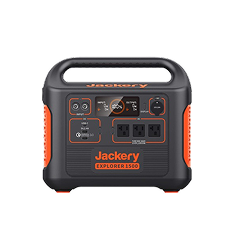
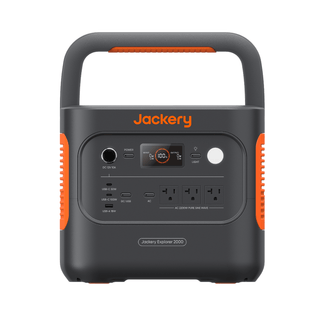
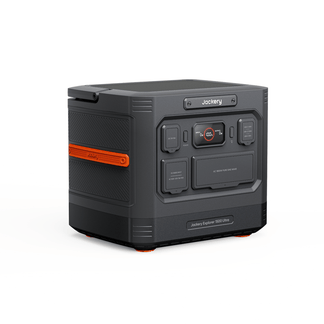
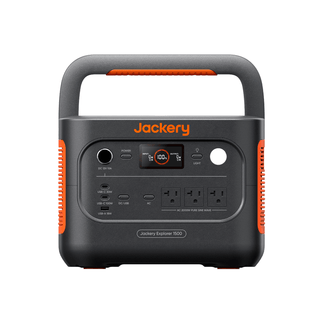
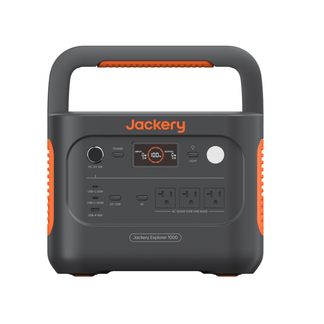
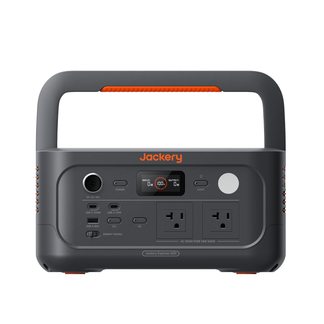
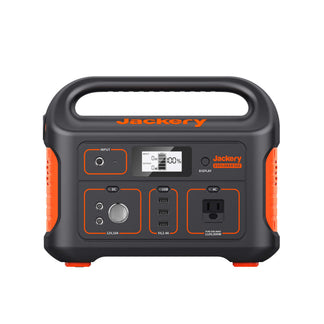
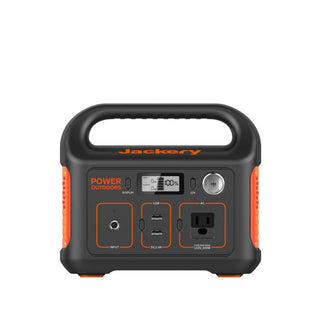
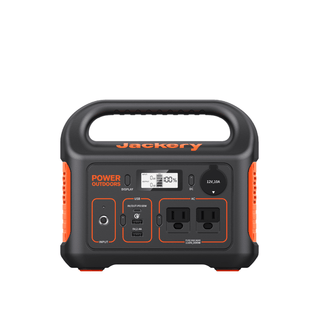
To turn off a Jackery Portable Power Station, you need to turn off the connected devices by pressing the dedicated AC, DC, and USB power buttons on the power station and then pressing the main POWER button until the screen goes dark and the indicator light turns off. Here is how to turn off Jackery models:
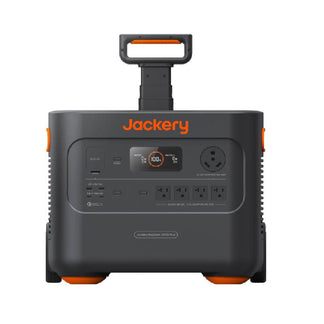
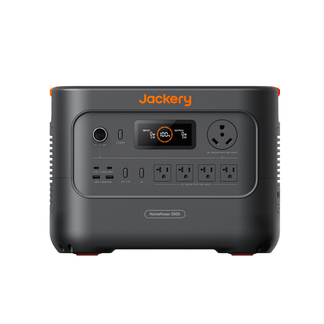
Pro, Plus, and v2 Models
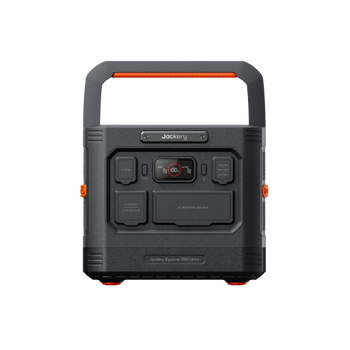
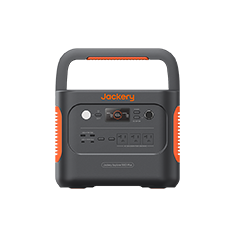
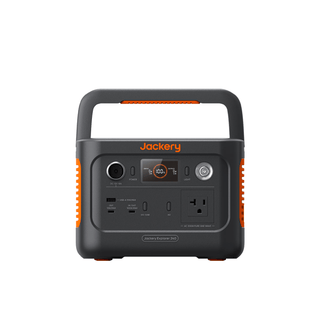
If you want to turn off the output ports, simply press the AC Button or DC/USB Button once. Then, you can press and hold the main POWER button until the working indicator light turns off.
Note: If there is no operation for 2 minutes, the power station will enter the hibernation state and the display will turn off automatically.
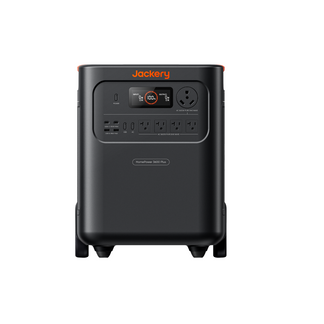
HomePower Models (HomePower 3000 and HomePower 3600 Plus)
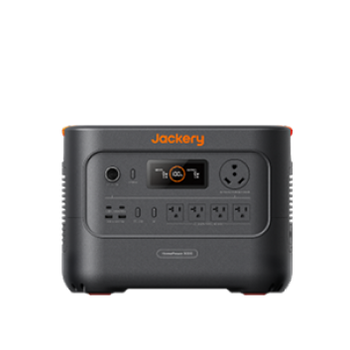
If you want to turn off either the Jackery HomePower 3000 or Jackery HomePower 3600 Plus, you can press the AC/DC/USB output ports button once to turn them off. Once done, simply press and hold the POWER button for three seconds to turn off the power station. These essential home backup solutions will automatically shut down if there is 2 hours of inactivity to preserve power.
Does a Jackery Turn Off Automatically When Not in Use?
Yes, most Jackery Portable Power Stations automatically shut off the output ports when they aren’t being used. This feature is built into the Battery Management System to prevent unnecessary battery drain and to stop the inverter from running when no device is drawing power. The exact timing varies slightly between models, but the idea is consistent: if the AC or DC ports detect zero load for a certain amount of time, the power station turns those ports off to conserve energy.
The auto turn-off behavior in the portable power stations from Jackery is normal and expected. For example, if you plug in a device that draws only a tiny amount of power, like an LED light or a phone charger with no phone connected, the power station may assume nothing is plugged in and turn off the ports. Larger portable stations, such as the HomePower and Plus series, also use this feature to maintain long-term battery health, especially during emergency home battery backup use where standby time matters.
You can check out the detailed guide to learn how to disable the Jackery Auto Shut Down feature.

What are the Best Practices to Extend Jackery Lifespan?
Powering off your Jackery Portable Power Station the right way helps protect the battery, reduce wear on the inverter, and keep the system running smoothly for years. These small habits are simple, but they make a noticeable difference in long-term performance, especially if you use the power station for travel, emergency backup, or seasonal activities.
Power Off After Full Charge If You Plan to Store It
If you have fully charged your Jackery Portable Power Station and won’t use it for a while, shut down all ports and turn off the main system. This keeps the BMS stable and prevents the inverter or display circuits from draining the battery during storage.
Turn Off Ports You’re Not Using
Leaving the AC or DC output active, even when nothing is plugged in, causes idle drain. Turning ports off individually helps preserve battery life and reduces the need for unnecessary auto shut-off cycles.
Store in a Cool, Dry Environment
Heat accelerates battery aging, and moisture can damage electronics over time. Keeping your Jackery Portable Power Station in a cool, dry space maintains battery health and ensures the ports and display function properly when you need them.
Charge Every 3–6 Months During Storage
Jackery Portable Power Station recommends periodic charging to keep the battery from dropping too low while unused. A recharge every few months helps the BMS maintain accurate readings and prevents deep discharge, which can shorten the lifespan of the cells.
Conclusion
Turning off a Jackery Portable Power Station is simple once you know where the output buttons are and how the main power system functions on your model. Whether you are using a compact Jackery Classic Explorer, a Pro or Plus model, a v2 model, or a newer HomePower model, you should shut down the ports you aren’t using and then turn off the main system when you are done. Understanding how to turn off Jackery models, features such as auto-shutoff, app-based controls, and port-specific power buttons also make day-to-day use easier.