



















































![[Add - on] Jackery Manual Transfer Switch for Explorer 5000 Plus - Jackery](http://www.jackery.com/cdn/shop/files/add-on-jackery-manual-transfer-switch-for-explorer-5000-plus-9017324.png?v=1754016782&width=350)










![[Add - on] Jackery Battery Pack 5000 Plus - Jackery](http://www.jackery.com/cdn/shop/files/add-on-jackery-battery-pack-5000-plus-6078351.png?v=1754016791&width=324)



![[Add - on] Jackery Car Charging Cable - Jackery](http://www.jackery.com/cdn/shop/files/add-on-jackery-car-charging-cable-3882421.png?v=1754016863&width=324)



















![[Add - on] Jackery Smart Transfer Switch - Jackery](http://www.jackery.com/cdn/shop/files/add-on-jackery-smart-transfer-switch-5842915.png?v=1754016784&width=324)
![[Add - on]Jackery 102W GaN 3 - Port Fast Charger - Jackery](http://www.jackery.com/cdn/shop/files/add-onjackery-102w-gan-3-port-fast-charger-6377742.png?v=1754016790&width=324)















![[Add - on] SolarSaga 200W - Jackery](http://www.jackery.com/cdn/shop/files/add-on-solarsaga-200w-4834329.png?v=1754016915&width=324)

![[Add - on] Jackery Manual Transfer Switch for Explorer 5000 Plus - Jackery](http://www.jackery.com/cdn/shop/files/add-on-jackery-manual-transfer-switch-for-explorer-5000-plus-9017324.png?v=1754016782&width=324)


If you are considering how to charge the Jackery Explorer 240 v2, you only need to connect the power station to a wall outlet, car outlet, or solar panels from Jackery using compatible cables.
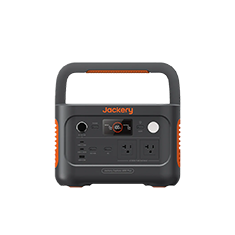
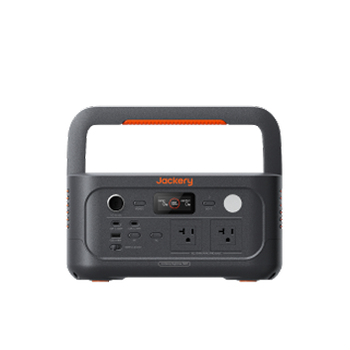
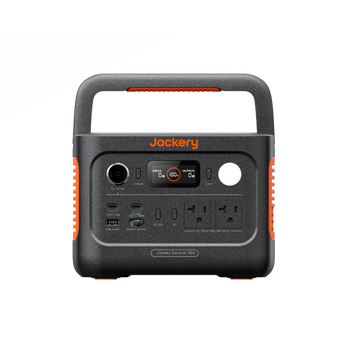
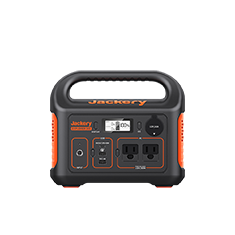
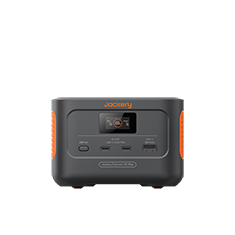
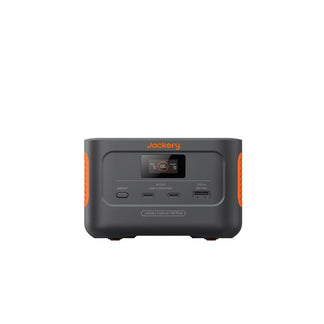
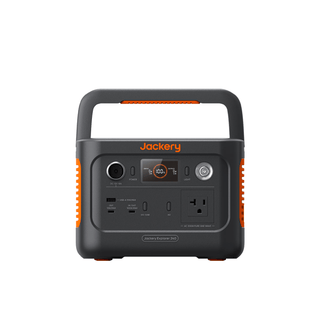
The Jackery Explorer 240 v2 is a compact and reliable portable power station designed for powering appliances on the go. Whether you are hiking, camping, fishing, or enjoying a weekend getaway, this small battery backup ensures your essential devices stay powered. With its lightweight design and foldable handle, it is ideal for anyone who wants portable power in remote locations. However, to make the most of your Jackery Explorer 240 v2, it is essential to understand all the charging methods available and the time required for each.
Charging your Jackery Explorer 240 v2 is simpler than it might seem. With three versatile options: wall outlet, car outlet, and compatible solar panels, you can keep your power station ready, no matter where you are. Understanding the differences between these charging methods and when to use each can save you time, maximize efficiency, and even enhance your outdoor adventures. This guide breaks down everything you need to know about how to charge the Jackery Explorer 240 v2 effectively.
Takeaways
- You can charge the Jackery Explorer 240 v2 in three ways: via a wall outlet, car outlet, or solar panel. Each method offers flexibility for use at home, on the go, or outdoors.
- You can plug the Jackery Explorer 240 v2 into a wall outlet using the AC adapter, and it takes around 2 hours to fully charge. It is the quickest and most convenient option for use at home or in a cabin.
- You can use the car charging cable with your vehicle’s 12V DC outlet to recharge the Jackery Explorer 240 v2. It takes approximately 5 hours to charge fully, making it ideal for road trips or camping on the go.
- Connecting the Jackery SolarSaga 40W Mini Solar Panel or Jackery SolarSaga 100W Solar Panel allows you to recharge the Jackery Explorer 240 v2 in about 11 hours or 3.3 hours, respectively.
How to Charge Jackery Explorer 240 v2?
The Jackery Explorer 240 v2 comes with a flexible battery backup solution that allows you to recharge via a standard wall outlet, your vehicle’s DC outlet (12V), or solar panels from Jackery. Each method has its benefits depending on your location and time availability. Before heading out with the Jackery Explorer 240 v2, it is helpful to consider your power needs, the devices you plan to charge, and your access to electricity outlets. The Jackery Explorer 240 v2 can run various appliances, including mini-freezers, portable fans, phones, and lights, among others.
In order to make it easy for you to compare, here’s a quick overview of how to charge the Jackery Explorer 240 v2:
|
Recharging Methods |
Time Taken |
Best For |
|
Wall Outlet (AC) |
2H |
Charging at home or cabin with electricity outlets. |
|
Car Outlet (12V) |
5H |
Road trips, camping, and on-the-go charging. |
|
1* Jackery SolarSaga 40W Mini Solar Panel |
11H |
Outdoor and eco-friendly charging. |
|
1* Jackery SolarSaga 100W Solar Panel |
3.3H |
Faster solar charging anywhere with sunlight. |
Can I Charge the Jackery Explorer 240 v2 from a Wall Outlet?
Yes, you can charge the Jackery Explorer 240 v2 from a wall outlet. Charging from a wall outlet is the fastest way to power up your Jackery Explorer 240 v2. Simply plug the included AC adapter into a standard outlet and connect it to your power station. In about 2 hours, your Jackery Explorer 240 v2 will be fully charged and ready to power your outdoor appliances.
The wall charging method is suitable if you are at home, in a cabin, or staying somewhere with a reliable electricity source. For example, if you are preparing for a weekend camping trip, charging your Jackery Portable Power Station at home the night before ensures you start your adventure with a full battery. It is also convenient if you have multiple devices to charge at once and want to ensure the power station is ready as quickly as possible.

How do I Charge the Jackery Explorer 240 v2 with a Car?
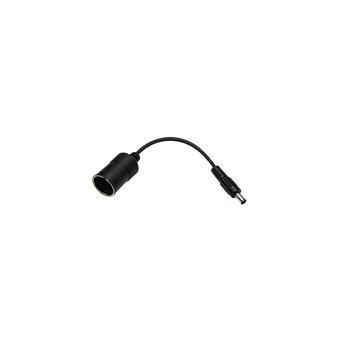
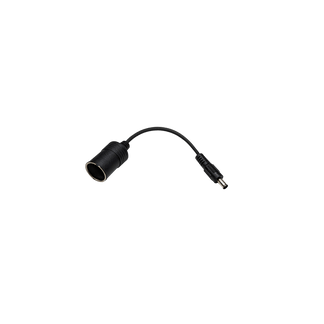
Your vehicle can double as a mobile charging station for your Jackery Explorer 240 v2, especially when you are away from outlets and on the road. Using the car charging cable compatible with the Jackery Explorer 240 v2, you can plug the power station into the 12V DC outlet in your car for recharging. On average, it takes around 5 hours to fully charge the power station from a car outlet (12V).
The car charging option is ideal for road trips, fishing excursions, or camping trips where a wall outlet isn’t available. For instance, if you are on a long drive through the mountains and your devices are running low, connecting your Jackery Explorer 240 v2 to the car outlet can provide a steady charge so you are never left without power.

However, you need to make sure your car is running while charging to avoid draining your vehicle battery. Also, avoid leaving the charger in direct sunlight for extended periods to protect both your power station and the car charger.
Can I Use a Solar Panel to Charge the Jackery Explorer 240 v2?
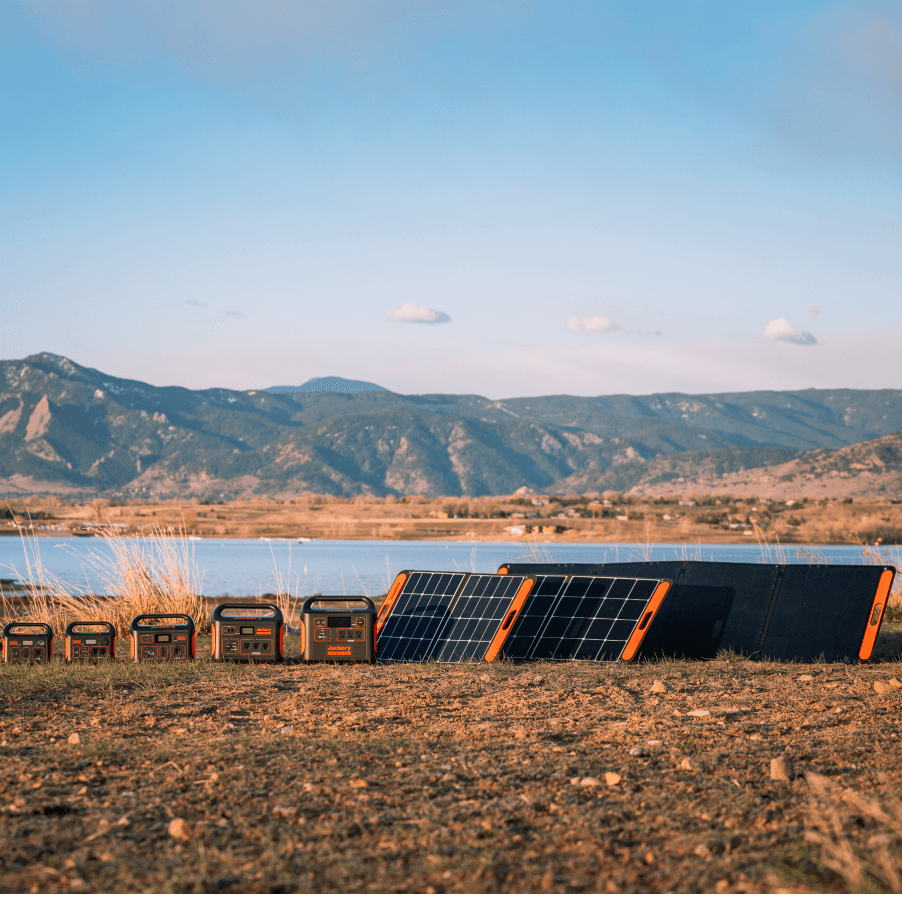
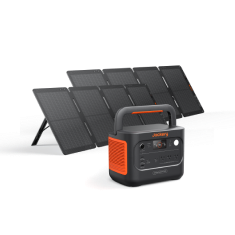
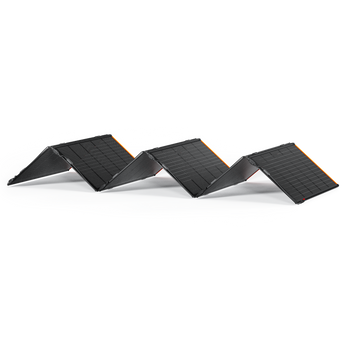
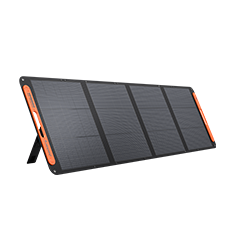
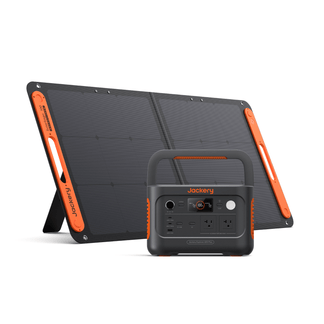
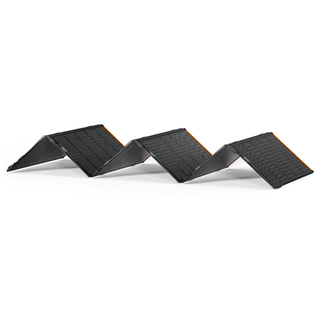
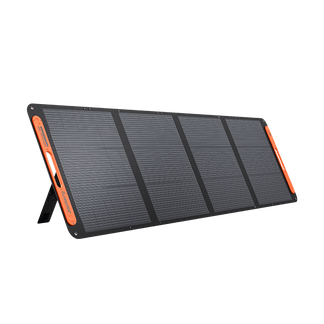
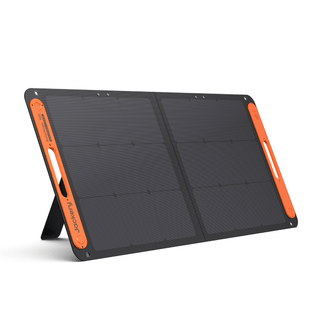
Yes, you can use compatible solar panels from Jackery to charge the Jackery Explorer 240 v2. Solar charging is one of the most flexible and eco-friendly ways to recharge your Jackery Explorer 240 v2. The portable power station is compatible with the Jackery SolarSaga 40W Mini Solar Panel and Jackery SolarSaga 100W Solar Panel.
In ideal sunlight conditions, the 1* Jackery SolarSaga 40W Mini Solar Panel takes roughly 11 hours to fully charge your Jackery Explorer 240 v2. The Jackery SolarSaga 100W Solar Panel lets you recharge the same power station in just 3.3 hours under ideal sunlight. Solar charging is ideal for off-grid adventures, extended camping trips, or outdoor activities where traditional electricity isn’t available.

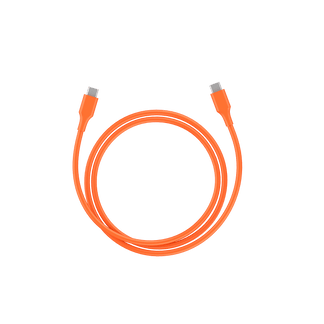
Note: The Jackery Explorer 240 v2 adopts USB-C as the solar charging input. You will need a DC8020 to USB-C adapter to connect the power station to the solar panel.
Imagine setting up your Jackery Solar Generator 240 v2 on a sunny day while fishing by the lake, as you enjoy your surroundings, your power station quietly recharges itself. Solar charging gives you freedom from cords and outlets while keeping your devices powered sustainably. For optimal charging, position the solar panel in direct sunlight and adjust its angle throughout the day to follow the sun's path.
Note: You will receive all the required cables and connectors for connection when purchasing the solar generator bundle.
You can read the user manual to learn more about the Jackery Explorer 240 v2 and discover how to charge the power station using various methods.
Conclusion
Charging your Jackery Explorer 240 v2 is simple and flexible, thanks to its three convenient methods: wall outlet, car outlet, and solar panels. Each option for how to charge the Jackery Explorer 240 v2 has its advantages, depending on your location and needs. For example, wall outlets provide the fastest charge at home or in a cabin, while car outlets are ideal for travel and road trips. Solar panels offer an eco-friendly, off-grid solution for outdoor adventures. Whether you are hiking, camping, or just preparing for unexpected outages, knowing how to charge your Jackery Explorer 240 v2 effectively makes your adventures worry-free and keeps you connected no matter the situation.