






















































![[Add-on] Jackery Battery Pack 5000 Plus - Jackery](http://www.jackery.com/cdn/shop/files/add-on-jackery-battery-pack-5000-plus-6713401.webp?v=1786503068&width=324)
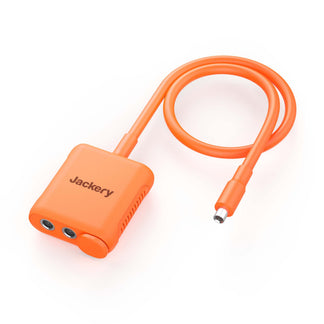
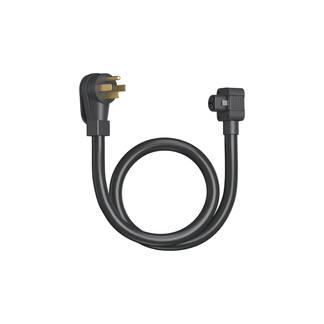













When a power outage hits, the first question isn't just "how do I get power back?" In fact, it is "how much power do I actually need, and for how long?" That distinction is what separates whole-home backup from partial backup, and getting it wrong in either direction costs you money, comfort, or both. Most households don't need a whole-home backup. A well-chosen partial backup system, covering the refrigerator, lighting, router, medical devices, and phone charging, handles the vast majority of real-world outages comfortably and at a fraction of the cost.
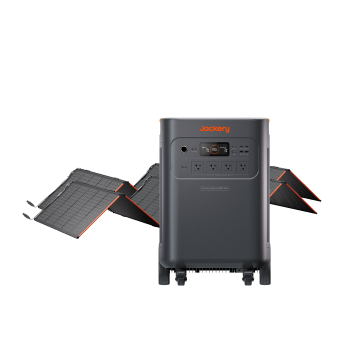
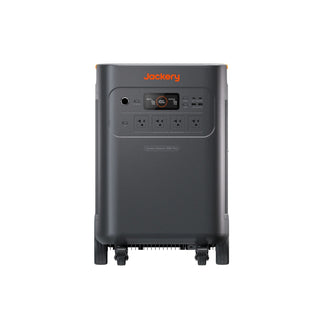
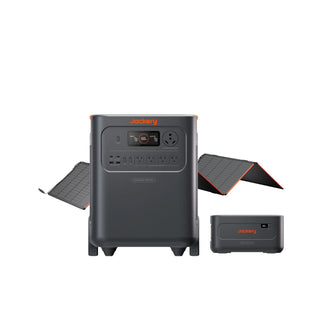
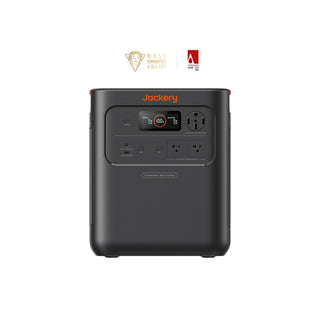
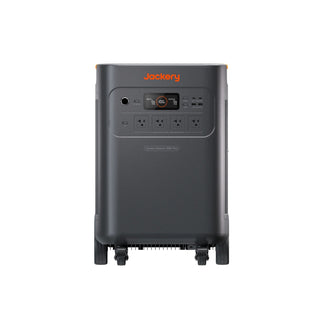
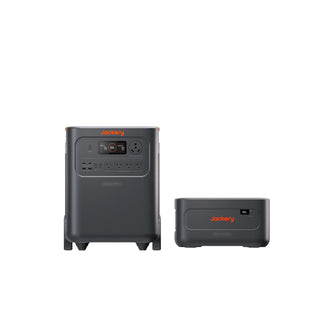
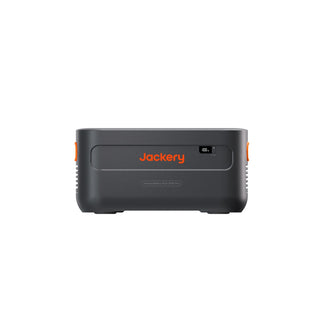
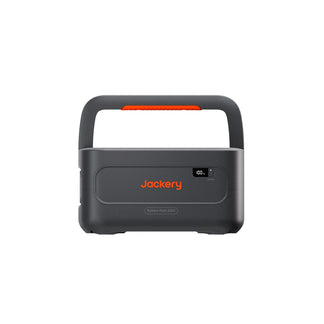
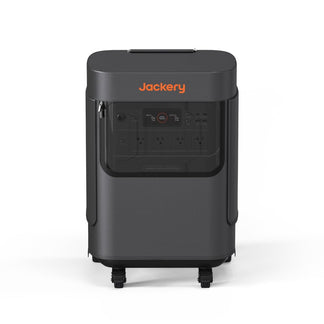
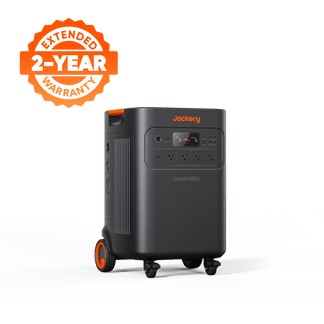
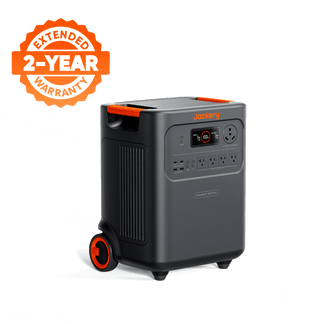
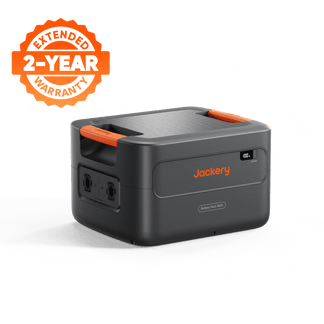
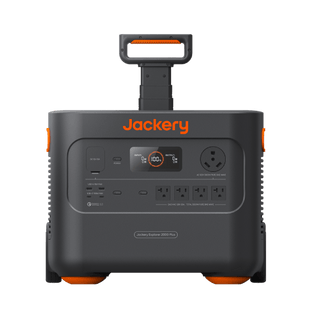
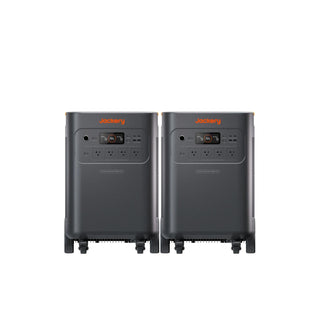
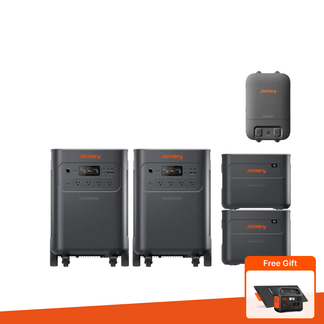
Whole-home backup makes sense for households with frequent multi-day outages, life-critical medical equipment, or a genuine need to keep every circuit in the house running without interruption. For everyone else, a partial home backup covers what actually matters, and a modern, expandable home battery backup like the Jackery Explorer 5000 Plus lets you scale up as your needs change. At 5kWh capacity, it can handle essential appliances. And when expanded with add-on battery packs and another unit, you can build the Jackery Whole Home Backup Kit 5000 Plus with a capacity of 20kWh.
Takeaways
- Whole-home backup powers every circuit in your home automatically and requires professional installation and a higher upfront investment.
- A partial backup covers only your essential appliances, requires no installation, is lower-cost, and is flexible enough for most households.
- Outage frequency and duration are the single biggest factors in deciding which approach is right for you: whole-home backup vs. partial backup.
- Medical equipment dependency changes the equation as life-critical devices may warrant a whole-home solution even for households with infrequent outages.
- Starting with a partial system and scaling up is a legitimate strategy. The right expandable power station gives you a clear upgrade path without starting over or changing the base unit.
What's the Actual Difference Between Whole-Home and Partial Backup Power?
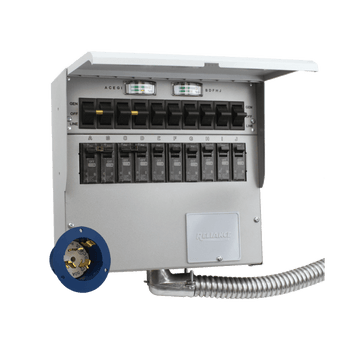
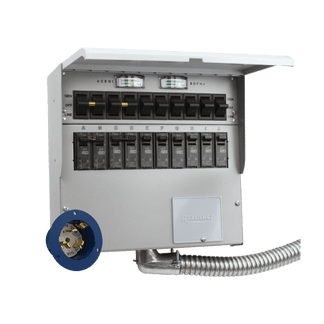
Whole-home backup powers every circuit in your house automatically, such as HVAC, kitchen appliances, every outlet and light, through a transfer switch wired directly into your electrical panel by a professional. Partial backup powers only the appliances you choose to connect: typically, the refrigerator, router, lighting, and device charging.
What Does Whole-Home Backup Actually Cover?
A DIY whole-house battery backup system is designed to keep every circuit in your house running during a grid outage, such as lights, HVAC, kitchen appliances, washer and dryer, and outlets in every room, exactly as if the grid were still on. The system connects directly to your home's main electrical panel via a transfer switch, which automatically detects when grid power drops and switches the home to battery power within milliseconds.
The Jackery Whole-Home Backup Kit 5000 Plus is built for exactly this use case. With 20kWh of total capacity and support for 120V/240V, it's designed to handle the electrical load of appliances in a standard home. Professional installation of the transfer switch is required, so the home backup system activates automatically when the grid goes down, so there is no manual intervention needed, even if you are asleep or away from home.
Best for: Homes with high medical dependency, households in regions with frequent multi-day outages, off-grid properties, or homeowners who simply cannot afford any interruption to normal home function.
Cost range: Whole-home systems are a significant investment and include professional installation, the transfer switch, and a high-capacity battery system like the Jackery Whole-Home Backup Kit 5000 Plus.
Franki Kalogianis, a Florida resident who has weathered more than her share of hurricane seasons, knows the particular dread that comes with watching a storm approach. When Hurricane Milton knocked out power for days, the anxiety she'd always feared became real. A neighbor's recommendation pointed her toward the Jackery Solar Generator 5000 Plus with a Smart Transfer Switch. When the installer demonstrated the system by cutting the main power, Franki watched her lights, TV, and microwave stay on without so much as a flicker. Check out more such Jackery Stories to see how people use their solar generators during power outages.
What Does Partial Backup Cover?
Partial home backup takes a more targeted approach: instead of powering everything, it powers the things that actually matter during an outage. A refrigerator to keep food from spoiling. A router to stay connected. Lights in the main living areas. Phone and laptop charging. A portable fan or small space heater. These are the appliances that define comfort and safety during most outages, and they draw a fraction of the power that whole-home systems need to sustain.
The practical advantage of partial home backup is that it requires no installation whatsoever. A portable power station plugs into a standard outlet to charge, and during an outage, you simply connect your essential devices directly or via extension cords. For most households managing standard power outages of 4–24 hours, this approach covers everything they genuinely need at a cost that makes sense.
Best for: Urban and suburban households with occasional outages, renters without installation options, households without life-critical medical equipment, and anyone who wants reliable backup power without the cost or complexity of a whole-home system.
Cost range: Partial backup systems range from a few hundred dollars for entry-level units to $1,500–$3,000+ for high-capacity models.
How to Know Which Type of Backup is Right for Your Home?
The best backup battery for home needs is determined by how you live, how often you lose power, and what you genuinely cannot afford to go without.
How Often Do You Lose Power and for How Long?
Outage frequency and duration are the single most important factors in this decision. A household that loses power twice a year for six hours at a time has fundamentally different needs from one that loses power three times a year for five days at a stretch. And the backup solution that makes sense for each is completely different.
1–2 Outages Per Year Lasting Under 12 Hours
In this case, a partial home battery backup is enough. A mid-range power station covering the fridge, lights, router, and device charging is all you need. The investment is modest, and the coverage is complete for your actual outage pattern.
3 or More Outages Per Year, or Outages Regularly Lasting 12–24 hours
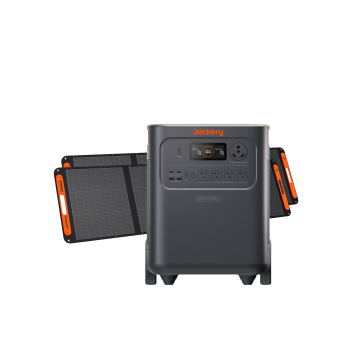
In this case, a partial backup still works, but you'll want a higher-capacity power station and possibly solar recharging capability. The Jackery Explorer 5000 Plus with solar panels, for example, can power essential appliances during back-to-back outages without relying on the grid to recharge in between.
Recurring Multi-Day Outages (48 Hours or Longer)
This is where whole-home starts to make sense, particularly for households in regions like the Texas Gulf Coast, Florida's hurricane corridor, or California's wildfire shutoff zones, where PSPS (Public Safety Power Shutoff) events can last three to five days. When an outage is measured in days rather than hours, the calculation changes. The cost of spoiled food, lost work, and genuine discomfort adds up quickly, and a whole-home system that keeps life running normally starts to look like a practical investment.
Recommended Jackery Solar Generators for Home Backup
The right Jackery Solar Generator depends entirely on which backup approach fits your household. Here are three recommendations that map directly to the most common scenarios.
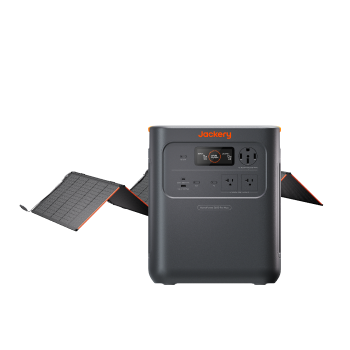
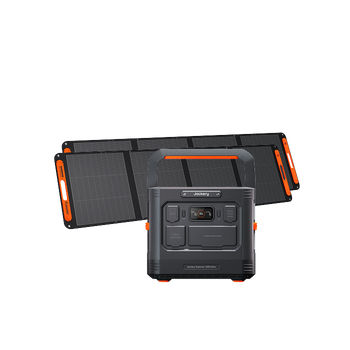
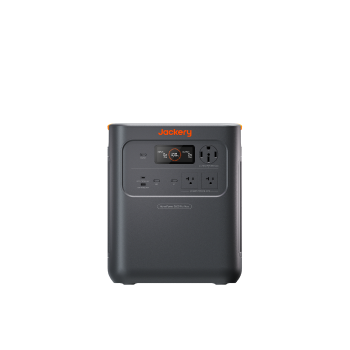
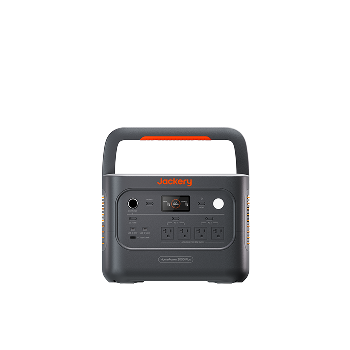
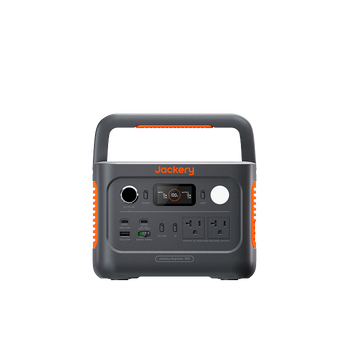
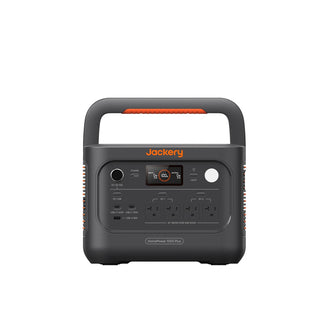
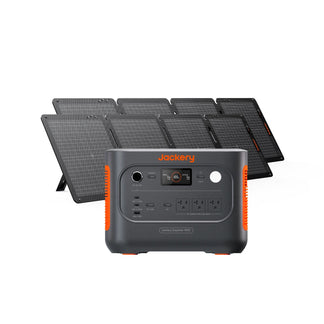
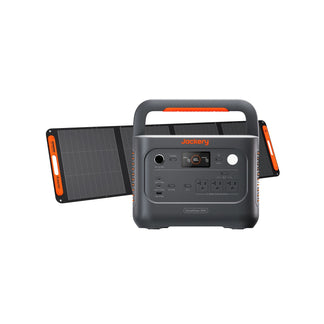
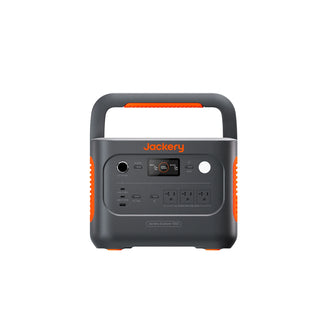
Best for a 1–2 Person Household: Jackery Solar Generator HomePower 3000
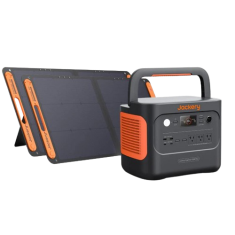
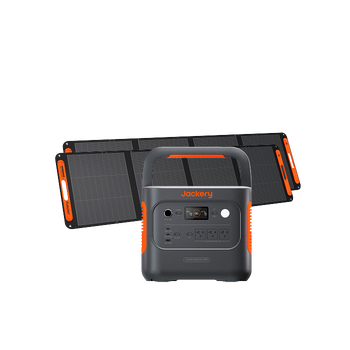
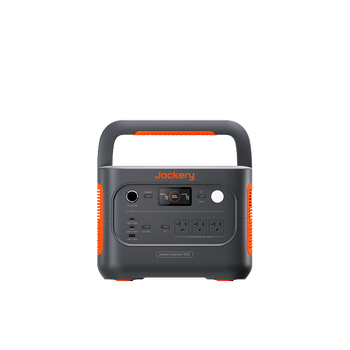
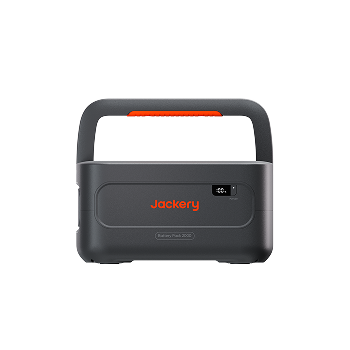
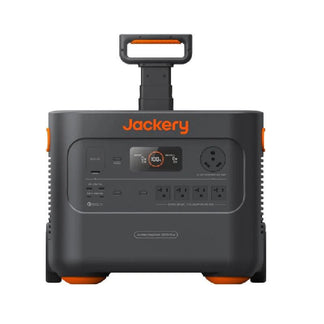
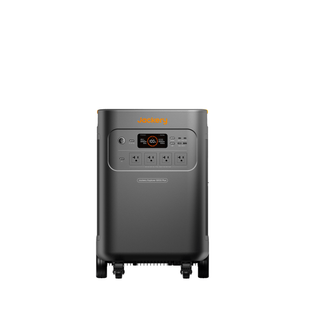
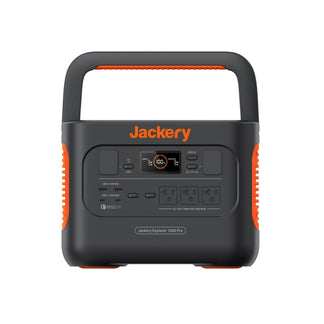
For smaller households, such as a couple, a single professional, or a retiree at home, the Jackery Solar Generator HomePower 3000 covers the essentials without unnecessary cost or bulk. It can run a refrigerator, lighting, router, and device charging comfortably through a standard outage. It's the right fit for households with occasional outages and light-to-moderate appliance loads. This home battery backup solution features a foldable handle and compact design for easy transportation.
Appliances Running Time
- Refrigerator (300W) = 8.1H
- TV (150W) = 15.2H
- AC (1000W) = 2.6H
- Induction Cooktop (1500W) = 1.7H
- Coffee Maker (800W) = 3.2H
Who Should Buy This
If you live alone or with one other person, experience occasional outages, and need a reliable partial backup system that covers your essentials without paying for capacity you'll rarely use, the Jackery Solar Generator HomePower 3000 is the practical choice.

Customer Review
Powers our full-size Samsung fridge for 24 hours. Charges very fast from mains power. Looking forward to adding enough solar capacity to charge it.
— John V.
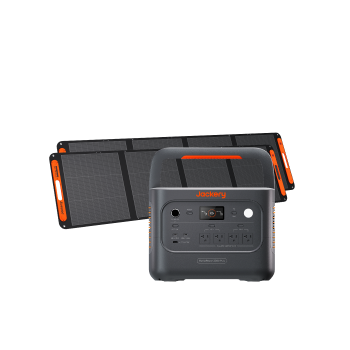
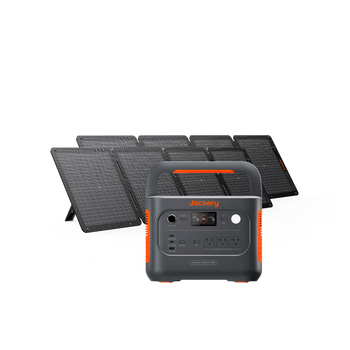
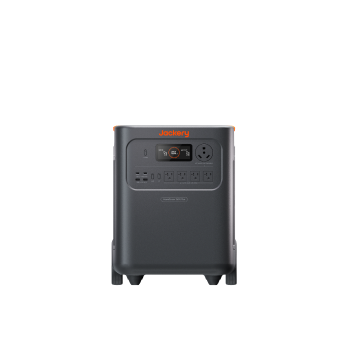
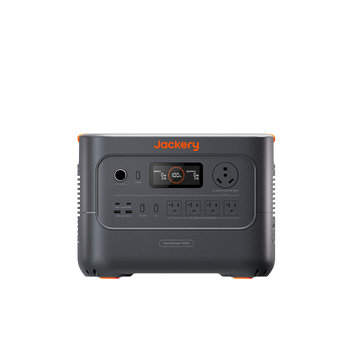
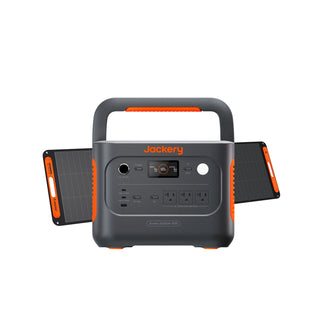
Best for a Family Home: Jackery Solar Generator HomePower 3600 Plus
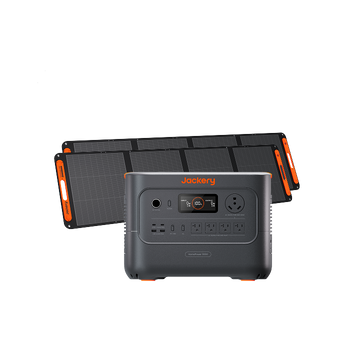
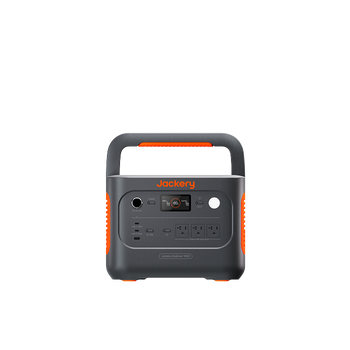
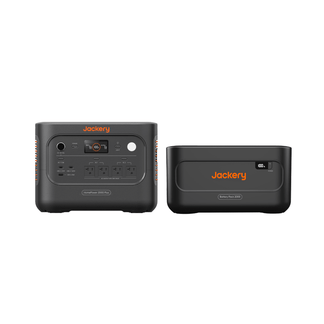
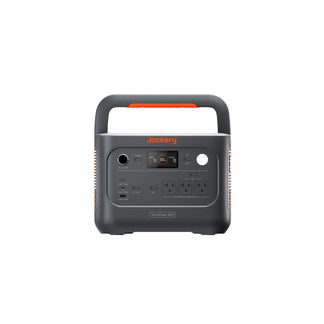
For standard family homes with higher baseline appliance loads, such as multiple devices charging simultaneously, a larger refrigerator, a sump pump, and more lighting circuits, the Jackery Solar Generator HomePower 3600 Plus steps up to meet the demand. Its large battery capacity handles a fuller appliance load, and it supports solar expansion for households that want to extend runtime through longer outages without relying solely on stored capacity.
Appliances Running Time
- Refrigerator (300W) = 9.5H
- TV (150W) = 17.7H
- AC (1000W) = 3.0H
- Induction Cooktop (1500W) = 2.0H
- Coffee Maker (800W) = 3.7H
Who Should Buy This
If you have a family home with a higher daily appliance load and want a partial backup system that covers everything your household needs through a 24-hour outage, including solar recharging for extended events, the Jackery Solar Generator HomePower 3600 Plus is the right fit.

Customer Review
I was hopeful when I purchased my Jackery 3600 Plus, but after a few weeks, I am very pleased. We had one short power outage of just a few minutes, and the unit worked seamlessly through it; the TV and internet were never lost. That was my test using it as a UPS, and it worked flawlessly. Very Pleased.
— Mtibbs
Best for Frequent or Extended Outages: Jackery Whole-Home Backup Kit 5000 Plus
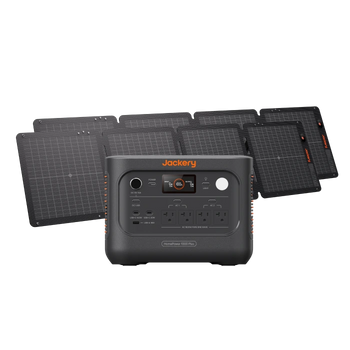
For households that experience frequent or multi-day outages, the Jackery Whole-Home Backup Kit 5000 Plus is the essential home backup built for that reality. With a total capacity of 20kWh, it powers the connected circuits in a standard to large home automatically. When the grid goes down, the house circuit keeps running. Professional installation of the transfer switch is required, but once installed, the whole-home backup kit operates entirely automatically.
Appliances Running Time
- Refrigerator (300W) = 24.5H
- TV (150W) = 42.8H
- AC (1000W) = 8.2H
- Induction Cooktop (1500W) = 5.5H
- Coffee Maker (800W) = 10.1H
Who Should Buy This
If you live in a storm-prone region, experience multi-day outages regularly, rely on life-critical medical equipment, or simply need your home to function exactly as normal regardless of grid status, the Jackery Whole-Home Backup Kit 5000 Plus is the system that delivers that.

Customer Review
I really like the system because it is relatively small and transportable, while still strong enough to support my house's critical power requirements.
— Robert K.
Can You Start Partial and Upgrade to Whole-Home Later?
Yes, you can start with a partial home backup and upgrade to a full home backup later. In fact, for many households, this is the smartest financial approach. You don't have to commit to a whole-home system on day one. A well-chosen expandable partial home backup system gives you immediate coverage and a clear path to whole-home backup when your budget and needs align.
Here's how a practical upgrade path looks with Jackery:
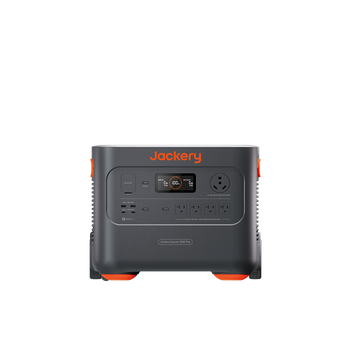
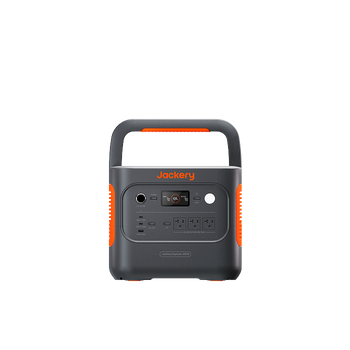
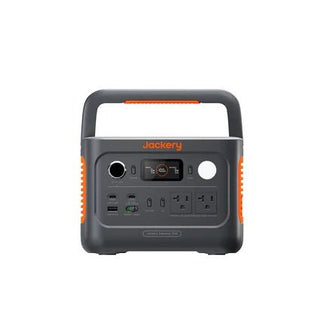
Step 1: Start with the Jackery Explorer 5000 Plus
With a 5,040Wh capacity and 7,200W of output, the Jackery Explorer 5000 Plus covers household essentials as a partial home backup system. It does not require installation. All you need to do is plug in the appliances, charge, and you are covered.
Step 2: Add Solar Panels
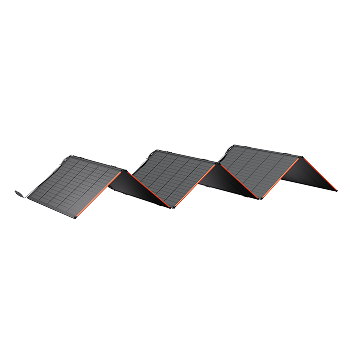
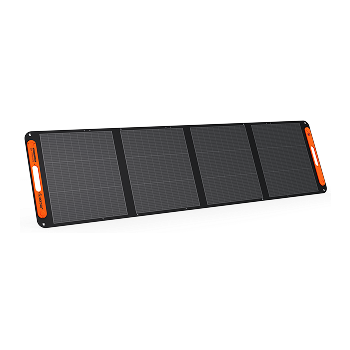
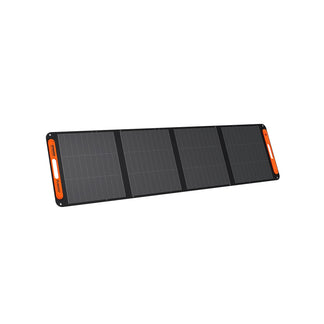
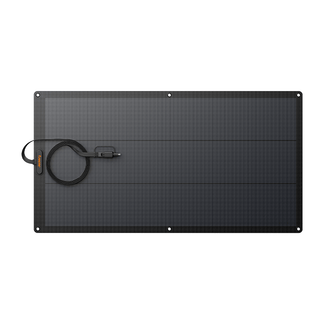
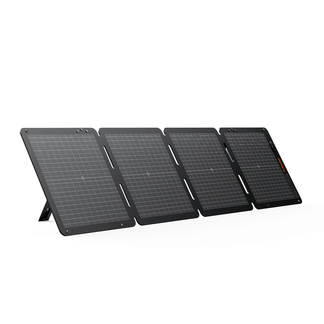
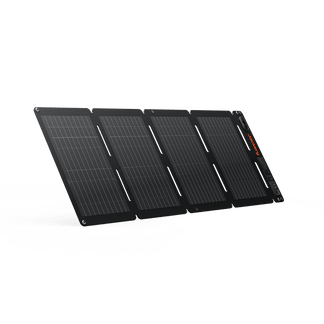
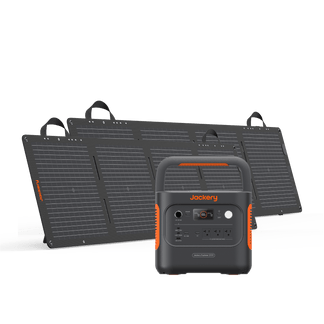
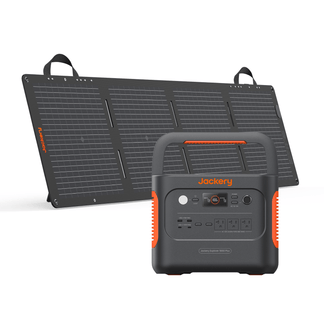
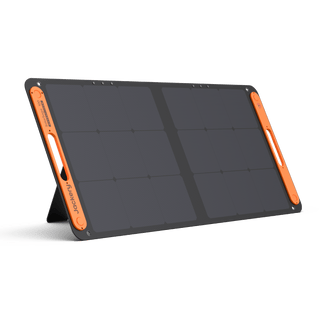
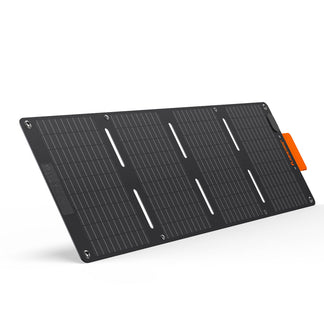
Pairing the Jackery Explorer 5000 Plus with Jackery SolarSaga 500 X Solar Panels extends runtime significantly by recharging the power station during the day. This is especially valuable during multi-day outages where grid recharging isn't possible. It also reduces long-term grid dependency without any permanent installation.
Step 3: Add Battery Packs and a Transfer Switch
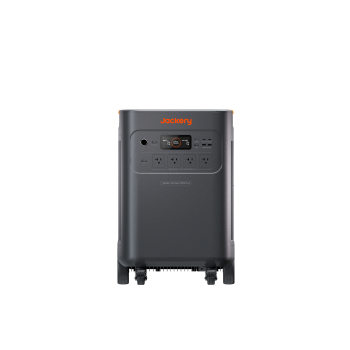
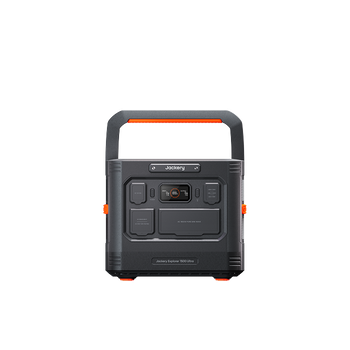
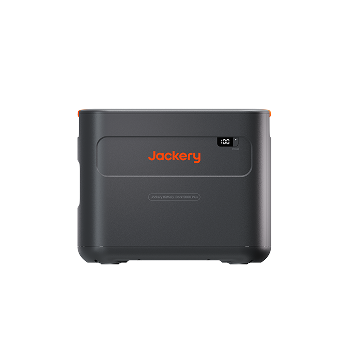
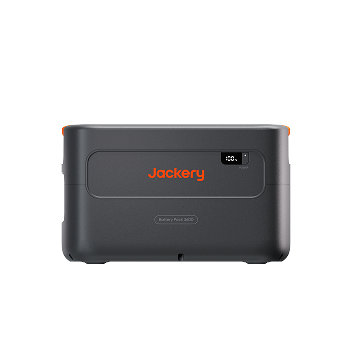
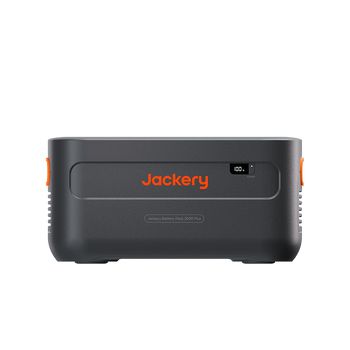
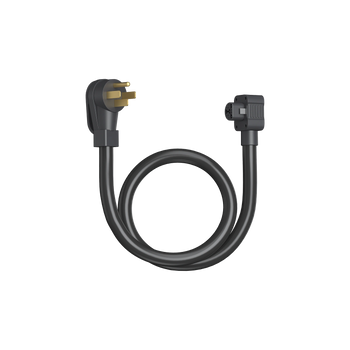
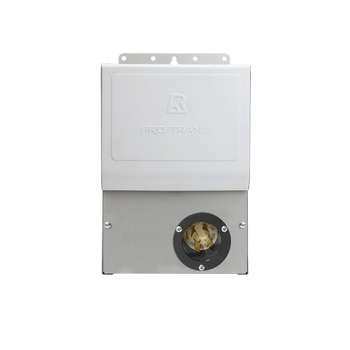
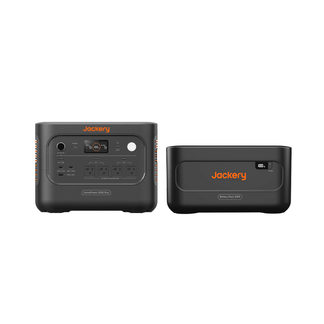
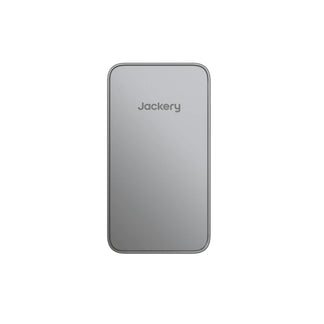
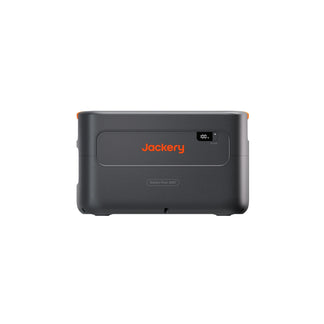
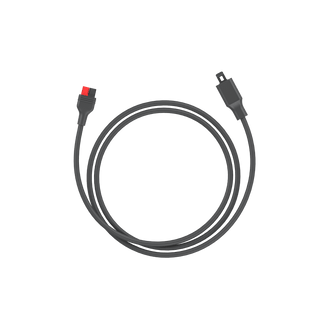
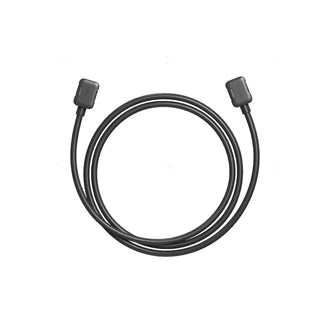
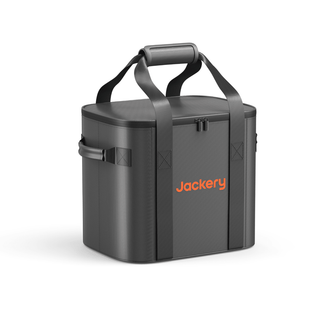
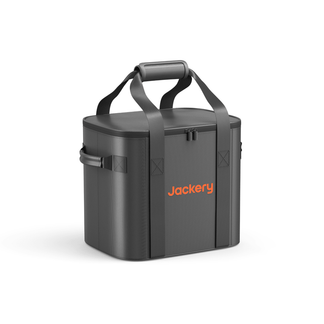
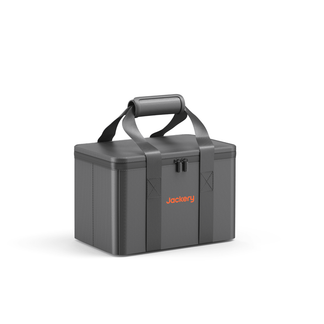
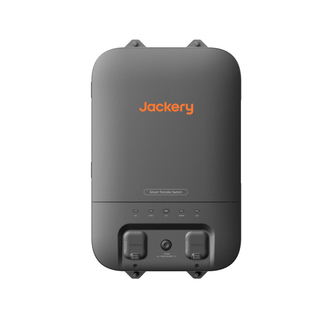
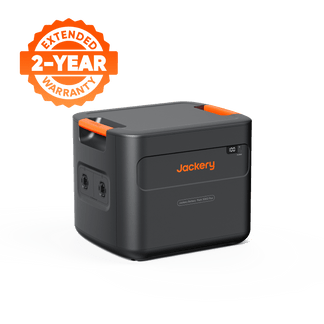
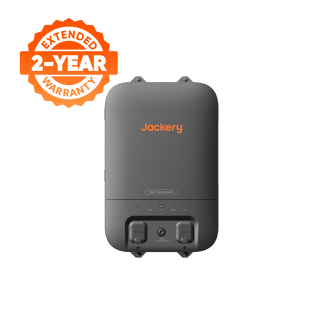
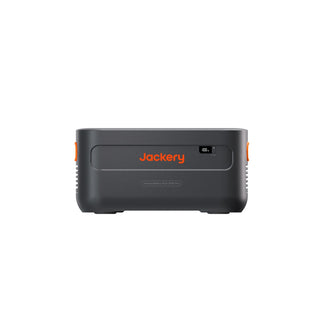
When you are ready to move toward whole-home coverage, an additional Jackery Battery Pack 5000 Plus expands the total capacity, and the Jackery Smart Transfer Switch connects the system to your home's electrical panel. This is the point where you cross from partial to whole-home, and it's a planned upgrade rather than a replacement purchase.
For more information, check out How to Build a Whole Home System With Jackery 5000 Plus.
FAQs
What is the difference between whole-home and partial home backup?
Whole-home backup powers every circuit in your house automatically during an outage, including HVAC, kitchen appliances, all outlets and lights, via a transfer switch wired into your electrical panel. It requires professional installation and a high-capacity battery system. Partial backup powers only your selected essential appliances, such as the refrigerator, lights, router, and medical devices, using a portable power station that requires no installation. For most households with standard outage patterns, partial backup covers everything that actually matters.
Can a 10kW battery run a whole house?
A 10kWh battery system can run a whole house, but for how long depends entirely on what you are running. A standard American home consumes roughly 30kWh per day under normal usage. A 10kWh system running only essential loads, such as refrigerator, lighting, device charging, and a fan, could last 24 hours or more. Running high-draw appliances like central air conditioning, an electric water heater, or a washer and dryer alongside essentials would significantly reduce that runtime. For whole-home coverage over multiple days, 20kWh or more is a more realistic target.
How long will a 20kW battery power a house?
A 20kWh system like the Jackery Whole-Home Backup Kit 5000 Plus can power a standard home's essential loads for roughly 24–48 hours without any solar recharging, depending on usage. Running only the highest-priority circuits, such as fridge, lights, router, fans, and device charging, extends that significantly. With solar panels recharging the system during daylight hours, a 20kWh battery system can sustain essential home functions through multi-day outages indefinitely, provided there's sufficient daily sun exposure.
How much does whole-home backup power cost?
Whole-home backup power is a significant investment between $5,000 and $15,000+ for standby generators (installed) and $10,000 to $90,000+ for battery systems. The battery system, transfer switch, and professional installation together represent a multi-thousand-dollar commitment.
Conclusion
The whole-home vs. partial backup debate comes down to one honest question: what do you actually need your backup system to do? For most households, the answer is practical and specific. They want to keep the food cold, lights on, devices charged, and routers running. A well-chosen partial backup system does all of that without the cost or complexity of a whole-home installation. For households that regularly experience extended outages, rely on life-critical medical equipment, or simply cannot tolerate any disruption to normal home functions, the Jackery Whole-Home Backup Kit 5000 Plus is the system built for that level of reliability.


