By default, the Jackery App uses your smartphone’s language. You can change it manually as follows:1. Open the app and tap “Me” on the home screen.2....
By default, the Jackery App uses your smartphone’s language. You can change it manually as follows:
1. Open the app and tap “Me” on the home screen.
2. Tap “Language Settings”.
3. Select your preferred language from the menu.
4. Return to the home screen—the app will now display in your chosen language.
Disclaimer:
The runtime mentioned for appliances powered by Jackery is for reference only. Actual runtime may vary under different conditions. Please refer to real-world performance for accurate results.


































































































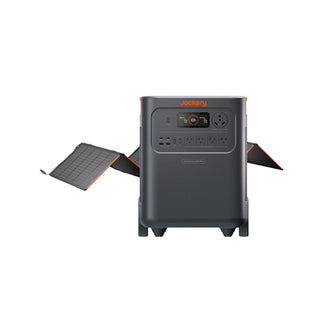

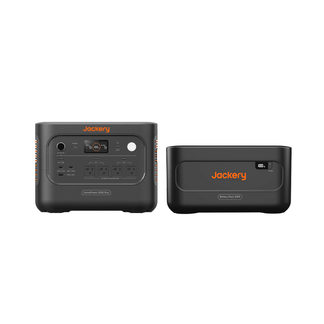


























![[Add-on] Jackery SolarSaga 500 X - Jackery](http://www.jackery.com/cdn/shop/files/add-on-jackery-solarsaga-500-x-1493607.webp?v=1786503068&width=324)





![[Add-on] Jackery Battery Pack 5000 Plus - Jackery](http://www.jackery.com/cdn/shop/files/add-on-jackery-battery-pack-5000-plus-6713401.webp?v=1786503068&width=324)



























































