You can manage multiple Explorers on a single smartphone. To add another unit:1. Connect the new Explorer via Bluetooth or Wi-Fi through the Jackery...
You can manage multiple Explorers on a single smartphone. To add another unit:
1. Connect the new Explorer via Bluetooth or Wi-Fi through the Jackery app, just like your first unit.
2. Once connected, the app will recognize it, and you can manage it alongside your other units.
Disclaimer:
The runtime mentioned for appliances powered by Jackery is for reference only. Actual runtime may vary under different conditions. Please refer to real-world performance for accurate results.


































































































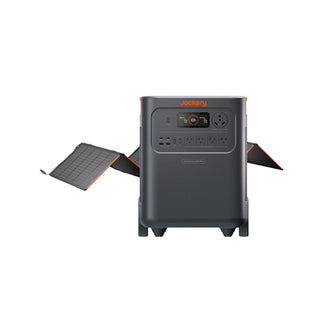



























![[Add-on] Jackery SolarSaga 500 X - Jackery](http://www.jackery.com/cdn/shop/files/add-on-jackery-solarsaga-500-x-1493607.webp?v=1786503068&width=324)





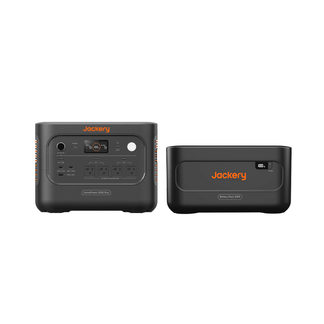
![[Add-on] Jackery Battery Pack 5000 Plus - Jackery](http://www.jackery.com/cdn/shop/files/add-on-jackery-battery-pack-5000-plus-6713401.webp?v=1786503068&width=324)



























































