

































































































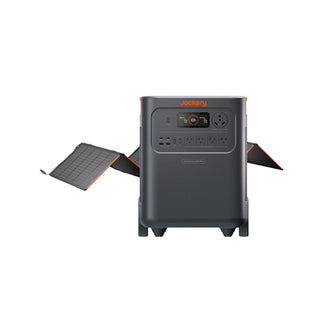



























![[Add-on] Jackery SolarSaga 500 X - Jackery](http://www.jackery.com/cdn/shop/files/add-on-jackery-solarsaga-500-x-1493607.webp?v=1786503068&width=324)





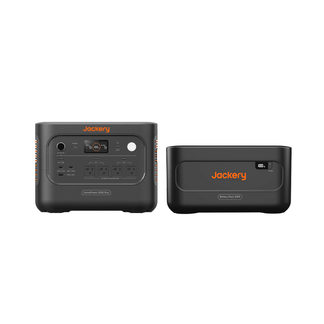
![[Add-on] Jackery Battery Pack 5000 Plus - Jackery](http://www.jackery.com/cdn/shop/files/add-on-jackery-battery-pack-5000-plus-6713401.webp?v=1786503068&width=324)






















































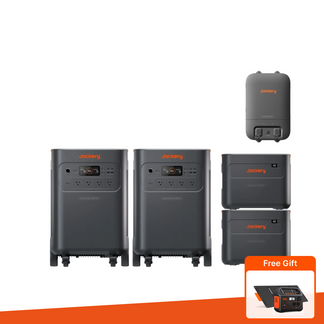




Applies to: Explorer 1000, Explorer 1500, Explorer 160, Explorer 240, Explorer 300, Explorer 500
If your Power Station shows the over-discharge symbol, please follow these steps:
1. Reset the Power Station
Press and hold the DISPLAY button for 5 seconds to perform a reset.
2. Recharge the Power Station
After resetting, use the AC adapter to charge the Power Station for at least 30 minutes.
3. Check charging status
Confirm whether the Power Station can be fully charged normally after completing the steps above.
