

















































![[Add - on] Jackery Manual Transfer Switch for Explorer 5000 Plus - Jackery](http://www.jackery.com/cdn/shop/files/add-on-jackery-manual-transfer-switch-for-explorer-5000-plus-9017324.png?v=1754016782&width=350)


![[Add - on] Jackery Battery Pack 5000 Plus - Jackery](http://www.jackery.com/cdn/shop/files/add-on-jackery-battery-pack-5000-plus-6078351.png?v=1754016791&width=324)
![[Add - on] Jackery Car Charging Cable - Jackery](http://www.jackery.com/cdn/shop/files/add-on-jackery-car-charging-cable-3882421.png?v=1754016863&width=324)







![[Add - on] Jackery Smart Transfer Switch - Jackery](http://www.jackery.com/cdn/shop/files/add-on-jackery-smart-transfer-switch-5842915.png?v=1754016784&width=324)
![[Add - on]Jackery 102W GaN 3 - Port Fast Charger - Jackery](http://www.jackery.com/cdn/shop/files/add-onjackery-102w-gan-3-port-fast-charger-6377742.png?v=1754016790&width=324)


![[Add - on] SolarSaga 200W - Jackery](http://www.jackery.com/cdn/shop/files/add-on-solarsaga-200w-4834329.png?v=1754016915&width=324)
![[Add - on] Jackery Manual Transfer Switch for Explorer 5000 Plus - Jackery](http://www.jackery.com/cdn/shop/files/add-on-jackery-manual-transfer-switch-for-explorer-5000-plus-9017324.png?v=1754016782&width=324)


Camping in hot weather can be a challenge. Sweltering, humid nights make it hard to sleep, while noisy gas generators shatter the peace of the outdoors. And there’s always that nagging worry of whether the battery will last until morning.
This guide walks you through a simple, step-by-step plan for choosing and powering your camping air conditioning setup. You’ll discover quiet, reliable, off-grid cooling solutions that keep you comfortable, no matter where your adventures take you.
Why You Need More Than Just a Fan
Reliable cooling is about more than comfort. For kids, pets, seniors, or anyone with health issues, extreme heat can be dangerous. A portable AC for camping keeps temperatures safe and protects your loved ones.
The challenge is power. AC units use a lot of energy, especially when the compressor starts. Finding a way to meet that demand without a noisy generator or shore power is the key to true off grid cooling.
Choosing the Right Type of Camp Air Conditioner
Selecting the right air conditioner is the first step. Each type has distinct advantages and power requirements, making some better suited for off-grid use than others.
|
AC Type |
Best For |
Power Considerations |
|---|---|---|
|
Portable Compressor AC |
True cooling in hot, humid weather. |
High power draw (300-700W running, 1200-1500W surge). Requires a robust power station. |
|
Evaporative (Swamp) Cooler |
Dry, arid climates only. |
Low power draw (50-100W), but adds humidity and is ineffective where it's already humid. |
|
12V / DC-Powered AC |
Van life, small campers, or single-person tents. |
Very efficient, but has lower cooling capacity (BTUs) than standard AC units. Uses 4-stage compression refrigeration. |
|
RV AC Units (Built-in) |
RVs with shore power or massive battery banks. |
Extremely high power draw (1000-1800W), generally not feasible for portable power stations. |
What Key Features Should You Consider?
When selecting an AC unit, evaluate these critical features:
- Cooling Capacity (BTUs): Match to tent/RV size, considering insulation, windows, and climate.
- Portability: Size and weight are crucial for easy transport.
- Noise Level: Look for lower dB ratings for a peaceful camping experience.
- Energy Efficiency (EER): Important for extending battery life.
- Humidity Control: Essential for comfort in damp environments.
- Additional Features: Multi-fan speed, timer, remote access, dehumidification, air purification.
The Power Audit: How to Calculate Your Energy Needs
A "Power Audit" is a simple calculation to determine exactly how much power your setup requires. This crucial step ensures you choose a power station that can handle the load, preventing unexpected shutdowns in the middle of a hot night.
Step 1: List Your Devices
Begin by listing every electronic device you plan to use. Be thorough and include the air conditioner, a portable fridge or cooler, lights, and chargers for phones and laptops. The AC will be your largest consumer of energy.
Step 2: Find the Wattage
Locate the running watts and startup (or surge) watts for your air conditioner and other high-draw appliances. This information is usually found on a sticker on the device itself or in its user manual. The startup wattage is the momentary peak power needed to turn the appliance on, and your power station must be able to handle it.
Step 3: Calculate Total Watt-Hours (Wh)
Use this simple formula to find your total energy consumption:
(Device Watts x Hours of Use) = Total Watt-Hours (Wh)
For example, if you have a 500W portable AC that you plan to run for 4 hours, your calculation is 500W x 4 hours = 2000Wh. This Watt-hour (Wh) number is the most critical figure for sizing your solar generator's battery capacity.
Step 4: The 25% Buffer Rule
Always add a 25% safety buffer to your total Wh calculation. This accounts for power conversion inefficiencies and provides a reliable cushion, ensuring you don't run out of power unexpectedly. For a 2000Wh need, a 25% buffer means you should look for a power station with at least 2500Wh of capacity.
Real-World Scenarios: Powering Your Off-Grid Air Conditioning with a Solar Generator
Here are two practical examples of how to power your air con camping setup using a Jackery Solar Generator.
Scenario 1: Weekend Tent Camping
The goal is to cool a 4-person tent for comfortable sleep on hot nights. This setup prioritizes portability and sufficient runtime for overnight comfort.
Your ideal setup would pair a 500W portable AC with a powerful and reliable solar generator.
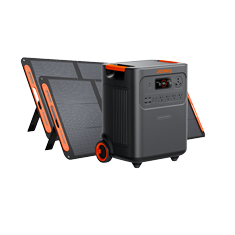
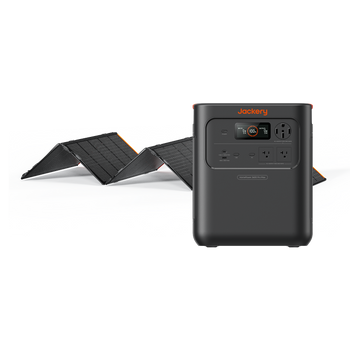
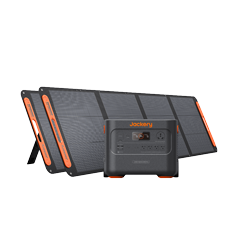
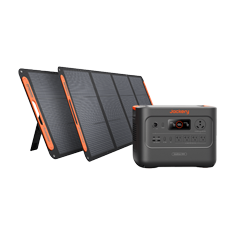
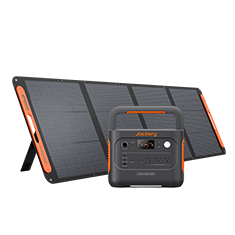
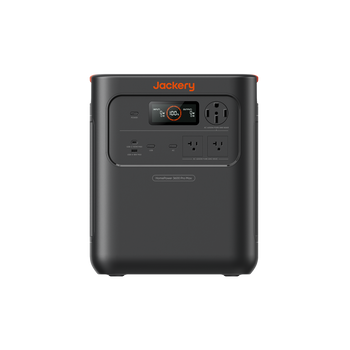
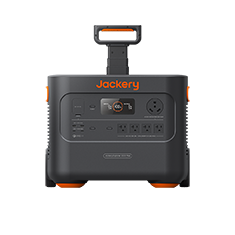
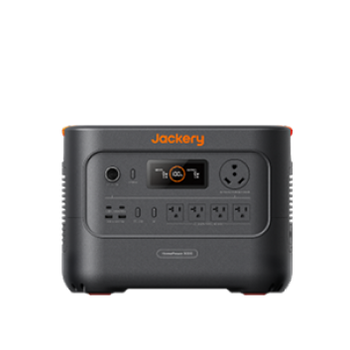
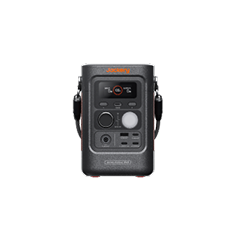
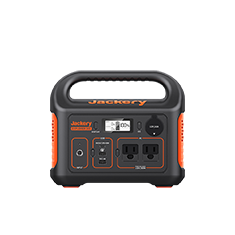
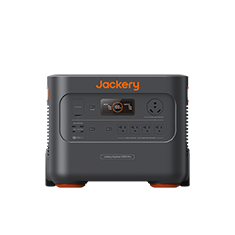
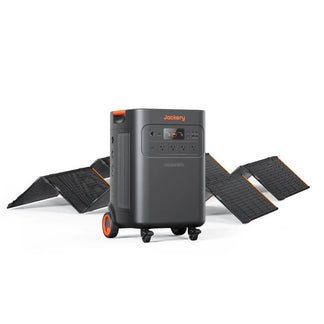
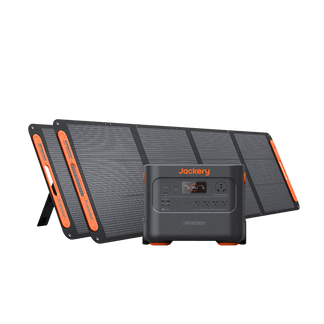
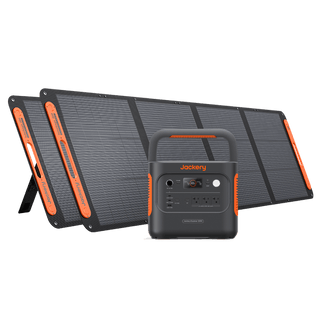
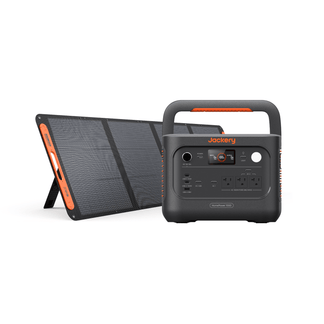
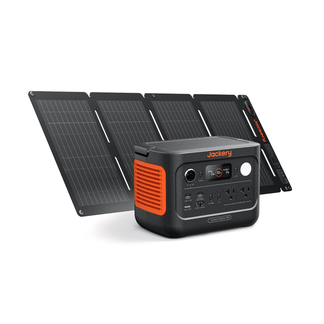
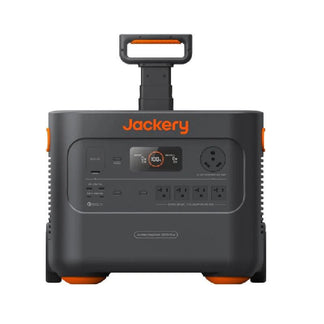
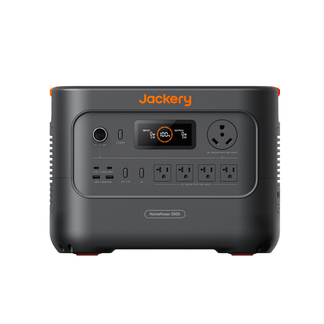
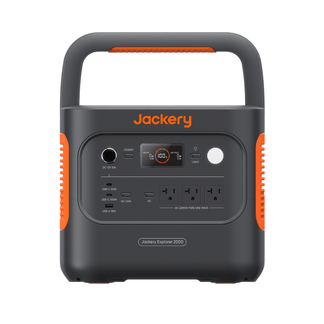
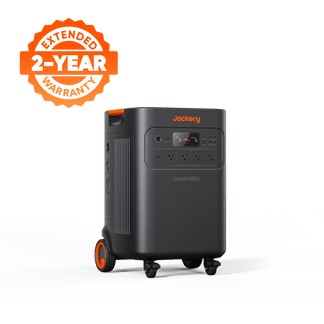
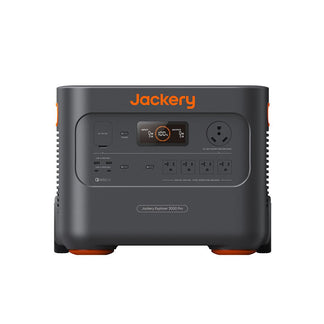
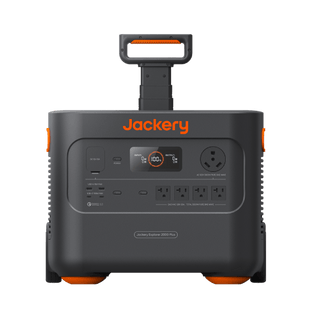
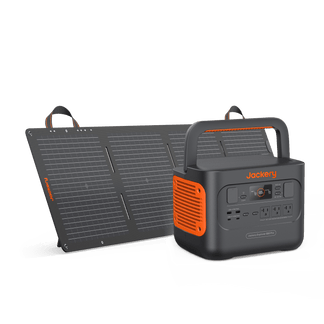
Jackery Solar Generator 2000 Plus
- Capacity: 2-24 kWh (expandable)
- Output: 3000W Max, 6000W Surge
- Battery: LiFePO4 battery with 10-year lifespan
- This generator can run a 500W portable AC for over 3 hours straight on its base 2042.8Wh capacity, providing significant cooling power.
A key pro tip is to use duty-cycling. Run the AC for 20 minutes to rapidly cool the tent, then turn it off for 30–45 minutes while the insulation holds the cold air in. This strategy can stretch your runtime to achieve all-night comfort without completely draining the battery.

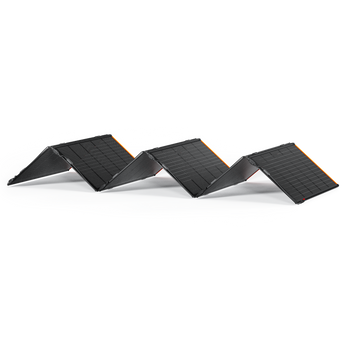
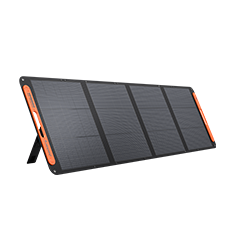
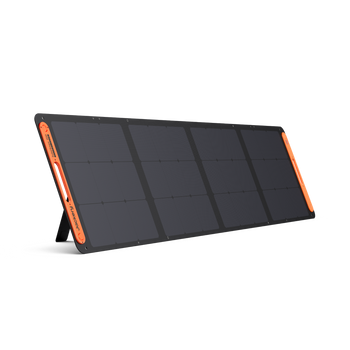
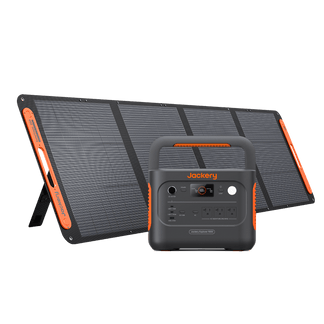
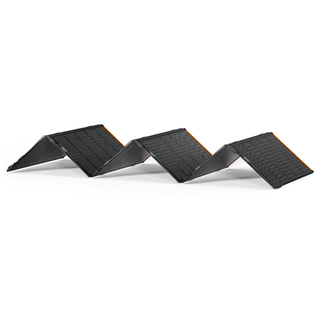
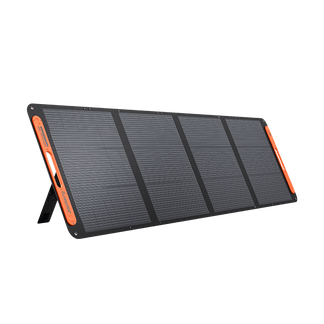
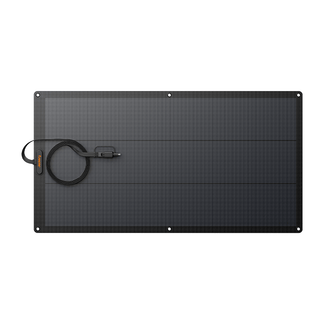
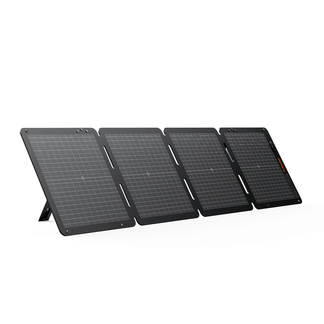
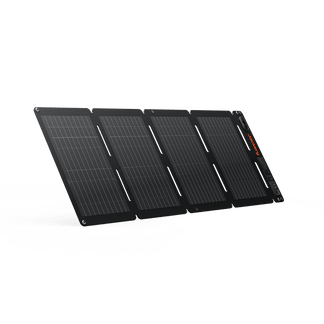
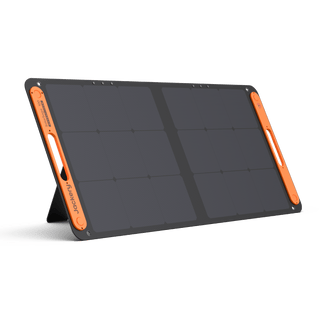
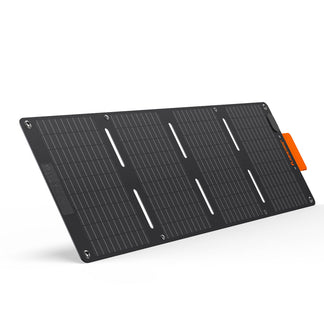
To enhance this setup, add a Jackery SolarSaga 200W Solar Panel. Recharging during the day, even with just a few hours of peak sunlight, can replenish the battery and give you enough extra power for another night’s cooling. This creates a truly sustainable off-grid air conditioning system.
Scenario 2: Critical Medical Needs (e.g., CPAP + AC)
The goal here is to guarantee uninterrupted power for a life-sustaining medical device, like a CPAP machine, while also running a small AC for comfort and health.
For this, you need a power station with pass-through charging and Uninterruptible Power Supply (UPS) capability.
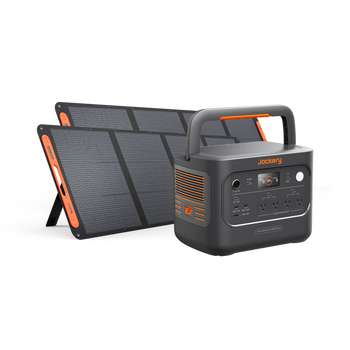
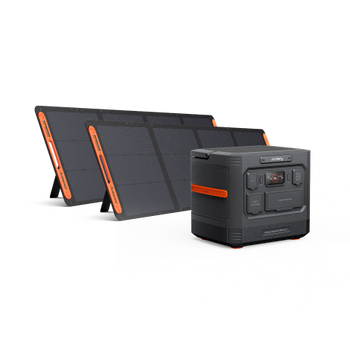
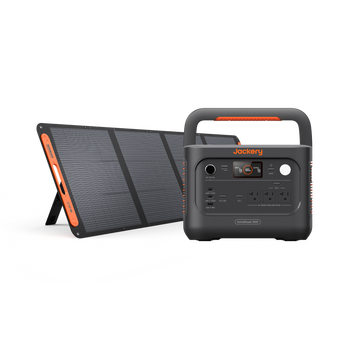
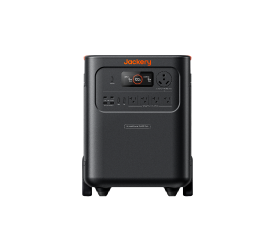
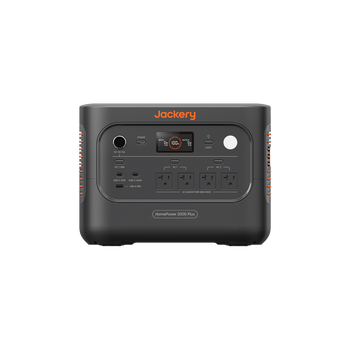
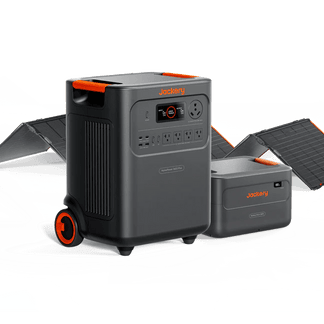
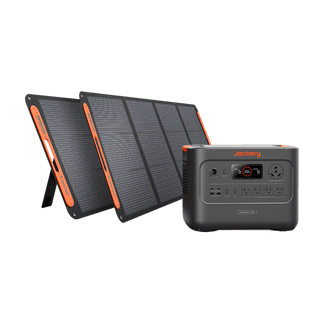
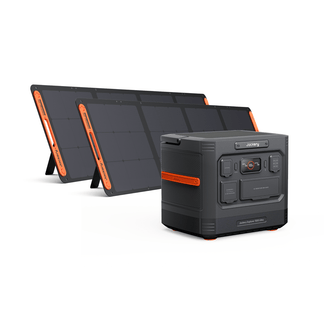
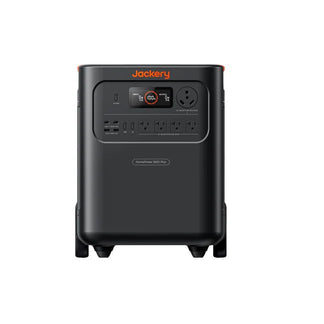
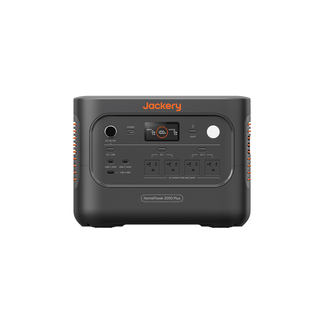
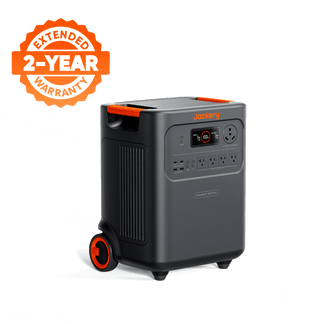
Jackery Solar Generator HomePower 3600 Plus
- Capacity: 3.58kWh (expandable to 21kWh)
- Output: 3600W (7200W surge)
- UPS Speed: <10ms switch time
- This generator's ultra-fast UPS switching time of <10ms means your CPAP machine will continue running seamlessly if the power source changes, which is essential for anyone who cannot risk a power interruption.

Pairing this generator with solar panels ensures you can recharge during the day, so you are never without a reliable backup power source for your critical medical and cooling needs.
How to Maximize Cooling and Extend Battery Life
Powering an AC off-grid is about working smarter, not harder. These strategies will help you stay cool while conserving precious battery life.
Start with Passive Cooling
Before you even turn on the AC, reduce the heat load on your shelter. Pitch in natural shade or use reflective tarps or shade sails if natural shade is unavailable. For more ideas, explore how to keep a tent cool with passive methods first.
Insulate and Seal Your Shelter
Keep the cold air in and the hot air out. Use reflective sunshades over windows, blackout curtains, or tents with reflective rainflies. Tape all tent gaps and seal openings (windows, RV vents) to prevent cool air escape.
Pre-Cooling Your Space
Turn on the AC to pre-cool your tent or camper before the peak heat of the day or just before you go to bed. It takes far less energy to maintain a cool temperature than it does to bring it down from a high one.
Setting a Reasonable Temperature
Resist the urge to make your tent feel like a walk-in freezer. Setting the thermostat to a comfortable 72°F (22°C) instead of an excessively low temperature will significantly extend your battery runtime.
Use Zone Cooling
Instead of trying to cool an entire large tent or vehicle, focus the cold air where you need it most. Use small, low-wattage fans to circulate the cool air from the AC directly onto your sleeping area. This creates a comfortable micro-climate without wasting energy on empty space.
Pre-Trip Checklist for Off-Grid Air Conditioning
A successful and cool camping trip begins with preparation. Go through this checklist before you leave home.
- Power Audit Complete: Confirm you have calculated your total Watt-hour needs for all devices, including the 25% safety buffer. Knowing how many watts an RV AC uses can provide a useful baseline.
- Power Station Verified: Ensure your solar generator's capacity (Wh) and output (W) exceed your calculated needs. Check that its surge rating can handle your AC's startup draw.
- Full System Test: This is the most critical step. Test your entire setup at home. Plug the AC into the solar generator and run it for a full cycle to verify compatibility and confirm your runtime estimates.
- Pack Essential Accessories: Double-check that you have packed all necessary charging cables, adapters, and the exhaust venting hose required for your portable AC for camping.
With the right gear and smart power management, you can enjoy the outdoors without giving up a cool, comfortable night’s sleep. A Jackery Solar Generator delivers quiet, reliable power for your adventure, making air con camping simple and refreshing.
Visit this link to read more on whether a solar generator can run a portable air conditioner.
Maintenance for Longevity and Safe Operation
Proper maintenance ensures your camp AC operates efficiently and safely for many seasons.
How Often Should You Clean Your AC?
- Clean or replace filters regularly. Conduct a deep cleaning at least once or twice a year if you use it frequently.
- Remember to regularly drain water tanks for evaporative models.
What Pre-Use Checks Are Necessary?
Check power cords and connections before each use.
What Are the Key Safety Guidelines?
- Electrical Hazards: Use appropriate cords and surge protectors.
- Fuel/Battery Handling: Ensure safe handling and storage of fuel and batteries.
Frequently Asked Questions
How does humidity affect the performance of a portable compressor AC, and are there any specific features to look for to mitigate this?
High humidity forces an AC to work harder, as it must remove moisture from the air while cooling it. Look for a portable AC with a dedicated dehumidification mode or a higher BTU rating to ensure effective performance in humid environments.
What are some DIY strategies for improving tent insulation to reduce the AC's workload, especially in extreme heat?
Drape reflective emergency blankets over your tent's rainfly to deflect solar radiation, or create an air gap with a secondary tarp suspended above the tent. Using insulated foam floor mats also prevents heat from rising from the ground.
Are there any common mistakes or safety hazards to avoid when setting up a portable AC in a tent or vehicle, particularly regarding ventilation or electrical connections?
Always ensure the AC's hot air exhaust hose is vented outside the tent or vehicle to prevent heat from recycling back into your space. Secure all electrical cords to prevent tripping hazards and ensure they are protected from moisture.
How can I accurately monitor my solar generator's remaining runtime while powering an AC, and what are the best practices for managing power consumption throughout the day and night?
Use a solar generator with a clear digital display that shows real-time power draw (output watts) and remaining battery percentage. Practice duty-cycling your AC and strategically recharge with solar panels during peak sun hours to maintain a healthy battery level.