



















































![[Add - on] Jackery Manual Transfer Switch for Explorer 5000 Plus - Jackery](http://www.jackery.com/cdn/shop/files/add-on-jackery-manual-transfer-switch-for-explorer-5000-plus-9017324.png?v=1754016782&width=350)










![[Add - on] Jackery Manual Transfer Switch for Explorer 5000 Plus - Jackery](http://www.jackery.com/cdn/shop/files/add-on-jackery-manual-transfer-switch-for-explorer-5000-plus-9017324.png?v=1754016782&width=324)


What Exactly is a UPS Battery Backup?
UPS, or Uninterruptible Power Supply, offers an uninterrupted power stream to connected electronics. In any instance of power outage, brownout, or voltage fluctuation, a UPS acts quickly to provide clean power and surge protection to sensitive appliances.
Unlike a standard surge protector, which only guards against voltage spikes, a UPS provides battery power. The key components of a UPS battery backup include:
- Batteries: Batteries are the heart of a UPS system. They store energy to provide emergency power to the connected load during power failure. Most desktop UPS units use Valve-Regulated Lead-Acid (VRLA) batteries, though modern portable power stations use superior Lithium-ion or LiFePO4 battery technology.
- Rectifier/Charger: This component converts alternating current (AC) from the wall outlet into direct current (DC). This DC power is used to charge the internal batteries.
- Inverter: The inverter does the heavy lifting when the power goes out. It converts the DC power stored in the batteries back into AC power that your devices (computers, routers, TVs) can use. It also filters power anomalies such as spikes, surges, and electrical noise ("dirty power").
- Static Bypass Switch: This acts as an important line of defense during a failure. If the UPS itself faults or is overloaded, the switch automatically closes the circuit and diverts power around the batteries and inverter, ensuring critical systems don't lose power abruptly, though they lose battery protection.
How Does a UPS Battery Backup Work?
The mode of UPS operation is relatively simple: it acts as a middleman between the wall outlet and your device.
- Normal Operation: When grid power is available, the UPS passes electricity to your devices while simultaneously using a small portion of that power to keep its internal battery fully charged via the rectifier.
- Power Anomaly: If the voltage drops (sag), spikes (surge), or cuts out completely (blackout), the UPS detects this instantly.
- The Switch: Within milliseconds (typically 2–10ms), the UPS switches from grid power to battery power. The inverter draws energy from the battery, converts it to AC, and sends it to your devices.
- Result: Your computer or router doesn't "see" the power cut because the switchover happened so fast. You continue working, giving you time to save files or wait for a backup generator to kick in.
Types of UPS Systems: Which One Do You Need?
Not all UPS systems are built the same. The three common topologies are Standby (Offline), Line-Interactive, and Double Conversion Online.
Standby (Offline) UPS
The Standby UPS is the most basic and cost-effective battery backup solution. Under normal conditions, it passes utility power directly to the device. It only switches to the battery and inverter when the power fails.
- Switchover Time: 6–10 milliseconds.
- Best For: Modems, routers, basic home office setups, and non-critical electronics.
- Pros: Low cost, silent operation, high efficiency.
Line-Interactive UPS
This is a step up from the standby UPS and is the most common choice for home offices and gamers. It features Automatic Voltage Regulation (AVR). If the voltage from the wall dips (brownout) or spikes slightly, the Line-Interactive UPS uses a transformer to boost or trim the voltage to safe levels without switching to battery power. This makes it an ideal battery backup for computers where preserving battery life for actual outages is crucial.
- Switchover Time: 2–4 milliseconds.
- Best For: Gaming PCs, small business servers, and areas with frequent voltage fluctuations.
- Pros: Better protection against brownouts, preserves battery health.
Double Conversion Online UPS
This type offers the ultimate protection. As the name implies, it performs a double conversion continuously: AC to DC (to charge the battery) and then DC back to AC (to power the device). The connected equipment always runs off the inverter, meaning there is zero transfer time during a blackout.
- Switchover Time: 0 milliseconds (Instant).
- Best For: Critical medical equipment, data centers, and highly sensitive servers.
- Pros: Perfect "clean" power output, zero interruption.
- Cons: Expensive, loud fans, higher energy consumption.
UPS vs. Inverters vs. Portable Power Stations
It is vital to understand the difference between these technologies, as they serve different purposes.
- Standard Desktop UPS: Designed for immediate, short-term protection. It reacts instantly (milliseconds) to save your computer from crashing. However, the internal lead-acid batteries are small, typically offering only 5–20 minutes of runtime—just enough to save work and shut down.
- Power Inverters: These convert DC battery power to AC. While they can run appliances for a long time (depending on the battery bank), they typically have a slow switchover time (500ms+), meaning a computer plugged into one would reboot when the power cuts.
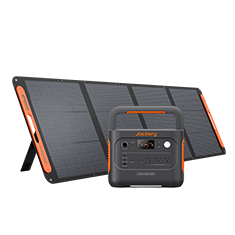
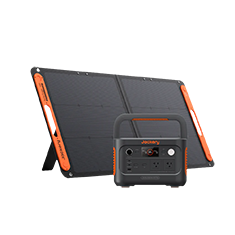
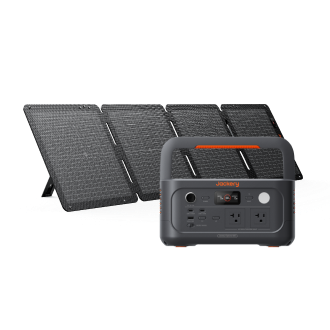
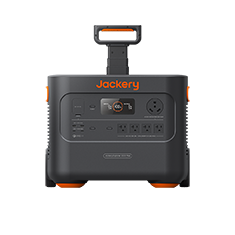
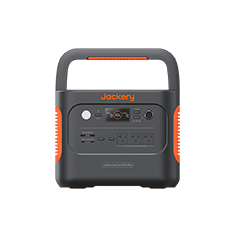
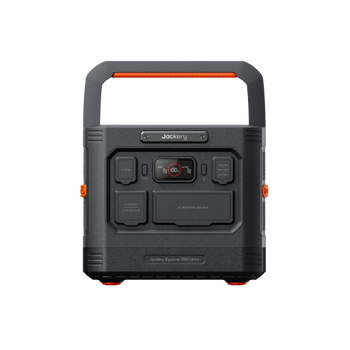
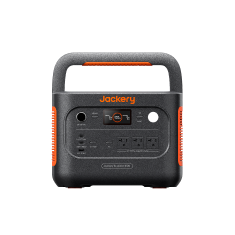
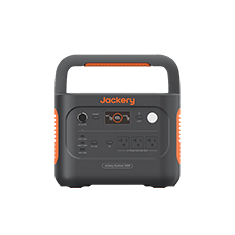
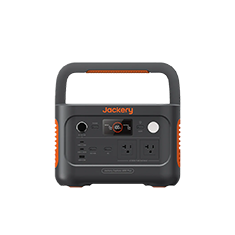
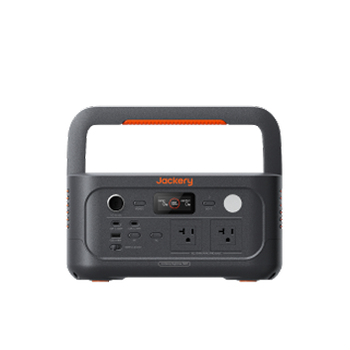
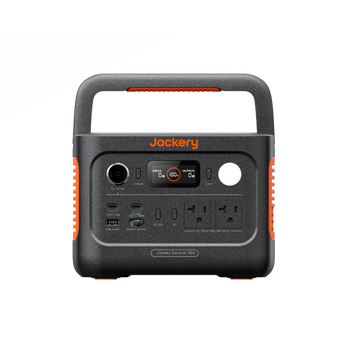
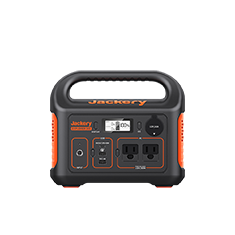
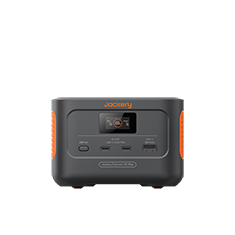
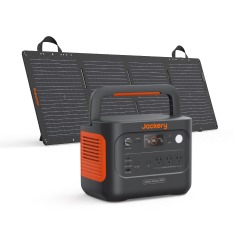
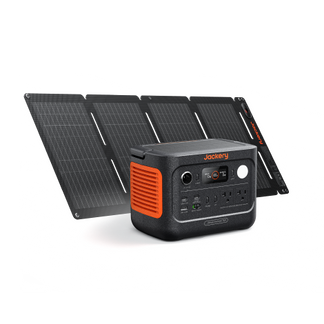
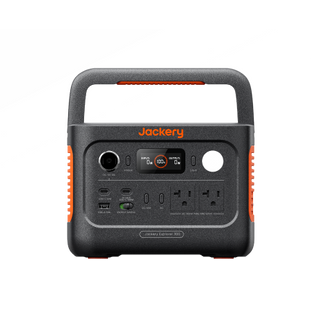
- Portable Power Stations (Solar Generators): Modern solutions like Jackery Solar Generators combine the best of both worlds for home backup. They use high-capacity Lithium (LiFePO4) batteries that can power appliances for hours or days.
Crucially, if you are wondering which Jackery products have UPS mode, many models now feature EPS (Emergency Power Supply) functionality with a <20ms switchover. This allows them to act as a UPS for most household appliances (fridges, lights, CPAP machines) while providing significantly longer runtime than a standard desktop UPS.
How to Choose the Best UPS Battery Backup for Home
Your household electronic devices are expensive, and a UPS provides peace of mind. Here is how to select the right one.
Assessing Your Power Needs (Watts vs. VA)
A UPS’s capacity is the maximum power it can supply. It is measured in two ways: Watts (Real Power) and Volt-Amps (VA).
- Watts: The actual power your equipment consumes.
- VA: The apparent power. Due to the "Power Factor" of electronics, the VA rating you need is usually higher than the Watts.
Rule of Thumb: Your UPS capacity (VA) should be roughly 1.6 times the total wattage of your devices.
- Example: If your PC and Monitor use 400W total.
- 400W x 1.6 = 640. You should look for a 750VA or 1000VA UPS.
Runtime Requirements
The runtime determines how long the battery supports the equipment.
- Standard UPS: If you need 10 minutes to shut down a PC, a standard UPS is fine.
- Extended Backup: If you want to keep the Wi-Fi running for 4 hours or the fridge cold during a blackout, a standard UPS will fail. You need a Jackery Solar Generator for this scenario.
Surge Protection Capabilities
Look for the Joule rating. This indicates how much energy the unit can absorb during a surge before failing. A higher joule rating (e.g., 1000+ Joules) offers better protection against lightning strikes and grid spikes.
Lithium vs. Lead-Acid Battery Options
- Lead-Acid (VRLA): Found in most desktop UPS units. They are heavy, have a shorter lifespan (3-5 years), and degrade faster if deeply discharged.
- Lithium-ion (LiFePO4): Found in Jackery Solar Generators. They are lighter, last 10+ years (4000+ cycles), charge faster, and are safer. While expensive upfront, they are far better for long-term backup.
Critical Safety: What NOT to Plug into a UPS
A common mistake is treating a UPS like a standard power strip. Plugging in the wrong devices can damage the UPS, void the warranty, or cause a fire.
- Laser Printers: These draw a massive "inrush current" when they heat up their fusers—often spiking to 1000W+ instantly. This can overwhelm and damage a standard UPS.
- High-Drain Appliances: Space heaters, hair dryers, curling irons, and vacuums draw continuous high wattage that exceeds the capacity of most UPS inverters.
- Surge Protectors: Never "daisy-chain" a surge protector into a UPS (or a UPS into a surge protector). This can confuse the load sensors and creates a fire hazard. Plug the UPS directly into the wall.
Battery Maintenance and Lifespan
A UPS is not a "buy it and forget it" device. The internal batteries degrade over time.
- Lifespan: The standard VRLA battery in a desktop UPS typically lasts 3 to 5 years. After this, it may pass a self-test but fail instantly under load.
- Temperature: Heat kills batteries. For every 15°F rise above 77°F (25°C), battery life is cut roughly in half. Keep your UPS in a cool, ventilated area.
- Self-Discharge: If you store a UPS unplugged, the battery will drain. You must charge it every 3-6 months to prevent the battery from dying permanently.
How to Size a UPS Battery Backup
Many manufacturers offer online calculators, but you can do it yourself easily.
Calculating Your Power Requirements
- List Devices: PC (200W), Monitor (30W), Modem (10W).
- Sum Wattage: 200 + 30 + 10 = 240 Watts.
-
Apply Safety Margin: Multiply by 1.2 to 1.5.
- 240W x 1.2 = 288W.
-
Convert to VA: If buying a standard UPS, divide by 0.6 (typical power factor).
- 288 / 0.6 = 480 VA.
- Result: Buy a 500VA or 600VA UPS.
Understanding Load Capacity
The load capacity is the percentage of the UPS's total power currently being used. It is safer to run a UPS at 50-60% load capacity than at 90%. Running at lower capacity significantly extends the runtime during an outage.
Best Jackery Portable Power Stations With UPS
While standard UPS units are great for saving a Word document, it cannot keep your home running during a prolonged storm. For that, you need high-capacity battery generators for home use.
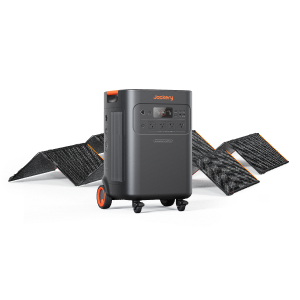
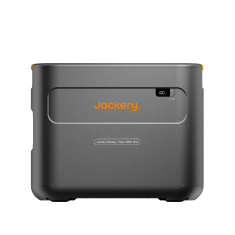
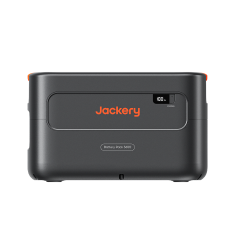
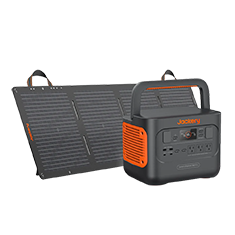
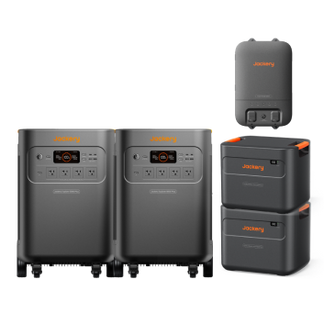
Jackery Solar Generator 5000 Plus
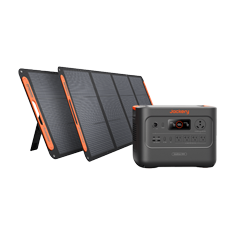
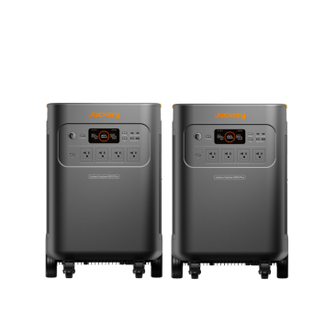
The Jackery Solar Generator 5000 Plus is the ultimate home backup solution. It is designed to offer unparalleled reliability, scalability, and performance. Unlike a small desktop UPS, this unit has a massive 5040Wh capacity (expandable to 60kWh) and a 7200W output, capable of running heavy-duty 240V appliances.
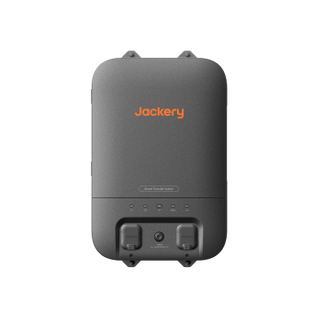
With its <20ms switchover time, it acts as a robust UPS for your entire home office or kitchen. You can connect it to the Jackery Smart Transfer Switch to back up essential home circuits directly.
- Capacity: 5040Wh (Expandable to 60kWh)
- Output: 7200W (Surge 14400W)
- Battery Tech: LiFePO4 (10+ Year Lifespan)
- Switchover Time: <20ms (EPS Mode)

Appliance Running Hours:
- Refrigerator (500W): ~8.5 Hours
- Central AC (3000W): ~1.4 Hours
- Wi-Fi Router (10W): ~400+ Hours
- Desktop PC Setup (300W): ~14 Hours
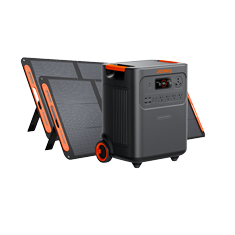
Jackery Solar Generator HomePower 3600 Plus
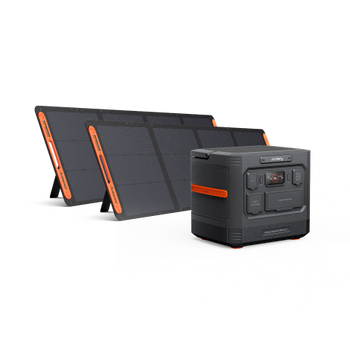
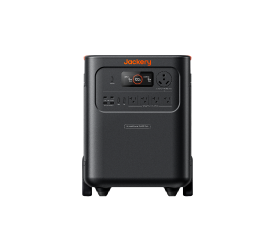
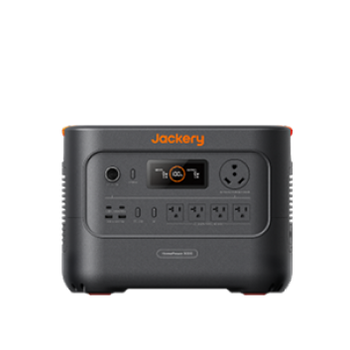
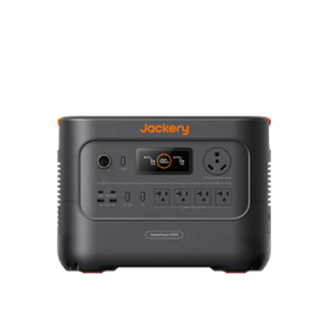
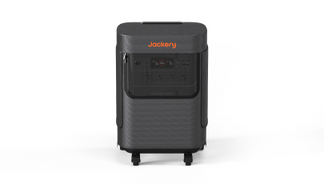
If you need a balance between high power and portability, the Jackery Solar Generator HomePower 3600 Plus is the ideal choice. It offers a substantial 3584Wh capacity and 3600W power output, making it ideal for backing up medium-sized households, RVs, or professional work equipment.
Jackery Solar Generator HomePower 3600 Plus features the <10ms EPS switchover. You can plug your computer, modem, and monitor into the Jackery Solar Generator HomePower 3600 Plus; if the power goes out, your internet and workflow remain uninterrupted for days, not just minutes.
- Capacity: 3584Wh (Expandable)
- Output: 3600W (Surge 7200W)
- Portability: Features a pull-rod and wheels for easy movement.
- Quiet Mode: Operates as quietly as 30dB.
Appliance Running Hours:
- CPAP Machine (40W): ~75 Hours
- Large TV (100W): ~30 Hours
- Sump Pump (800W): ~3.5 Hours
- Microwave (1000W): ~3 Hours
FAQs
How do you choose battery capacity for UPS?
To choose a battery capacity, calculate the total wattage of the appliances you want to connect. Then, decide how long you need them to run. For short-term "safe shutdown" (10 mins), a standard UPS rated 20% higher than your wattage is fine. For long-term backup (hours), calculate Watt-Hours (Watts x Hours needed) and choose a Jackery Solar Generator with matching Wh capacity.
How do I know if UPS is fully charged?
Most UPS units have a status light (usually green) or an LCD screen indicating 100% charge. Jackery Power Stations have a clear digital display showing the exact percentage of battery remaining and input/output wattage.
Do UPS batteries drain when not in use?
Yes, all batteries suffer from "self-discharge." A UPS unplugged from the wall will slowly lose charge. It is crucial to recharge them every 3-6 months to maintain battery health.