


















































![[Add - on] Jackery Manual Transfer Switch for Explorer 5000 Plus - Jackery](http://www.jackery.com/cdn/shop/files/add-on-jackery-manual-transfer-switch-for-explorer-5000-plus-9017324.png?v=1754016782&width=350)









![[Add - on] Jackery Manual Transfer Switch for Explorer 5000 Plus - Jackery](http://www.jackery.com/cdn/shop/files/add-on-jackery-manual-transfer-switch-for-explorer-5000-plus-9017324.png?v=1754016782&width=324)


Brownouts and blackouts are distinct power events, yet they share a common disruption to daily life. Both can last from a few minutes to several days. In either case, relying on the grid alone puts your home and appliances at risk.
This guide details the critical differences between brownouts and blackouts, the physics behind why low voltage damages electronics, and how to prepare your home with the right backup solutions.
What is a Brownout?
A brownout is a partial disruption of electrical power where the voltage level drops below the standard requirement. In the United States, standard voltage is 120V; during a brownout, this can drop by 10% to 25% (down to roughly 105V or lower).
The term brownout comes from the behavior of incandescent light bulbs during these events. As voltage dips, the filament cannot get hot enough to glow white, resulting in a dim, brownish hue.
While you technically have power during a brownout, the quality of that electricity is poor. It is often an intentional measure by utility companies—known as load shedding—to prevent a total grid collapse during peak demand.
Signs of a Brownout
- Flickering or Dimming Lights: Lighting levels fluctuate or stay consistently low.
- Appliance Malfunctions: Microwaves take longer to heat, or fans spin slower than usual.
- Internet Issues: Modems and routers may reboot spontaneously.
- Auditory Cues: Motors in refrigerators or AC units may hum, buzz, or stutter as they struggle to run on low voltage.
What is a Blackout?
Unlike brownouts, a blackout is a complete loss of power in a specific area. It is a total cutoff where voltage drops to zero.
Blackouts are usually unplanned and result from severe equipment failure or weather events. Because the power is cut entirely, the primary risks are safety, lack of heating/cooling, and food spoilage, rather than the hardware damage associated with voltage fluctuations.
What is a Rolling Blackout?
A rolling blackout is a deliberate, temporary power cut initiated by utility companies. When the grid is pushed past its limit, operators cut power to different neighborhoods in rotation to avoid a total system failure. These typically last for a defined period (e.g., one hour) before power is restored and the next area is cut.
Brownout Vs. Blackout: Key Differences
While both disrupt your day, the risks differ significantly.
|
Feature |
Brownout |
Blackout |
|---|---|---|
|
Power Status |
Partial power (Low Voltage) |
No power (Zero Voltage) |
|
Duration |
Minutes to hours; often during peak heat |
Indefinite; hours to days |
|
Primary Cause |
Grid overload, load shedding, internal wiring faults |
Storms, downed lines, equipment failure |
|
Primary Risk |
Hardware Damage: Motors overheat due to low voltage |
Safety/Spoilage: No lights, heat, or refrigeration |
|
Warning |
Often none; lights just dim |
None (unless planned rolling blackout) |
Brownout Vs. Voltage Sag
These terms are often used interchangeably, but duration is the key difference.
- Voltage Sag: A short-term drop in voltage lasting less than a minute. Usually caused by a large appliance (like an AC compressor) starting up.
- Brownout: A sustained voltage drop lasting minutes or hours.
Brownout Vs. Power Surge
A power surge is the opposite of a brownout. It is a spike in voltage (above 110% of standard). Surges often happen immediately after a brownout or blackout ends, as power rushes back into the grid. This restoration surge can fry electronics instantly.
What Causes a Brownout?
Brownouts stem from both external grid issues and internal home wiring problems.
- High Energy Demand: This is the most common cause. During summer heatwaves, millions of air conditioners running simultaneously push the grid to its limit. Utilities reduce voltage (throttle power) to keep the system running without crashing.
- Severe Weather: Storms, high winds, and lightning can damage transformers or transmission lines, reducing their capacity to deliver full voltage.
- Internal Wiring Issues: If lights flicker only in your house (and not the neighbors'), the brownout might be local. Overloaded circuits or corroded wiring can cause voltage drops within your home's electrical system. This requires immediate attention from an electrician to prevent fire hazards.
The Hidden Danger: Why Low Voltage Damages Electronics
Many people assume low voltage is safe because it's less power. This is a dangerous misconception.
The risk depends on the type of device:
- Resistive Loads (Safe): Simple devices like incandescent bulbs or toasters just run cooler or dimmer. They are generally unharmed.
- Inductive Loads (At Risk): Devices with electric motors (Refrigerators, Air Conditioners, Washing Machines, Fans) are highly vulnerable.
The Physics: Motors need a specific amount of power (Watts) to spin. Since Power = Voltage x Current, if the Voltage drops, the motor must draw more Current (Amps) to maintain speed. This excess current generates intense heat, burning out windings and destroying the motor permanently.
Digital Electronics: Computers and smart devices require precise voltage. A brownout can cause power supplies to output erratic signals, leading to data corruption, crashes, or hardware failure.
How To Protect From Brownout or Blackout?
Preparation is the only way to safeguard your expensive appliances.
Unplug Immediately
If you notice lights dimming, unplug devices with motors (fridge, AC) and sensitive electronics (TV, PC). Do not run them on low voltage.
The 10-Minute Rule
When power returns, do not plug everything in immediately. Wait 10 minutes. The grid is unstable during restoration and often surges. Waiting protects your gear from this restoration surge.
Use Uninterruptible Power Supplies (UPS)
For computers and modems, a UPS provides battery backup that bridges the gap during sags and allows for safe shutdown during brownouts.
Install Voltage Stabilizers
If you live in an area with frequent grid instability, a whole-home voltage stabilizer can regulate the incoming power, boosting it when it dips and trimming it when it spikes.
Invest in a Solar Generator
For complete independence from grid instability, a solar generator is the ultimate defense. It allows you to take your critical circuits off-grid and run them on clean, stable pure sine wave electricity.
Your Best Power Backup With Jackery
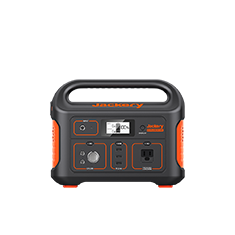
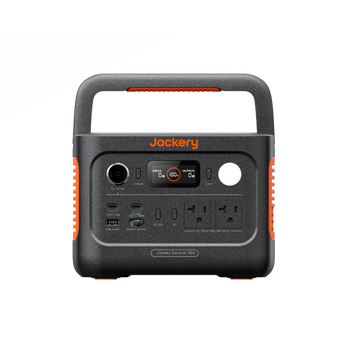
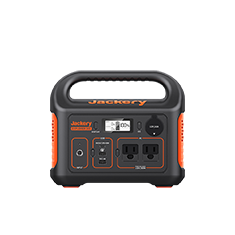
When the grid fluctuates, you need a stable power source. Jackery Solar Generators provide a reliable, off-grid energy solution that produces pure sine wave AC power, ensuring your sensitive electronics and heavy-duty appliances run safely, regardless of what the utility company is doing.
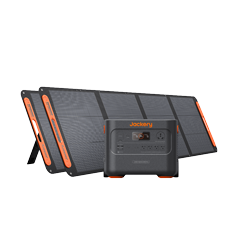
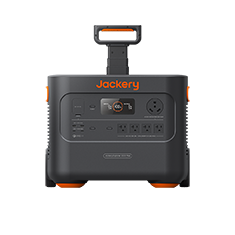
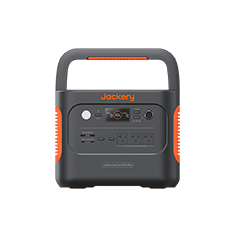
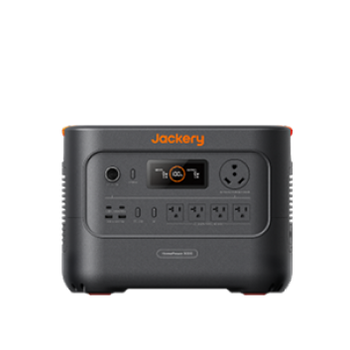
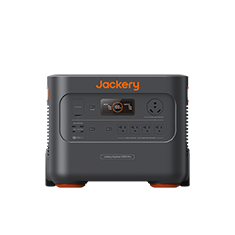
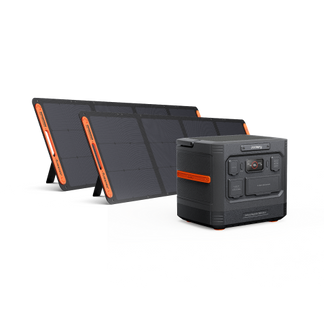
Jackery Solar Generator HomePower 3600 Plus
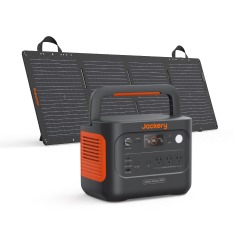
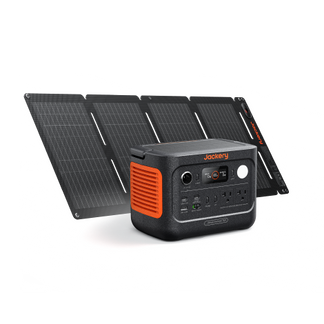
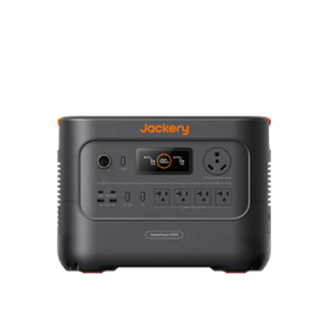
The Jackery Solar Generator 3600 Plus is a powerhouse designed for essential home backup. It is expandable, meaning you can increase its capacity to suit your specific outage needs.
- Capacity: Starts at a massive 3.6kWh and is expandable up to 21kWh with add-on battery packs.
- Output: 3600W power output (7200W surge) handles heavy-duty appliances like central AC, well pumps, and large refrigerators with ease.
- Fast Charging: Can be fully charged via solar panels or AC wall outlet rapidly, ensuring you are ready before the storm hits.
- Long Lifespan: Features LiFePO4 battery chemistry with a 10-year lifespan, making it a long-term investment for home security.
This unit effectively replaces the grid for your essential circuits during extended brownouts or blackouts.

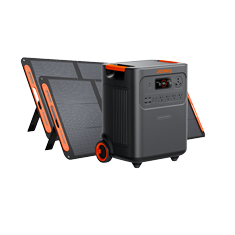
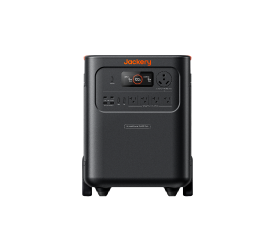
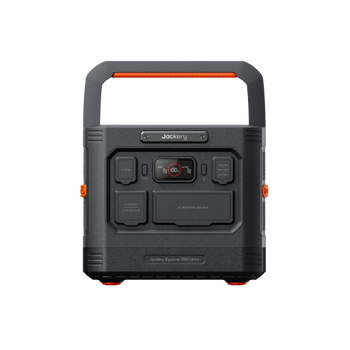
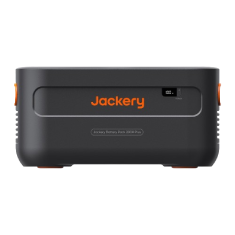
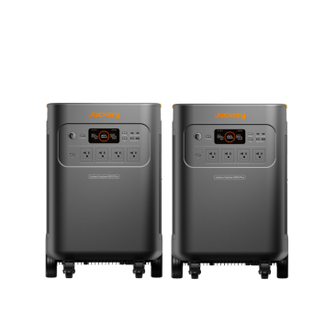
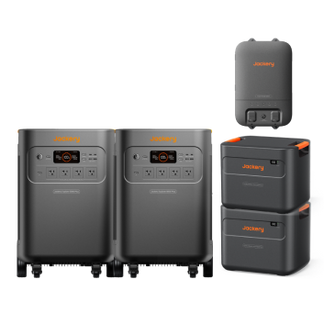
Jackery Explorer 5000 Plus
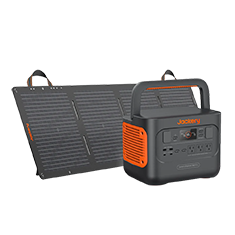
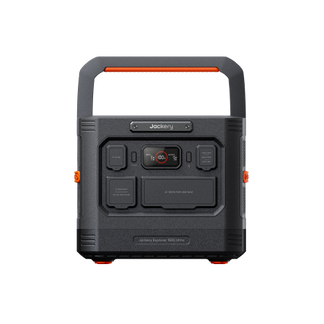
For those needing maximum power in a portable format, the Jackery Explorer 5000 Plus offers top-tier performance.
- Capacity: A substantial 5kWh base capacity, expandable to meet heavy energy demands.
- Versatility: Ideal for powering high-wattage tools, medical equipment, and essential home appliances simultaneously.
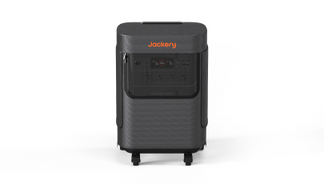
- Mobility: Despite its power, it features a pull-rod and double wheels, making it easy to move to wherever power is needed—whether that's the kitchen for the fridge or the home office.
- Smart Control: Monitor energy usage and battery levels in real-time via the Jackery app.

Conclusion
Brownouts are deceptive. While the lights are still on, the low-voltage electricity flowing through your home can be more damaging to your appliances than a total blackout.
Understanding the difference between a brownout vs. blackout allows you to react correctly: unplugging motorized appliances immediately and switching to backup power. Investing in a robust solution like the Jackery Solar Generator 3600 Plus or Jackery Explorer 5000 Plus ensures that you remain in control of your power supply, keeping your food fresh, your lights on, and your family safe.
Frequently Asked Questions
Can a brownout damage a refrigerator?
Yes. Refrigerators are inductive loads. When voltage drops, the compressor motor draws more current (Amps) to compensate. This causes the motor to overheat and can burn it out permanently.
Should I flip my circuit breakers during a brownout?
Yes. Flipping the main breaker or individual circuits protects your home from the voltage surge that often occurs when full power is restored. Wait 10 minutes after power stabilizes before flipping them back on.
Do unplugging things save money?
Yes. Vampire power or phantom load refers to the electricity devices use when turned off but plugged in. Unplugging them saves money and protects them from grid fluctuations.
How long do brownouts last?
They can last anywhere from a few minutes to several hours. If caused by intentional load shedding during a heatwave, they typically last until the peak demand subsides (often in the evening).
Who should I call during a brownout?
First, check your breakers. If they are fine, contact your local utility provider to report the outage. If your neighbors have full power and you don't, call a licensed electrician immediately, as this indicates a dangerous internal wiring fault.