






















































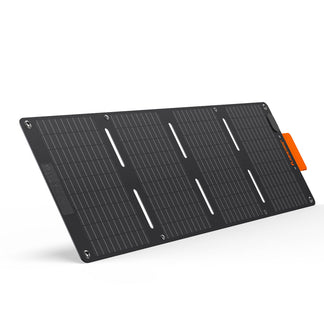
![[Add-on] Jackery SolarSaga 500 X - Jackery](http://www.jackery.com/cdn/shop/files/add-on-jackery-solarsaga-500-x-1493607.webp?v=1786503068&width=324)
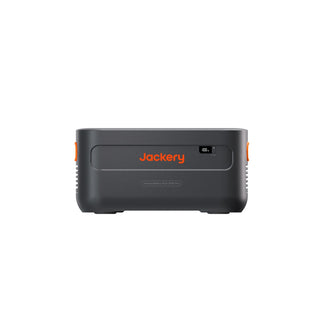
![[Add-on] Jackery Battery Pack 5000 Plus - Jackery](http://www.jackery.com/cdn/shop/files/add-on-jackery-battery-pack-5000-plus-6713401.webp?v=1786503068&width=324)











Speaker hiss, subwoofer thumps, and the sound of a projector bulb exploding during an outage are expensive failures. Dirty power destroys sensitive AV components over time, while sudden blackouts corrupt data on media servers.
Most enthusiasts confuse signal protection with operational continuity. A home theatre power manager cleans electricity to improve audio-video performance, while a battery backup (UPS) keeps equipment running when the grid fails. High-end theaters require a hybrid approach: power conditioning for signal purity and a UPS for critical shutdown procedures.
This guide solves the dilemma of fried HDMI boards and corrupted NAS drives by breaking down exactly which device protects your specific gear.
Home Theatre Power Manager Functions
A home theatre power manager is a component designed for high-level AC filtration, voltage regulation, and surge suppression. Unlike a standard $20 power strip, these units improve the performance of connected equipment by delivering a clean, stable electrical current.
Why Do We Need EMI/RFI Noise Filtration?
Electromagnetic Interference (EMI) and Radio Frequency Interference (RFI) lower system performance by introducing static and video grain. Household appliances like refrigerators, dimmer switches, and Wi-Fi routers inject this noise into power lines.
Power managers filter this interference to lower the system's noise floor. This filtration results in blacker blacks on screens and a silent background for audio, allowing subtle details in movie soundtracks to emerge without fighting electrical static.
What is Automatic Voltage Regulation (AVR)?
Automatic Voltage Regulation (AVR) stabilizes electrical output to a consistent 120V regardless of grid instability. Grid voltage fluctuates constantly, dipping to 110V (sag) when AC units kick on or spiking to 130V (swell) during low-demand periods.
A power manager with AVR boosts voltage during sags and trims it during swells. This regulation ensures expensive amplifiers receive consistent power, preventing stress on internal power supplies and extending equipment lifespan.
Why is Power Sequencing Important?
Power sequencing prevents speaker damage by turning outlets on in a specific order. Turning on all equipment simultaneously creates a massive in-rush of current that can trip circuit breakers or send a damaging thump through speakers if an amplifier activates before the pre-amp.
Power managers utilize a delayed sequence to protect gear:
- Sources (Blu-ray, Streamer)
- Pre-amp/Processor
- Amplifiers
The unit reverses this order when powering down. This delay protects speaker drivers and prevents breaker trips.
Operational Limitations
Power managers provide zero runtime during outages. These pass-through devices offer no protection against data corruption from hard shutdowns or heat damage to projector bulbs. If the grid power cuts out, the theater goes dark instantly.
Why You Need a Battery Backup (UPS)
A Uninterruptible Power Supply (UPS) provides a bridge of power during blackouts. The unit's core function is operational continuity, allowing for a safe equipment shutdown or continued viewing during short outages.
Projector Cooling Cycle
Projector bulbs require a specific cooling cycle to prevent explosion or failure. High-end bulbs operate at extreme temperatures, and when turned off normally, a fan continues running to dissipate heat.
If power cuts instantly, the fan stops and residual heat remains trapped. This heat-soak effect drastically shortens bulb life. A UPS keeps the fan running long enough to complete the cooling cycle, saving owners from expensive bulb replacements.
Data Integrity for Media Servers
NAS (Network Attached Storage) drives and Kaleidescape servers suffer data corruption during sudden power loss. These devices are computers that require a graceful shutdown sequence. A battery backup allows these components to close files and shut down safely, preserving the integrity of movie libraries and game saves.
Why is Pure Sine Wave a Necessity?
Audio equipment requires a Pure Sine Wave UPS to function correctly. The alternating current (AC) from a wall outlet oscillates in a smooth sine wave, which sensitive analog amplifiers and power supplies rely on.
What Are The Risks of Simulated Sine Waves?
Simulated or Stepped sine waves cause audible buzzing and hardware damage. Cheaper UPS units produce a blocky, staircase-like output rather than a smooth curve.
Feeding a stepped wave to high-end AV gear results in:
- Audible humming in transformers.
- Overheating of power supplies.
- Damage to active Power Factor Correction (PFC) circuits in modern projectors and TVs.
What Are The Key Differences Between a Power Manager vs. UPS?
|
Feature |
Power Manager |
UPS Unit |
|---|---|---|
|
Primary Function |
Optimizes daily performance, cleans dirty power for better sound and video. |
Prevents catastrophic hardware failure, mitigates emergency disasters, allows for safe shutdowns. |
|
Surge Capacity (Joules) |
High surge capacity, often exceeding 3,000 Joules. Engineered to absorb massive spikes. |
Includes surge protection, but it's often secondary to battery function and less robust against major electrical events compared to a dedicated manager. |
|
Maintenance & Lifespan |
Maintenance-free, can last decades. |
Relies on chemical batteries (typically Lead-Acid) which degrade over time. Batteries must be replaced every 3–5 years. |
|
Form Factor |
Typically 1U or 2U rack-mountable design with aesthetic faceplates for home theatre. |
Frequently bulky boxes designed to be hidden behind cabinets, though some rack-mount options exist. |
Waveforms and Battery Chemistry
Pure Sine Wave vs. Simulated
Pure Sine Wave inverters replicate grid power perfectly, making them safe for all AV gear. Cheap battery backups use a modified square wave that pauses at zero voltage.
- Pure Sine Wave: Identical to grid power; essential for audio fidelity.
- Modified Sine Wave: Blocky output; causes harmonic distortion and heat stress.
Switchover Time (ms)
Digital components require a switchover time under 10ms to avoid rebooting.
- Standard UPS: <10ms switchover.
- Emergency Power Supply (EPS): <20ms switchover.
If the switchover is too slow, projectors and media players will shut down, defeating the purpose of the backup.
Battery Chemistry (SLA vs. LiFePO4)
- Lead-Acid (SLA): Heavy, short lifespan (3-5 years), risk of leaking. Common in legacy UPS units.
- Lithium Iron Phosphate (LiFePO4): Lightweight, long lifespan (10+ years), safe. Standard in modern solar generators.
Noise Levels (dB)
Home theaters require absolute silence. Many server-grade UPS units utilize loud cooling fans. Enthusiasts should select Whisper Quiet or fanless units, or install the UPS in a separate equipment closet to avoid distracting fan noise.
Hybrid Protection Strategy
The ultimate protection strategy involves a hybrid chain. You do not plug everything into the battery.
The Pro-Level Configuration
Wall Outlet → Power Manager (for filtration) → UPS (for critical devices) → Component.
Note: Verify your specific UPS manufacturer's guidelines regarding plugging surge protectors into the UPS output.
|
Group |
Devices |
Strategy |
Reasoning |
|---|---|---|---|
|
Group A (Conditioning Only) |
Power amplifiers, massive subwoofers. |
Plug directly into the Home Theatre Power Manager. |
Amplifiers require massive current peaks; standard UPS units can limit dynamic range and starve them of power. These units need clean power and surge protection rather than battery backup. |
|
Group B (Battery Backed) |
Projectors, Apple TV/Roku, AV Processors, NAS Drives, Gaming Consoles. |
Plug into the UPS. |
These devices have low to moderate power consumption but are sensitive to sudden loss; they require time to shut down safely to prevent data loss or hardware heat damage. |
High-Capacity Solutions
Standard UPS units often lack the capacity to run a full rack system during a movie. High-capacity solar generators bridge this gap for enthusiasts who want to continue viewing during a blackout.
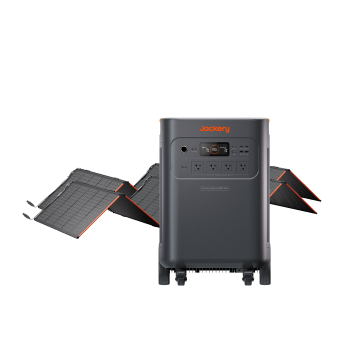
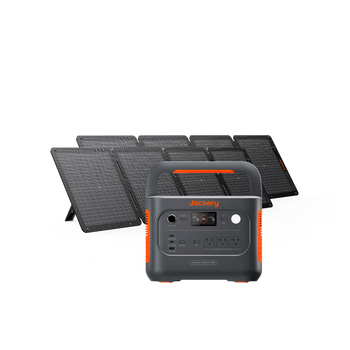
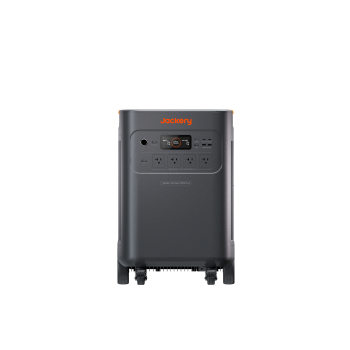
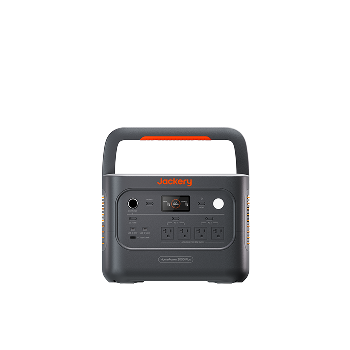
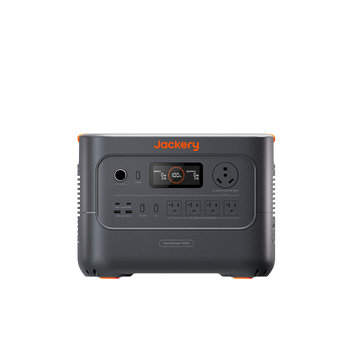
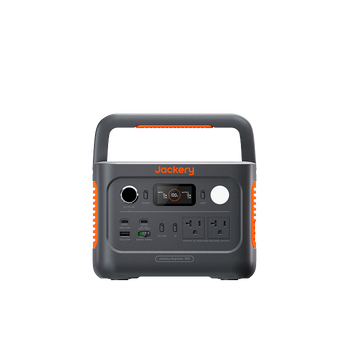
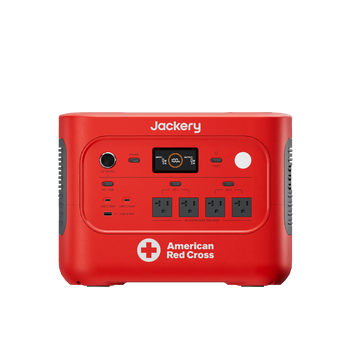
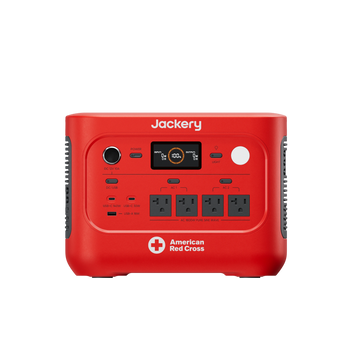
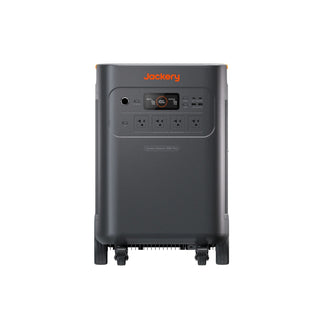
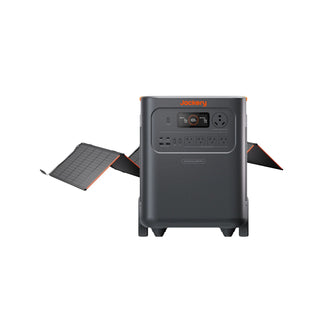
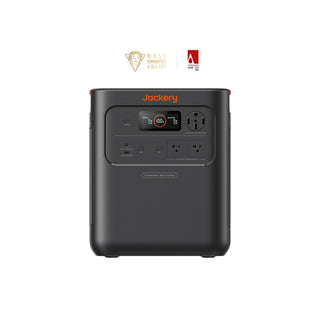
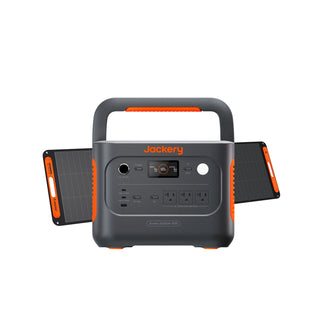
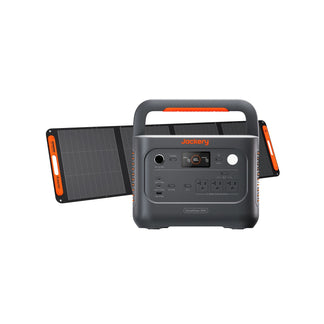
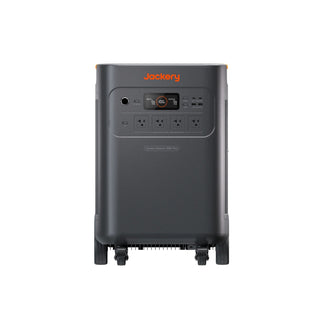
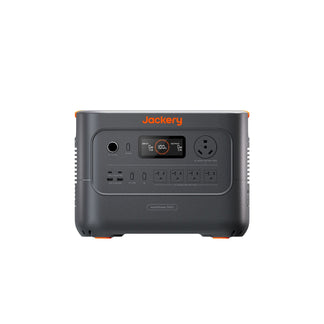
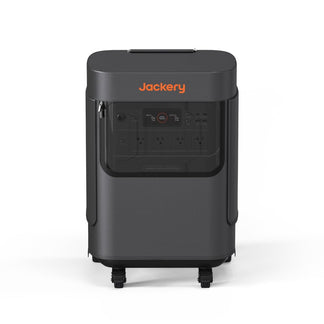
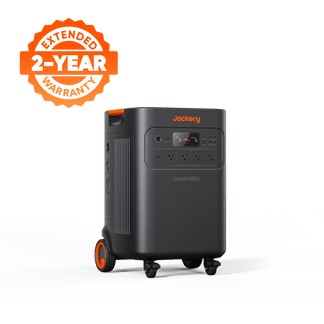
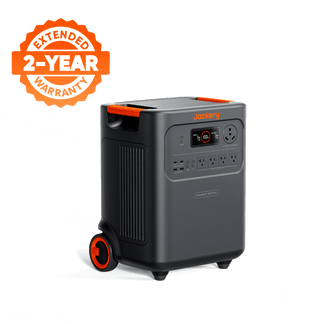
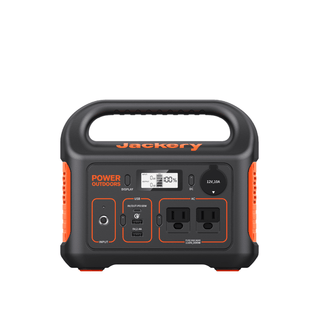
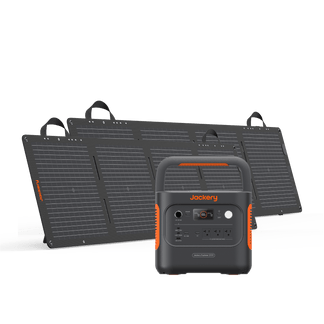
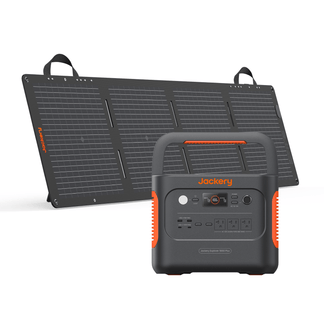
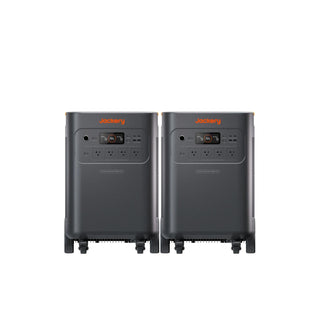
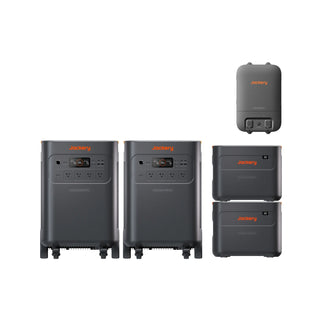
Jackery Solar Generator HomePower 3600 Plus: This generator replaces multiple small UPS units with a unified power solution.
- Output: The unit supports 3600W continuous output (7200W surge), sufficient for an entire rack of high-end amps and projectors.
- Chemistry: LiFePO4 battery chemistry ensures 10 years of reliable service (6,000+ charge cycles).
- Capacity: With 3584Wh base capacity (expandable to 21kWh), the system runs a projector and processor for hours rather than minutes.
- EPS Function: Features a <10ms switchover time, suitable for most robust AV equipment.

Installation and Maintenance
Wattage Calculation
Calculate total wattage by summing the gear you intend to back up and adding a 25% overhead buffer. If a projector (300W) and processor (50W) total 350W, the UPS must handle at least 440W continuous load.
For detailed advice on sizing, read about choosing the right UPS capacity to ensure your system handles peak loads.
Ventilation
Heat degrades battery life faster than any other factor. Never trap a UPS unit in a closed, unventilated cabinet. Ensure at least 2 inches of clearance on all sides for airflow.
Grounding
Surge protection requires a path to ground to divert excess energy. If the wall outlet is not properly grounded, the power manager cannot function. Use a circuit tester to verify the ground connection at the wall before installing gear.
The Pull the Plug Test
Test the system annually by pulling the main plug from the wall while the system is idle.
- Does the UPS pick up the load instantly?
- Do automation scripts (like Projector Off) trigger correctly?
- Does the battery hold a charge for the expected duration?
No Daisy-Chaining
Never plug a surge protector strip into another surge protector or a UPS. Daisy-chaining increases electrical resistance and creates a fire hazard. Plug the UPS directly into the wall, and plug critical devices directly into the UPS.
Choosing the Right Setup
|
Scenario |
Situation |
Priority Recommendation |
Why? |
|---|---|---|---|
|
The Audiophile |
High-end stereo amps, turntables, and speakers; rarely experiences blackouts but suffers from static or hum. |
High-End Home Theatre Power Manager |
Focuses on signal purity and dynamic range; analog gear doesn't process data, making battery backup unnecessary. |
|
The Projector Enthusiast |
Owns a 4K laser or bulb projector; lives in an area prone to frequent summer storms and power flickers. |
Pure Sine Wave UPS |
Ensures the cooling fan continues to run after a power loss, protecting the expensive bulb or laser from heat damage. |
|
The Ultimate Cinema |
8K Atmos setup, media servers, and rack-mounted gear valued over $20,000. |
Hybrid Setup |
Provides massive surge protection, signal conditioning, and 0ms switchover time to protect sensitive digital components and keep networks running for days. |
Conclusion
Power managers ensure quality; battery backups ensure survival.
Audit your system's total wattage and waveform requirements today. If you are building a serious system, consider the advantages of battery generators over traditional solutions for extended runtime and reliability.
Frequently Asked Questions
Do power managers or UPS units affect audio sound signatures?
High-quality power managers lower the noise floor, resulting in clearer audio and better dynamics. However, low-end UPS units with simulated sine waves can introduce electromagnetic interference and transformer hum that degrades sound quality.
Can I use a smart plug with my power manager?
Yes, but place the smart plug between the wall and the device you want to control, not before the power manager itself. This placement allows for remote monitoring without bypassing the surge protection or noise filtration of the main unit.
How do I dispose of old UPS lead-acid batteries safely?
Lead-acid batteries contain toxic materials and cannot be thrown in the trash. You must take them to a certified e-waste recycling center or an auto parts store that accepts battery returns for proper recycling.
Will a power manager protect my gear from a lightning strike?
Consumer-grade surge protection can handle grid spikes, but nothing stops a direct lightning strike. The only 100% effective protection during severe electrical storms is to physically unplug equipment from the wall.
Does a power manager or UPS help with 8K signal degradation?
Stable power prevents HDMI handshake issues, even though these devices don't process video data directly. Voltage fluctuations can cause sensitive HDMI chipsets to lose sync, leading to flickering or signal dropouts in high-bandwidth 8K video streams.


