























































![[Add - on] Jackery Manual Transfer Switch for Explorer 5000 Plus - Jackery](http://www.jackery.com/cdn/shop/files/add-on-jackery-manual-transfer-switch-for-explorer-5000-plus-9017324.png?v=1754016782&width=350)










![[Add - on] Jackery Battery Pack 5000 Plus - Jackery](http://www.jackery.com/cdn/shop/files/add-on-jackery-battery-pack-5000-plus-6078351.png?v=1754016791&width=324)


![[Add - on] Jackery Car Charging Cable - Jackery](http://www.jackery.com/cdn/shop/files/add-on-jackery-car-charging-cable-3882421.png?v=1754016863&width=324)















![[Add - on] Jackery Smart Transfer Switch - Jackery](http://www.jackery.com/cdn/shop/files/add-on-jackery-smart-transfer-switch-5842915.png?v=1754016784&width=324)
![[Add - on]Jackery 102W GaN 3 - Port Fast Charger - Jackery](http://www.jackery.com/cdn/shop/files/add-onjackery-102w-gan-3-port-fast-charger-6377742.png?v=1754016790&width=324)












![[Add - on] SolarSaga 200W - Jackery](http://www.jackery.com/cdn/shop/files/add-on-solarsaga-200w-4834329.png?v=1754016915&width=324)

![[Add - on] Jackery Manual Transfer Switch for Explorer 5000 Plus - Jackery](http://www.jackery.com/cdn/shop/files/add-on-jackery-manual-transfer-switch-for-explorer-5000-plus-9017324.png?v=1754016782&width=324)


California’s shift to the Net Billing Tariff has transformed solar from passive savings to active management, making battery storage essential. This guide helps you navigate these economic changes. Understanding the comparison of NEM 2.0 vs NEM 3.0 is now critical to properly size and utilize your system.
Decoding the Grid: How Does Net Energy Metering Work?
Net Energy Metering (NEM) acts as the billing mechanism between solar homeowners and utility companies. NEM tracks the electricity a home draws from the grid versus the excess electricity the system sends back. Understanding specific terminology like Export Credit and True-Up is essential to grasping why a solar bill looks the way it does.
What Key Terms Should You Know?
- Export Credit: The monetary value the utility assigns to the power sent to the grid. Under current NEM 3.0 rules, the credit fluctuates significantly based on the time of day and the month of the year.
- True-Up Bill: This True-Up statement reconciles all imports and exports over the previous 12 months, determining whether the homeowner owes the utility money or has generated a surplus.
- Non-Bypassable Charges (NBCs): Regardless of how much power is generated, these fees appear on every bill based on the electricity imported from the grid.
The Legacy Tariff: Why Was NEM 2.0 the Golden Era?
NEM 2.0, which governed applications submitted before April 14, 2023, offered a straightforward value proposition. The legacy tariff incentivized rapid solar adoption by keeping the math simple and the returns high.
How Do Grandfathering Rules Work?
- 20-Year Protection: Homeowners with valid NEM 2.0 systems retain these favourable rules for 20 years from the date of their Permission to Operate (PTO). This grandfathering creates a significant financial shield against rising utility rates.
- Expansion Warning: Modifying an existing NEM 2.0 system carries risk. If a homeowner increases their system size by more than 10% or 1 kilowatt (whichever is greater), they will likely be forced onto the NEM 3.0 tariff. This forfeiture of legacy status can cost thousands of dollars over the system's life.
The New Reality: What Are the Differences Between NEM 2.0 and NEM 3.0?
The California Public Utilities Commission (CPUC) introduced NEM 3.0 to align solar compensation with the actual value of electricity to the grid. The primary change is a drastic reduction in export credits, slashing the value of sent-back power by approximately 75% on average compared to NEM 2.0.
Comparison of Key Features
|
Feature |
NEM 2.0 |
NEM 3.0 (Net Billing) |
|---|---|---|
|
Export Compensation |
Near Retail Rate (~$0.30/kWh) |
Avoided Cost (~$0.05-$0.08/kWh avg) |
|
Netting Period |
Annual/Monthly |
Instantaneous (15-min intervals) |
|
Battery Necessity |
Optional |
Essential for ROI |
|
Payback Period |
4-6 Years |
8-10+ Years (Solar Only) |
|
Grandfathering |
20 Years |
9 Years (for early adopters) |
The New Strategy Financial viability now relies entirely on self-consumption. The goal is no longer to export power to the utility but to generate power and use it immediately or store it on-site. Every kilowatt-hour used from a home's own roof saves the full retail rate (roughly $0.30–$0.60/kWh), whereas exporting it might earn only pennies. Understanding your baseline costs and what is the average electric bill in California helps clarify the financial impact of these changes.
The Strategic Pivot: Why Is Storage Now Essential?
In the NEM 3.0 era, batteries are not a luxury; they are the engine of your return on investment. Storing your own solar energy is now mathematically more valuable than selling it.
What Are the Economic and Resilience Benefits?
- Rate Arbitrage: Batteries allow homeowners to practice rate arbitrage by charging the battery with free solar power during the day. Then, during the expensive peak hours (typically 4 PM – 9 PM), the home runs off the battery rather than the grid. This strategy avoids paying the highest utility rates and prevents selling solar power when it is worth the least.
- Resilience: Beyond economics, storage provides security. California faces grid instability due to wildfires and heatwaves. Batteries keep essential appliances running during outages and Public Safety Power Shutoffs (PSPS). For a deeper look at how backup power aids during crises, see how Jackery supported communities during California wildfires.
Which Storage Solution Is Right for You?
Homeowners can choose between permanent wall installations and flexible, portable solutions.
- Fixed Wall Batteries: Fixed batteries are permanently hardwired into the home. These units offer seamless integration and high capacity but come with high installation costs, permitting delays, and a lack of portability.
- Modular/Portable Solutions: Portable solutions offer flexibility for retrofitting existing solar arrays or backing up specific circuits without expensive electrical work.
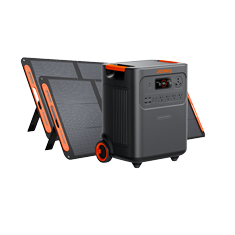
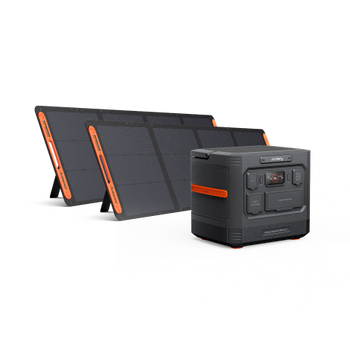
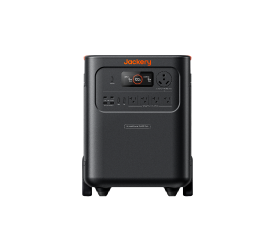
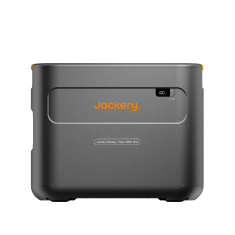
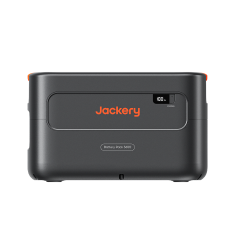
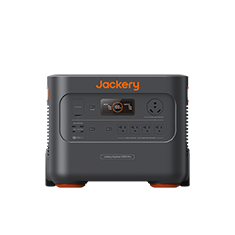
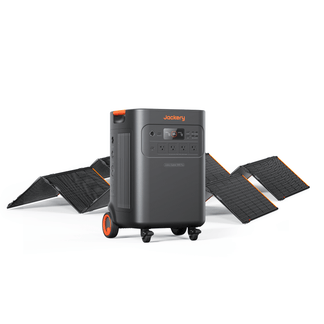
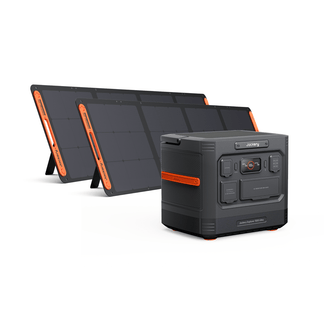
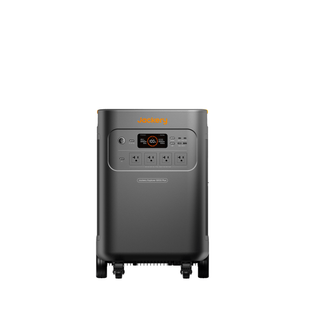
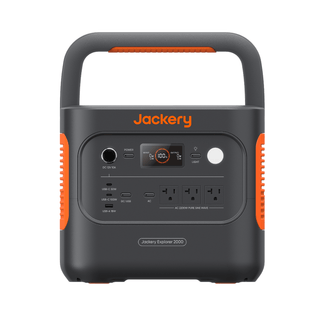
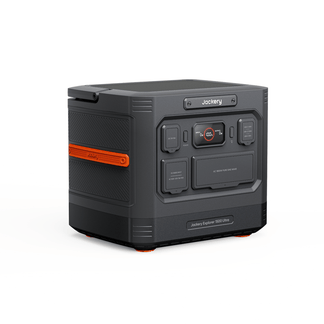
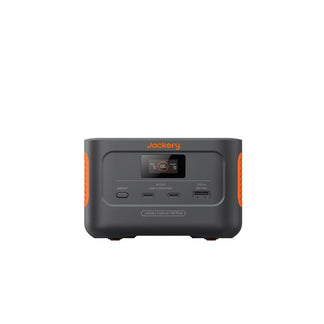
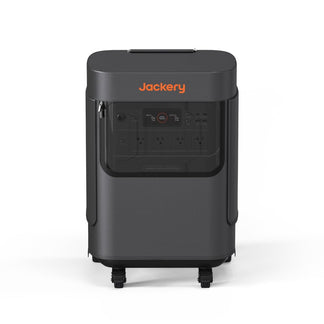
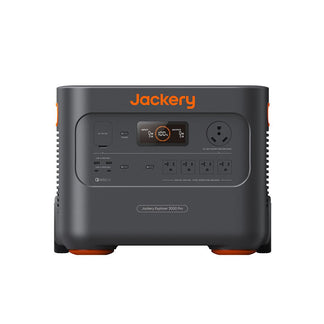
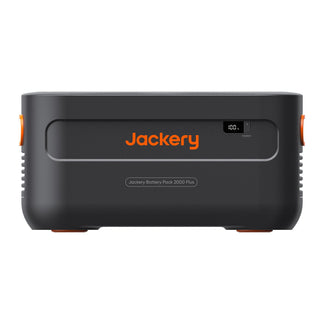
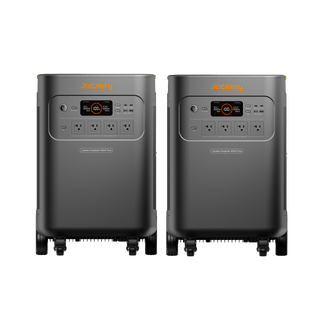
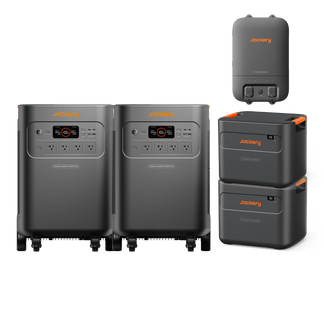
Jackery Solar Generator 5000 Plus
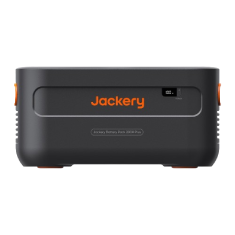
- Capacity: 5040Wh (Expandable up to 60kWh).
- Output: 7200W Rated (14400W Surge); supports 120V and 240V appliances.
- Battery Type: LiFePO4 with a 10-year lifespan (4000 cycles).
- Use Case: The Jackery Solar Generator 5000 Plus is ideal for essential home backup and heavy-duty appliances like well pumps or dryers. Its expandability allows homeowners to start small and add capacity as energy needs grow.
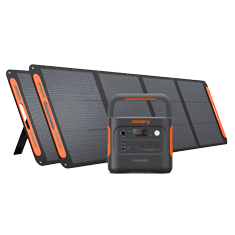
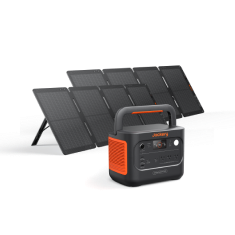
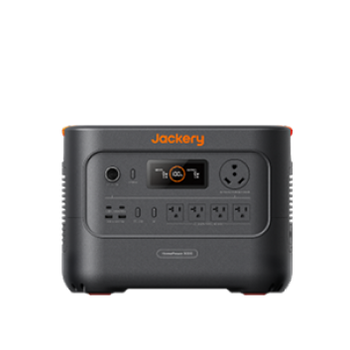
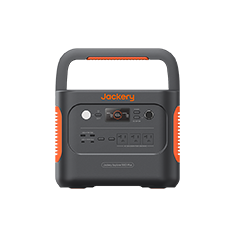
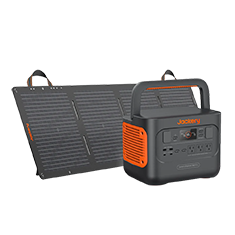
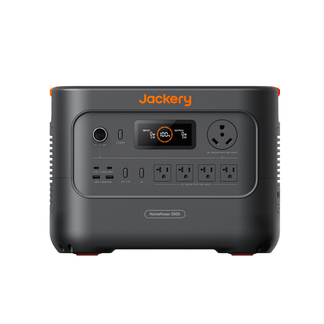
Jackery Solar Generator HomePower 3000
- Capacity: 3072Wh.
- Portability: Compact design with a foldable handle.
- Charging: 0-100% in 2.2 hours via wall outlet.
- Use Case: The Jackery Solar Generator HomePower 3000 is ideal for portable, heavy-duty backup. It requires no permanent installation, making it an excellent choice for renters or homeowners who want immediate resilience without permitting wait times.

Decision Framework: Is Solar Still Worth It?
Making the right choice requires data, not guesswork. Follow this step-by-step process to determine the viability of solar for your home.
Step 1: Analyze Consumption
Download your Green Button data from your utility provider (PG&E, SCE, or SDG&E). This file contains raw usage data in 15-minute intervals for the past 12 months. The data reveals exactly when power is used, which is critical for sizing a battery under NEM 3.0.
Step 2: Model Scenarios
- Solar-Only: A solar-only scenario is rarely viable under NEM 3.0 unless the home has massive daytime usage. If residents work from home, charge an EV at noon, and run pool pumps during the day, they might consume enough solar power instantly to make this work. For most working families, this results in poor ROI.
- Solar + Storage: Solar plus storage is the standard for NEM 3.0. By adding a battery, homeowners capture the excess generation that would otherwise be sold for pennies. The system uses that stored power to offset the expensive evening rates, maximizing ROI and minimizing reliance on the utility.
Step 3: Factor in Electrification
Future-proof your system. If you plan to buy an Electric Vehicle (EV) or switch to a heat pump water heater, size your system for that load now.
If you are currently on NEM 2.0, adding load later might force you to expand your system. Remember, expanding a NEM 2.0 system by more than 10% triggers a switch to NEM 3.0. It is safer to oversize the system initially or add a non-grid-tied storage solution like the Jackery Solar Generator 5000 Plus, which supports up to 60kWh expansion without altering your interconnection agreement.
Step 4: Verify Installer Quotes
Never accept a production estimate at face value. Use the free PVWatts Calculator to independently verify the energy production claims made by installers. Input your address and roof details to see a realistic estimate of annual generation. Homeowners should review the guide to California solar incentives, rebates, and tax credits to identify all available financial aid.
FAQ: Common Questions on the Transition
Can I add a battery to my NEM 2.0 system?
Yes, adding battery storage generally does not trigger a switch to NEM 3.0. Homeowners can enhance resilience and self-consumption while keeping their legacy status.
Do I need a battery for NEM 3.0?
Financially, yes. Without a battery, you sell excess power for pennies and buy it back for dollars. A solar-only system loses too much value to low export rates to be a strong investment.
What happens if I sell my house?
Legacy NEM 2.0 status usually transfers to the new buyer for the remainder of the 20-year term. This transferability can be a significant selling point for the property.
How do Time-of-Use (TOU) rates impact NEM 3.0 savings?
TOU rates dictate when export credits are highest and when self-consumption is most valuable. Under NEM 3.0, avoiding the high TOU import rates in the evening is the primary way to save money.
Conclusion & Next Steps
The California solar landscape has changed, but it has not collapsed. While the passive era of NEM 2.0 is over, solar remains a viable investment for those willing to adapt. The comparison of NEM 2.0 vs NEM 3.0 highlights a shift from simple net metering to a model that rewards energy independence and storage.
Success under the new rules requires a strategy centered on solar plus storage and active load management. By storing your own power, you insulate yourself from rising rates and grid instability.
Take action today:
- Audit usage: Review your Time-of-Use rates and download your daily consumption curves.
- Explore storage: Compare fixed batteries against flexible, expandable options like the Jackery Solar Generator 5000 Plus to find the right fit for your budget and resilience needs.
- Stay informed: Monitor CPUC updates regarding potential changes to fixed charges that could further impact bill structures.