

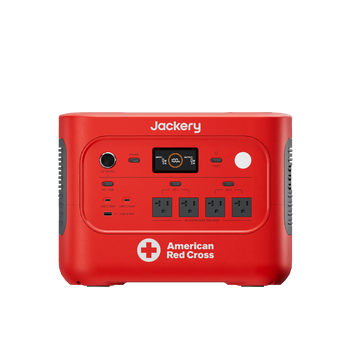
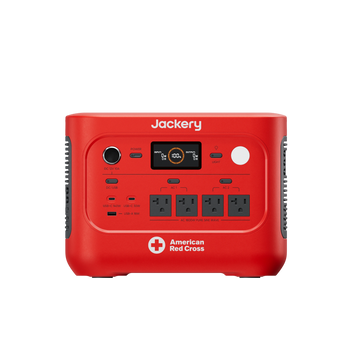





















































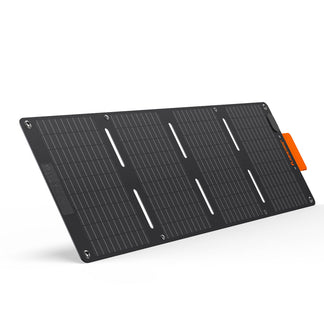
![[Add-on] Jackery SolarSaga 500 X - Jackery](http://www.jackery.com/cdn/shop/files/add-on-jackery-solarsaga-500-x-1493607.webp?v=1786503068&width=324)
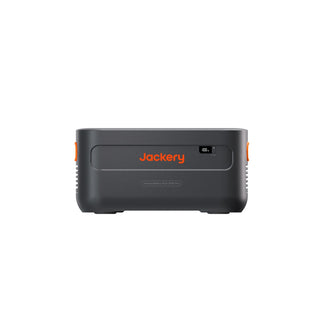
![[Add-on] Jackery Battery Pack 5000 Plus - Jackery](http://www.jackery.com/cdn/shop/files/add-on-jackery-battery-pack-5000-plus-6713401.webp?v=1786503068&width=324)
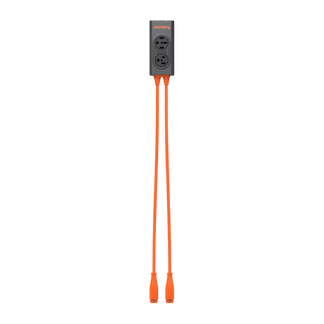











That cheap plastic strip behind your TV looks identical to the device protecting your server, but one is a simple extension cord and the other is a critical firewall against electrical fires.
The confusion between these two devices costs homeowners millions in damaged electronics every year.
Core Functional Differences: Surge Protector vs Power Strip
Physically, they look the same. Functionally, they are opposites. One is a passive wire; the other is an active defense system.
The Power Strip: An Extension Cord
A power strip functions simply as an extension cord with extra ports. The device splits the current from your wall outlet to multiple devices without regulating voltage. If a 5000-volt spike travels through the wall outlet, the power strip delivers that 5000-volt spike directly to your computer, TV, or refrigerator. It offers zero protection against voltage fluctuations.
The Surge Protector: The Gatekeeper
A surge protector acts as an electrical gatekeeper that actively detects excess voltage. The unit diverts dangerous spikes away from your devices before damage occurs, sending the excess energy into the grounding wire.
The Mechanism (MOVs)
Metal-Oxide Varistors (MOVs) are the internal components that bridge the gap between the hot wire and the grounding wire. Under normal voltage, the MOV does nothing. When voltage spikes (surges), the MOV resistance drops instantly, absorbing the excess energy and shunting it to the ground wire.
The Sacrificial Reality
Surge protectors are designed to fail so your electronics survive. The internal MOVs wear out over time, degrading slightly with every small fluctuation they absorb. A massive surge, like a nearby lightning strike, can blow the MOVs instantly. Once the MOVs are exhausted, the device continues to transmit power, but it functions only as a basic power strip. You must replace them regularly to maintain protection.
Visual Identification
Do not rely on packaging claims alone. Look for specific technical ratings on the back of the unit or the box:
- Joule Rating: A number indicating energy absorption (e.g., 2000 Joules).
- UL 1449: The safety standard for Surge Protective Devices (SPD).
Why Power Restoration Creates Surge Risks
The moment your lights flicker back on after a storm is often the most destructive event for household electronics.
The Inrush Phenomenon
Inrush current occurs when the utility grid comes back online and thousands of homes draw power simultaneously. This creates a volatile environment where voltage can swing wildly above and below the standard 120V before stabilizing. This inrush can punch through weak power supplies in milliseconds.
Brownouts and Flicker
Power restoration often involves rapid on-off cycling or sustained low voltage known as brownouts. This flickering stresses electric motors in refrigerators and AC units, causing them to overheat. Understanding the specific risks of a brownout vs blackout is essential for choosing the right protection strategy.
Generator Instability
Standard fuel generators often produce dirty power with high Total Harmonic Distortion (THD). When a generator engine revs up to handle a new load (like your AC kicking in), it sends a voltage spike down the line. Without a surge protector or a pure sine wave filter, this instability degrades sensitive electronics.
Technical Specifications: What to Look For
Buying the wrong spec is the same as having no protection at all. Ignore marketing buzzwords and look for these three numbers.
Joule Rating (The Absorption Tank)
The Joule rating measures how much energy the protector can absorb before it fails. Think of it as a fuel tank for defense.
- Under 1000 Joules: Minimal protection. Suitable only for lamps or alarm clocks.
- 1000–2000 Joules: Standard protection. Good for printers, routers, and basic office gear.
- 2000+ Joules: High protection. Mandatory for gaming PCs, home theaters, and expensive appliances.
Clamping Voltage (The Trigger)
Clamping voltage indicates the specific voltage level at which the surge protector activates.
- Look for: 330V or 400V.
- Avoid: Anything over 500V. A lower number is better because it triggers the defense sooner, letting less excess voltage reach your device.
Response Time
Response time must be less than one nanosecond to be effective. Electricity travels fast, and if your surge protector reacts too slowly, the damage is done before the diversion starts.
- Standard: Nanoseconds (ns).
- Requirement: Look for a response time of less than one nanosecond.
Certification (Non-negotiable)
UL 1449 certification is mandatory for safety. If the unit does not have a UL 1449 (Underwriters Laboratories) or ETL listing, do not buy it. Uncertified strips are often fire hazards disguised as safety devices.
Strategic Device Placement: Risk Assessment
Not every device needs a $50 surge protector, but some need more than a $10 strip. Categorize your gear by risk.
Tier 1: High Risk / High Value (Must Protect)
High-value devices containing sensitive microprocessors require maximum protection.
- Gear: Desktop computers, NAS drives, OLED TVs, gaming consoles.
- Strategy: Use high-joule surge protectors (2000+) or a UPS. Never plug these directly into the wall.
Tier 2: Motor Loads (Special Care)
Large appliances generate internal surges when their compressors cycle on and off.
- Gear: Refrigerators, washing machines, air conditioners.
- Strategy: Do not share a power strip between a fridge and a computer. The fridge will send surges to the PC. Use dedicated appliance surge protectors or whole-home suppression at the breaker panel.
Tier 3: Low Risk (Power Strip OK)
Simple electronics without complex logic boards are generally safe on basic strips.
- Gear: LED lamps, box fans, basic phone chargers.
- Strategy: A standard power strip is sufficient, provided you respect the maximum wattage rating (usually 1875W) to prevent overheating.
Maintenance and Safety: When to Replace
Surge protectors are consumable items. They do not last forever.
The Protected Light
The Protected light (usually green) is your only health indicator for the internal MOVs.
- If the light is on: The MOVs are functional.
- If the light is off: The surge protection has failed. The unit is now just a dumb extension cord. Replace it immediately.
Lifespan Rule
Surge protectors should be replaced every 3–5 years even if the light is on.
- Routine: Replace every 3–5 years as MOVs degrade naturally.
- Event-Based: Replace immediately after a known major electrical event, such as a lightning strike near your home or a blown transformer on your street.
Daisy-Chaining Danger
Never plug a power strip into another power strip or surge protector. This practice, called daisy-chaining, increases electrical resistance, creates heat, creates a fire hazard, and instantly voids your insurance and warranty coverage.
Advanced Protection: UPS and Battery Backup
A surge protector stops voltage spikes, but it cannot stop a power cut. When the grid fails, your computer crashes, corrupting data and damaging operating systems. For complete protection, you need active backup.
The UPS (Uninterruptible Power Supply) Role
A UPS contains a battery that bridges the gap during a power outage, providing enough time to save work and shut down gracefully. However, standard UPS units usually offer only minutes of runtime. To understand the right size for your needs, read about how to choose the right UPS capacity for your specific hardware.
Heavy-Duty Backup Solutions (Solar Generators)
Portable power stations act as a massive buffer between the unstable grid and your sensitive devices.
|
Model |
Best For |
Key Feature |
Protection Benefit |
|---|---|---|---|
|
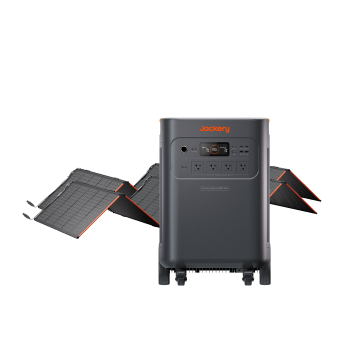
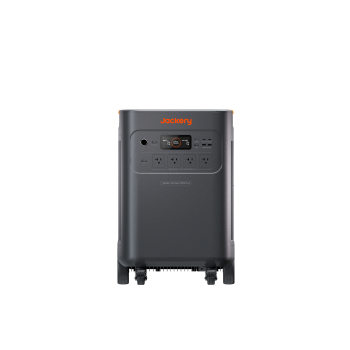
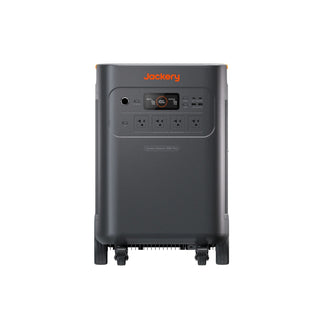
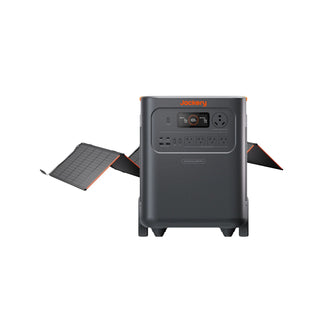
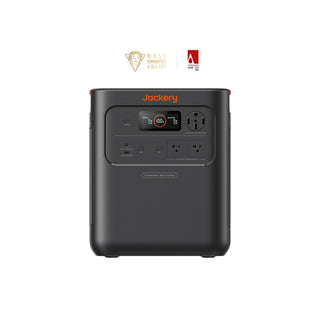
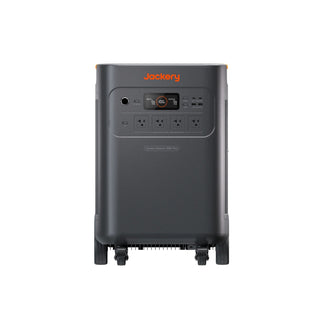
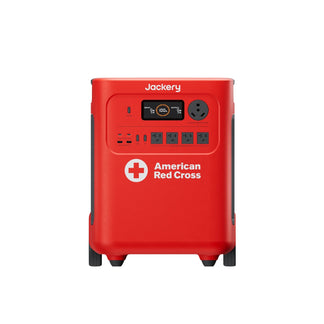
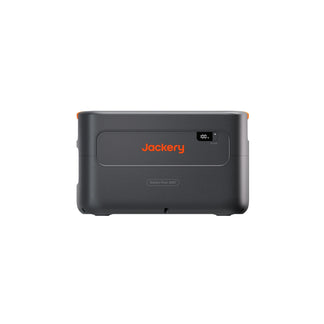
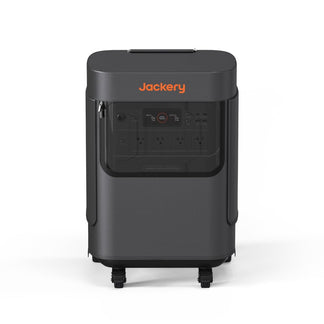
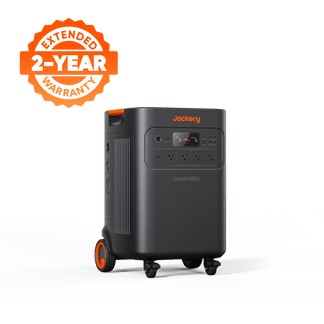
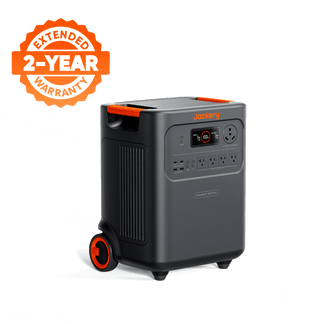
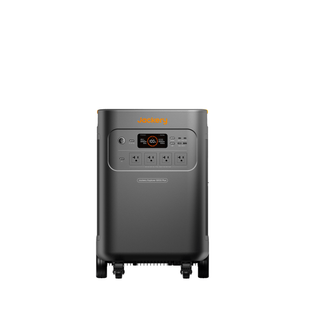
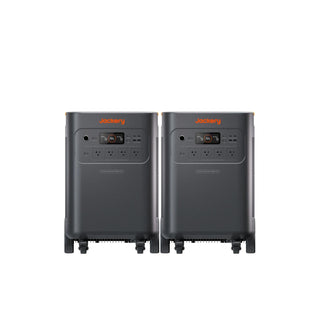
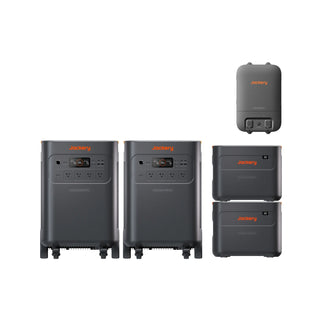
Jackery Solar Generator 5000 Plus |
Critical home offices, servers, and medical gear. |
0ms UPS Switchover |
Instant transfer ensures sensitive electronics never reboot or lose data during a flicker. |
|
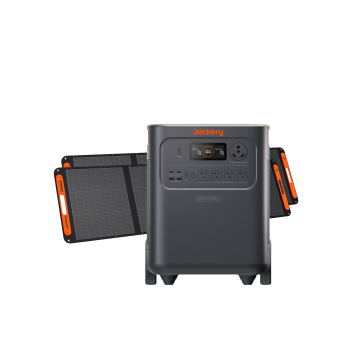
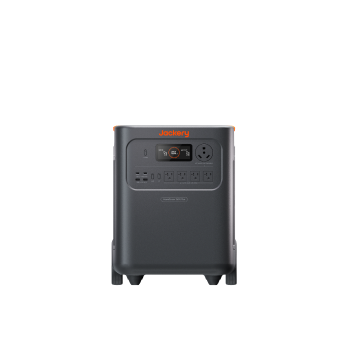
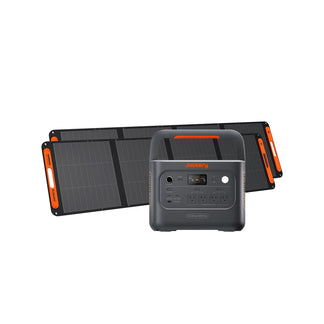
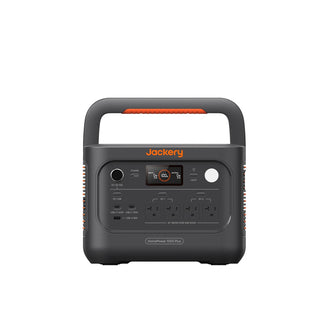
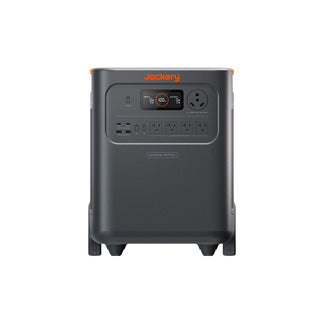
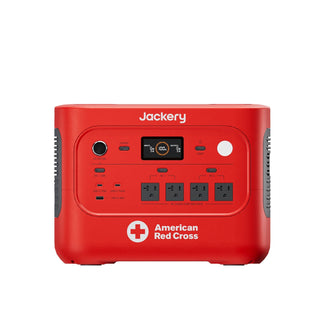
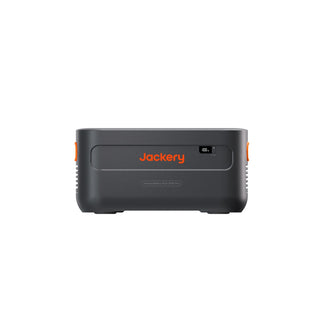
Jackery Solar Generator HomePower 3600 Plus |
Whole-room backup and high-demand appliances. |
<20ms EPS Switchover |
Fast enough to keep fridges, lights, and most electronics running through storm instability. |
|
Both Units |
High-value hardware protection. |
Pure Sine Wave & High Output |
Delivers grid-quality power for sensitive motors; supports up to 7200W/240V for heavy-duty loads. |
For a deeper dive into portable options, check out this guide on best outlet battery backups.
Practical Buying Checklist
Take this list with you when shopping or checking your current setup.
- Label Check: Look for UL 1449 and a specific Joule Rating printed on the box or device.
- Indicator Lights: Must have both a Protected and Grounded LED.
- Outlet Spacing: Look for transformer spacing (wide gaps) to accommodate bulky plugs without blocking adjacent ports.
- Warranty: Check for a Connected Equipment Warranty. While claiming these can be difficult, their presence indicates manufacturer confidence.
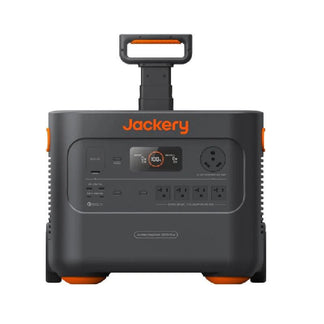
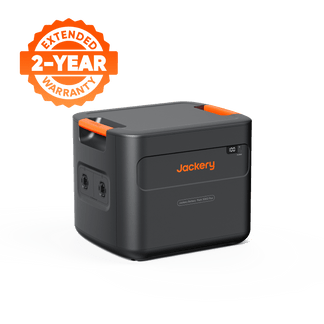
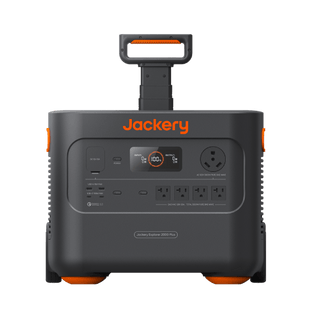
- Advanced Needs: If data loss is a concern, upgrade from a surge protector to a unit with UPS functionality like the Jackery Explorer 5000 Plus.
Real-World Scenarios
Here is how the surge protector vs power strip choice plays out in reality.
Scenario A: The Home Office
Risk: A summer storm causes power to flicker on and off while you are rendering a video file.
Solution: A standard surge protector stops the voltage spike, but the power cut crashes your PC, corrupting the file. A battery backup solution keeps the PC running through the flicker, saving the hardware and the data.
Scenario B: The Home Theater
Risk: Lightning strikes a utility pole down the street. The surge travels through the coaxial cable line into your modem and TV.
Solution: A standard power strip does nothing. You need a surge protector that includes protected Coax and Ethernet ports to stop surges traveling over data lines.
Scenario C: Critical Home Appliances
Risk: Grid restoration sends a massive voltage spike to your refrigerator compressor.
Solution: Using a robust solution like the Jackery Solar Generator HomePower 3600 Plus acts as a buffer. It provides clean, regulated power to the appliance regardless of grid instability or heat wave power outages.

Frequently Asked Questions
How do I test a surge protector without an indicator light?
Without a Protected LED, there is no reliable way to test the internal MOVs. If the device has no light and its age or history is unknown, replace it immediately to ensure safety.
Does a surge protector work if my outlet isn't grounded?
No, MOVs require a ground path to divert excess voltage away from your devices. If you use a cheater plug on a two-prong outlet, the surge protector cannot function, offering significantly reduced or zero protection.
Can a surge protector save electronics from a direct lightning strike?
No, standard consumer surge protectors cannot stop the millions of volts from a direct lightning hit. To mitigate that level of risk, you need a whole-house surge protection system installed at your breaker panel combined with point-of-use protectors.
Do smart plugs provide the same protection as surge protectors?
Generally, no. Most basic smart plugs are functional on/off switches rather than protective devices; they should be plugged into a surge protector to ensure the connected load is safe from voltage spikes.
Should I unplug surge protectors during a severe thunderstorm?
Yes. Physically disconnecting high-value electronics from the wall is the only 100% effective way to prevent damage from massive atmospheric electrical discharges that can jump across switch gaps.


