

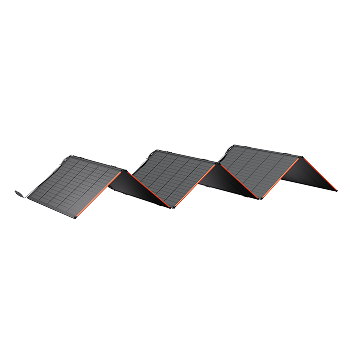




















































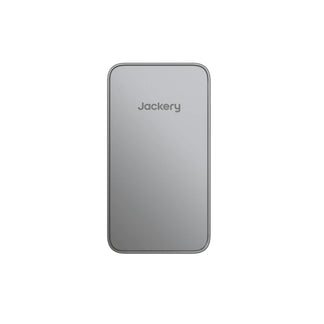
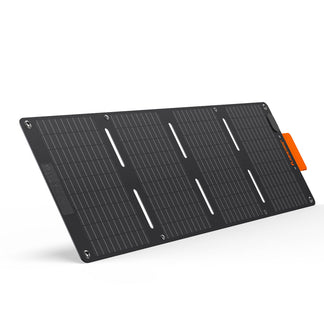
![[Add-on] Jackery SolarSaga 500 X - Jackery](http://www.jackery.com/cdn/shop/files/add-on-jackery-solarsaga-500-x-1493607.webp?v=1786503068&width=324)
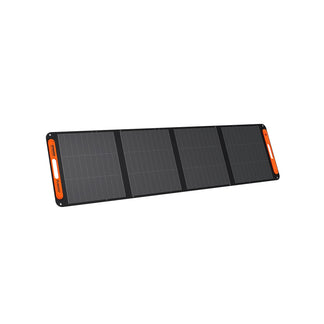
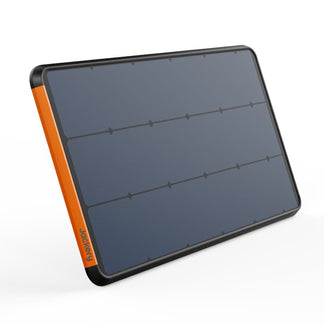
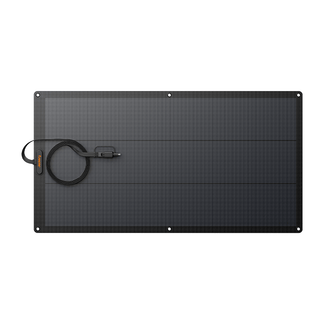
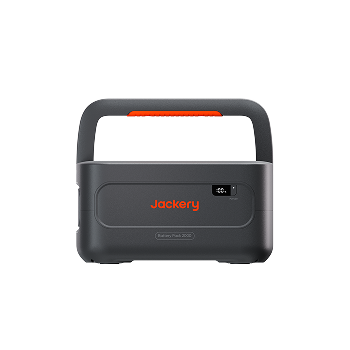
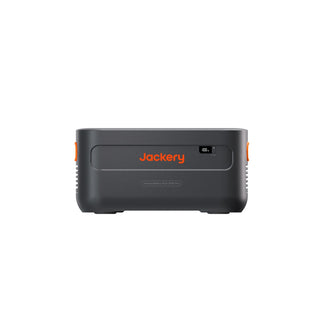
![[Add-on] Jackery Battery Pack 5000 Plus - Jackery](http://www.jackery.com/cdn/shop/files/add-on-jackery-battery-pack-5000-plus-6713401.webp?v=1786503068&width=324)









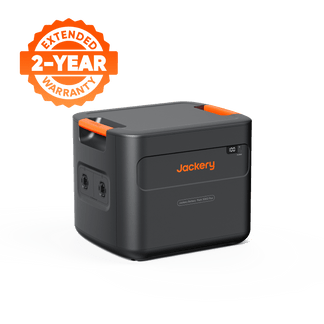
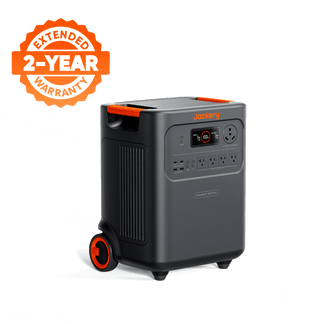
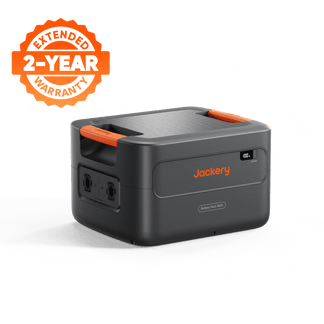
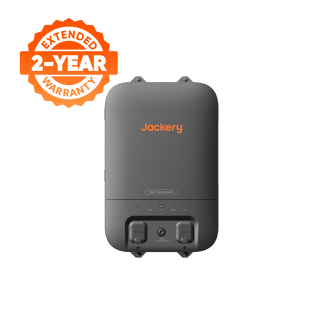
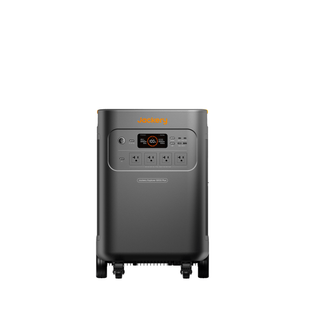
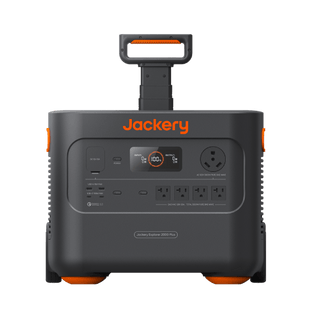
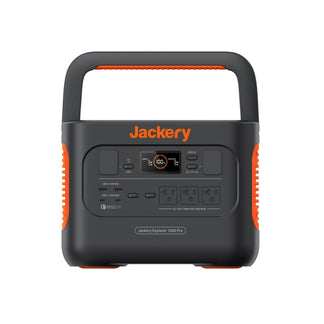
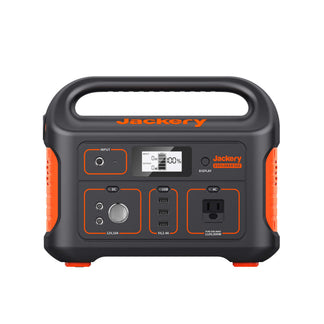


The most common camping power station mistakes, including wrong capacity, skipped solar setup, phantom loads draining your battery overnight, etc., are all avoidable with a little preparation. This guide covers all seven errors, explains exactly why each one happens, and gives you a clear fix for each before your next trip.
Portable power stations have transformed off-grid camping. A reliable solar generator can run a camp fridge, charge laptops and phones, power LED lighting, and even handle small appliances, all without a noisy generator or a campsite hookup. But that convenience disappears fast if you buy the wrong power station, set it up incorrectly, or manage it poorly in the field.
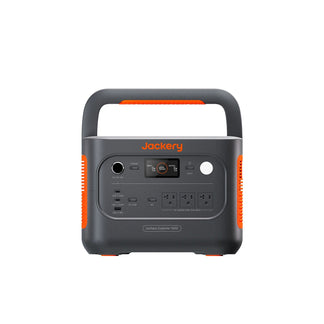
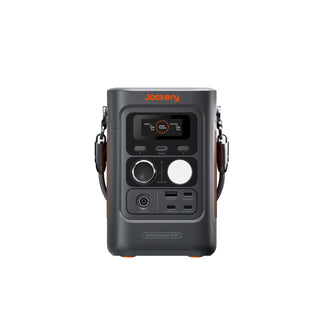
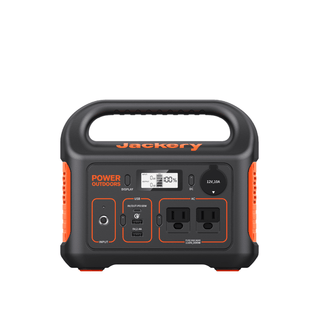
Jackery Portable Power Stations are compact enough to be carried around campgrounds and powerful enough to run essential appliances outdoors. These camping generators are available in different sizes and capacities, so you can choose the right solar battery backup for your power requirements.
Key Takeaways
- You should always calculate your watt-hour (Wh) needs before buying a camping power station, as guessing can result in an undersized or oversized unit.
- Charge your power station to 100% the night before every camping trip.
- Phantom loads (idle inverters, charged devices left plugged in) silently drain capacity overnight.
- You should match every device to a specific port before you leave, as port mismatches are among the most common on-site surprises.
- Pure sine wave output protects sensitive electronics like laptops, cameras, and medical devices.
What are the Expensive Camping Power Station Mistakes Most People Make?
Most campers do not make one big camping power station mistake, but they make several smaller ones that stack up. Here are the seven most common errors, each with a practical fix and guidance on how the Jackery Portable Power Station lineup is built to prevent them.
Mistake #1: Guessing Capacity Instead of Calculating It
Guessing battery capacity is the single most expensive error on this list. Most buyers guess at a watt-hour (Wh) number based on vague intuition, and they are almost always wrong in one direction or the other. They either buy a portable power station that dies mid-trip or haul 30 lbs of unused capacity to a campsite.
How Do You Calculate What Size Power Station You Actually Need for a Camping Trip?
Here are the simple steps to calculate the right camping power station size for your needs:
- List every device you plan to power at the campsite, such as phone, laptop, camp fridge, lighting, drone, fan, camera, etc.
- Find each device's wattage usually available on the label, in the manual, or a quick online search away.
- Multiply each device's wattage by the estimated hours of use per day. That gives you watt-hours (Wh) consumed per device per day.
- Add all Wh totals together, multiply by the number of camping days, then add a 20% safety buffer for inefficiencies and unexpected use.
The most common underestimation trap: forgetting the camp fridge (which runs 24/7 at roughly 45–60W average), the drone charger (80–100W), and LED string lights left on all evening.
The Fix: Do the math before you buy. A 10-minute device audit prevents a $300 mistake.
How Jackery Helps: Jackery publishes clear and comparable Wh ratings across its full power station lineup, making it straightforward to match station size to your real-world load.
Mistake #2: Leaving Home Without a Full Charge
Imagine you packed the camping gear in a hurry, loaded the power station in the truck, and arrived at camp to see '43%' on the display. This is a preparation problem and is completely avoidable.
Most portable power stations take 1.5–3 hours to charge fully from a standard AC outlet. You should know your power station's charge time before departure day. LiFePO4 batteries self-discharge in storage at roughly 1–3% per month. A unit stored for three months can be noticeably lower than expected, even if you charged it before storing it.
The Fix: Plug the power station into the outlet the night before every trip. Add it to your packing checklist as a non-negotiable step, like checking tire pressure.
How Jackery Helps: Several Jackery Portable Power Stations support fast charging, bringing the unit to full in under 2 hours via a standard AC outlet. This makes a same-morning recharging before departure entirely practical.
Mistake #3: Ignoring Solar Charging
Solar charging is what turns a one-night portable power station into a true multi-day off-grid camping generator. But it only works if you use it intentionally. A solar panel sitting at the wrong angle in partial shade all afternoon contributes almost nothing to your charge.
How Should You Set Up Solar Panels at a Campsite to Maximize Charging?
You should face the solar panel directly at the sun. For most of North America, south-facing orientation with a tilt matching your latitude works best. In addition, avoid partial shade at all costs. Even 20% shade on a monocrystalline panel can reduce output significantly, depending on cell wiring configuration.
You should also consider moving the solar panel at least once during the day. The optimal morning angle is significantly different from the afternoon angle. Match your solar panel wattage to your power station's maximum solar input rating. Exceeding it wastes panel capacity, and falling far short leaves charging time.
The Fix: Place panels intentionally, check them every few hours, and adjust as the sun moves. This one habit can double your effective solar harvest on a clear day.
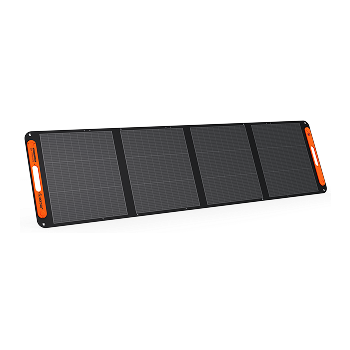
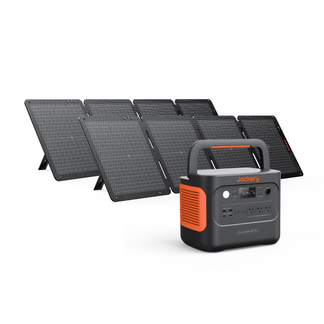
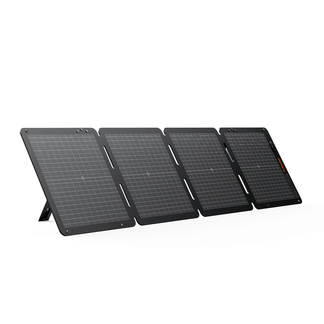
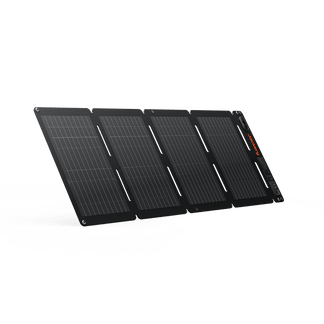
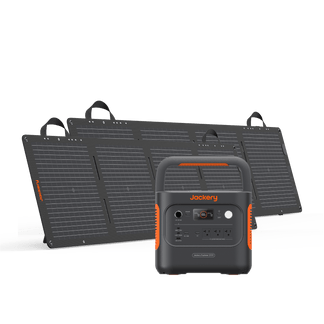
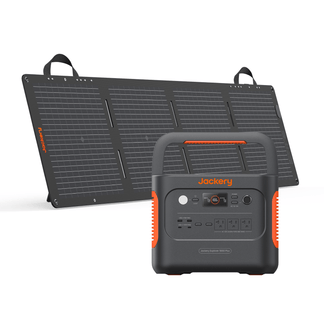
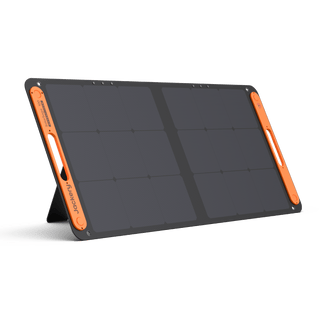
How Jackery Helps: Jackery's SolarSaga Solar Panels use monocrystalline silicon solar cells with MPPT (Maximum Power Point Tracking) optimization, extracting the maximum possible output from available light. The foldable design and built-in kickstand make angle adjustment easy without tools.
Mistake #4: Underestimating the Weight and Portability Trade-Off
This mistake has two versions, and both are common. The first camper buys a high-capacity portable power station, gets to the trailhead, and realizes they cannot carry it to their walk-in site. The second camper buys the lightest power station they can find and discovers it cannot run their camp fridge for more than a few hours. The root cause in both cases: they chose capacity (or lack of it) before thinking about the carry scenario.
- Walk-in sites (100+ feet from your vehicle): Weight is a primary criterion. Look for power stations under 15 lbs with carry handles.
- Drive-in or RV sites: Weight becomes secondary. Prioritize capacity and port variety because you can wheel or hand-carry it from the truck bed.
The Fix: Decide your carry scenario before you decide your capacity. Then find the power station that satisfies both constraints.
How Jackery Helps: Jackery designs its solar generator for camping lineup with ergonomic carry handles, balanced weight distribution, and compact footprints that fit in truck storage compartments. Each power station's dimensions and weight are clearly listed so you can match the unit to your site before buying.
Mistake #5: Letting Phantom Loads Drain the Battery While You Sleep
Phantom loads, also called vampire draws, are one of the most common and least visible sources of capacity loss. While you sleep, idle devices and always-on circuits quietly drain your watt-hours. By morning, a battery that should have been at 80% is at 55%.
Some of the things that drain the battery:
- The AC inverter is left on with nothing connected: Most inverters draw 5–20W at idle. Over 8 hours of sleep, that is 40–160 Wh lost for nothing.
- USB ports powering devices that finished charging hours ago: Many devices draw trickle current indefinitely after reaching 100%.
- LED strip lights were left on in the tent vestibule all night.
The Fix: Before bed, consider turning off the inverter if nothing is actively running, disconnect fully charged devices, and use individual port controls if your unit supports them. A 30-second routine saves 50–150 Wh every night.
How Jackery Helps: Jackery's app-enabled power stations allow individual port control from the front panel or the Jackery app. You can switch off the AC inverter, USB-A, and USB-C outputs independently without physically unplugging anything. Real-time output wattage on the display makes phantom draws immediately visible, so you can catch them before bed.
Mistake #6: Overloading the Power Station
Not every device with a plug will run safely through a portable power station, especially appliances with high startup surges. A coffee maker rated at 900W continuous can surge to 1,200–1,500W on startup. If your power station's peak output is 1,000W, it trips or shuts down before you get your first cup.
Here are the high-draw appliances that commonly cause problems at camp:
- Electric skillets and griddles: 1,000–1,500W continuous
- Hair dryers: 1,000–1,800W continuous
- Induction cooktops: 1,200–1,800W continuous
- Microwave ovens: 900–1,500W continuous, with significant startup surges
The Fix: Check the wattage label on every appliance before you pack it. Compare it to your power station's continuous and peak (surge) output ratings. When in doubt, leave the high-draw appliance at home. Always choose a pure sine wave output for sensitive electronics. And verify your power station's continuous and peak output ratings against every appliance you plan to run before departure.
How Jackery Helps: All Jackery Portable Power Stations output pure sine wave power, which is the same quality as a home wall outlet. It protects cameras, laptops, audio gear, and medical devices from waveform-related damage. Higher-capacity Jackery Solar Generators feature strong continuous output and robust surge handling, reducing the risk of nuisance tripping when startup-heavy appliances kick on.
Mistake #7: Overlooking the Ports and Interface
This is one of the most frustrating on-site discoveries: your power station does not have the right port for a device you specifically brought to power. For example, there might be no USB-C Power Delivery for the laptop, no 12V DC port for the portable fridge, or not enough simultaneous outputs for everything you packed.
Here are the three specific traps to know before you buy:
- The USB-C Trap: Many modern laptops require USB-C PD at 45–100W. A standard USB-C port on a budget power station may deliver only 18–30W, which is not enough to charge a MacBook under load.
- Missing 12V DC Outputs: These car-style ports are essential for portable fridges, tire inflators, and some camping fans. Not all portable power stations include them, especially compact models.
- Display Readability: Some portable power stations have small or dim screens that are unreadable in direct sunlight or after dark. A display you cannot read is not a useful display.
The Fix: Before every trip, lay out all devices you are bringing and match each to a specific port on your power station. Count simultaneous outputs and confirm cable types are packed. This takes five minutes and prevents the most common on-site frustrations.
How Jackery Helps: Jackery's power station lineup includes USB-C PD (up to 100W on select models), USB-A, standard AC outlets, and 12V DC car ports, covering the vast majority of camping device needs in a single power station. The front panel display is large, clearly backlit, and shows real-time input and output wattage, readable in direct sunlight and in complete darkness.
For Jacob Ires, self-reliance has been part of his identity since childhood in Vermont, where growing up far from grocery stores meant learning to prepare for everything. When two power outages in four days spoiled his food after moving into a new home, he ordered a Jackery product the next morning. What followed reshaped how he camps, works, and thinks about energy entirely. He ran a fridge, oven, water pump, TV, internet, and lights simultaneously, and still had nearly 40% battery left after four hours. On a group camping trip with twelve people, his Jackery powered everyone's devices and a full DJ setup through the weekend with charge to spare. Read more Jackery Stories to see how people use their products for home backup and outdoor adventures.
Recommended Jackery Portable Power Stations for Camping
Every camping power station mistake in this guide points back to the same root cause: the wrong tool for the job. Buying a portable power station that matches your actual camping style, such as trip length, group size, carry distance, and device list, removes most of the risk before you even leave home. Jackery's power station lineup covers distinct use cases, from a solo weekend hiker to a family running a full base camp.
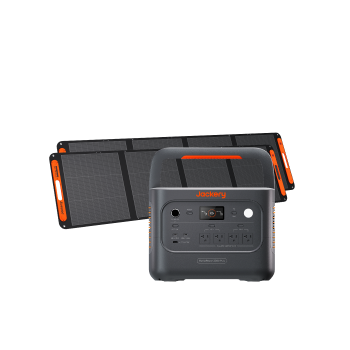
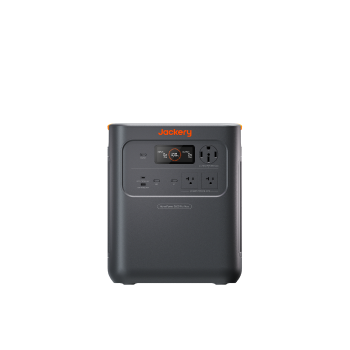
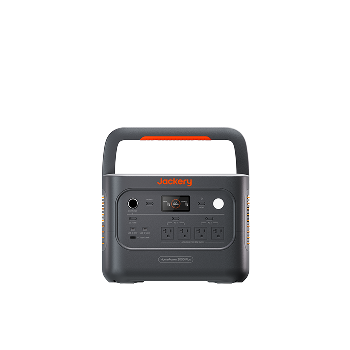
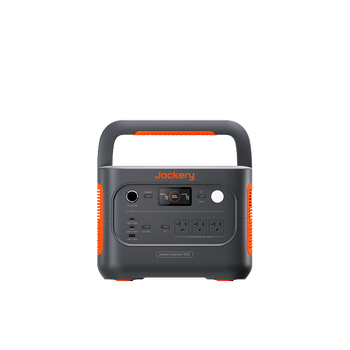
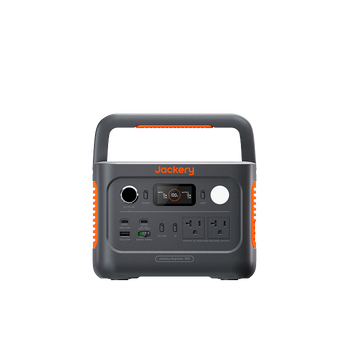
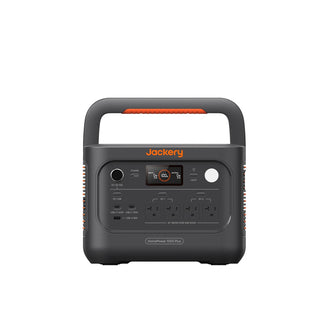
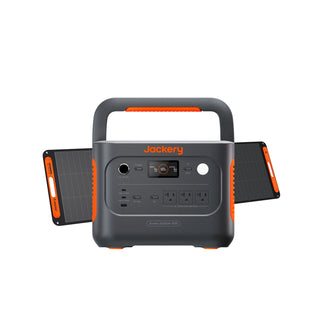
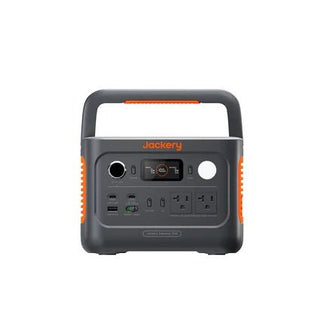
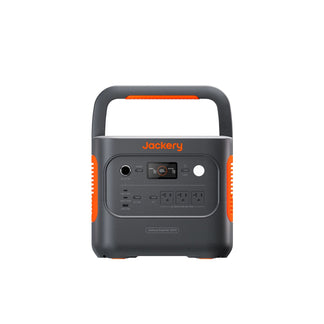
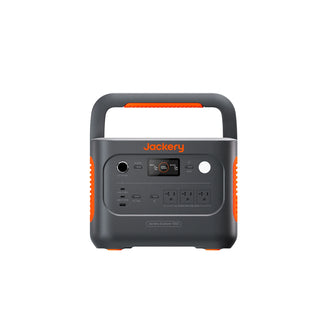
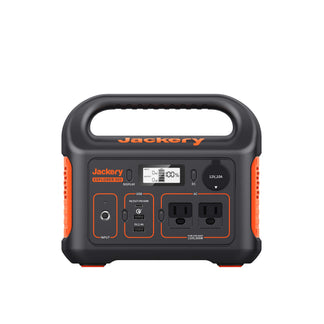
Jackery Explorer 600 v2
The Jackery Explorer 600 v2 is a compact power station built for campers who need more capacity without the heavy weight. It is light enough to carry to a walk-in site and capable enough to run a small portable fridge, charge a laptop, keep two phones charged, and power LED lighting, all from the same unit. It supports multiple output ports simultaneously, so there is no juggling cables or prioritizing devices. When paired with solar panels, it becomes a self-sustaining system for multi-day backyard camping trips where a wall outlet is never part of the plan.
Appliances Running Time
- Camp Fridge (50W) = 8.7H
- Camping Lights (20W) = 17.5H
- Laptop (50W) = 8.7H
- Blender (300W) = 1.7H
- Electric Grill (500W) = 1.0H
Who Should Buy This
If you are a solo camper who wants a single unit that covers most of your devices without oversizing, the Jackery Explorer 600 v2 is an ideal portable power supply for camping.

Customer Review
Purchased the unit for camping, but also for emergency use when the power goes out! It will open my garage doors, provide temporary light, and power fans for the wood stove when the power goes out in the winter storms. It will be used for extra lights when working outdoors, and the sun goes down. Really looking forward to using it when camping!
— Anonymous.
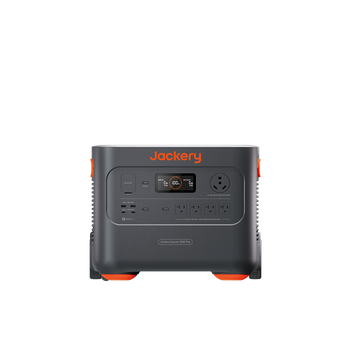
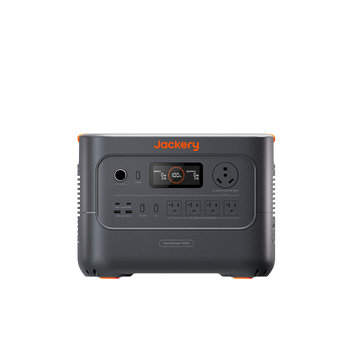
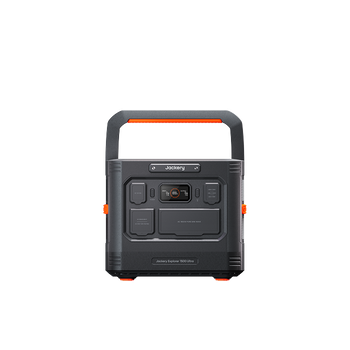
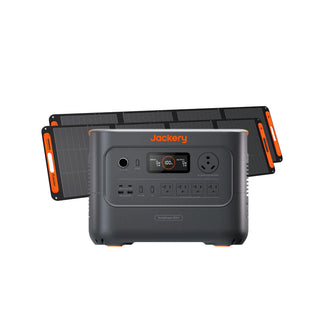
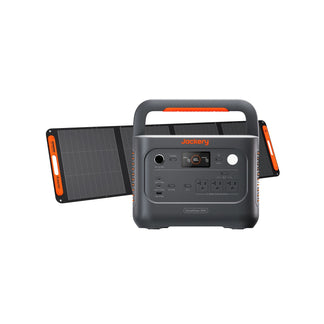
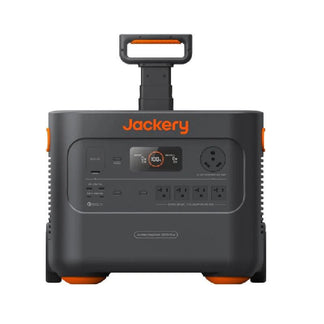
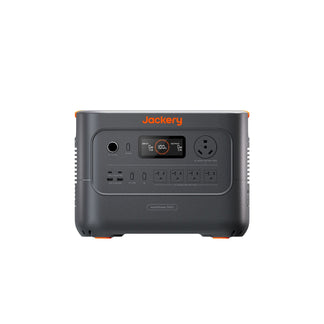
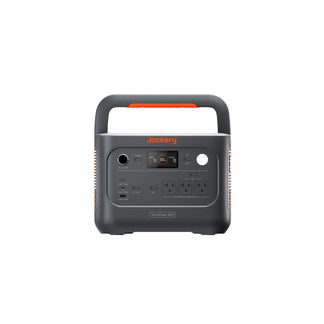
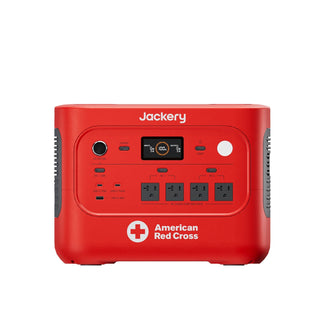
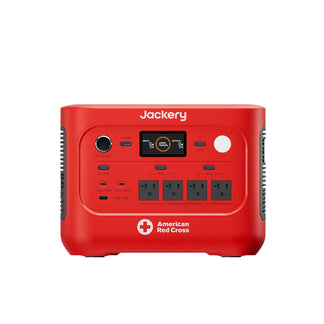
Jackery Explorer 1000 v2
The Jackery Explorer 1000 v2 is another camping battery backup that handles the startup spikes from coffee makers, electric skillets, and camp fans. It features a foldable handle and compact design that allows you to transport the camping generator anywhere you go. If you are planning a family or group camping trip with 2–4 people for multiple nights, a camp fridge, multiple devices, and at least one high-draw appliance, you can consider the Jackery Explorer 1000 v2.
Appliances Running Time
- Camp Fridge (50W) = 13.5H
- Camping Lights (20W) = 25.1H
- Laptop (50W) = 13.5H
- Blender (300W) = 2.8H
- Electric Grill (500W) = 1.7H
Who Should Buy This
If you often plan multi-day camping with your family and need enough power to run basic appliances, you can choose the Jackery Explorer 1000 v2.

Customer Review
I absolutely love this unit. The 1000 v2 is the perfect fit, combining portability and functional power. This unit provides enough power to operate nearly every appliance you typically use for a significant amount of time. Normally, I use one as a UPS for my gaming setup.
— Andrew.
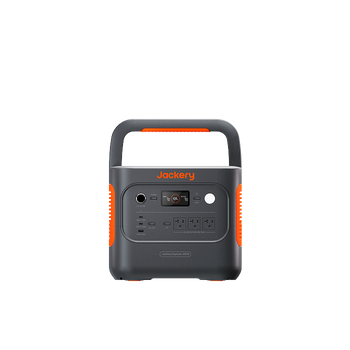
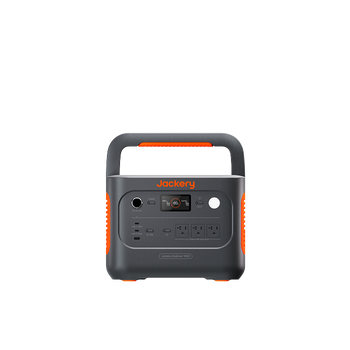
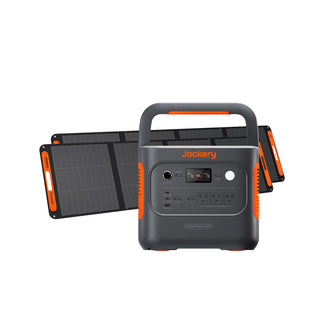
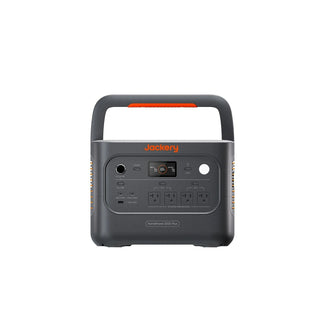
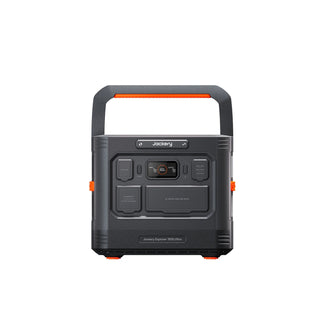
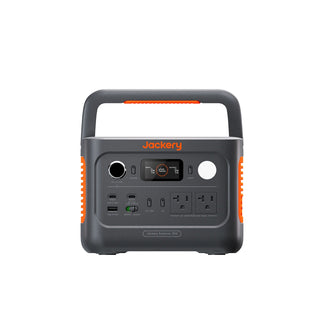
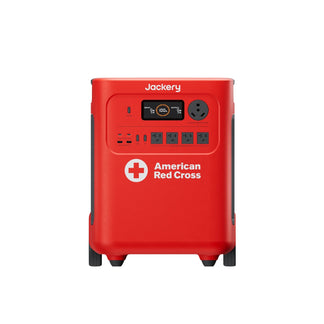
Jackery Explorer 1500 v2
The Jackery Explorer 1500 v2 is ideal for campers with high-power needs on week-long trips, large groups, power-hungry gear, or situations where running out of power is not an option. It covers every device scenario from a MacBook under load to a portable fridge running around the clock. Campers running high-draw gear, such as induction cooktops, power tools, or photography/video equipment, would benefit from this mid-capacity power station.
Appliances Running Time
- Camp Fridge (50W) = 18.5H
- Camping Lights (20W) = 33.1H
- Laptop (50W) = 18.5H
- Blender (300W) = 4.0H
- Electric Grill (500W) = 2.4H
Who Should Buy This
If you often plan family or group camping for 5 or more nights, especially with a portable fridge running 24/7, the Jackery Explorer 1500 v2 is an ideal solution.

FAQs
How to choose a power station for camping?
Start with a power audit: list every device you plan to use, find each one's wattage, multiply by daily hours of use, total everything, and add 20% as a safety buffer. That number is your minimum capacity in watt-hours. Next, check that the power station's port array matches your devices, especially USB-C PD wattage for laptops and 12V DC for fridges. Finally, match the weight to your carry scenario. Walk-in sites require smaller power stations, while drive-in sites offer greater flexibility in size.
What should you not bring to camp?
Avoid appliances that exceed your power station's continuous or peak output rating, such as full-size microwave ovens, hair dryers above 1,000W, induction cooktops, and large electric kettles. Also, leave behind cheap extension cords not rated for the wattage you need. They cause voltage drops that can damage sensitive electronics and are a fire risk under sustained load. For more information, you can check out the ultimate camping must-haves with checklist.
How many watts is good for camping?
The right wattage for camping depends on your trip length and device list:
- Solo camper, weekend, phone + laptop + small light: 300–600Wh is usually sufficient.
- Couple, 2–3 days, portable fridge + multiple devices + fan: 1,000–1,200Wh covers the load.
- For a family or group, 4+ days, fridge + appliances + large lighting setup: 1,500Wh and above with solar input is the right starting point.
How do I calculate what size power station I need for camping?
To calculate the size of a power station you need for camping, list your devices, find each device's wattage, multiply it by the hours of use per day to get watt-hours (Wh), total all the Wh, multiply by the number of camping days, then add 20% as a buffer. The final number is your minimum power station capacity.
Conclusion
The seven camping power station mistakes in this guide, from miscalculated capacity to phantom loads, solar neglect, and overlooked ports, are all fixable before you ever leave the driveway. The common thread is deliberate preparation: a 15-minute device audit, a pre-trip charge, intentional solar placement, and a port-matching check cover the majority of on-site failures.
Jackery's power station lineup is engineered around real camping use cases. Clear Wh ratings make capacity decisions straightforward. Pure sine wave output protects sensitive electronics. App-enabled port control addresses phantom loads. MPPT-optimized Jackery SolarSaga Solar Panels maximize solar harvest. And the port arrays are designed to match the actual devices campers carry.


