






















































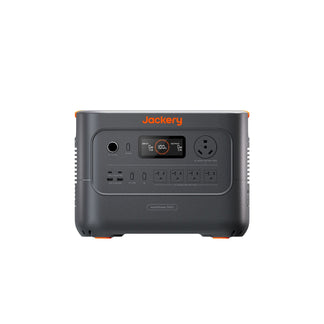
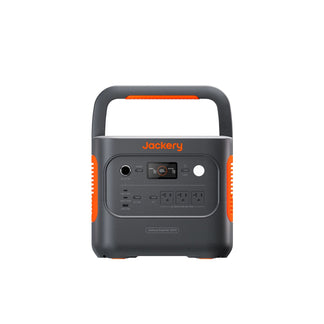
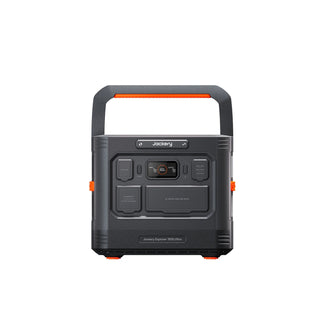
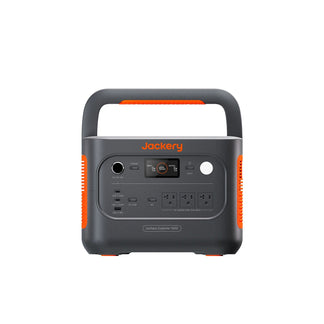

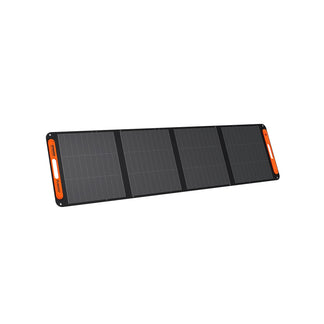
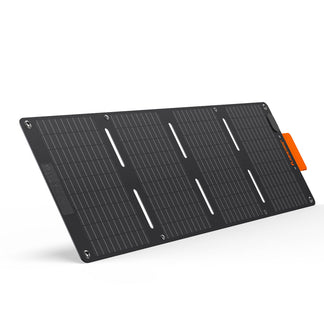
![[Add-on] Jackery SolarSaga 500 X - Jackery](http://www.jackery.com/cdn/shop/files/add-on-jackery-solarsaga-500-x-1493607.webp?v=1786503068&width=324)
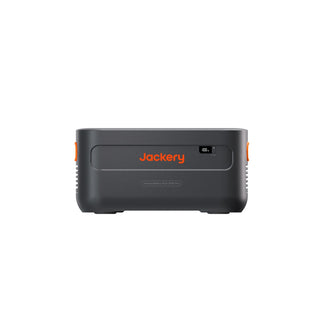
![[Add-on] Jackery Battery Pack 5000 Plus - Jackery](http://www.jackery.com/cdn/shop/files/add-on-jackery-battery-pack-5000-plus-6713401.webp?v=1786503068&width=324)
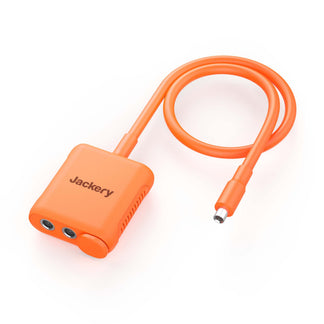









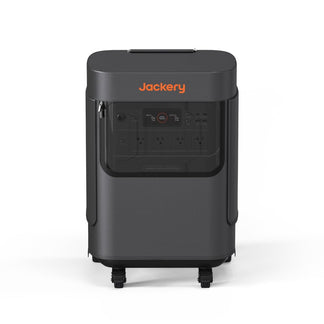




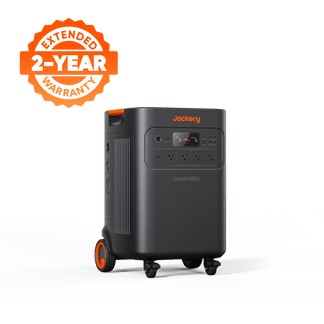
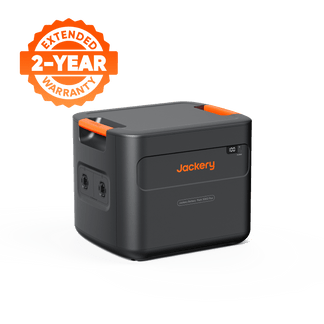
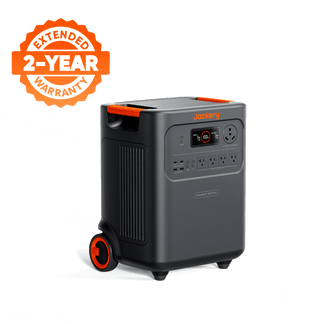
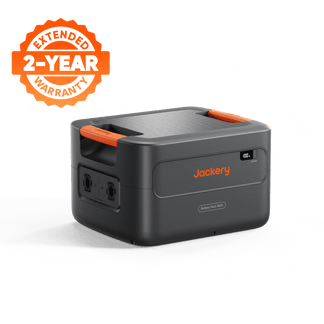
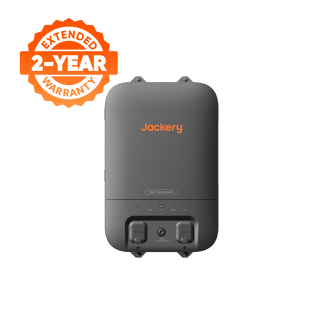
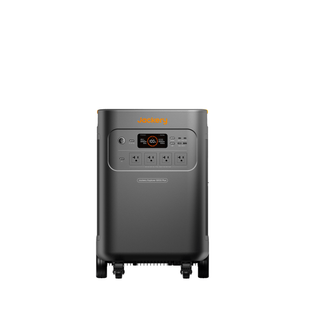
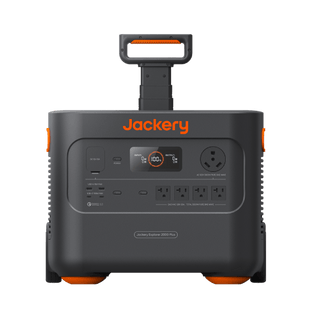
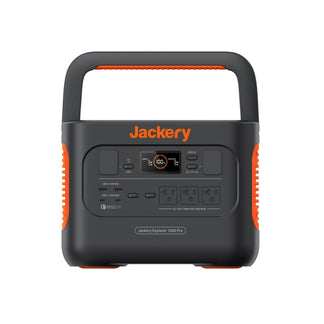
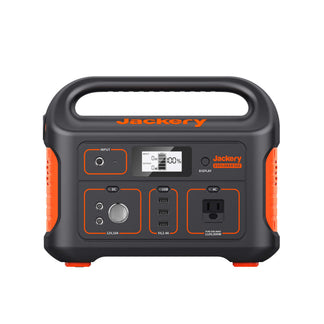
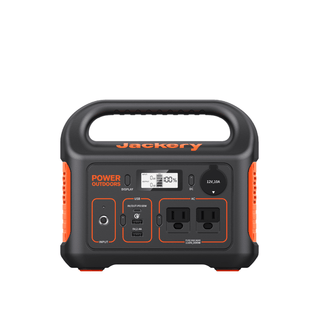
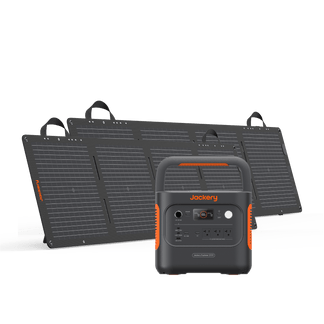
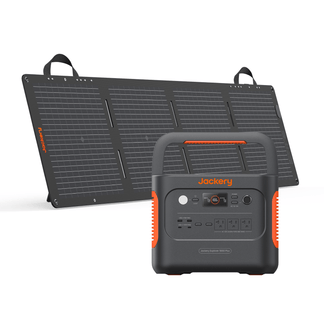



The best home office power solution is one that delivers enough capacity to last a full workday, outputs clean, pure sine wave power, and switches to battery so fast that your devices never skip a beat. For most remote workers running a laptop, monitor, and router, a 1,000–1,500 Wh portable power station is the ideal solution. It's big enough to cover an 8-hour workday, compact enough to sit under a desk, and quiet enough for video calls.
If you run a desktop PC or multiple monitors, you'll want to size up to a power station with a capacity of 2000Wh. Jackery Portable Power Stations are available in different sizes and feature a UPS mode that keeps your critical appliances powered during sudden power outages. These power stations feature a compact design and a foldable handle for easier transportation between rooms, home offices, the kitchen, and even outdoor locations.
Key Takeaways
- Most home offices draw 115–160W total, and a 1,000 Wh power station gives you 6–7 hours of runtime under ideal conditions.
- You should always choose pure sine wave output to protect laptops, monitors, and networking gear during sudden outages.
- Power stations with UPS mode and sub-20ms switchover prevent your devices from even noticing the outage.
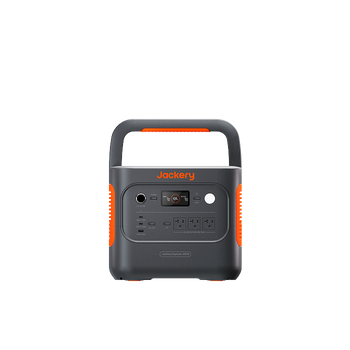
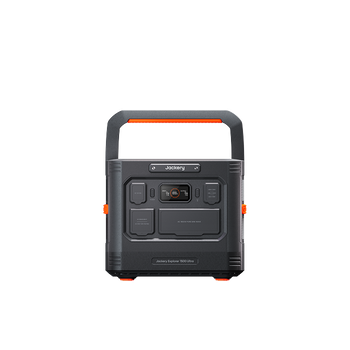
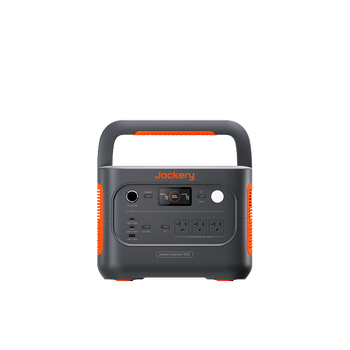
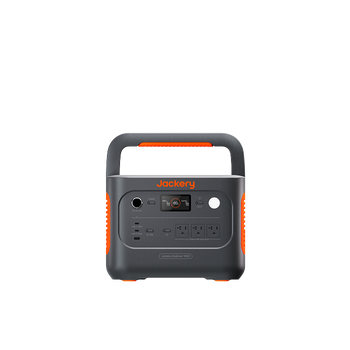
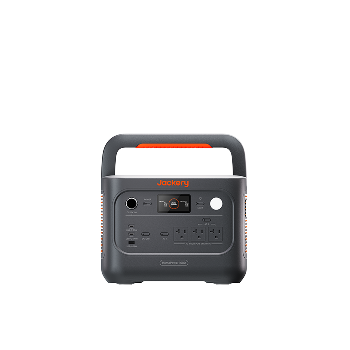
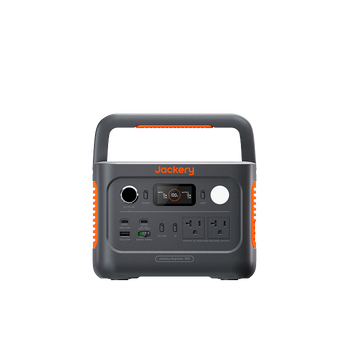
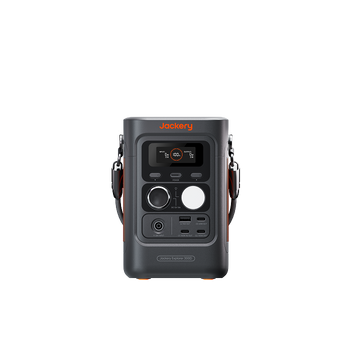
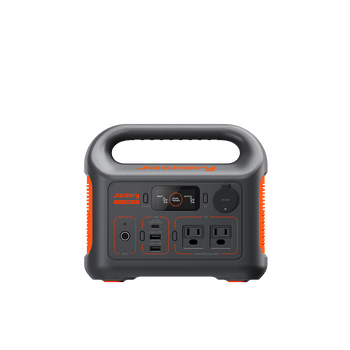
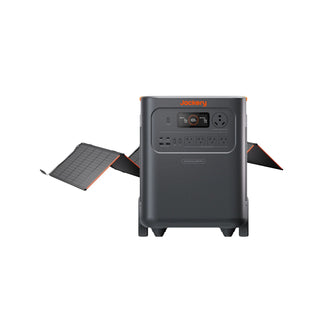
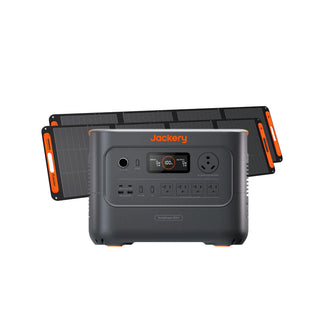
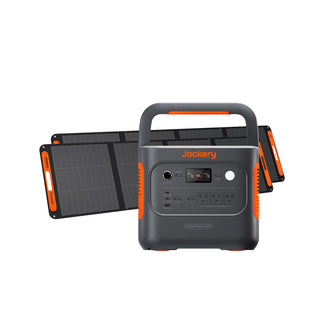
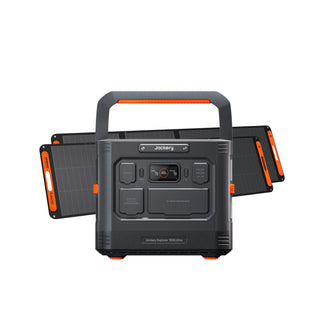
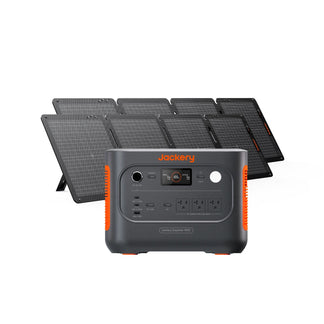
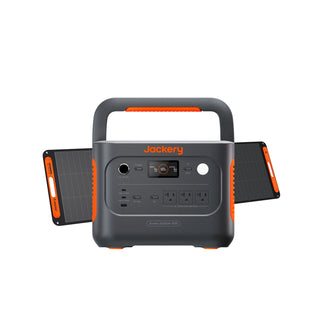
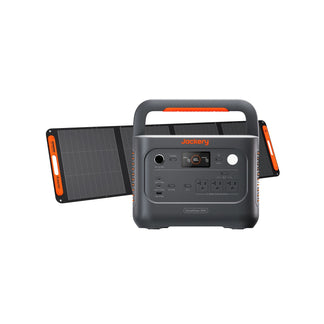
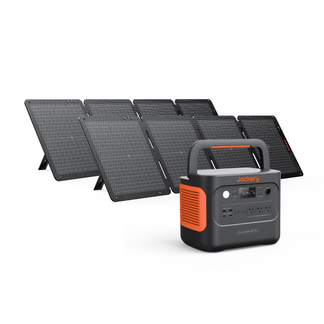
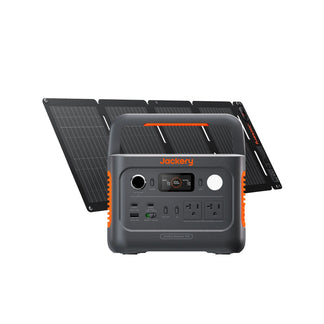
- The Jackery Explorer 1000 v2, Jackery Explorer 2000 v2, and Jackery HomePower 3000 cover solo workers to full workstations.
What Does a Home Office Need from a Backup Power Station?
A home office backup power station requires sufficient capacity (1000–1500Wh+) to run laptops, monitors, and routers for 10–17+ hours, with multiple AC/USB ports for charging, quiet operation for video calls, and ideally, instant UPS switching to prevent data loss.
Workday Runtime: You need enough battery to cover a full shift (ideally 8+ hours) without the need for constantly checking the charge level during a client call.
Pure Sine Wave Output: Professional electronics require clean power, so you will need a battery backup that supplies reliable power to critical work appliances.
UPS-Style Switchover: If the power flickers and your power station takes 2 seconds to kick in, your computer restarts anyway. You need a home office power solution with a near-instant switchover.
Quiet Operation: Fan noise is a real issue on work-related video calls. Look for power stations with quiet or silent modes at typical office loads.
Enough Output Ports: A multi-device setup needs multiple AC outlets, plus USB-A and USB-C ports for charging phones and peripherals simultaneously.
Why Does Pure Sine Wave Output Matter for Home Office Equipment?
Pure sine wave output matters for home office equipment because it provides clean, stable power that closely resembles utility grid power. It is safe for modern office equipment, such as laptops, PCs, and networking gear, that require consistent power to function. Unlike pure sine wave output, modified sine wave power is cheaper to produce, but it is a rougher approximation of grid power.
For simple devices like a box fan or a basic lamp, modified sine wave power output works fine. For professional equipment, it's a problem. Laptops, external monitors, NAS drives, audio interfaces, and networking hardware are all designed to run on clean grid-quality power and require a solar generator with pure sine wave output. Modified sine waves can cause audible buzzing from speakers, overheating in power supplies, instability in hard drives, and shorter device lifespans.
What is UPS (Uninterruptible Power Supply) Mode, and Does Your Power Station Have It?
UPS stands for Uninterruptible Power Supply. In a traditional UPS device, your equipment runs through the battery at all times, so there is zero interruption when the grid goes down. Most portable power stations work differently. The UPS battery backups supply grid power to your devices and switch to battery power only during an outage.
The problem is that switching from grid power to battery backup takes time. A slow switchover (500ms or more) can cause your computer to reboot or your monitor to go dark, which defeats the purpose. For home office use, you need a switchover time of under 20 milliseconds. At that speed, your laptop, monitor, and router won't register the gap. They just keep running.
Many Jackery Portable Power Stations include a dedicated UPS mode that switches within 20ms, ensuring your home office supplies keep running even during a sudden blackout. You can check out which Jackery products have UPS mode in this detailed guide.
How Much Capacity Power Station for Home Office is Needed?
For a typical home office (laptop, monitor, internet router, and phone), a portable power station with 500Wh to 1,500Wh capacity is recommended to run devices for a full workday. For longer outages or to include desktop computers, you can consider a portable power station for home offices of around 1,500Wh to 2,000Wh capacity. Here are the typical home office power loads:
At a 150W average draw, here's how the math works out:
- 1,000 Wh unit: ~6–7 hours of runtime (accounting for ~85% efficiency)
- 1,500 Wh unit: ~9–10 hours, a full workday with margin to spare
Those numbers hold for a standard setup: laptop, one monitor, router, lamp, and a phone on charge.
If you add a second monitor and you are adding another 25–40W or switching from a laptop to a desktop PC, the calculation changes entirely. This is because desktops draw 150–400W on their own, pushing your total load to 300–600W or more.
When in doubt, add up the wattage of every device you'd need to keep running during an outage, then divide your target capacity (in Wh) by that number. That gives you your runtime in hours.
|
Home Office Device |
Typical Wattage |
Running Time |
Energy Needed |
|
Laptop |
50W |
8H |
400Wh |
|
Desktop |
150-400W |
6H |
900-2400Wh |
|
Monitor |
40W |
6H |
240Wh |
|
Printer |
100W |
2H |
200Wh |
|
Tablet |
20W |
3H |
60Wh |
Joseph Schentrup, a software engineer and father of twins in Florida, knows better than most what it means to depend on reliable power. After one too many outages disrupted client calls, coding sessions, and his children's sleep, he invested in a Jackery product to cover the circuits that mattered most: his garage office, the kitchen, his wife's workspace, and the kids' rooms. The result was exactly what he needed. When the lights flickered mid-coding session, his computer didn't so much as blink. When power dipped at night, the fans kept running, and his twins slept through it. Check out other Jackery Stories and see how people use portable power sources for their needs.
Recommended Jackery Portable Power Stations for Home Office
Not all portable power stations are built for the demands of a home office. The right portable power station for home office needs to balance capacity, clean output, and fast battery switchover, while staying quiet enough for calls and compact enough to fit under a desk. The three Jackery Portable Power Stations below cover the full range of home office setups, from a lean laptop-and-router configuration to a full production workstation.
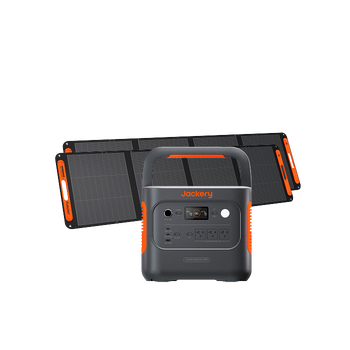
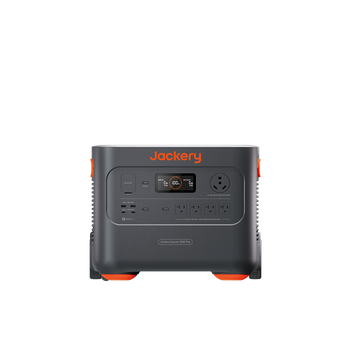
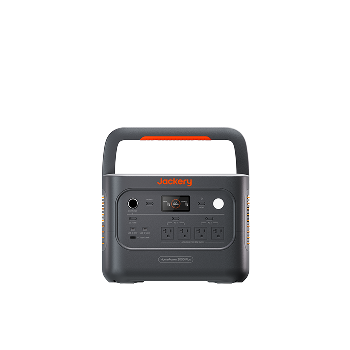
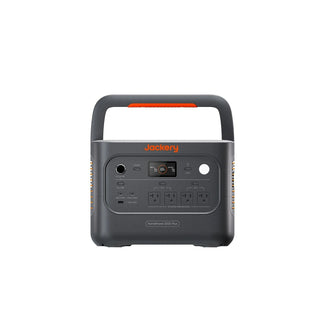
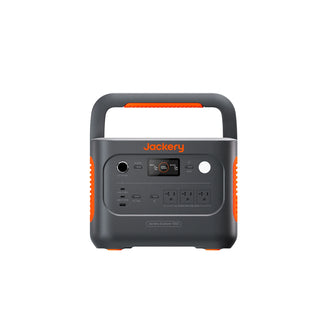
Recommended for Solo Remote Workers: Jackery Explorer 1000 v2
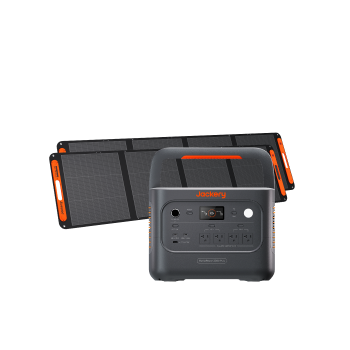
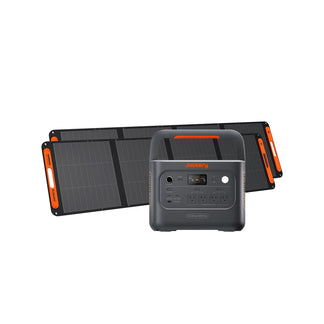
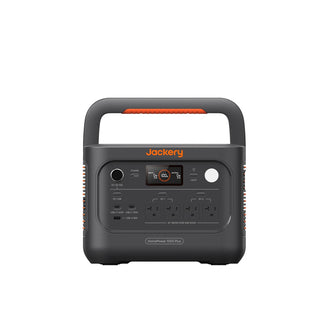
The Jackery Explorer 1000 v2 is purpose-built for the kind of load a solo remote worker actually runs. With 1,070 Wh of capacity and pure sine wave AC output, it will power a laptop, single monitor, router, and desk lamp for approximately 4 - 6 hours per charge. It supports UPS functionality, making it a true grid-replacement device for work hours. It's also compact enough to slide under a standing desk without getting in the way.
Appliances Running Time
- Laptop (50W) = 13.5H
- Desktop (150W) = 5.3H
- Monitor (40W) = 16.0H
- Printer (100W) = 7.6H
- Portable Fan (200W) = 4.1H
Who Should Buy This
If you work solo at home or in a remote location with a laptop-centric work setup, the Jackery Explorer 1000 v2 is the practical and right-sized choice.

Customer Review
The backup power supplies (Jackery 1000 v2) are doing the job well so far. Thankfully, we haven’t lost power yet, but I let them power the fridge and freezer for a handful of cycles, and they worked. When I disconnected from the grid power, the backups maintained power flawlessly.
— Anonymous.
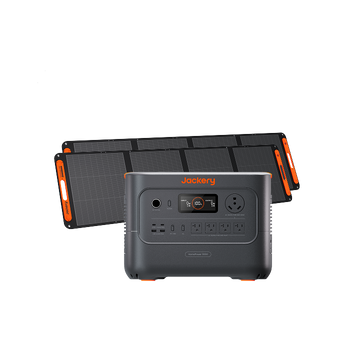
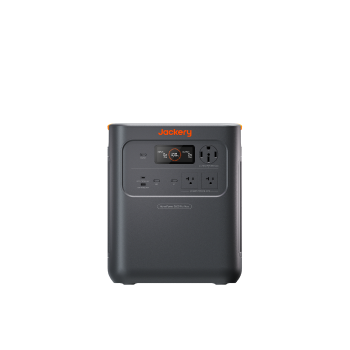
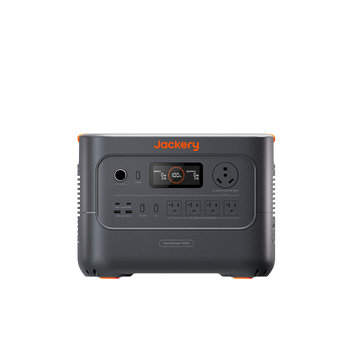
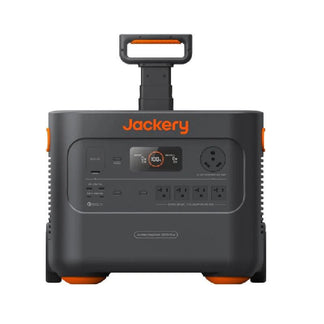
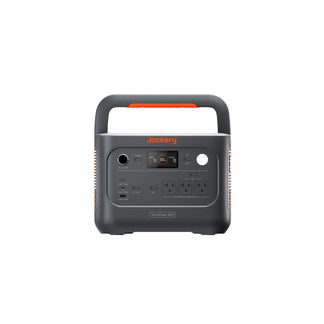
Recommended for Dual-Monitor or Multi-Device Home Offices: Jackery Explorer 2000 v2
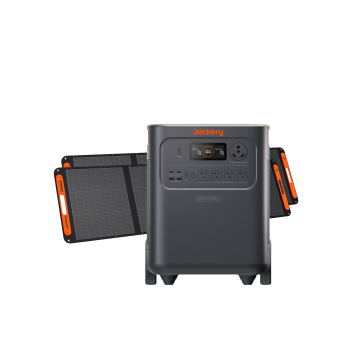
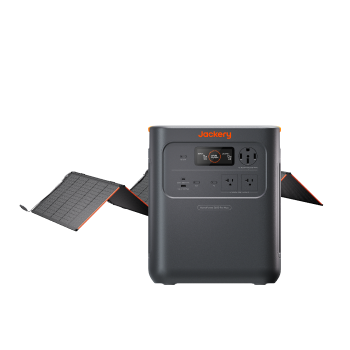
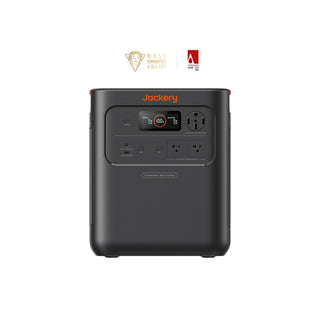
The Jackery Explorer 2000 v2 is a home office power solution that gives you the headroom to run a dual-monitor setup, a desktop computer, or multiple devices simultaneously. At a 200–250W load (a common draw for a dual-screen setup with a laptop or mid-range desktop), you are looking at 6 - 8 hours of runtime. It handles more demanding peripherals like audio interfaces or external storage arrays without issue, thanks to its clean, pure sine wave output.
Appliances Running Time
- Laptop (50W) = 24.6H
- Desktop (150W) = 10.0H
- Monitor (40W) = 28.9H
- Printer (100W) = 14.2H
- Portable Fan (200W) = 7.7H
Who Should Buy This
If your home office work setup has grown beyond a single screen and you need to run power-demanding appliances, the Jackery Explorer 2000 v2 is the ideal home office power solution.

Customer Review
This Jackery solar generator is really nice and compact! It supplies plenty of power and lasts much longer than I expected! The solar panels are made really well and are easy to set up! They produce a really good fast charge! The unit and the App are very easy to use, and there are good instructions to help you set up and use the unit!
— Gim M.
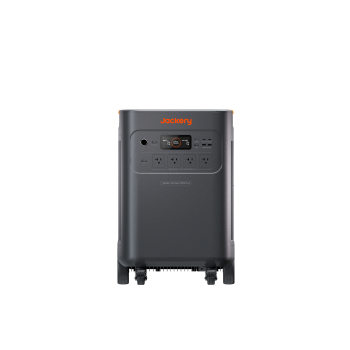
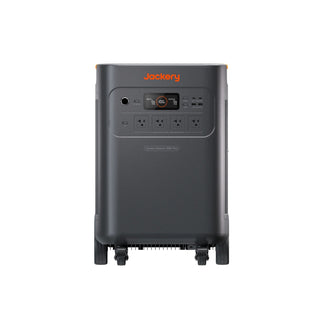
Recommended for Power-User Workstations: Jackery HomePower 3000
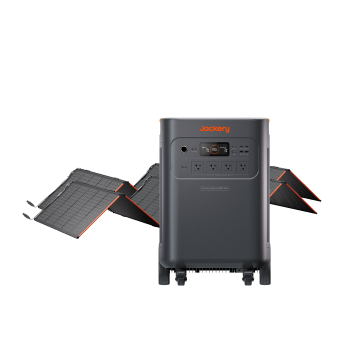
The Jackery HomePower 3000 is a home battery backup for professionals whose work demands serious computing power. It is designed to sustain a full desktop workstation, including a high-performance CPU, multiple monitors, and audio or video production gear, through an extended outage. At a 400W load (a demanding but not unusual draw for a video editing rig), you get approximately 6 hours of runtime. At lighter loads, it stretches considerably further and can be recharged with compatible solar panels.
Appliances Running Time
- Laptop (50W) = 36.3H
- Desktop (150W) = 15.2H
- Monitor (40W) = 42.1H
- Printer (100W) = 21.4H
- Portable Fan (200W) = 11.8H
Who Should Buy This
If your work involves rendering, compiling large codebases, or running real-time audio processing, the Jackery HomePower 3000 is the home office power solution that won't let you down mid-project.

Customer Review
I live in Florida. We purchased the Home Power 3000 to have for the next inevitable hurricane! During the winter, we plan to do several trial runs to see how long it will power our freezer and refrigerator. Have a window unit AC in my garage that I plan to run with this device next summer.
— Eugene M.
How Should You Set Up a Power Station for Home Office Backup?
In order to set up a power station as a home office backup, calculate your total wattage needs, select a LiFePO4 power station with sufficient capacity (1000Wh recommended), and use a portable power station with UPS (Uninterruptible Power Supply) functionality for seamless switching. Place it near your desk, plug devices directly into the AC ports, and keep it connected to wall power to maintain a full charge. Here are the detailed steps to set up home office power solutions:
Step 1: Prioritize Your Devices
Identify which equipment is non-negotiable during an outage, typically your laptop (or desktop), router, and primary monitor. Note what can safely go offline: printers, secondary screens, space heaters, and phone chargers can wait or run on separate circuits.
Step 2: Connect Critical Devices to the Power Station's AC Outlets
Run your priority home office devices directly through the portable power station for home office. Keep them there all the time and not just when an outage is expected. The power station passes power through from the wall during normal operation, so there's no reason to unplug and replug every time.
Step 3: Enable UPS Mode if Your Unit Has It
Open the device's app or control panel and activate UPS mode. This configures the power station for the fastest possible switchover. Don't assume it's on by default.
Step 4: Store it at Around 80% Charge
Lithium batteries last longer when they are not kept at 100% all the time. Most Jackery Portable Power Stations let you set a charge limit in the app. Aim for 80% for day-to-day storage, and recharge it to 100% only when you know a storm or outage is likely.
Step 5: Test it Before You Need it
With everything connected and the power station charged, unplug the power station from the wall. Watch what happens. Your devices should keep running without interruption. If anything restarts or goes dark, check your connections and UPS mode settings. Do this test once when you set it up, and again after any firmware updates.
If you are still confused, you can refer to our blog that shares how to build a work-from-home setup that never loses power.
FAQs
Can a power station power a home office?
Yes, a portable power station with pure sine wave output and adequate capacity (1,000Wh or more) can power a complete home office setup, including a laptop, monitor, router, and peripherals, for a full workday or longer.
What size power station do I need for my home office?
The size of a power station for home offices depends on the appliances, their wattage consumption, and runtime. To calculate the size of a power station required, add up the wattage of your essential devices. Most laptop-based setups draw 115–160W, making a 1,000–1,500 Wh power station the right fit. Desktop PC users should start at 2,000 Wh.
If you want to calculate how long a Jackery Solar Generator will run a laptop, you can consider using the Running Time Calculator available on the Jackery Buying Guide page. Simply pick the Jackery model you are interested in, input the total wattage of the appliances, and click Enter to get an estimated runtime.
Does a power station work as a UPS?
Many Jackery Portable Power Stations feature a UPS mode that switches within 20ms during a sudden outage. For the home office, you will need a power station with a dedicated UPS mode and a switchover time under 30ms.
Is a portable power station safe for laptops and computers?
Yes, as long as the portable power station outputs pure sine wave power, it is safe for laptops and computers. Modified sine wave units can cause instability or long-term damage to sensitive electronics. All Jackery Portable Power Stations use pure sine wave output, making them safe for sensitive electronics.
How long can a Jackery power a laptop?
A laptop drawing 60W from a Jackery Explorer 1000 v2 (1070 Wh) will run for approximately 13 hours. In a full office setup with a total draw of 150W, you can expect a runtime of around 5 hours. For more information, check the detailed guide: How Long Will a Jackery Run a Laptop/Computer/Tablet.
Conclusion
A power outage does not have to mean a lost workday. With the right home office power solutions in place, your home office keeps running exactly as it would on grid power without interruption, reboots, or lost work. The key is matching the power station to your actual setup. A 1,000Wh power station covers most solo remote workers for a full shift. Dual-monitor setups and desktop PCs need more headroom, which is where the Jackery Explorer 2000 v2 and Jackery HomePower 3000 earn their place. Whatever you choose, make sure it outputs pure sine wave power and supports UPS-mode switchover.


