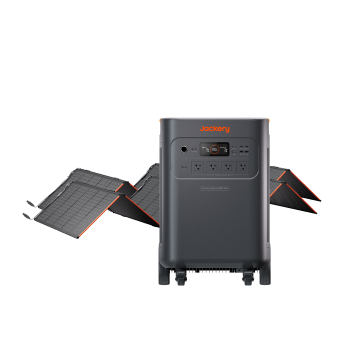
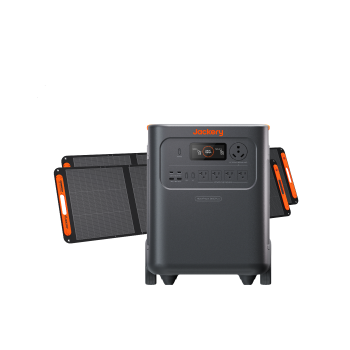
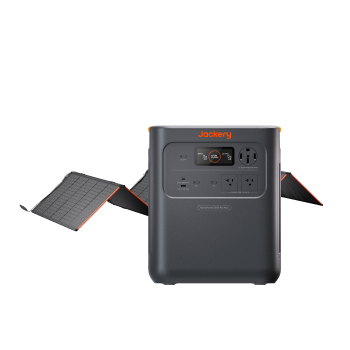
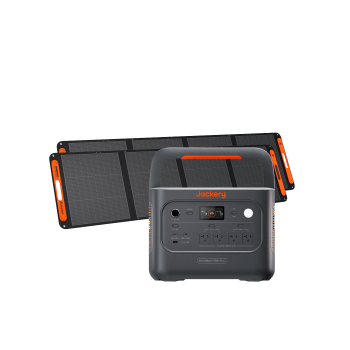
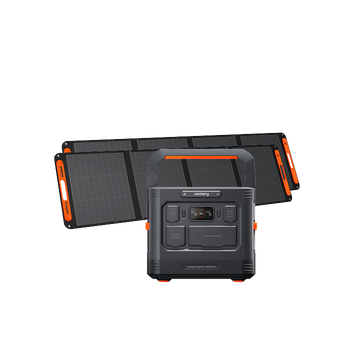
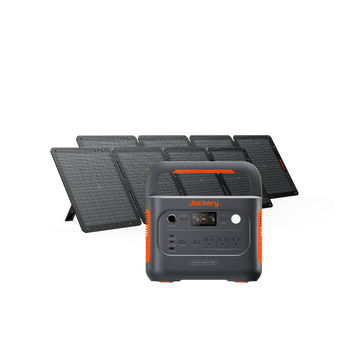
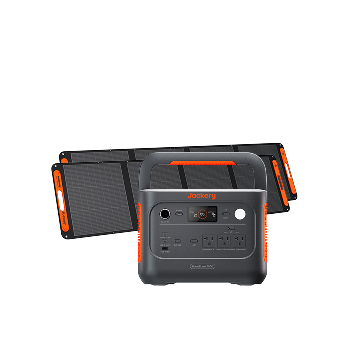
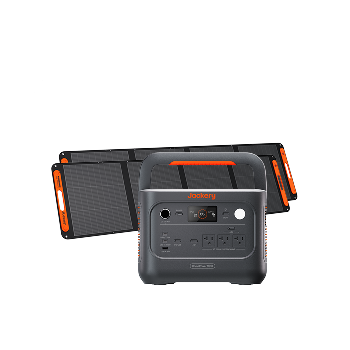
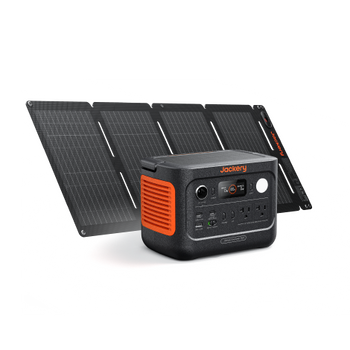

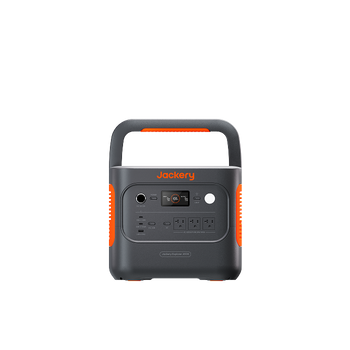
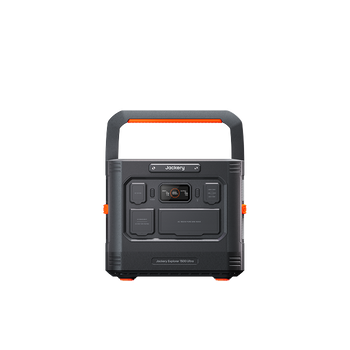
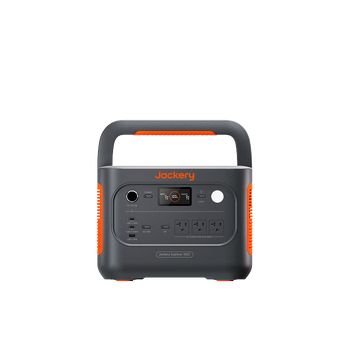
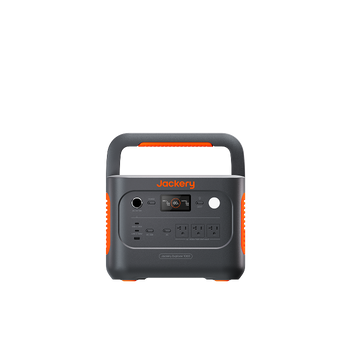
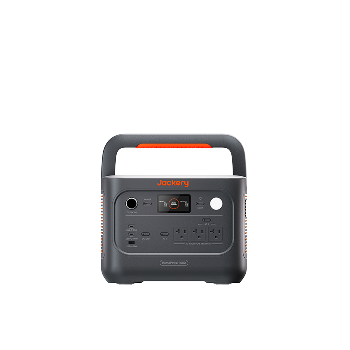
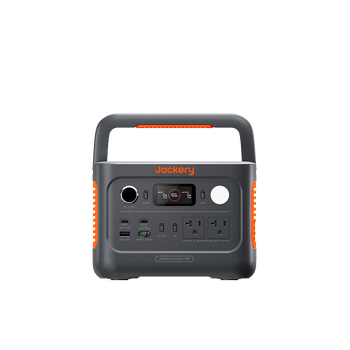
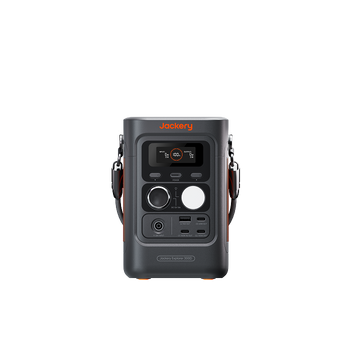
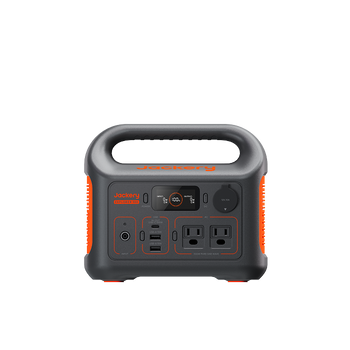
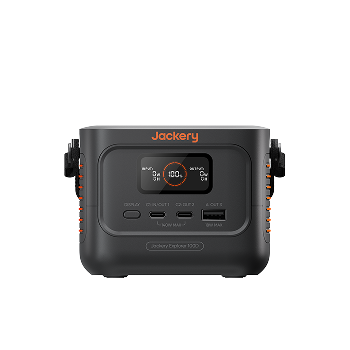
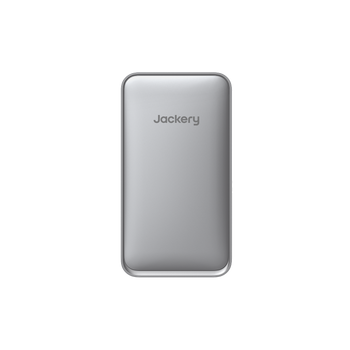
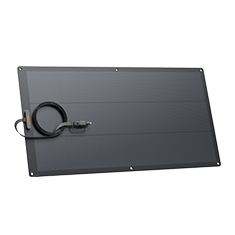
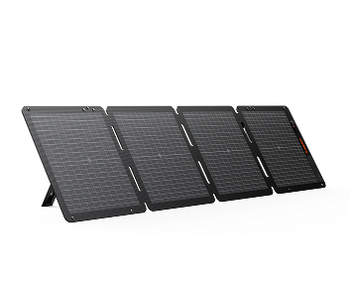
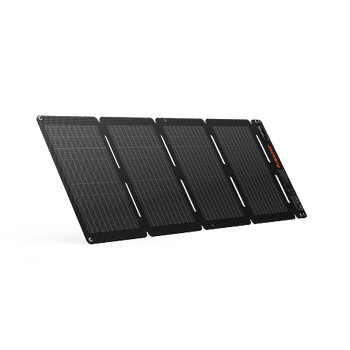
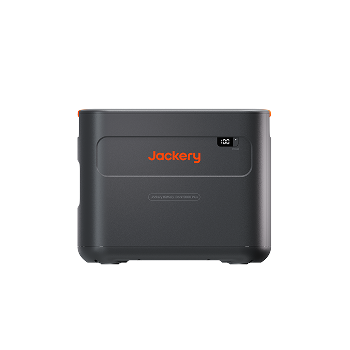
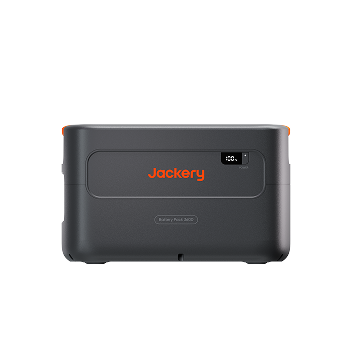
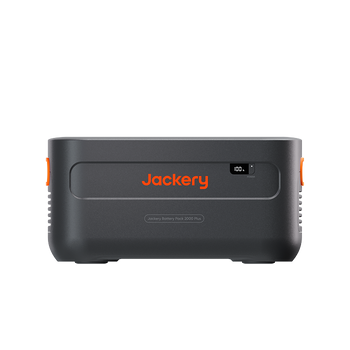
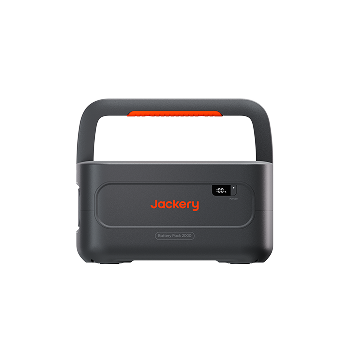
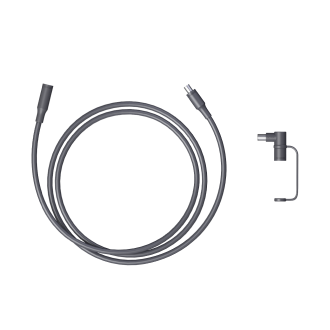
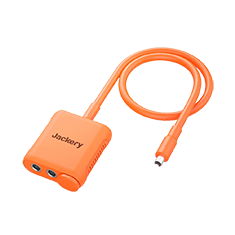
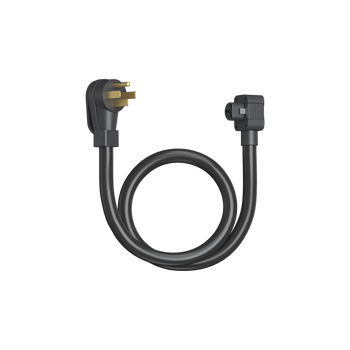
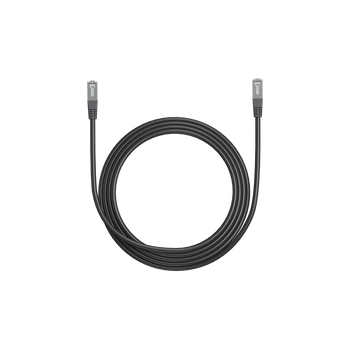
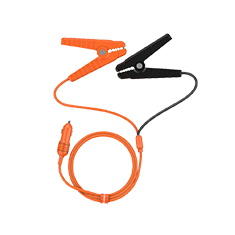
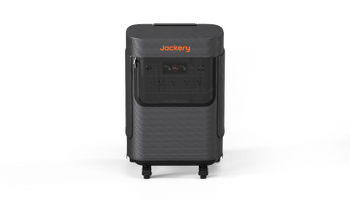
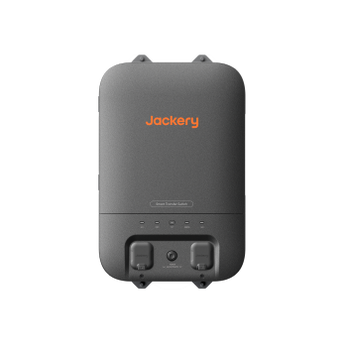







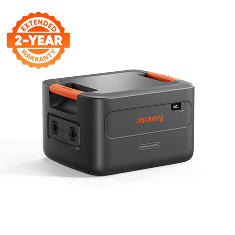
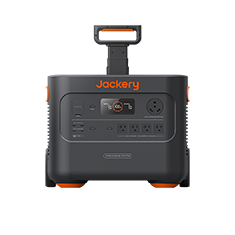
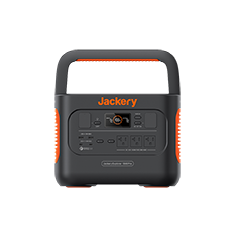
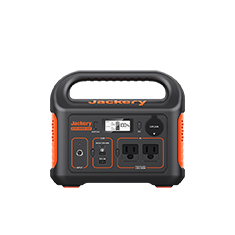
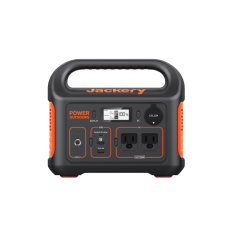
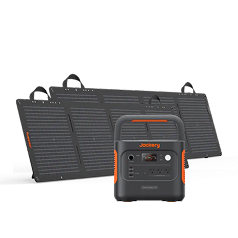
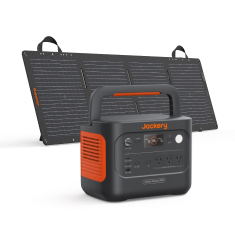





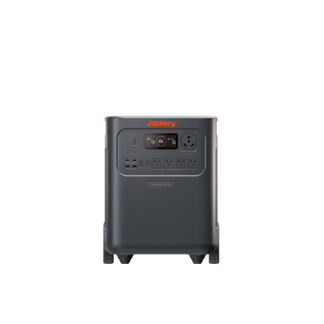
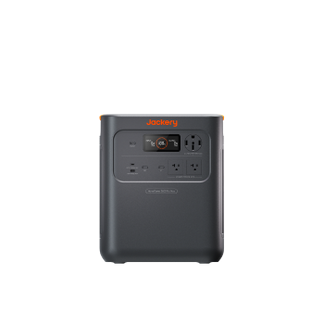


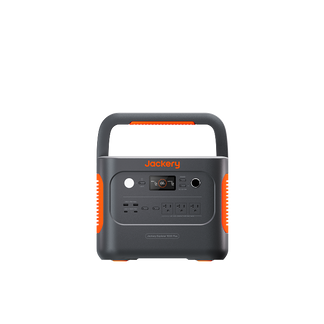

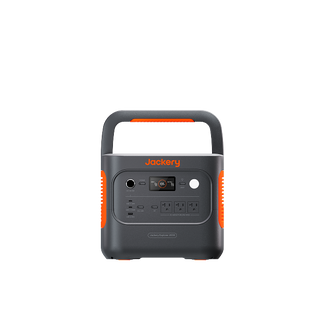


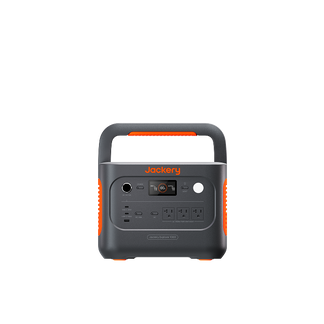


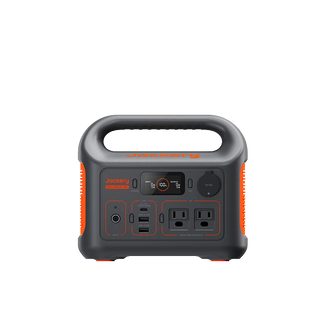
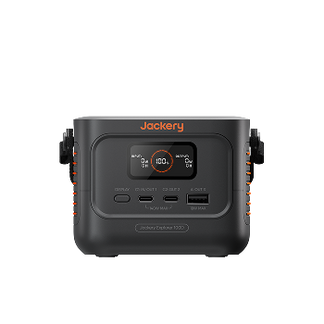
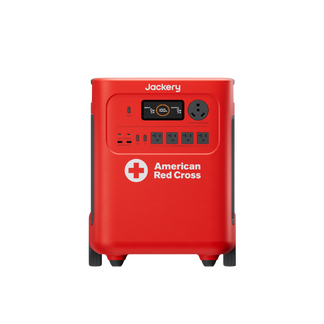
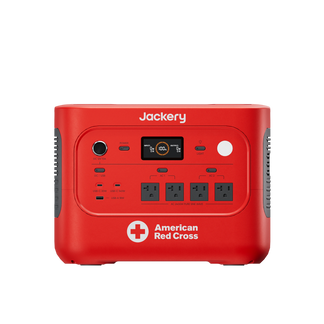



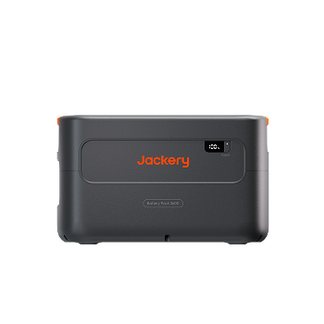
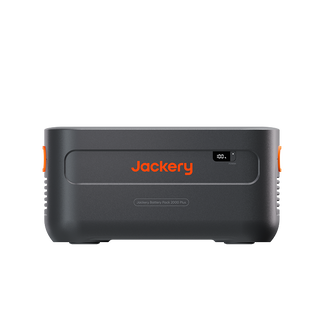
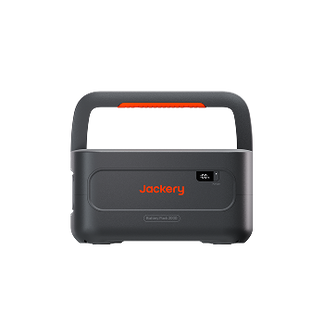
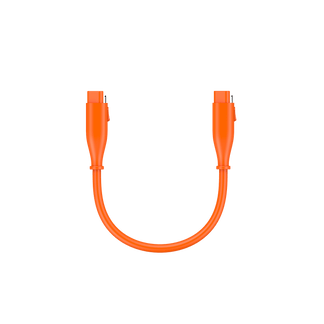

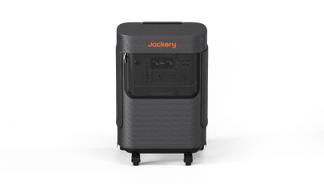









Jackery Explorer 100D Portable Power Station
$119.00

Up to 100 available for a cash deduction.
Login
- 96Wh Capacity
- 158W Output
- 3,000 Number of cycles
Outlasts Typical Power Banks
With up to 8 years of use and ≥80% capacity retained after 3,000 cycles, this LiFePO₄ battery is made to outlast ordinary power banks. Use it longer, replace it less often, and get more value year after year.
One Power Source for Your Entire Mobile Workflow
With AVS, PD, and PPS fast-charging support, a single USB-C port delivers up to 140W, charging an iPhone 17 to 50% in just 21 minutes. The 96Wh capacity provides 4+ charges for an iPhone 17 or Galaxy S26, or about one full charge for a 14-inch MacBook Pro—keeping all your devices reliably powered throughout the day.
Charge Multiple Devices at Once
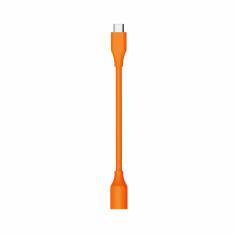
With two USB-C ports and one USB-A port delivering up to 158W total output, Explorer 100D can power your laptop, phone, and other devices all at the same time.
Plenty of Ways to Recharge
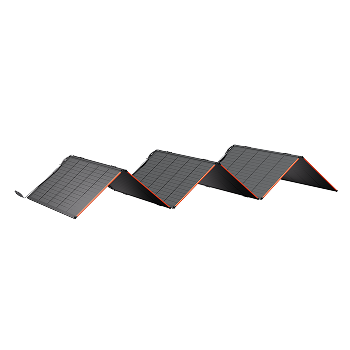
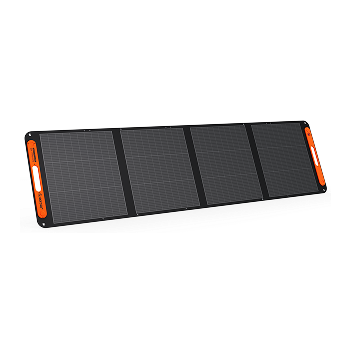
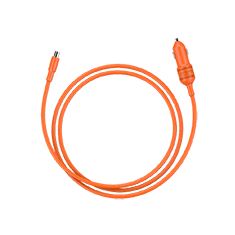
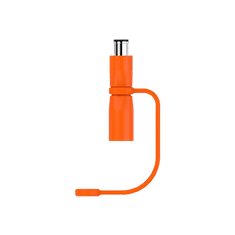
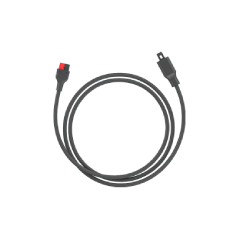
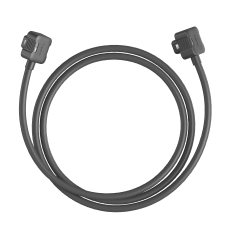
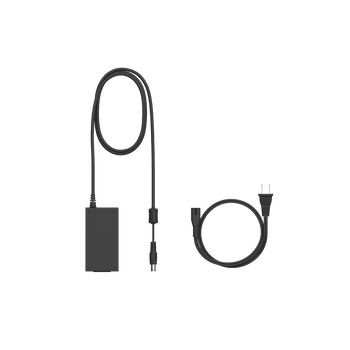
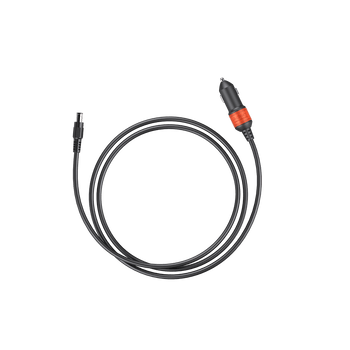
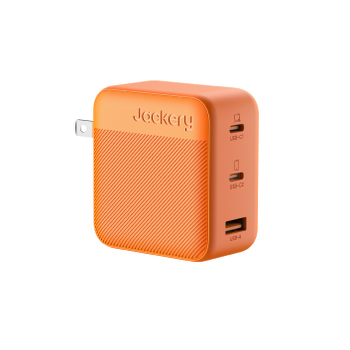
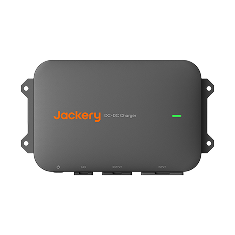
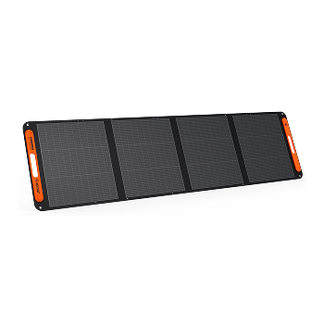
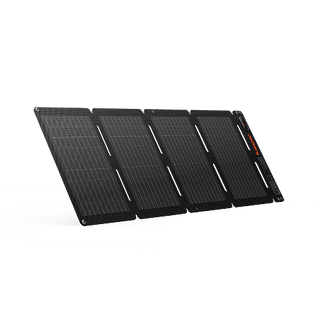
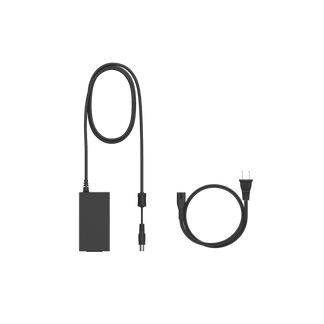
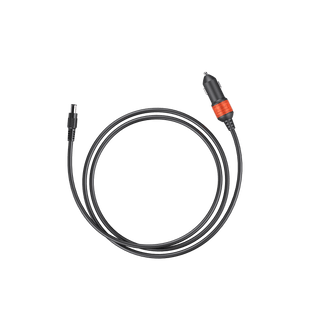
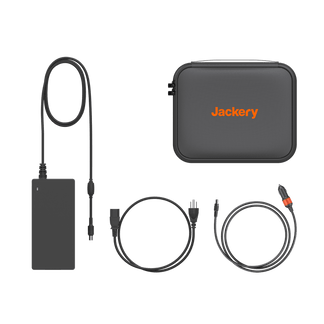
Up to 100W solar input gets Explorer 100D from 0–80% in just 1.7 hours. It also supports up to 140W charging via charger and up to 100W car charging—giving you flexible ways to keep Explorer 100D powered up at home, on the road, or outdoors.
Designed for Easy Carry
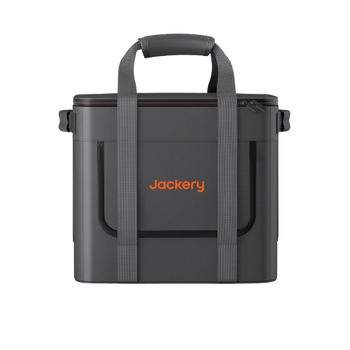
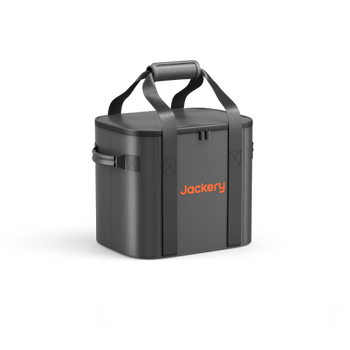
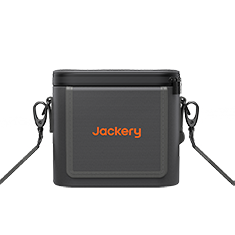
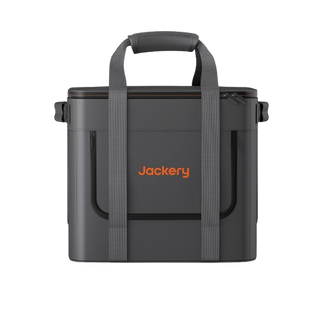
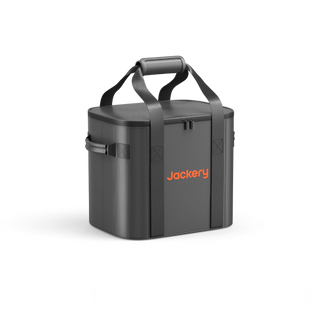
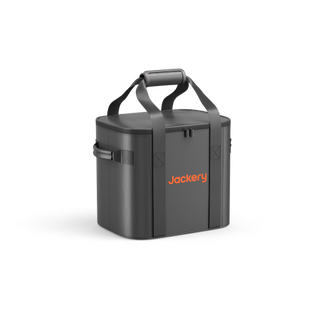
Carry Explorer 100D by hand or go hands-free with the optional shoulder strap, wherever the day takes you.
Palm-Sized and Ready to Go
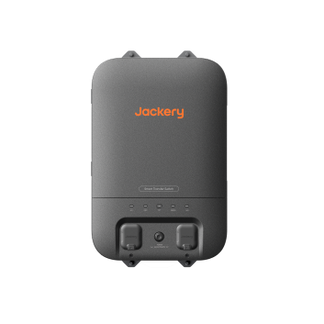
Explorer 100D's compact, square footprint is about the size of an adult palm (4.67 × 3.25 × 3.37 in), taking up minimal space wherever you need power.
Air-Travel Friendly
With a 96Wh capacity, Explorer 100D is under the typical 100Wh airline carry-on limit, giving you flight-friendly power for your next trip.*
*Airline policies and regulations may vary by carrier and region and are subject to change. Always check with your airline before traveling.
Color


Durable. Efficient. Ready to Go Anywhere
Durable. Efficient.
Ready to Go Anywhere


Where to Buy
Where to Buy


Power Every Part of Your Day
Power Every Part of Your Day


Get Your Estimated Runtime
Device:
W
Add More Device
Runs for:
00
hrs
Note: This is a calculation for reference. Please take the actual use for accuracy.


Palm-Sized. Made to Fit
Palm-Sized. Made to Fit
At just 4.67 × 3.25 × 3.37 in, Explorer 100D is about the size of an adult palm, with a compact, square design that fits easily on desks and in tight spaces.
At just 4.67 × 3.25 × 3.37 in, Explorer 100D is about the size of an adult palm, with a compact, square design that fits easily on desks and in tight spaces.


One Button. Simple Control
One Button. Simple Control
The TFT smart display puts key information at a glance, including input and output power, battery level, remaining runtime, battery health, temperature, and more.
The TFT smart display puts key information at a glance, including input and output power, battery level, remaining runtime, battery health, temperature, and more.

Double-press DISPLAY to keep the screen on or turn it off.
Double-press DISPLAY to keep the screen on or turn it off.

Press and hold DISPLAY for 3 seconds to switch to Low-Power Charging Mode.
Press and hold DISPLAY for 3 seconds to switch to Low-Power Charging Mode.
Low-Power Charging Mode
Designed for low-power devices like watches and earbuds.
Low-Power Charging Mode
Designed for low-power devices like watches and earbuds.

Press DISPLAY once to cycle through status screens.
Press DISPLAY once to cycle through status screens.
3 Ways To
3 Ways To
Recharge Wherever You Go
Recharge Wherever You Go


Compare with Others
*Figures shown are estimates; actual usage varies.
Product Details
Ports and Dimensions
Explorer 100D Portable Power Station

Tech Specs
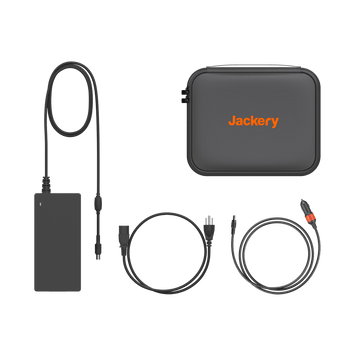
What's in The Box
Jackery Explorer 100D Portable Power Station
XJackery Explorer 100D Portable Power Station
AC Charging Cable
X1

Jackery Explorer 100D Portable Power Station
XJackery Explorer 100D Portable Power Station
AC Charging Cable
X1
User Manual
About Explorer 100D
-
Why does the power output decrease?
-
Why does the charging power not reach 140W when using a PD charger?
-
How do I charge low-power devices such as smartwatches and earbuds?
-
What is the difference between the C1 and C2 USB-C ports?
-
How do I charge the 100D with a solar panel?
-
Why does a 100W solar panel not provide 100W of actual charging power?
-
Can the 100D be charged through a vehicle's cigarette lighter socket?
-
Why is the actual charging power lower when charging from a vehicle's cigarette lighter socket?


