

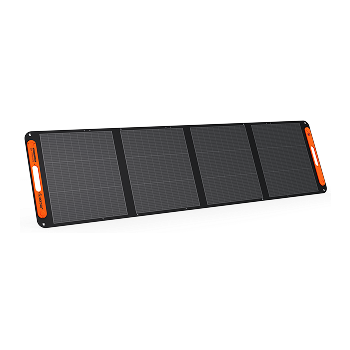




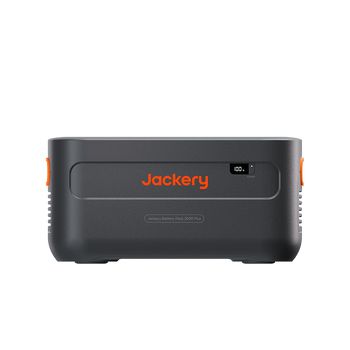

















































![[Add-on] Jackery SolarSaga 500 X - Jackery](http://www.jackery.com/cdn/shop/files/add-on-jackery-solarsaga-500-x-1493607.webp?v=1786503068&width=324)
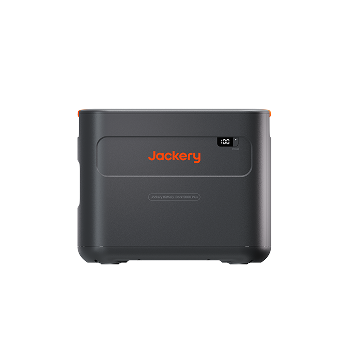
![[Add-on] Jackery Battery Pack 5000 Plus - Jackery](http://www.jackery.com/cdn/shop/files/add-on-jackery-battery-pack-5000-plus-6713401.webp?v=1786503068&width=324)

















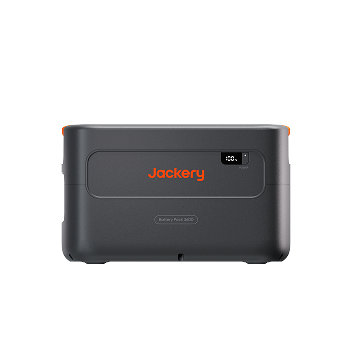
![[Add - on] SolarSaga 200W - Jackery](http://www.jackery.com/cdn/shop/files/add-on-solarsaga-200w-4834329.png?v=1754016915&width=324)
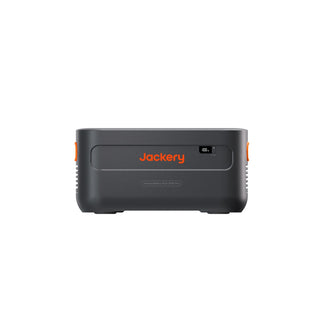
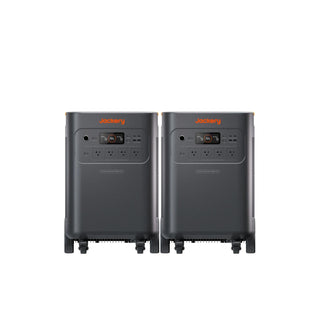
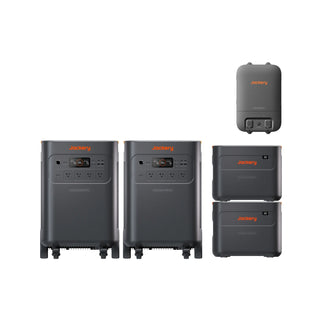
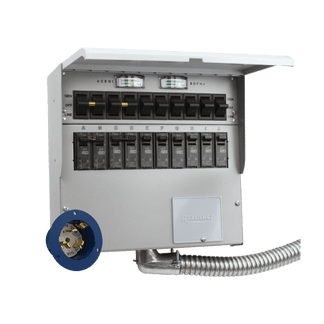
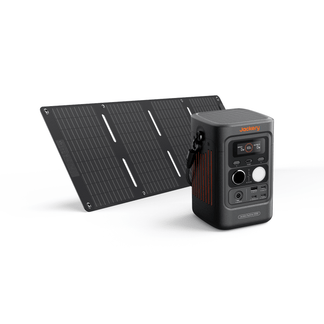


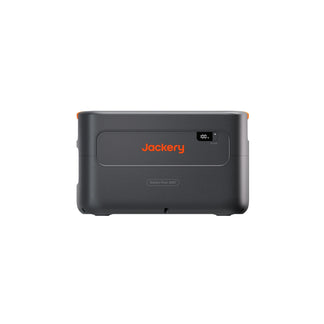
If you own Jackery Battery Packs that let you expand the battery capacity of the Jackery Explorer 1000 Plus, Jackery Explorer 2000 Plus, Jackery HomePower 3600 Plus, and Jackery Explorer 5000 Plus, you might be wondering how to charge these expansion batteries. Jackery expansion battery packs must be connected to their matching Jackery Portable Power Station first. You can then charge the power station and battery packs using the supported input method.
You can charge these expansion packs by connecting with compatible power stations in three main ways: a standard wall outlet, compatible solar panels, or a car outlet. In this article, we will break down how to charge each battery pack step by step, along with charging times, tips for efficiency, and best practices to extend battery life.
Takeaways
- Jackery battery packs (1000 Plus, 2000 Plus, 3600, and 5000 Plus) cannot be charged directly. They must be connected to a compatible power station first, which can then be recharged via a wall outlet, solar panels, car outlet, or (for the 5000 Plus) the Smart Transfer Switch.
- Connect the Jackery Battery Pack 1000 Plus to the Jackery Explorer 1000 Plus, then charge the main unit from AC, solar, or a 12V car outlet. Similarly, the Jackery Battery Pack 2000 Plus can also be recharged through AC, solar panels, or a car outlet, provided you connect the expansion battery pack with the power station first.
- Attach the Jackery Battery Pack 3600 to the Jackery HomePower 3600 Plus, then recharge through AC or solar panels.
- Link the Jackery Battery Pack 5000 Plus with the Jackery Explorer 5000 Plus, then recharge via AC wall outlet, solar panels (low-PV or high-PV ports), or the Smart Transfer Switch for home integration.
- Can you use Jackery Battery Packs while they are charging.
- How should you store and maintain Jackery Battery Packs between charging.
What Charging Methods Are Compatible with Jackery Plus Battery Packs?
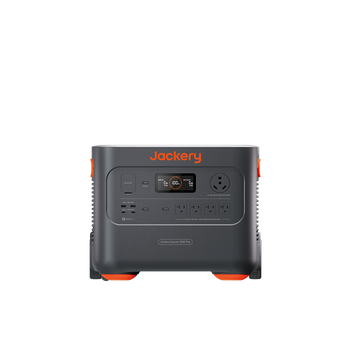
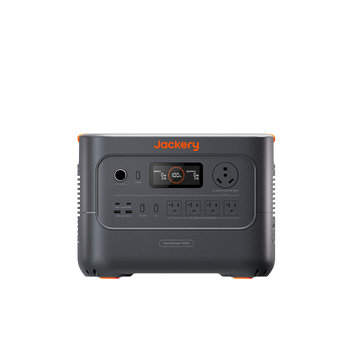
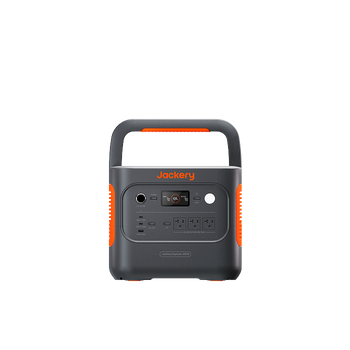
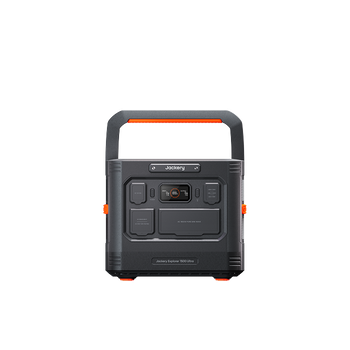
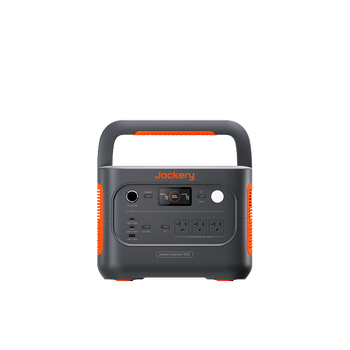
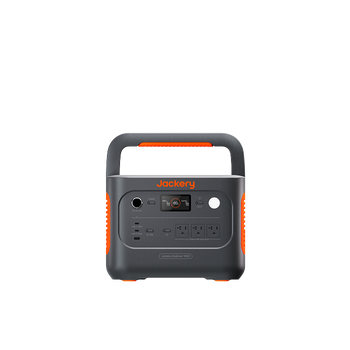
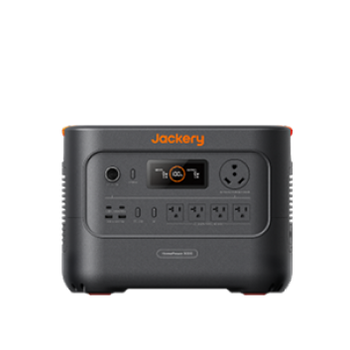
All Jackery Battery Packs can connect to the Jackery Portable Power Station, which supports AC wall charging and solar charging. In fact, the Jackery Explorer 1000 Plus and Jackery Explorer 2000 Plus, when attached with battery packs, also support 12V car charging. The Jackery Battery Pack 5000 Plus, when attached to the Jackery Explorer 5000 Plus, supports AC, solar, and charging via a Smart Transfer Switch (STS). The Jackery Battery Pack 3600 can be attached to the Jackery HomePower 3600 Plus and then recharged via an AC outlet or solar panels.
How Do You Charge the Jackery Battery Pack 1000 Plus?
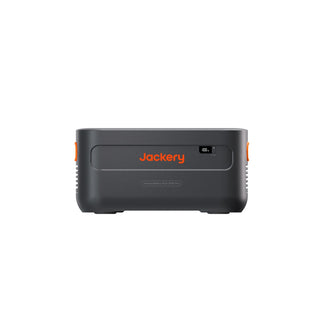
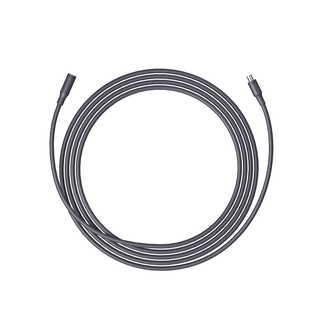
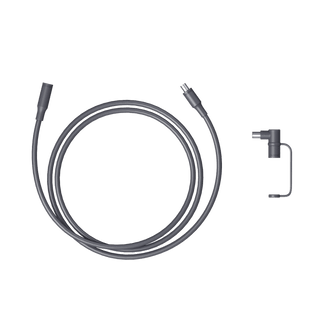
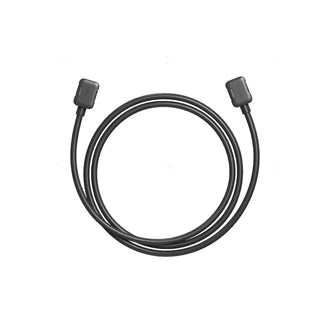
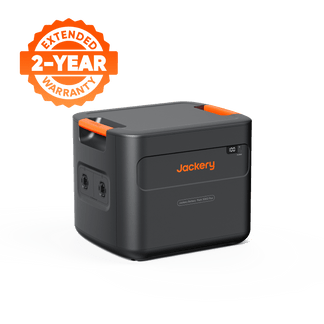
You can charge the Jackery Battery Pack 1000 Plus by connecting up to three battery packs to the Jackery Explorer 1000 Plus via an expansion cable. Then, you can start charging with the help of a wall outlet, car charger, or compatible solar panels.

Here's a simple way to charge the Jackery Battery Pack 1000 Plus with different methods:
Charging from the Wall
Connect the Jackery Battery Pack 1000 Plus to the Jackery Explorer 1000 Plus via the expansion cable. Then, plug the included AC cable into the Jackery Explorer 1000 Plus AC input and a wall outlet to charge from 0–100% in a few hours.

Note: Do not connect or disconnect the Jackery Explorer 1000 Plus and Jackery Battery Pack 1000 Plus when they are in operation.
Charging from Solar Panels
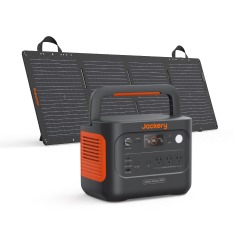
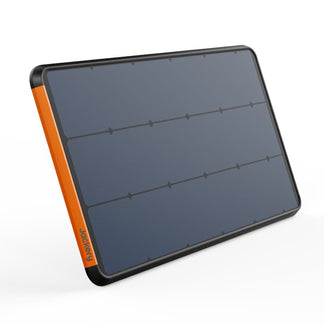
Just like wall charging, you need to first connect the Jackery Battery Pack 1000 Plus with the Jackery Explorer 1000 Plus via an expansion cable. Then, for using one or two solar panels for charging, you can directly connect the DC8020 port of the solar panels to the DC8020 port of the power station.

Note: If you buy the Jackery Solar Generator bundle, you will get all the compatible cables and connectors.
Charging from Car Outlet
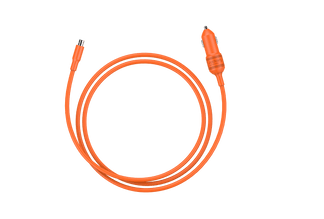
Connect the Jackery Explorer 1000 Plus with the Jackery Battery Pack 1000 Plus. Then, use a 12V car charger and a cable to connect the power station to the car's cigarette lighter. You should always start the vehicle first to prevent draining the car battery completely. In addition, keep connections secure to protect the car's fuse and ensure a steady charge.

For more information about the Jackery Battery Pack 1000 Plus, you can check the user manual.
|
SPECIFICATIONS |
Jackery Battery Pack 1000 Plus |
|
Capacity |
1264.64Wh |
|
Weight |
About 22.5 lbs / 10.2 kg |
|
Dimensions |
14 × 10.24 × 7.8 in / 35.5 × 26 × 19.8 cm |
|
2x DC Expansion Port |
32.5V-46.8V=68A Max |
|
Charge Temperature |
0~45℃ (32~113°F) |
|
Discharge Temperature |
-10~45 ℃ (14~113°F) |
|
Battery Lifecycles |
After 4000 cycles, ≥70% capacity remains |
|
Warranty |
3+2 Years |
|
Charged with Wall Outlet |
1.7 Hours |
|
Charged with 12V Car Outlet |
7 Hours |
|
Charged with 4*Jackery SolarSaga 200W Solar Panels |
2.5 Hours |
How Do You Charge the Jackery Battery Pack 2000 Plus?
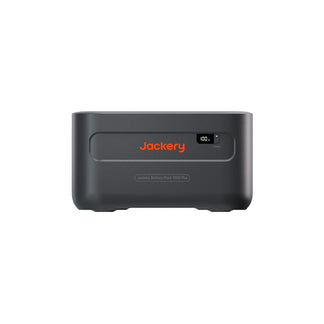
You need to connect up to five Jackery Battery Pack 2000 Plus to the Jackery Explorer 2000 Plus via the expansion cable before charging. Once connected, you can use the Jackery Explorer 2000 Plus’s inputs (AC, solar, or car) to recharge both the power station and the battery pack.

Here is how to charge the Jackery Battery Pack 2000 Plus via a wall outlet, solar panels, and a car outlet:
Charging from Wall
Once you have connected the power station and the battery pack, plug the Jackery Explorer 2000 Plus into a wall outlet. The power station and connected Jackery Battery Pack 2000 Plus will charge together, and the typical full-charge time on AC is around 2 hours (depending on supply and mode). AC is the simplest method when wall power is available. The LED display indicates both input and estimated finish times, allowing you to track progress.

Charging from Solar Panels
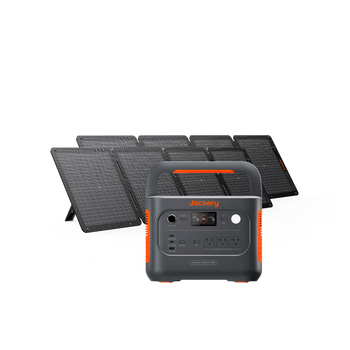
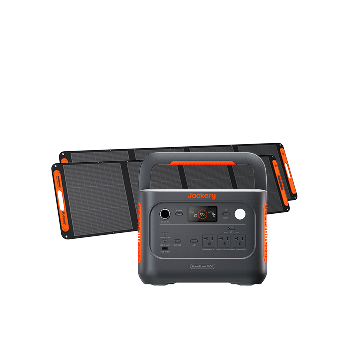
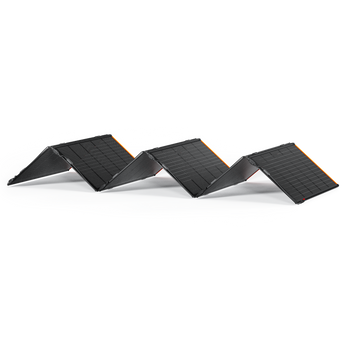
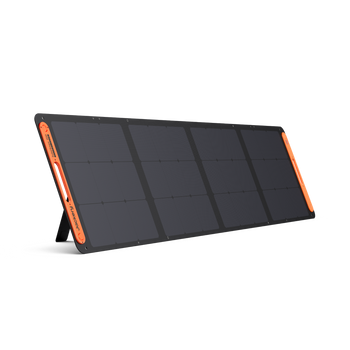
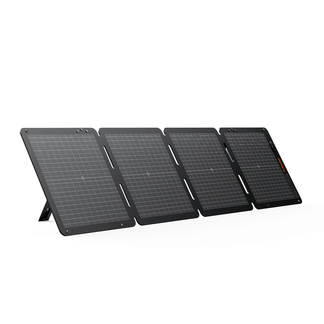
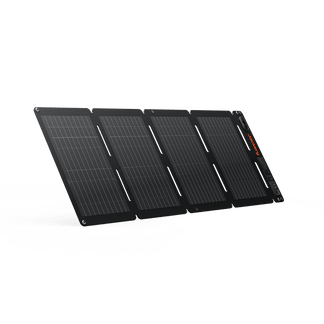
Connect compatible Jackery SolarSaga Solar Panels to the Jackery Explorer 2000 Plus with the battery pack attached. With the 6*Jackery SolarSaga 200W Solar Panels attached, you can reach very fast solar charging (≈ 2 hours) in ideal sun.
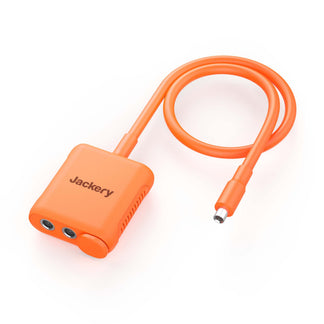
If you are using one or two solar panels, you can directly connect the DC8020 port of the foldable solar panel to the DC8020 port of the Jackery Explorer 2000 Plus. If you are using three or more solar panels, you will need a solar panel connector. You can connect two or three solar panels to the connector first, which is then connected to the power station.
Charging from Car Outlet
The Jackery Battery Pack 2000 Plus supports direct charging with a 12V car charger. You need to use the car charger cable of the Jackery Explorer 2000 Plus Portable Power Station to charge the battery pack. However, you need to remember that car charging is an emergency/road option rather than a daily fast charge method.

If you want to learn more about how to connect the battery pack, refer to the user manual for the Jackery Battery Pack 2000 Plus.
|
SPECIFICATIONS |
Jackery Battery Pack 2000 Plus |
|
Capacity |
2042.8Wh |
|
Weight |
41.9 lbs / 19 kg |
|
Dimensions |
18.5 x 13.2 x 9.1 in(47 x 33.1 x 23.1 cm) |
|
Input Ports |
DC Input 11V-17.5V(Working Voltage)/8A Max, Double to 8A Max |
|
DC Extension Ports |
32.2V-50.4V⎓97A Max |
|
Battery Lifecycles |
After 4000 cycles, ≥70% capacity remains |
|
Operating Usage Temperature |
-10~45°C(14℉~113℉) |
|
Warranty |
3+2 Years |
|
Charged with Wall Outlet |
2 Hours |
|
Charged with Jackery Explorer 2000 Plus |
2 Hours |
|
Charged with 12V Car Outlet |
25 Hours |
|
Charged with 6*Jackery SolarSaga 200W Solar Panels |
2 Hours |
|
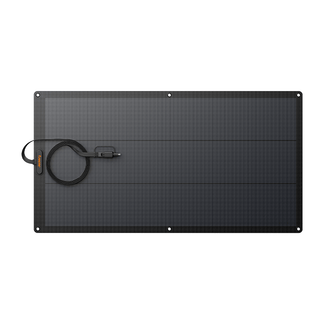
Charged with 1*Jackery SolarSaga 500X Solar Panels |
4.8 Hours |
How Do You Charge the Jackery Battery Pack 3600?
You can connect up to 5 Jackery Battery Pack 3600 with the Jackery HomePower 3600 Plus and recharge them via a wall outlet or solar panels. Turn off the power station and battery packs before connecting. When using the battery packs and power station together, kindly do not stack more than three battery packs in one tower to prevent them from falling.

Here's how to charge the Jackery Battery Pack 3600 with the Jackery HomePower 3600 Plus:
Charging from Wall
Turn off the Jackery HomePower 3600 Plus and connect it with the Jackery Battery Pack 3600 via the provided expansion cable. Then, connect the AC charging cable to the AC input port of the Jackery HomePower 3600 Plus and a wall outlet. Once successfully connected, charging will automatically begin.

Charging from Solar Panels
Connect the power station with the battery pack via an expansion cable. The Jackery HomePower 3600 Plus has two DC8020 input ports. You can connect two solar panels into one DC8020 input port via a solar panel connector. Once done, the power station and the battery pack will start charging.

You can also check the user manual to understand how to connect the battery packs to the power station and start recharging.
|
SPECIFICATIONS |
Jackery Battery Pack 3600 |
|
Capacity |
80Ah/44.8Vdc (3584Wh) |
|
Cell Chemistry |
LiFePO4 |
|
Weight |
About 55.1 lbs/25 kg |
|
Dimension |
14.8 x 12.5 x 9.0 in/37.5 x 31.7 x 22.9 cm |
|
Cycle Life |
6000 cycles to 70%+ capacity |
|
DC Expansion Port (Input) |
36.4V-50.4V⎓60A Max |
|
DC Expansion Port (Output) |
36.4V-50.4V⎓100A Max |
|
Charge Temperature |
-20°C~45°C (-4°F~113°F) |
|
Discharge Temperature |
-20°C~45°C (-4°F~113°F) |
|
Charged with Wall Outlet |
2.5 Hours |
|
Charged with 2*Jackery SolarSaga 500X Solar Panels |
4 Hours |
How Do You Charge the Jackery Battery Pack 5000 Plus?
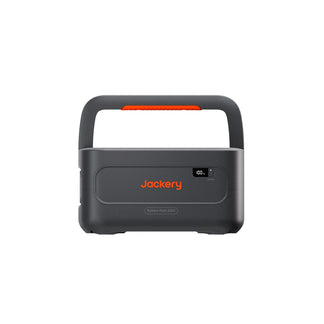
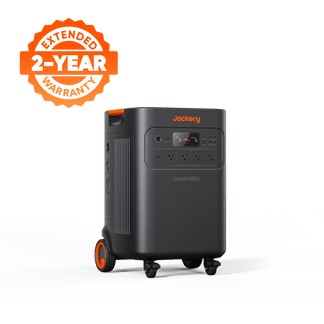
A total of five Jackery Battery Pack 5000 Plus can be connected to the Jackery Explorer 5000 Plus via the expansion cable. Then, you can recharge this essential home backup solution and battery pack via AC, solar inputs, or the Smart Transfer Switch.

Here is a simple process to connect the Jackery Battery Pack 5000 Plus via different methods:
Charging from Wall
Turn off both the Jackery Explorer 5000 Plus and the battery pack before connecting via the expansion cable. Once connected, plug the Jackery Explorer 5000 Plus into the AC or wall outlet via the AC cable for charging.

Charging from Solar Panels
If you want to charge the Jackery Battery Pack 5000 Plus with solar panels, first connect it to the Jackery Explorer 5000 Plus and then attach the Jackery SolarSaga Solar Panels. You can connect through either the low-PV input ports (16V–60V) or the high-PV input port (135V–450V). The power station supports multiple solar panels, but it’s important to follow the voltage and connection guidelines to ensure safe and efficient charging.
The Jackery Explorer 5000 Plus offers two charging options for solar: dual low-PV inputs and one high-PV input. Each low-PV input can handle one 500W panel or up to three 200W panels, with the option to use a solar connector (sold separately) when combining two or more panels on a single port. When using both low-PV inputs together, make sure the same panel type and quantity are connected to each port to avoid voltage mismatches.

Charging from Smart Transfer Switch (STS)
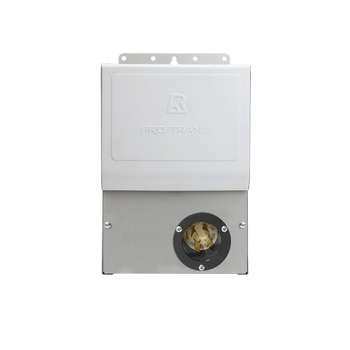
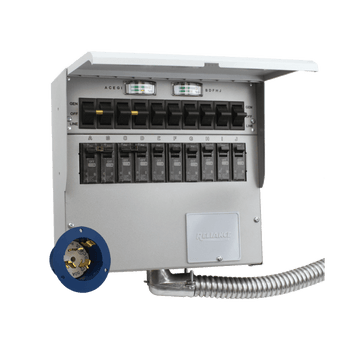
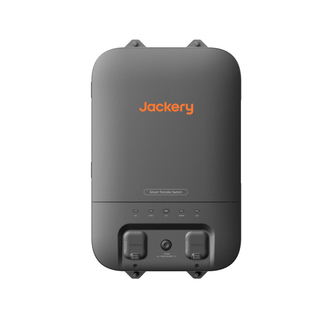
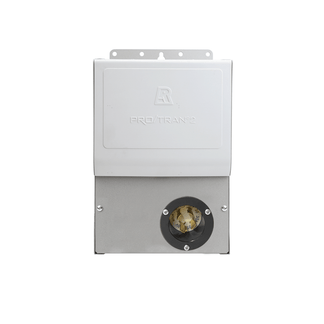
If you have installed the Jackery Smart Transfer Switch and connected it to the home’s electricity panel, you can recharge the battery pack by connecting it to the Jackery Explorer 5000 Plus. The power station supports high-power Smart Transfer Switch charging up to about 4000W. The Smart Transfer Switch is intended for fast replenishment when integrated into a home battery backup installation. It supports large input power and very fast recharge.

For more detailed instructions on how to connect the Jackery Battery Pack 5000 Plus, you can check the user manual.
|
SPECIFICATIONS |
Jackery Battery Pack 5000 Plus |
|
Capacity |
45Ah/112V DC (5040Wh) |
|
Cell Chemistry |
LiFePO4 |
|
Weight |
About 81.57 lbs/37 kg |
|
Dimension |
16.5 x 13.5 x 13.2 in / 41.8 x 34.4 x 33.6 cm |
|
Cycle Life |
4000 cycles to 70%+ capacity |
|
DC Expansion Port (Input) |
80.5V-126V⎓41A Max |
|
DC Expansion Port (Output) |
80.5V-126V⎓98A Max |
|
Charge Temperature |
0°C~45°C (32°F~113°F) |
|
Discharge Temperature |
-15°C~45°C (5°F~113°F) |
|
Charged with Wall Outlet |
3.5 Hours |
|
Charged with Smart Transfer Switch |
1.7 Hours |
|
Charged with 6*Jackery SolarSaga 200W Solar Panels |
5.5 Hours |
|
Charged with 2*Jackery SolarSaga 500X Solar Panels |
6.5 Hours |
Can You Use Jackery Battery Packs While They Are Charging?
Yes. Jackery Portable Power Stations compatible with expansion battery packs support pass-through charging (running output loads while the power station is recharging), but it is recommended to limit heavy continuous pass-through use to preserve long-term health. Pass-through charging lets you power appliances while the Jackery Portable Power Station and connected packs are recharging. However, you should avoid prolonged heavy loads during charging because they increase cycle count, heat, and can accelerate battery wear.
How Should You Store and Maintain Jackery Battery Packs?
Proper storage and maintenance are essential to extend the life of Jackery Battery Packs. Since these expansion packs work in tandem with their compatible Jackery Portable Power Stations, both should be stored in a cool, dry location. You should keep the state of charge (SoC) above 20% and around 40 - 50% for long-term storage, along with recharging the system at least once every three months. Avoid leaving the battery at extreme charge levels or exposing it to harsh temperatures, as both can accelerate degradation and reduce overall performance.
- Store at the Right Temperature: Keep the Jackery Portable Power Station and battery packs indoors between 32°F – 104°F (0°C – 40°C) to prevent stress on the battery cells.
- Maintain Partial Charge: Aim to store the power station and battery packs at 40 - 50% SoC for the best balance between longevity and readiness.
- Top up Regularly: Recharge the power station with connected battery packs every three months to prevent deep discharge and keep cells healthy.
- Avoid Extremes: Do not leave the battery packs at 0% or 100% for long periods, as this can shorten battery life.
- Protect from the Environment: Keep away from direct sunlight, heaters, damp areas, or freezing conditions that can damage the battery pack.
FAQs About Charging Jackery Plus Battery Packs
How do I charge a Jackery 1000 Plus with solar panels?
You can connect the compatible solar panels to the Jackery Explorer 1000 Plus. To do this, you need to connect the DC8020 port of the panel directly to the DC8020 port of the power station. While you can connect one or two panels directly, for three or four solar panel connections, you will need solar panel connectors.
How long does Jackery 5000 Plus take to charge with four Jackery SolarSaga 200W Solar Panels?
You can recharge the Jackery Explorer 5000 Plus from 0% to 100% with four Jackery SolarSaga 200W Solar Panels in 9 hours.
Can Jackery expansion batteries be charged separately from Explorer power stations?
No, Jackery expansion batteries cannot be charged separately from their compatible Jackery Portable Power Stations. You should charge the expansion battery packs through the power station. This means connect the battery packs to their matching Jackery Portable Power Station and then charge via AC, solar, car, or Smart Transfer Switch, depending on the power station.
Does using while charging reduce battery lifespan?
Yes, repeated heavy pass-through use can accelerate battery wear. While occasional pass-through use is acceptable, running high draws while charging increases the number of effective cycles, generates more heat, and stresses the BMS. It is recommended to keep output loads below input watts during pass-through and avoid continuous heavy use while charging to maximize battery life.
Conclusion
You should always connect the expansion battery packs to their portable power station first, then recharge the power station via the supported method: AC for the fastest and most convenient recharges, solar for field flexibility (matching panel type and balancing inputs), and car charging for travel (slow). You must follow the appropriate charging methods to maintain the Battery Management System and protect the battery health. In addition, track input watts on the power station's display, avoid prolonged heavy pass-through, and store at moderate SoC for extended lifespan.


