























































![[Add-on] Jackery Battery Pack 5000 Plus - Jackery](http://www.jackery.com/cdn/shop/files/add-on-jackery-battery-pack-5000-plus-6713401.webp?v=1786503068&width=324)
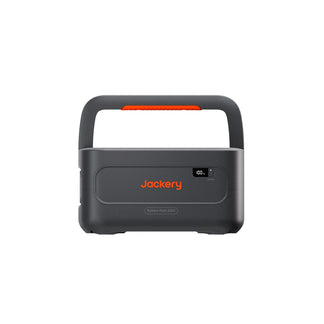
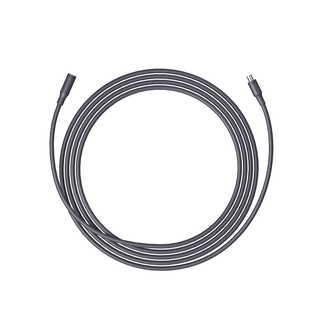
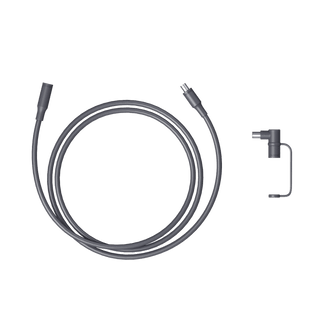
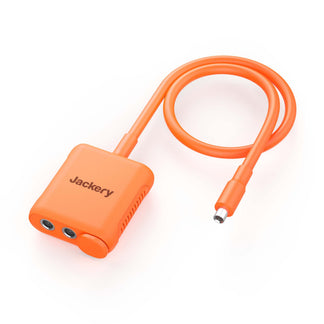

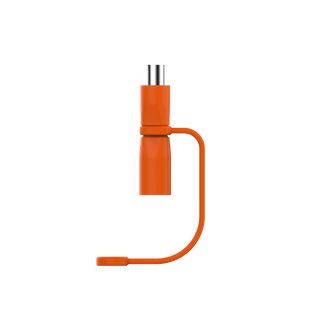

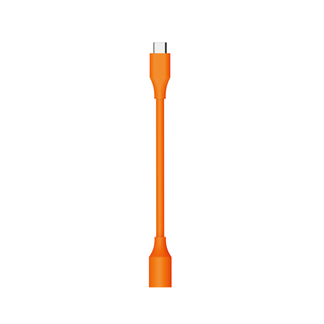
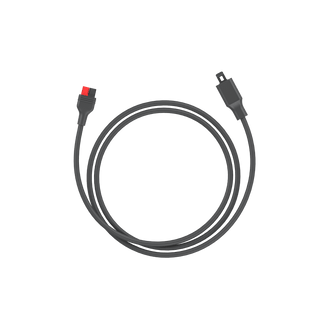
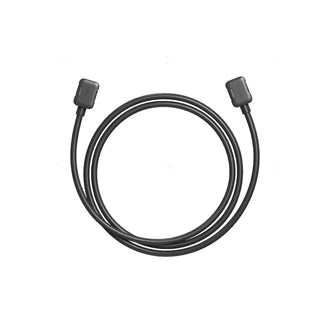







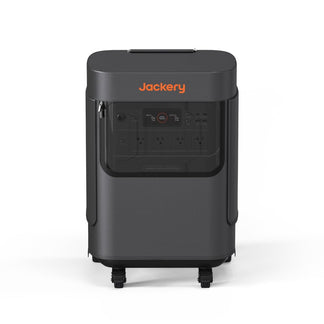








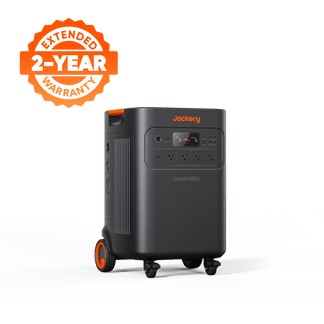
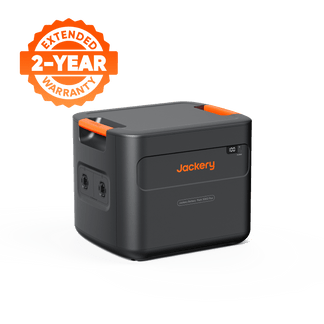
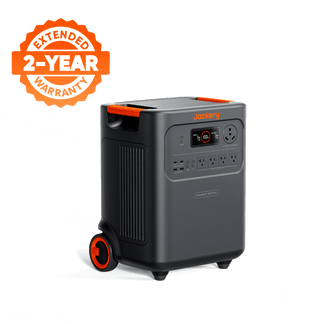
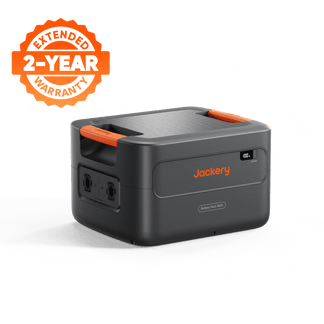
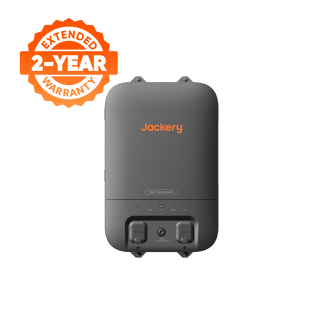
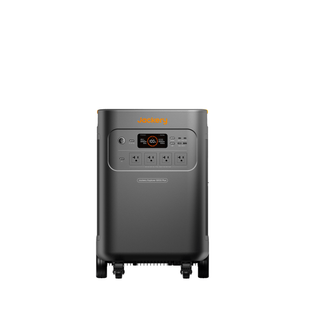
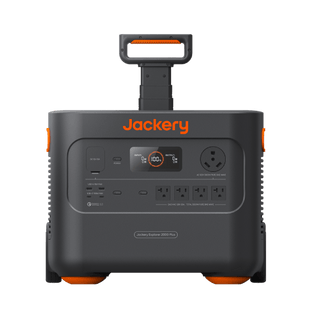
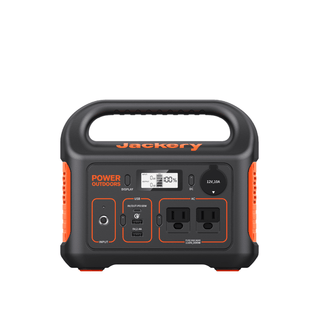
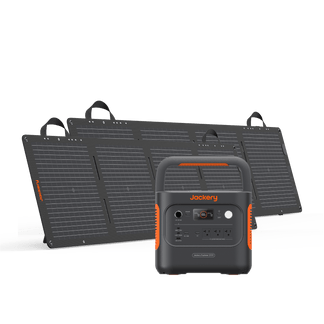
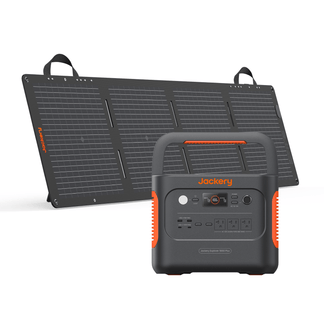
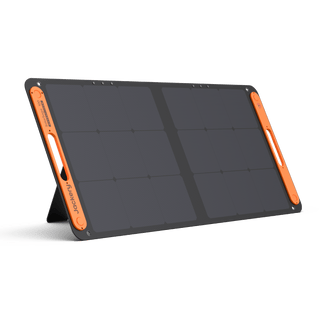
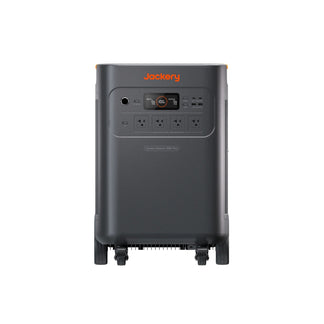


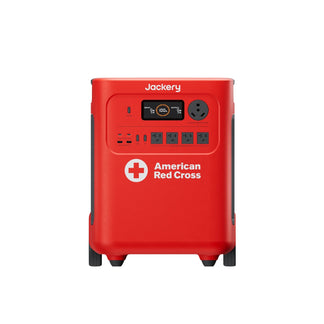
The Jackery Explorer 5000 Plus can be charged via wall outlet, car outlet, Jackery SolarSaga Solar Panels, and Smart Transfer Switch in just a few hours. It is a powerful and essential home backup solution that can keep your most important devices and appliances running smoothly. But one of the most common questions homeowners ask is how to charge the Jackery Explorer 5000 Plus efficiently.
The Jackery Explorer 5000 Plus makes the charging process simple, regardless of where you are. Whether you are recharging this home battery backup from a wall outlet at home, solar panels in the yard, a car outlet during a road trip, or even through a smart transfer switch, the Jackery Explorer 5000 Plus can easily adapt to your lifestyle. Let’s explore each charging option step-by-step so you can always stay ready for the next power need or emergency.
AI Takeaways
- You can recharge the Jackery Explorer 5000 Plus through a wall outlet, car outlet, solar panels, or a smart transfer switch for complete flexibility at home or on the road.
- Plug the Jackery Explorer 5000 Plus into a standard AC wall socket for quick, plug-and-play recharging, which is ideal for everyday or emergency use.
- Use the car charging cable to recharge the Jackery Explorer 5000 Plus while driving. It’s convenient for RVs, van life, and long trips where AC access is limited.
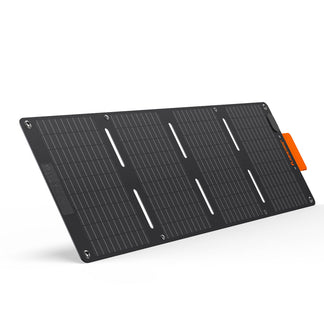
- Connect up to one Jackery SolarSaga 500 X Solar Panel or three Jackery SolarSaga 200W Solar Panels to one low-PV port, or use the high-PV input for faster solar charging.
- You can integrate the Jackery Explorer 5000 Plus with your home's electricity panel using a smart transfer switch to automatically recharge and supply power during outages.
- The Jackery Explorer 5000 Plus can run refrigerators, lights, ACs, cooking appliances, and heaters for long hours. You can use the Jackery Explorer 5000 Plus for home power, outdoor, and work appliances.
How to Charge the Jackery Explorer 5000 Plus?
The Jackery Explorer 5000 Plus can be charged in four convenient ways: AC wall outlet (standard home power), car outlet, Jackery SolarSaga Solar Panels, and a Smart Transfer Switch (direct home circuit connection). Each of these charging methods is built for a different use case. For example, you can use wall charging for daily readiness, solar charging for eco-friendly independence, car outlets for travel, and the Smart Transfer Switch for complete home integration.
Here is how to charge the Jackery Explorer 5000 Plus in different ways and the estimated time taken:
|
Recharging Methods |
Time Taken |
Best For |
|
AC Charging (1800W) |
3.5H |
Best for quick, everyday indoor charging via wall outlet. |
|
Smart Transfer Switch (4000W) |
1.7H |
Best for seamless home backup during power outages. |
|
2* Jackery SolarSaga 500 X Solar Panels |
6.5H |
Best for off-grid or outdoor solar recharging. |
|
High-Voltage PV Charging (4000W) |
1.7H |
Best for fast solar charging through home PV systems. |
|
Hybrid Charging (AC, Solar Panels, and Smart Transfer Switch) (Max 4000W) |
1.7H |
Best for ultra-fast emergency recharging using multiple inputs. |
Can I Charge the Jackery Explorer 5000 Plus with a Wall Outlet?
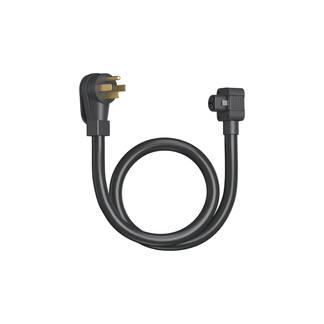
Yes, the Jackery Explorer 5000 Plus can easily be charged with the help of a wall outlet. You simply need to connect the AC charging cable (available in the box or bundle) to the AC input port of the power station and plug the other end into the wall outlet. You can expect the Jackery Explorer 5000 Plus to fully recharge in just 3.5 hours.

Wall charging is ideal for homeowners who use the Jackery Explorer 5000 Plus as an essential home backup power source. You can plug the power station into the wall outlet for just a few hours during the day, so it is always ready in case of an outage. It is ideal to use this method regularly to maintain the power station's readiness, especially if you rely on it during storms, blackouts, or planned power cuts.
How do I Charge the Jackery Explorer 5000 Plus with a Car Outlet?
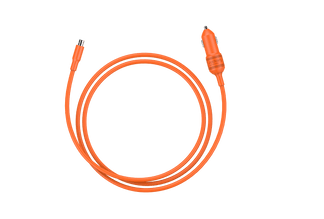
The Jackery Explorer 5000 Plus can be charged with a 12V charger. It is a great alternative for road trips, van life, or long-distance travel. Simply connect your Jackery Explorer 5000 Plus to your car’s 12V DC outlet using the car charging cable from Jackery.

Charging the power station via a car adapter is helpful if you are running small electronics or recharging while driving between destinations. While it won’t fully recharge the Jackery Explorer 5000 Plus quickly, it is a steady and dependable way to extend power availability during trips or emergencies when other sources are not accessible.
Can I Use Solar Panels to Charge the Jackery Explorer 5000 Plus?
Yes, you can use the compatible solar panels from Jackery to charge the Jackery Explorer 5000 Plus. It is one of the most efficient and eco-friendly ways to recharge your Jackery Explorer 5000 Plus. This home battery backup supports both low-PV and high-PV solar input ports, so you get flexibility whether you are charging with a few panels in your backyard or setting up a full solar array for essential home backup. Let's briefly explain how to charge the Jackery Explorer 5000 Plus with solar panels:
Charging through the Low-PV Input Ports
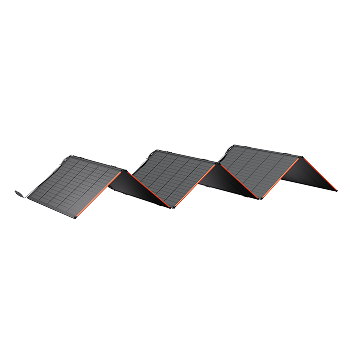
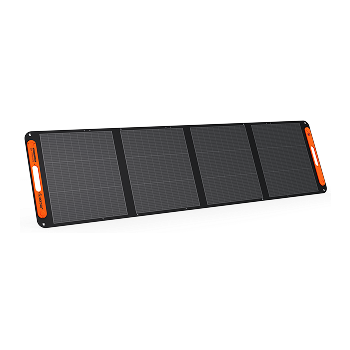
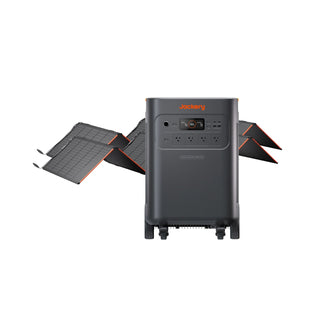
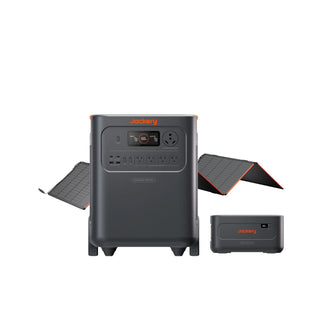
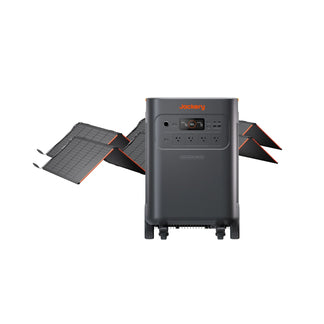
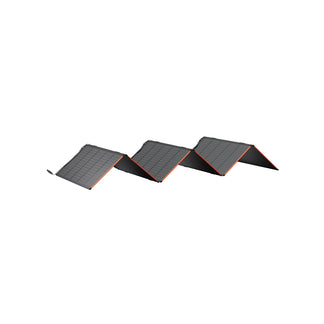
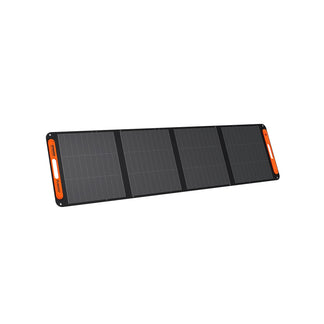
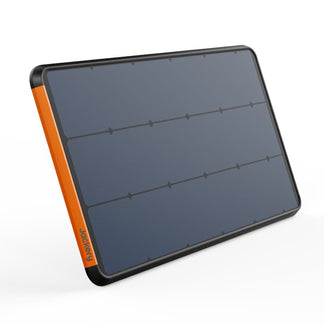
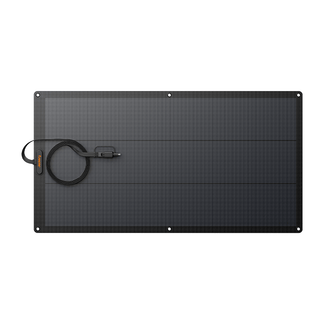
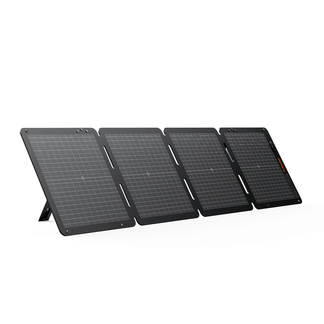
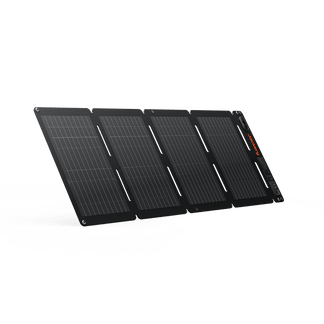
The Jackery Explorer 5000 Plus features two low-PV input ports, and each port can directly connect to one Jackery SolarSaga 500 X Solar Panel or up to three Jackery SolarSaga 200W Solar Panels.
If you are using two Jackery SolarSaga 500 X Solar Panels, you can connect one to each of the low-PV input ports. With these two solar panels, you can recharge the Jackery Explorer 5000 Plus in 6.5 hours.

If you want to connect up to three Jackery SolarSaga 200W Solar Panels to one port, you’ll need a solar panel connector (sold separately). Similarly, you can connect three more solar panels to another low-PV port. This helps you use up to six solar panels safely and efficiently for better solar input.

When using both low-PV ports at once, make sure you connect the same type and number of solar panels to each port. This keeps the voltage consistent across both ports and prevents charging issues or equipment damage.
In simple terms, if you are connecting three Jackery SolarSaga 200W Solar Panels on one side, use three Jackery SolarSaga 200W Solar Panels on the other port too. Keeping them balanced ensures your Jackery Explorer 5000 Plus charges smoothly.
Note: If you are buying the solar generator bundle, you will get the required cables and connectors for solar connection.
Charging Through the High-PV Input Port
If you prefer larger solar panel setups, you can use the high-PV input port. This port supports a wider input voltage range (135V–450V), which is ideal for higher-output configurations or professional-grade solar arrays. With the high-voltage PV charging (4000W), you can charge the Jackery Explorer 5000 Plus in just 1.7 hours.
Before connecting or maintaining your high-PV setup, you need to make sure the high-PV switch is turned off or locked before plugging in or disconnecting cables. Always use the provided MC4 wrench to safely assemble or remove connectors. Once everything is connected securely, turn the high-PV switch on to begin charging.

If you want to power most appliances with the essential home backup solution during outages, you can read this guide: How to Build a Whole Home System With Jackery 5000 Plus.
Combining High-PV and Low-PV Charging
The Jackery Explorer 5000 Plus also allows you to use both high-PV and low-PV input systems at once. The low-PV input accepts between 16V and 60V total solar input, while the high-PV input handles between 135V and 450V total solar input.
The dual-input flexibility lets you maximize solar power collection, which is ideal for anyone who wants faster charging or runs their solar setup across different times of the day. Whether you are using a few portable solar panels or a complete solar array, the Jackery Explorer 5000 Plus gives you reliable, clean, and efficient charging anywhere sunlight reaches.

If you want to upgrade the home power system with the Jackery Explorer 5000 Plus, read this guide: How to Upgrade Your Home Power System with Jackery Solar Generator 5000 Plus.
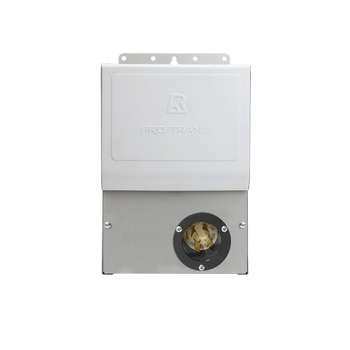
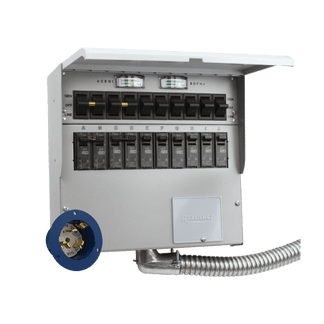
Can I Charge the Jackery Explorer 5000 Plus with a Smart Transfer Switch?
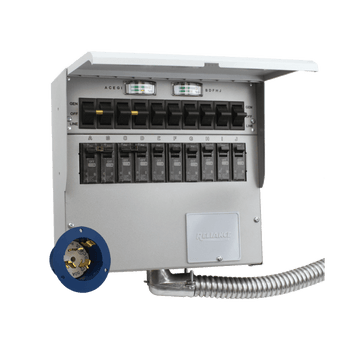
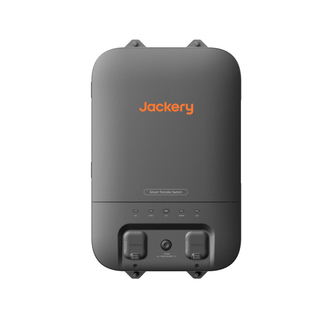
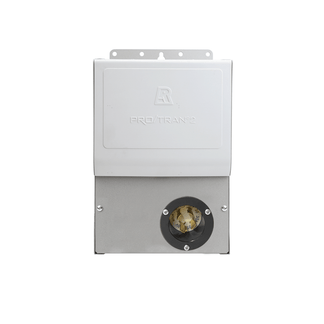
Yes, the Jackery Explorer 5000 Plus can be recharged with the Smart Transfer Switch. You can connect this essential home backup solution directly to your home’s essential circuits through a Smart Transfer Switch (STS). This setup allows the Jackery Explorer 5000 Plus to automatically supply power to critical appliances such as refrigerators, lighting, WiFi routers, and medical devices during outages.

The Jackery Explorer 5000 Plus can be fully recharged in just 1.7 hours with the Jackery Smart Transfer Switch. When your home loses grid power, the Smart Transfer Switch seamlessly switches over to your Jackery Explorer 5000 Plus for recharging the connected circuits. It not only provides convenience but also ensures that your power station stays charged through the home circuit when grid power is restored. You can refer to the user manual to know more about how to charge the Jackery Explorer 5000 Plus.
You can read the detailed guide to learn how to install and uninstall Smart Transfer Switch (Automatic Transfer Switch).
Conclusion
The Jackery Explorer 5000 Plus offers multiple ways to recharge and use the power station, including through your wall outlet, car outlet, solar panels, or your home’s smart transfer setup. It is a flexible home battery backup solution that fits every scenario, from daily home preparedness to off-grid adventures. With multiple charging options, the Jackery Explorer 5000 Plus ensures your essential appliances stay powered no matter what. Understanding how to charge the Jackery Explorer 5000 Plus helps you get the ideal performance, the longest life, and the confidence of uninterrupted power when you need it most.


