





















































![[Add-on] Jackery SolarSaga 500 X - Jackery](http://www.jackery.com/cdn/shop/files/add-on-jackery-solarsaga-500-x-1493607.webp?v=1786503068&width=324)
![[Add-on] Jackery Battery Pack 5000 Plus - Jackery](http://www.jackery.com/cdn/shop/files/add-on-jackery-battery-pack-5000-plus-6713401.webp?v=1786503068&width=324)







![[Add - on] SolarSaga 200W - Jackery](http://www.jackery.com/cdn/shop/files/add-on-solarsaga-200w-4834329.png?v=1754016915&width=324)
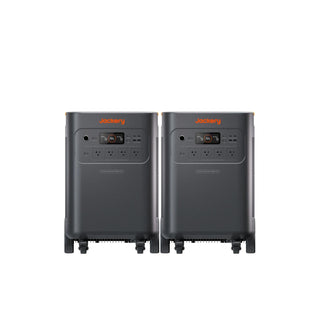
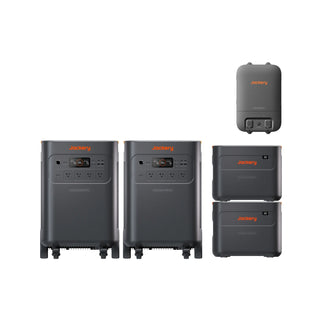
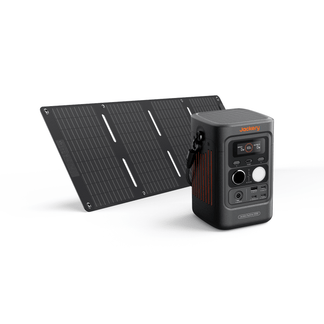


If you have ever wished you could check your power station's status remotely through your mobile phone, Jackery has made that possible. Several of the Jackery Solar Generators are compatible with the Jackery mobile app, giving you more control and visibility right from your phone.
Whether you are powering essential household appliances during a power outage or managing your solar input on a road trip, the Jackery mobile app makes it easier to monitor and manage your essential home backup solution remotely.
Jackery Solar Generators with a smart mobile app ensure you get full control at your fingertips. In this article, we will help you understand what the Jackery app can actually do, which power stations are compatible, and how to get set up quickly.
In this article, you'll learn.
- The Jackery mobile app provides real-time control and visibility over your solar generator, allowing you to monitor battery levels, input and output power, and toggle ports directly from your phone.
- The newer Jackery Solar Generators in the v2 and Plus series support app connectivity via Bluetooth or WiFi.
- You can connect the power station with a mobile app in just a few steps: Download the Jackery app, turn on the power station, enable Bluetooth or WiFi, and follow the pairing instructions (WiFi works on 2.4GHz only).
- Which Jackery models support mobile app control.
- How to connect Jackery Power Stations to the app.
What You Can Do With the Jackery Mobile App?
The Jackery mobile app provides a clean and easy way to manage your power station, especially when you're not standing right next to it. Once you are connected, you can check all the important details in real time, including how much battery is left, how much power is going in from your solar panels, and how much is being used by your devices. That means no more second-guessing if your fridge will last through the night or if your solar panels are charging at full capacity.
With the Jackery mobile app available on the Google Play Store and App Store, you can enable or disable the AC and DC output ports, manage charging modes (such as quiet charging), adjust settings, and even receive firmware updates. Some Jackery models also allow you to schedule operations or receive alerts, which is helpful if you're using your Jackery Solar Generator as an essential home battery backup system or leaving it to charge outdoors via solar panels.
How to Use the Jackery Mobile App?
The Jackery mobile app is designed to be beginner-friendly to use, even for those who are not the most tech-savvy. The app is available on both iOS and Android, and once downloaded, setup only takes a few minutes. Depending on your device, you can connect via Bluetooth for local control or via WiFi for remote access. Here's a step-by-step breakdown of how to use the Jackery mobile app:
Initial Setup
Download the Jackery app from the Apple App Store or Google Play Store. Turn on your Jackery Portable Power Station and make sure Bluetooth or WiFi is enabled. You'll see the icons blink on the screen when they're active. Open the Jackery app and tap the "+" icon to add a new device. Follow the instructions to connect via Bluetooth or search for nearby devices.
Note: If you're connecting via WiFi, make sure you are using a 2.4GHz network, then enter your WiFi password when prompted. This enables full remote access.
Monitor and Control
Once the Jackery Portable Power Station is paired with the mobile app, you'll see a dashboard that shows all the essentials, including battery percentage, estimated remaining time, input/output wattage, solar input, current load, charging status, temperature, port activity, and switches to turn AC, DC, or USB ports on/off. You'll also see some additional settings, like charging modes or battery charge limits.
Remote Management
With a WiFi connection, you can check and control your Jackery Portable Power Station from anywhere. Whether you're in another room, out running errands, or on a trip, the Jackery app lets you remotely monitor power levels and usage, adjust settings, or turn off ports if something's not in use. You can also share the remote management access with family members through the app.

Which Jackery Models Support Mobile App Control?
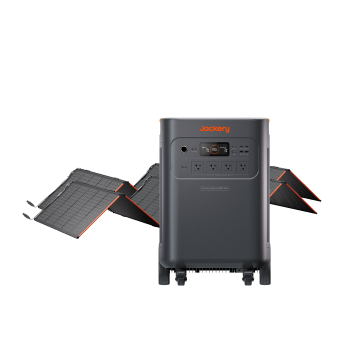
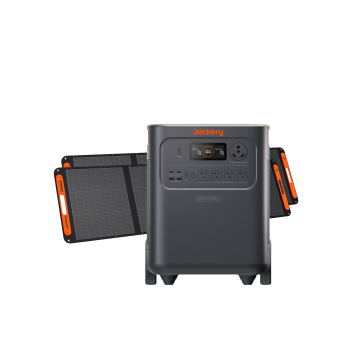
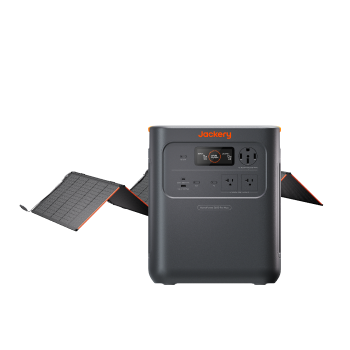
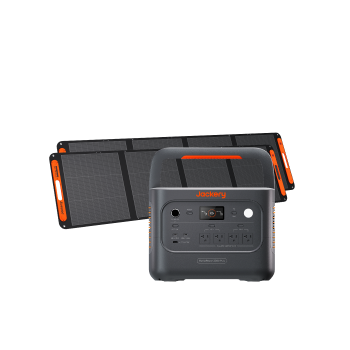
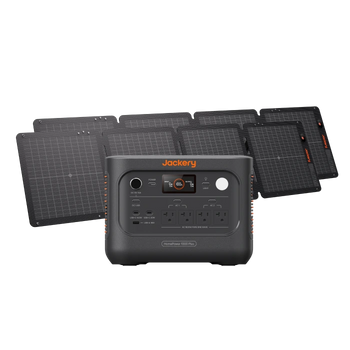
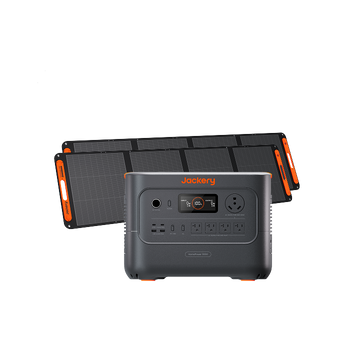
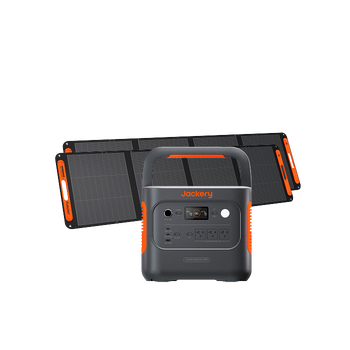
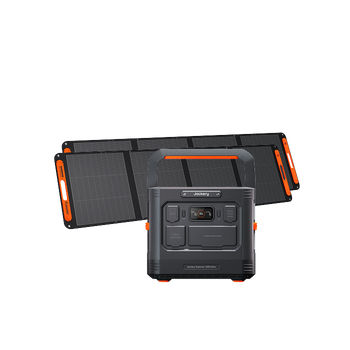
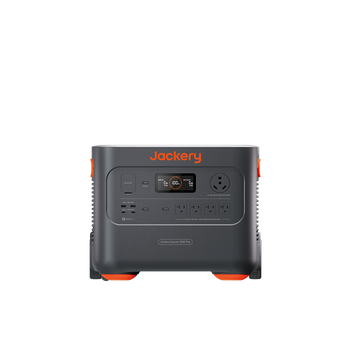
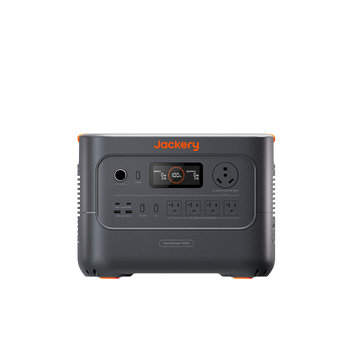
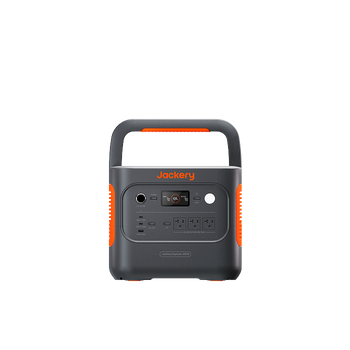
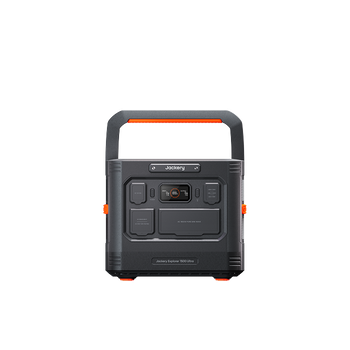
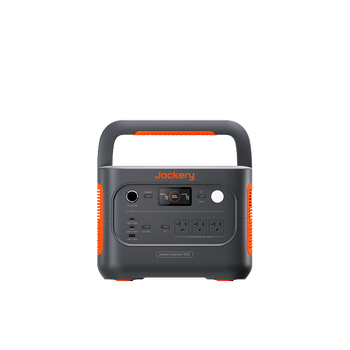
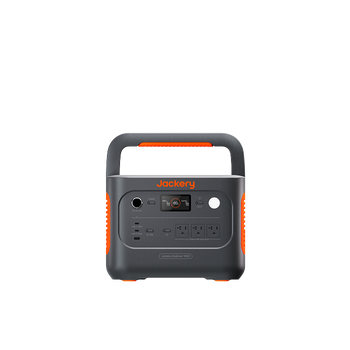
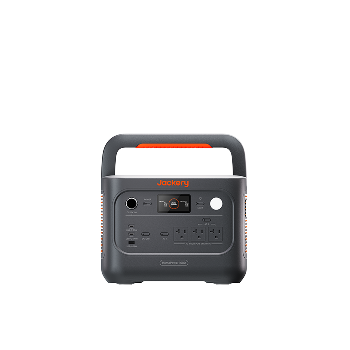
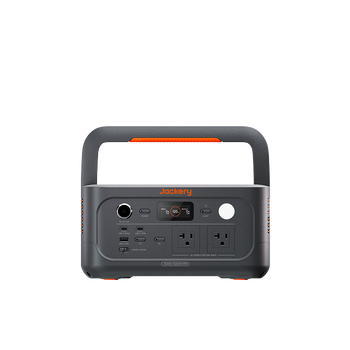
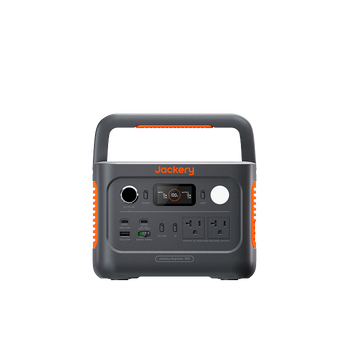
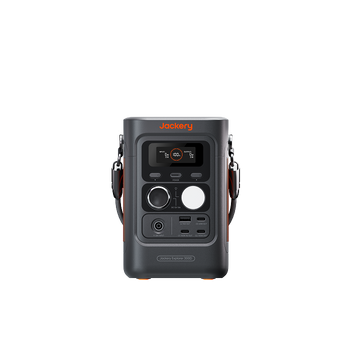
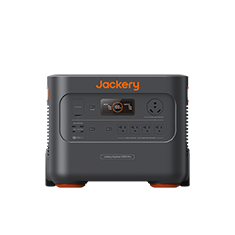
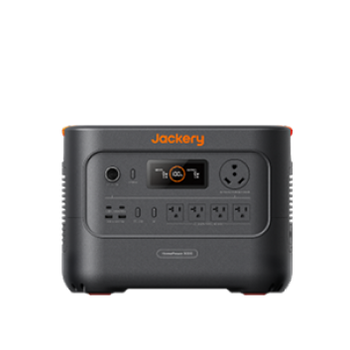
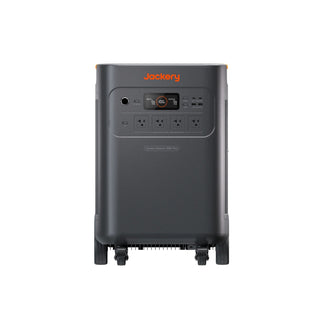
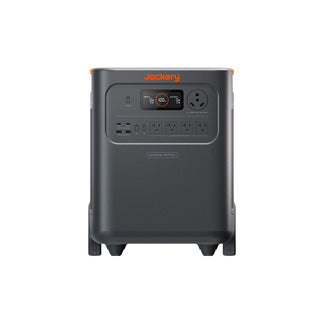
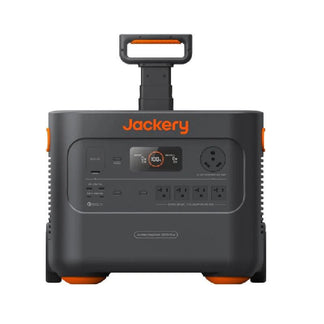
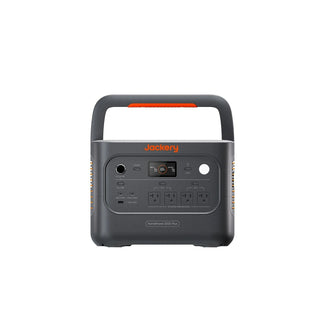
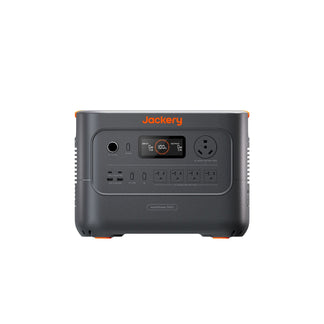
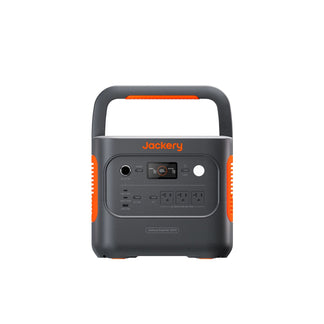
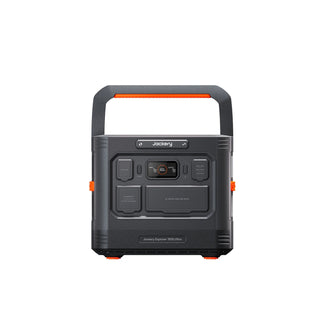
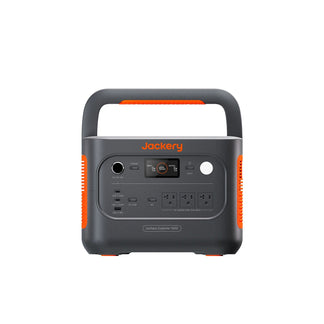
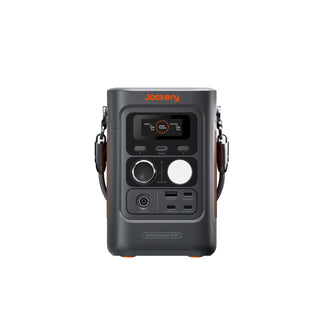
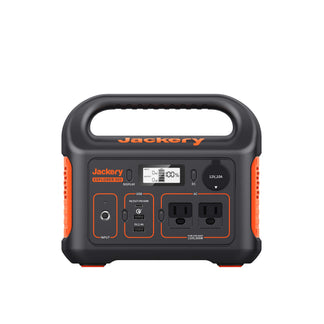
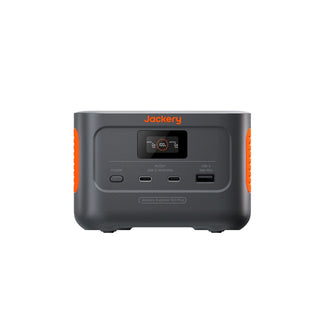
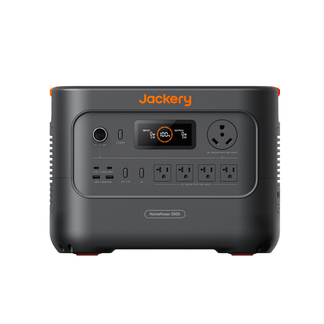
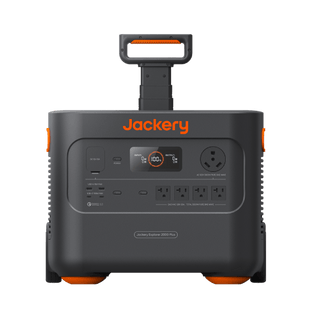
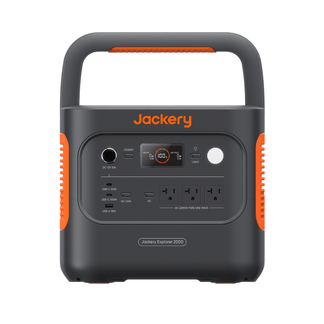
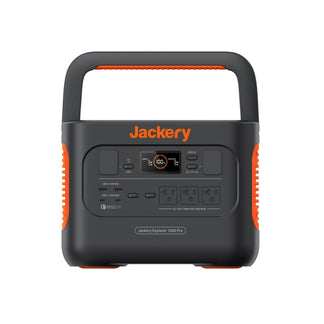
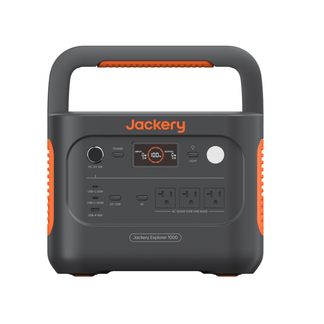
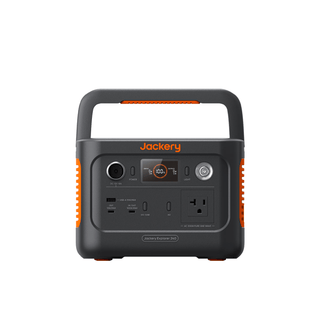
As a general rule, any Jackery Solar Generator with a "Plus" or "v2" label is a good indicator that it has a mobile app feature. Here's a list of Jackery Solar Generators that currently work with the Jackery mobile app:
- Jackery 240 v2
- Jackery 300 Plus
- Jackery 600 Plus
- Jackery 1000 v2
- Jackery 1000 Plus
- Jackery 1500 v2
- Jackery 1500 Ultra
- Jackery 2000 v2
- Jackery 2000 Plus
- Jackery HomePower 3000
- Jackery HomePower 3600 Plus
- Jackery 5000 Plus
How to Connect Jackery Power Stations to the App?
To connect the Jackery Portable Power Station to the app, you'll need to download the Jackery app from the Google Play Store or the App Store. Turn on the power station and make sure that Bluetooth or WiFi is enabled. You can follow the on-screen instructions to pair the device via Bluetooth and then configure WiFi for remote monitoring and control.
FAQs
Can I control my Jackery device remotely using the app?
Yes, Jackery Solar Generators can be controlled remotely via the Jackery mobile app, using either Bluetooth or WiFi. The mobile app allows you to monitor the power station's status, battery level, and remotely turn power outputs on or off.
Does the Jackery app work with both iOS and Android?
Yes, the Jackery app is available for both iOS and Android devices. You can find the app on the App Store for iOS and on the Google Play Store for Android.
Do I need WiFi to use the Jackery app features?
No, you don't always need WiFi to use the Jackery app. The Jackery app can connect to your device via both Bluetooth and WiFi. While WiFi offers remote monitoring and control from anywhere, Bluetooth allows for local connection and control, especially useful when WiFi is unavailable, such as when off-grid or camping.
Can I check the battery status and input/output in real-time on the Jackery app?
Yes, the Jackery app allows for real-time monitoring of battery status and input/output power for compatible Jackery Portable Power Stations. You can view battery levels, input and output power, and other device status details through the app.
Is the Jackery mobile app free to use?
Yes, the Jackery mobile app is free to use. It's available for download on both the App Store (for iOS) and Google Play Store (for Android).
Conclusion
The Jackery mobile app is one of the most convenient parts of owning a Jackery Portable Power Station. Whether you are monitoring your solar input from inside the house or turning off ports without getting up, the app adds a layer of flexibility and control that makes daily use and emergency preparation feel much easier. The Jackery app is simple to set up, easy to use, and helpful when managing power on the go or at home.

How to Connect Jackery Power Stations to the App?
To connect the Jackery Portable Power Station to the app, you'll need to download the Jackery app from the Google Play Store or the App Store. Turn on the power station and make sure that Bluetooth or WiFi is enabled. You can follow the on-screen instructions to pair the device via Bluetooth and then configure WiFi for remote monitoring and control.
FAQs
Can I control my Jackery device remotely using the app?
Yes, Jackery Solar Generators can be controlled remotely via the Jackery mobile app, using either Bluetooth or WiFi. The mobile app allows you to monitor the power station's status, battery level, and remotely turn power outputs on or off.
Does the Jackery app work with both iOS and Android?
Yes, the Jackery app is available for both iOS and Android devices. You can find the app on the App Store for iOS and on the Google Play Store for Android.
Do I need WiFi to use the Jackery app features?
No, you don't always need WiFi to use the Jackery app. The Jackery app can connect to your device via both Bluetooth and WiFi. While WiFi offers remote monitoring and control from anywhere, Bluetooth allows for local connection and control, especially useful when WiFi is unavailable, such as when off-grid or camping.
Can I check the battery status and input/output in real-time on the Jackery app?
Yes, the Jackery app allows for real-time monitoring of battery status and input/output power for compatible Jackery Portable Power Stations. You can view battery levels, input and output power, and other device status details through the app.
Is the Jackery mobile app free to use?
Yes, the Jackery mobile app is free to use. It's available for download on both the App Store (for iOS) and Google Play Store (for Android).
Conclusion
The Jackery mobile app is one of the most convenient parts of owning a Jackery Portable Power Station. Whether you are monitoring your solar input from inside the house or turning off ports without getting up, the app adds a layer of flexibility and control that makes daily use and emergency preparation feel much easier. The Jackery app is simple to set up, easy to use, and helpful when managing power on the go or at home.


