






















































![[Add-on] Jackery SolarSaga 500 X - Jackery](http://www.jackery.com/cdn/shop/files/add-on-jackery-solarsaga-500-x-1493607.webp?v=1786503068&width=324)
![[Add-on] Jackery Battery Pack 5000 Plus - Jackery](http://www.jackery.com/cdn/shop/files/add-on-jackery-battery-pack-5000-plus-6713401.webp?v=1786503068&width=324)
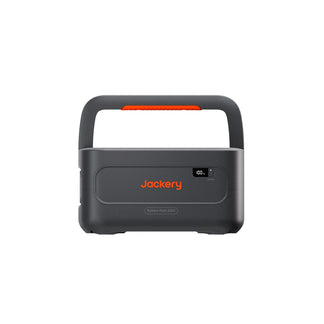








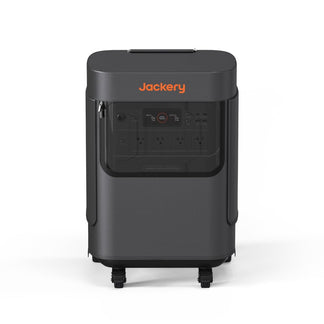




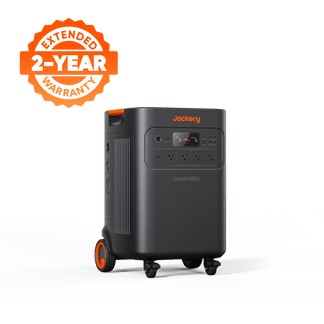
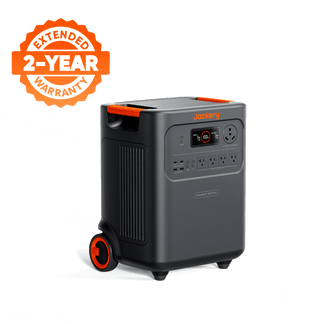
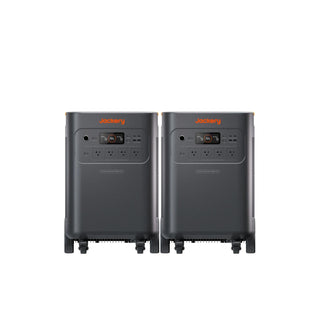
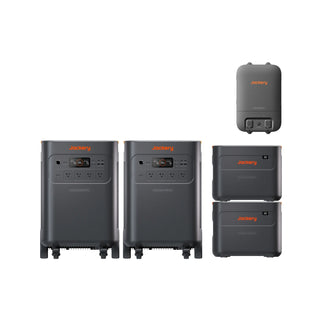


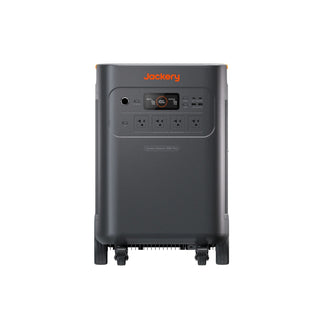
Most people buy a home backup power station, plug it in once, and assume it will always be ready when the lights go out. That assumption works right up until a five-day storm rolls through, and the battery was never fully recharged after the last outage. The Jackery HomePower 3600 Pro Max is built to keep your home running automatically, but getting the most from its 3,584Wh capacity means knowing which charging method to reach for depending on what power sources are available around you.
The good news is that the Jackery HomePower 3600 Pro Max supports multiple charging options. Whether you have a wall outlet, a solar panel, a gas generator in the garage, or just your car parked in the driveway, there is a path available to charge the Jackery HomePower 3600 Pro Max. This guide walks through all the supported methods, their charging speeds, and when each one actually makes sense to use.
Takeaways
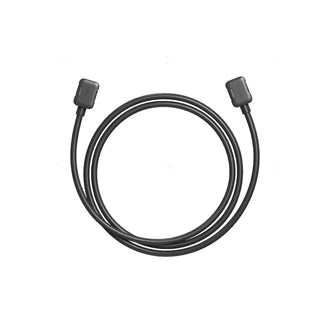
- AC fast charging through the AC Expansion Port with the optional 40A cable is the quickest option at 1.3 hours. It is useful when a storm warning gives you limited preparation time.
- Standard AC wall charging takes 2.5 hours and requires no additional accessories, making it the default everyday charging method for most homeowners.
- Solar charging at 1200W takes 4.3 hours under good conditions. It is ideal for multi-day outages where you want to recharge without burning fuel.
- Gas generator charging gives you two speeds depending on voltage: 2.5 hours on 120V and a faster 1.5 hours on 240V. It is a critical option when solar is not available overnight.
- Car charging is supported for situations where grid and solar power are both unavailable, keeping a partial charge going during travel or vehicle-based setups.
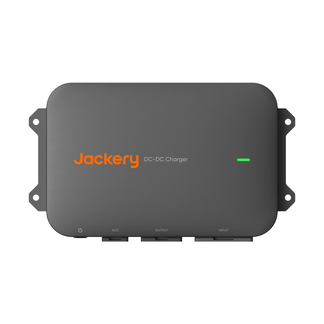
- DC-DC alternator charging runs at 600W and takes 7.7 hours. It is the slowest method, but practical for RV owners who cover long distances between stops.
How to Charge the Jackery HomePower 3600 Pro Max?
What makes the Jackery HomePower 3600 Pro Max genuinely flexible for home backup is the fact that you are not dependent on a single charging source. Here is a quick overview of all of the charging methods before we break each one down:
|
Charging Method |
Time to Full Charge |
Best Situation to Use It |
|
AC Fast Charging (40A Cable, AC Expansion Port) |
~1.3 hours |
Pre-storm preparation or recharging quickly between back-to-back outages |
|
AC Wall Charging (Standard) |
~2.5 hours |
Daily recharges and routine maintenance charging at home |
|
Solar Charging (1200W) |
~4.3 hours |
Sustained daytime recharging during extended grid outages |
|
Gas Generator (120V) |
~2.5 hours |
Overnight charging when solar is not available during a blackout |
|
Gas Generator (240V) |
~1.5 hours |
Faster fuel-based recharge when a 240V generator is available |
|
Car Charging |
Supported |
Travel, road trips, or as a supplemental option when no other source is reachable |
|
DC-DC Alternator Charging (600W) |
~7.7 hours |
RV use or extended road travel where the alternator charges over a long drive |
Can I Charge the Jackery HomePower 3600 Pro Max With a Wall Outlet?
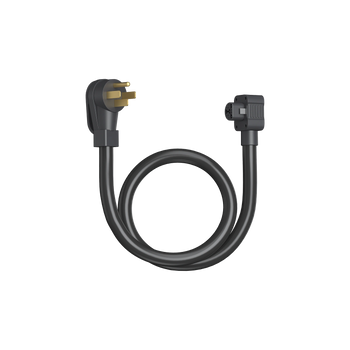
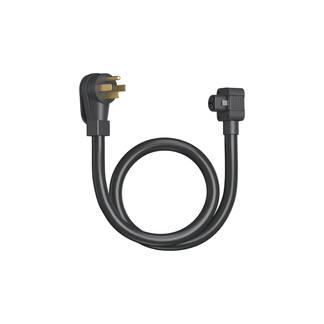
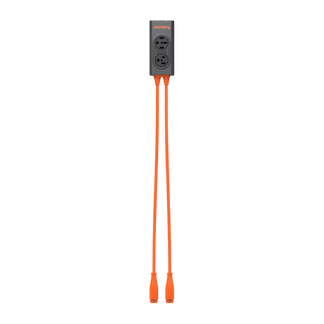
The Jackery HomePower 3600 Pro Max can be charged via a 120V AC wall outlet and a 240V input. It also supports AC fast charging via the AC Expansion Port. The Jackery HomePower 3600 Pro Max reaches a full charge in about 1.3 hours when you connect the optional 40A charging cable through its AC Expansion Port. For a 3.6kWh battery, this is a much faster turnaround than most home backup systems in this capacity range.
A fast charging method is most valuable when you have a warning of an outage but a limited time to act. Think of a hurricane watch issued 90 minutes before landfall, or a utility alert about scheduled maintenance in your area. With standard wall charging, you would only get a partial recharge in that window. However, with the 40A cable through the AC Expansion Port, the power station is back to 100% with time to spare.
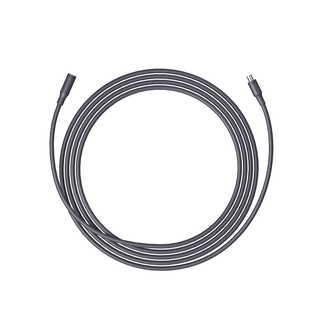
Note: The 40A charging cable is an optional accessory. Check whether your bundle configuration includes it before relying on this charging speed. Bundles that include the MTS + 40A Charging Cable are the ones that support this method out of the box.
120V AC Wall Charging via Standard Outlet
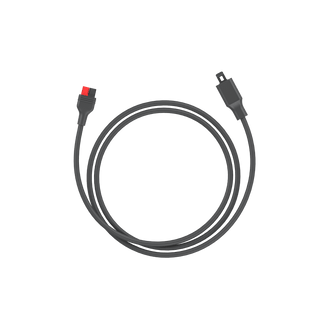
Plug the input port of the Jackery HomePower 3600 Pro Max into a standard AC wall outlet using the AC charging cable, and this home battery backup recharges in around 2.5 hours. This is the method most homeowners use the most, simply because it requires nothing beyond the outlet that is already in the room. For routine home backup maintenance, a 2.5-hour recharge from a wall outlet is more than adequate.

240V AC Wall Charging via 240V AC Input
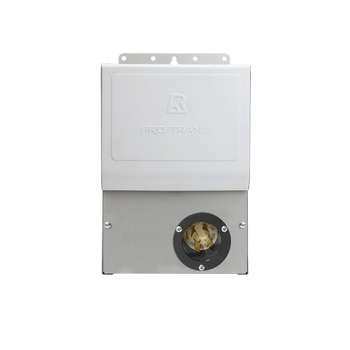
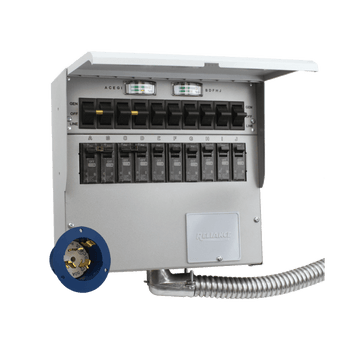
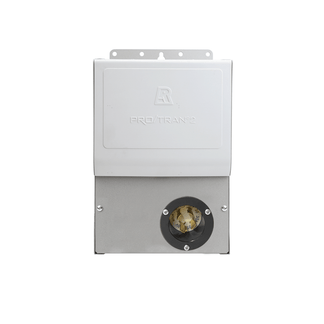
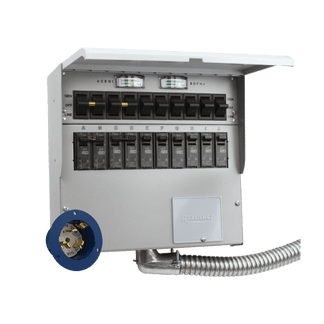
If you have access to a 240V AC outlet, you can charge the Jackery HomePower 3600 Pro Max through its 240V AC Expansion Port. The 240V AC input can also be obtained by the Jackery Automatic Transfer Switch.

Can I Charge the Jackery HomePower 3600 Pro Max using the Automatic Transfer Switch?
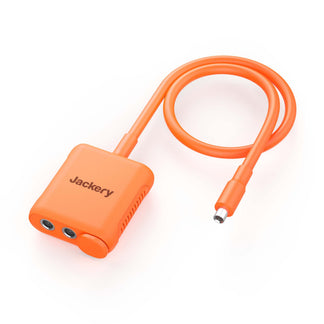
Yes, the Jackery HomePower 3600 Pro Max can be easily charged with the help of the Automatic Transfer Switch. You can charge the unit either through the AC Expansion Port or the DC8020 port. If you want to charge the power station with ATS, download the ATS app and click on the Power Station in the energe flow. Click Charge Now to start charging.

How to Charge the Jackery HomePower 3600 Pro Max with a Car Outlet?
Car charging is a supported option on the Jackery HomePower 3600 Pro Max. It is useful as a supplemental method rather than a primary one. It is a practical way to add an incremental charge during a road trip, during an evacuation where grid power is unavailable at your destination, or as part of a multi-source charging strategy during a prolonged outage.
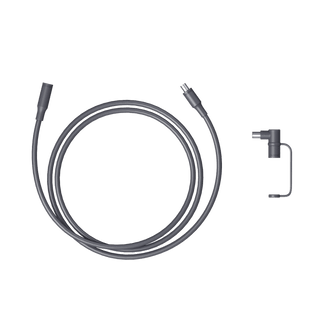
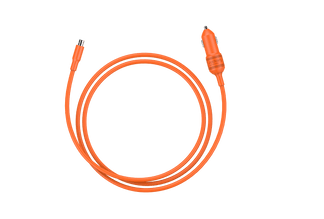
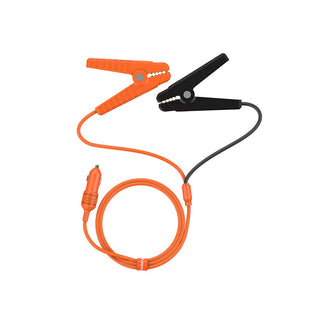
The Jackery HomePower 3600 Pro Max can be charged with the help of a 12V car charger. You just need to connect the car charger and 12V car power outlet (car cigarette lighter) via car charging cable (sold separately) to start the process. Before you start charging the power station via a car outlet, make sure to start the vehicle.

Can I Use Solar Panels to Charge the Jackery HomePower 3600 Pro Max?
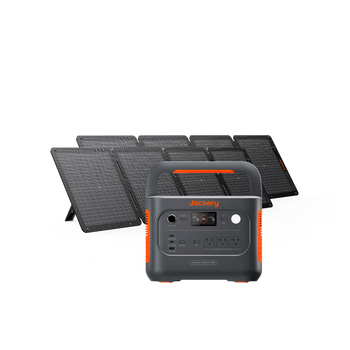
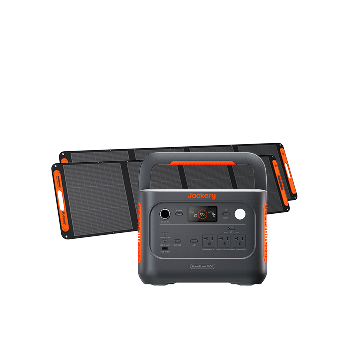
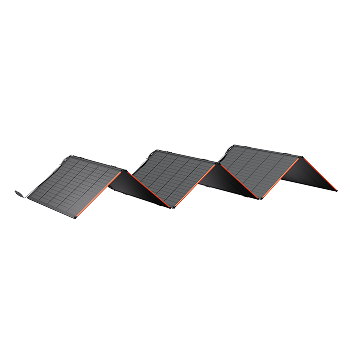
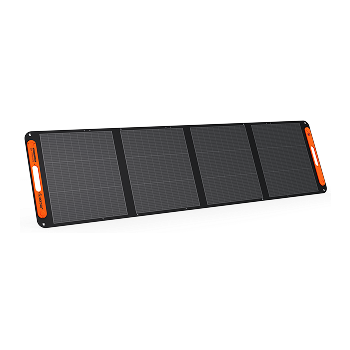
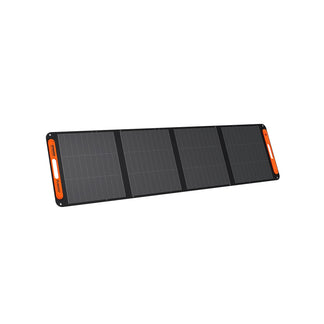
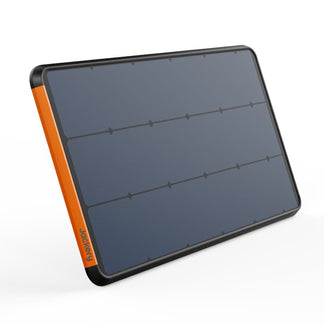
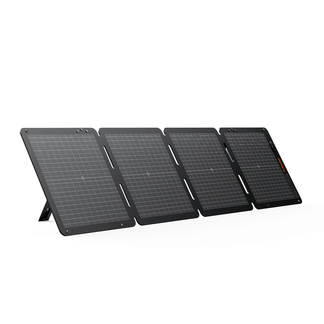
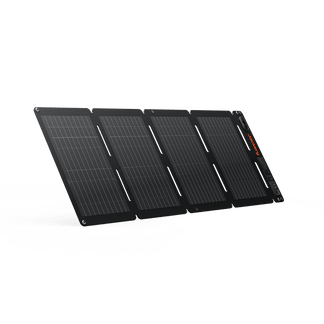
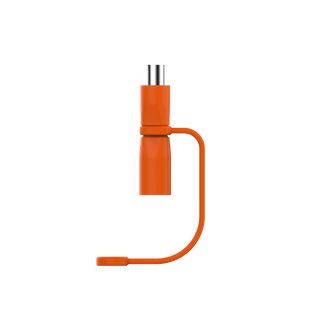
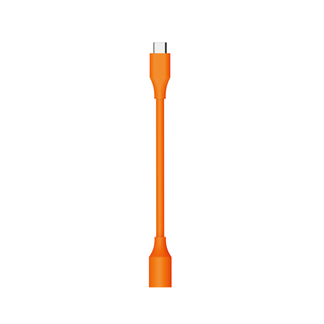
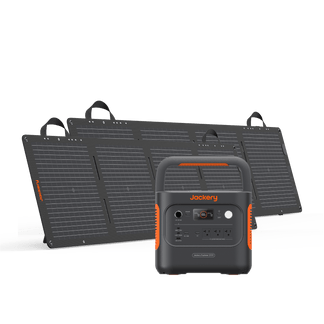
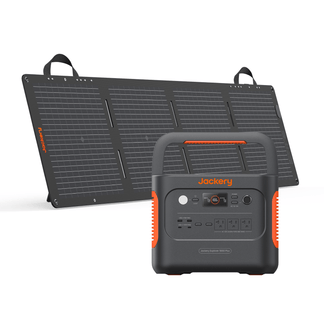
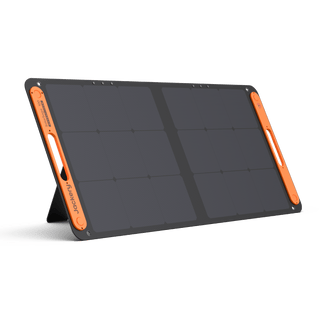
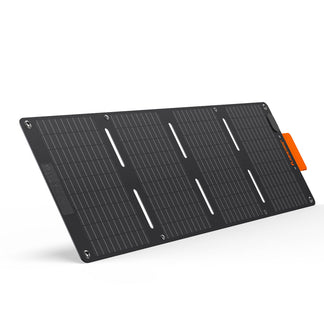
Yes. The Jackery HomePower 3600 Pro Max accepts up to 1200W of solar input, which brings the power station from empty to full in approximately 4.3 hours under strong sunlight. In real-world use, that typically means starting a solar charge in the morning and having it fully recharged by early afternoon. The Jackery HomePower 3600 Pro Max has two DC8020 input ports. You can connect each input port to one 500W solar panel or a serial connection of three 200W solar panels via a solar panel connector.

Solar becomes the most important charging method, specifically during multi-day outages. If the grid is down for three or four days, your wall outlet is useless, and your gas supply is finite. Solar is the one charging path that regenerates itself every morning as long as panels are deployed correctly. A couple of well-positioned high-wattage panels can cover the daily recharge requirement during most moderate-weather outages. For best results, orient panels toward direct sunlight and keep them clear of shade during peak hours.

Can I Charge the Jackery HomePower 3600 Pro Max with a Gas Generator?
Yes. When solar is not an option overnight, or when a prolonged cloudy stretch has been draining more than the solar panels can replace, the gas generator becomes the Jackery HomePower 3600 Pro Max's most reliable emergency charging fallback. It accepts generator input at both 120V (about 2.5 hours to full) and 240V (about 1.5 hours to full), so the recharge speed scales with whatever generator you have available.
The practical split between the two voltages: most portable generators homeowners keep on hand output 120V, which gets the job done in 2.5 hours. If you have a larger standby generator capable of 240V output, the 1.5-hour recharge time is noticeably faster and burns less fuel per full charge cycle. However, you should always run a gas generator outdoors with proper ventilation and never operate it inside a garage, shed, or enclosed space, even with a door or window open.
How to Use the DC-DC Alternator Charging at 600W?
DC-DC alternator charging draws power from your vehicle's alternator while the engine is running, delivering 600W of input and taking about 7.7 hours to fully recharge the Jackery HomePower 3600 Pro Max. It makes more sense in the context of how this method is actually used: covering a 400-mile drive in an RV, or a full day of regional travel where the vehicle is running for most of the daylight hours anyway.
The DC-DC alternator charging method is most relevant for RV users and anyone who regularly travels long distances with the Jackery HomePower 3600 Pro Max on board. The alternator charges this essential home backup passively while you drive, so by the time you reach your destination, you arrive with a meaningfully recharged battery rather than the depleted one you set off with. It is not a method that replaces solar or AC charging for home backup purposes, but for mobile or off-grid setups, the ability to trickle-charge while driving is a genuinely useful option to have.
Conclusion
The multiple charging methods on the Jackery HomePower 3600 Pro Max are layers of reliability that stack on top of each other. For most homeowners, AC wall charging handles the routine. Solar panels handle extended outages. The gas generator handles cloudy nights. The 40A fast charge cable handles the moments when you need to move quickly. Understanding which method to use in which situation means you will have a recharged power station when you actually need it. If you want any other information related to the Jackery HomePower 3600 Pro Max, check out the user manual.


