













































































The iPhone 17 brings a big leap in charging tech, with a switch to USB-C and faster speeds than ever. But with new cables, chargers, and battery care tips to consider, it’s easy to feel unsure about the best way to power your device.
This guide breaks it all down—helping you pick the right charger, practice smart battery habits, and choose reliable power solutions so your iPhone 17 stays ready wherever you are, at home or on the go.
Understanding Your iPhone 17's Charging Technology
The iPhone 17's charging system is built around a modern standard designed for speed and safety. Understanding its core components is the first step toward mastering how to charge an iPhone 17 effectively.
Why Did the iPhone 17 Shift to USB-C?
The iPhone 17, similar to its predecessor, the iPhone 16, now features a USB-C port, aligning with modern devices like iPads and laptops. This simplifies charging by reducing the number of different cables needed.
USB-C offers several advantages over the older Lightning standard:
- Higher Power: It supports higher power delivery, up to 240W, for fast charging various devices.
- Faster Data: Data transfer speeds are also significantly faster, reaching up to 40 Gbps with USB4/Thunderbolt.
- Durability: USB-C boasts a more durable design, with vulnerable parts located in the replaceable cable rather than the phone's port.
- Versatility: As a universal standard, it is more versatile and often cheaper due to widespread adoption.
What Comes in the iPhone 17 Box?
Apple includes a high-quality USB-C to USB-C cable with the iPhone 17. However, a wall adapter is not included in the box. This means you will need to use a compatible USB-C adapter you already own or purchase a new one to charge your device.
How Can You Use iOS to Monitor Battery Health?
Your iPhone gives you direct control and insight into its power consumption. By navigating to Settings > Battery, you can monitor your battery's health, view charging patterns, and see which apps are using the most energy. These tools empower you to make informed decisions that can extend your battery's lifespan.
Mastering Wired Charging for Maximum Speed and Safety
Wired charging remains the fastest and most efficient way to power your iPhone 17. By selecting the right adapter and cable, you can significantly reduce charging times without compromising safety.
How Do You Achieve the Fastest Wired Charging?
To achieve the fastest possible charging speeds with your iPhone 17, follow these guidelines:
- The iPhone 17 can charge to approximately 50% in about 20 minutes with fast charging.
- This requires a 40W or higher USB-C power adapter. The optimal charging wattage for iPhone 17 Pro Max is 20W or greater, with maximum speed achieved at 40W.
- Ensure the USB-C to USB-C cable supports the Adjustable Voltage Supply (AVS) protocol for optimal communication between the charger and the phone.
- Any compatible USB-C power adapter will work for standard charging, but higher wattage is needed for fast charging.
What Is the Recommended Equipment for Wired Charging?
-
Power Adapters:
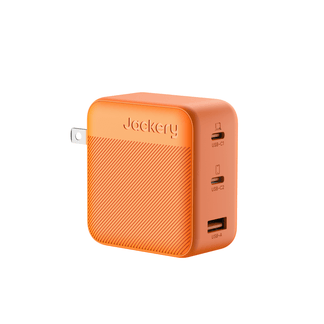
- Apple USB-C Power Adapter (20W or 30W for optimal results).
- A 40W Dynamic Power Adapter is ideal to fully utilize the 40W max charging speed.
-
USB-C Cables:
- High-quality USB-C to USB-C cable supporting high power delivery (up to 240W).
- Look for an E-Marker chip for safety and efficient power management.
- Consider durable construction (braided nylon, reinforced connectors).
- MFi-certified cables are recommended.
What Is the Best Strategic Charging Approach?
Adopt a strategic approach to charging. Use a high-wattage iPhone 17 charger for quick boosts when you need power fast. Rely on a standard, lower-wattage charger for regular or overnight charging to minimize heat and reduce stress on the battery.
Navigating Wireless Charging: MagSafe and Common Issues
Wireless charging offers convenience, but it also comes with its own set of challenges. Understanding how MagSafe works and how to troubleshoot common problems ensures a smooth, cable-free experience.
How Does MagSafe Charging Work?
MagSafe technology uses a ring of magnets to perfectly align your iPhone 17 with a compatible charger. This precise alignment maximizes charging efficiency and enables faster wireless speeds than older Qi standards. MagSafe compatibility offers 20W wireless charging speed. The MagSafe charger needs to be connected to a compatible USB-C power adapter. For fast wireless charging, use a 30W or higher USB-C adapter.
What About Qi-Certified Wireless Charging?
Place the iPhone 17 face-up on a Qi-certified wireless charger. The Qi charger also requires connection to a compatible USB-C power adapter. The iPhone 17 supports Qi2.2 wireless charging up to 25W (iPhone 17 Air capped at 20W).
Can the iPhone 17 Charge Other Devices?
Yes, the iPhone 17 can act as a power source for low-power devices, such as an Apple Watch or AirPods. This reverse wireless charging feature is handy for emergencies to top up secondary devices.
How Do You Troubleshoot Wireless Charging Issues?
If you encounter problems with wireless charging, follow these simple steps:
- Check Your Case: Remove any thick or metal cases, as well as credit cards or pop sockets, which can interfere with the magnetic connection. Ensure the back of your phone and the charger's surface are clean and free of debris.
- Prioritize Wired in the Car: If your wireless car charger is unreliable, especially during critical tasks like navigation, switch to a wired USB-C connection. A wired connection provides a stable and consistent power source.
- Manage Heat: Avoid intensive tasks like gaming or streaming high-definition video while fast charging wirelessly. These activities generate extra heat, which can cause the charging process to slow down or stop to protect the battery.
Smart Habits for Long-Term iPhone Battery Health
How you charge your iPhone 17 is just as important as what you charge it with. Adopting a few smart habits can significantly slow battery aging and preserve its capacity for years to come.
How Does iOS 18 Help Preserve Your Battery?
New algorithms in iOS 18 help reduce battery wear by optimizing charging patterns. These features, combined with smart charging habits, contribute to the overall longevity of your iPhone's battery. To maximize battery health:
- Avoid consistently charging to 100%.
- Aim for partial charges, such as from 20-30% to 80-90% for daily use.
- Charge in moderate temperatures and avoid exposing the phone to extreme heat while charging.
What Are Some Common Charging Myths?
- Myth: You need to charge your phone to 100% before its first use.
- Fact: This is not necessary for modern lithium-ion batteries.
- Myth: Using old chargers will harm your battery.
- Fact: Using older, non-knockoff brand chargers is safe and will not harm your battery's health, though they may charge more slowly.
Powering Your iPhone Anywhere: Beyond the Wall Outlet
Life doesn’t always happen near a wall outlet. Whether you’re traveling, exploring outdoors, or facing a sudden power outage, you need a fast, reliable way to keep your devices charged.
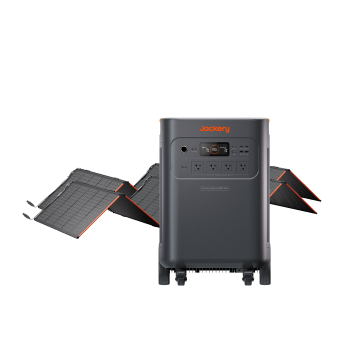
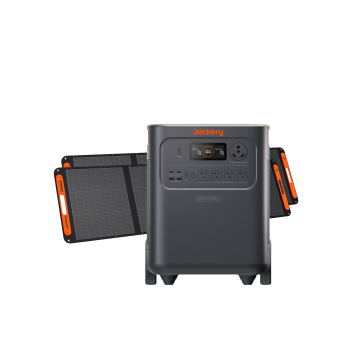
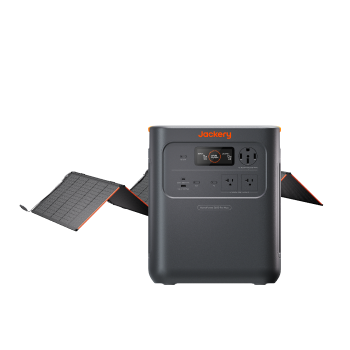
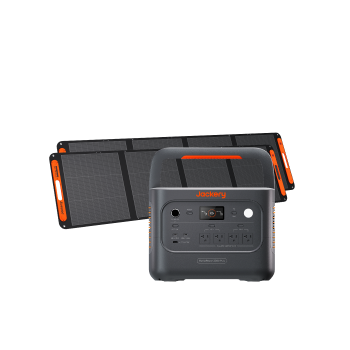
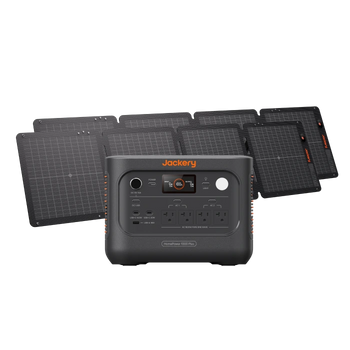
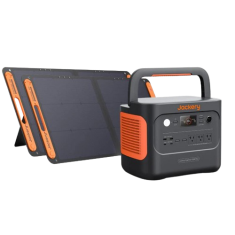
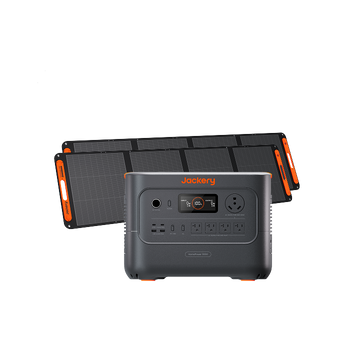
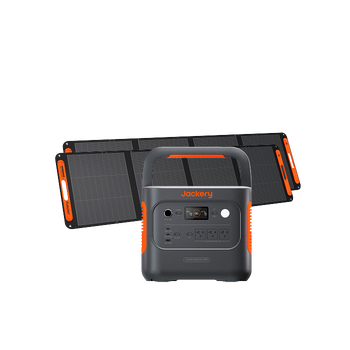
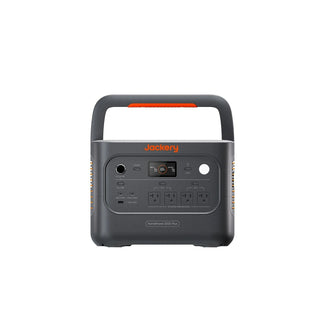
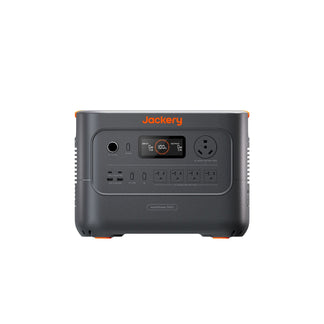
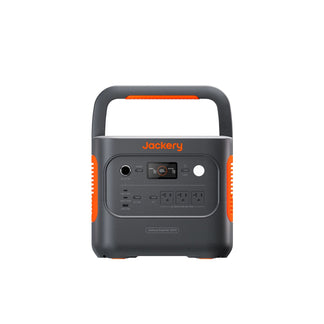
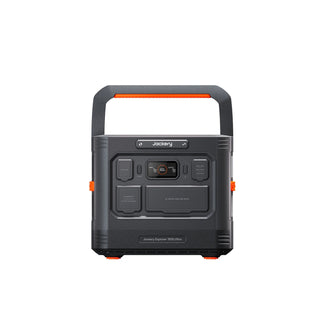
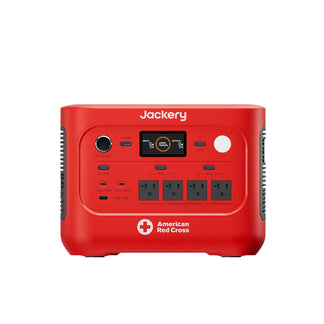
A portable power station is the perfect solution, offering a safe, high-speed charging hub for your iPhone 17 and all your essential gear. Unlike small power banks, these stations deliver huge capacity and true fast-charging performance.
For more information on the technology, see our guide on what is PD charging.
What Are the Best Portable Power Stations for the iPhone 17?
-
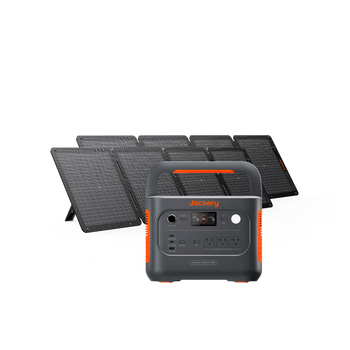
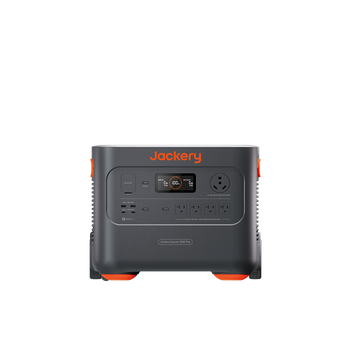
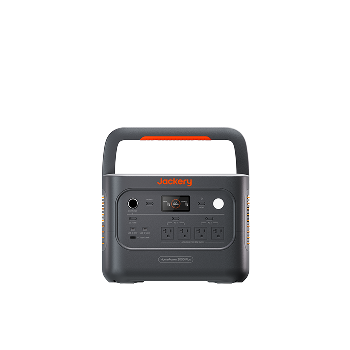
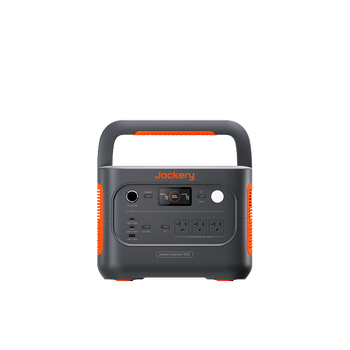
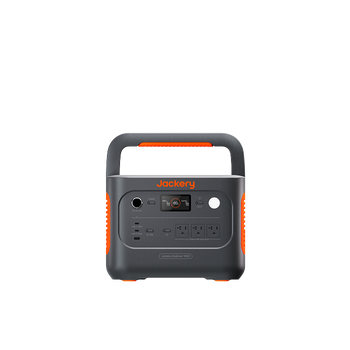
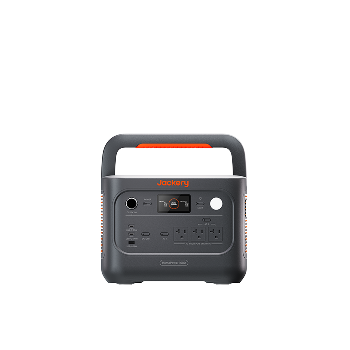
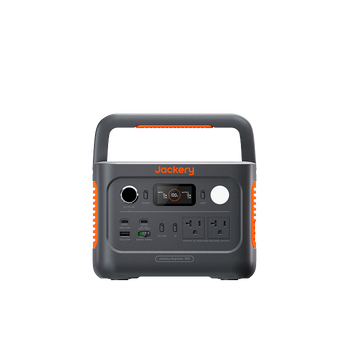
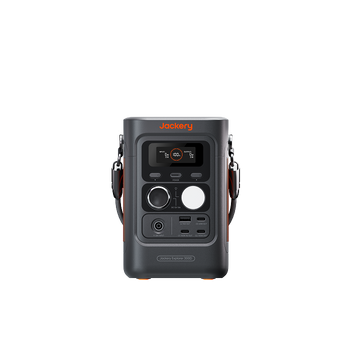
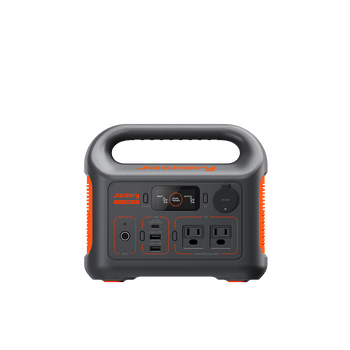
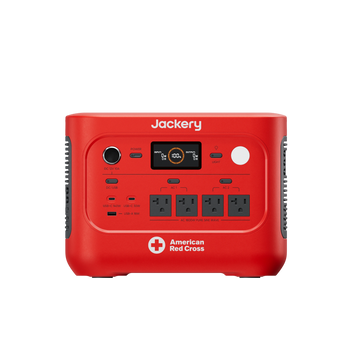
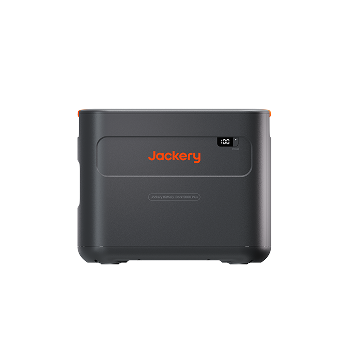
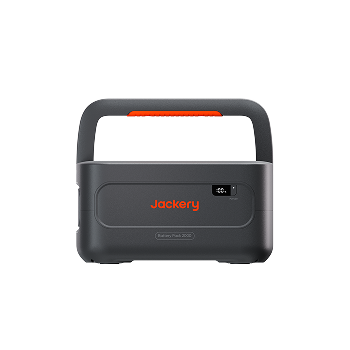
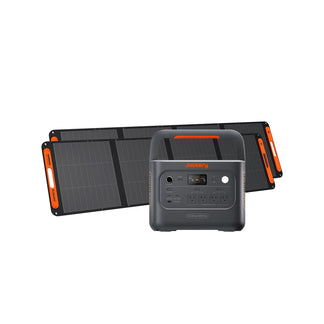
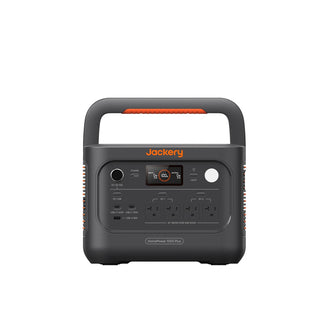
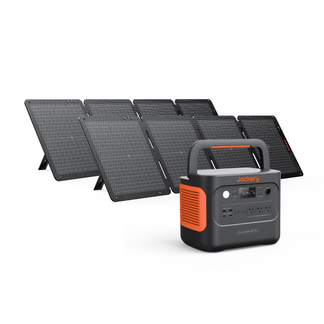
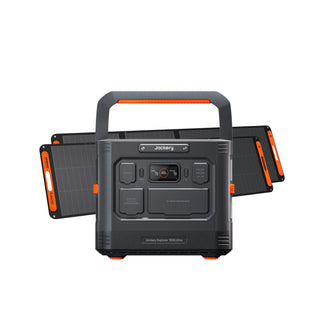
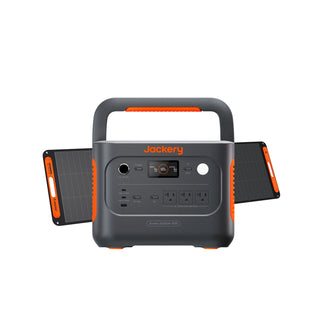
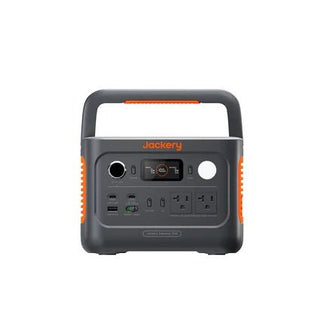
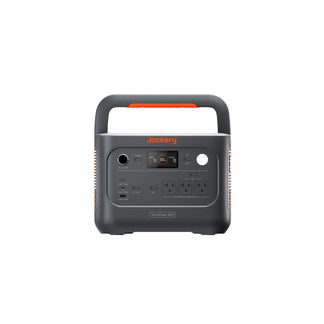
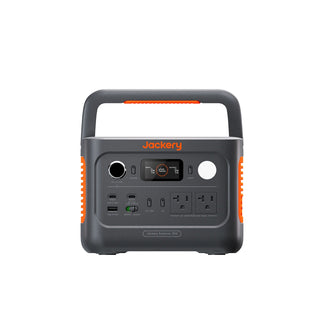
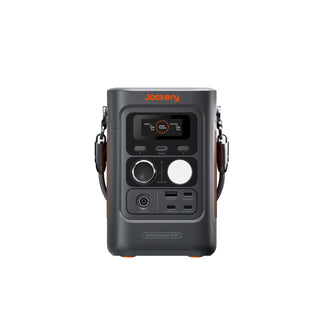
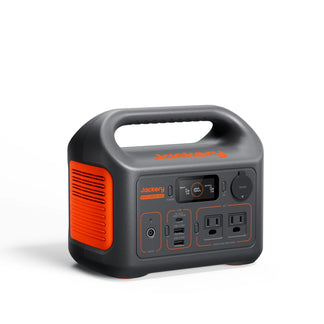
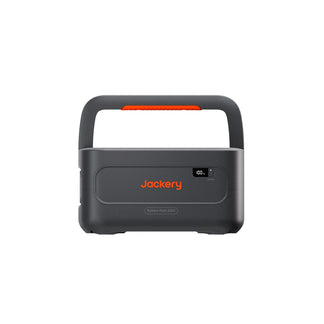
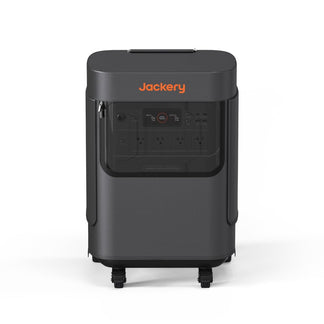
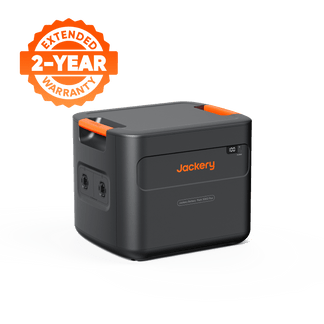
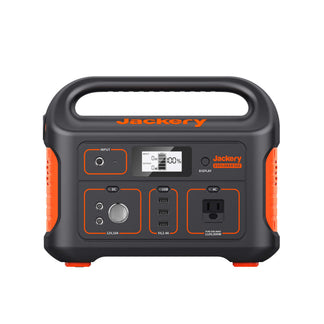
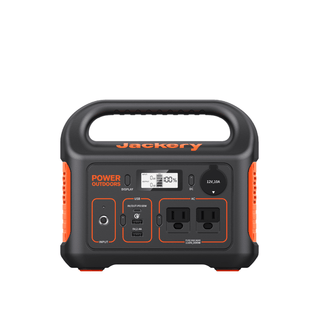
Jackery Explorer 300 Plus
- Compact and lightweight design, weighing only 8.27 lbs for easy portability.
- Delivers maximum charging speed to an iPhone 17 Pro with its powerful 100W USB-C PD port.
- Provides a 288Wh LiFePO4 battery that can recharge an iPhone 17 approximately 13 times.
- Use case: Ideal for daily commutes, weekend getaways, or as a reliable backup at home.

-
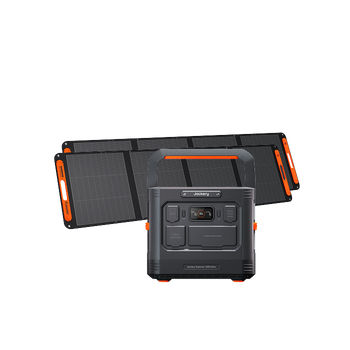
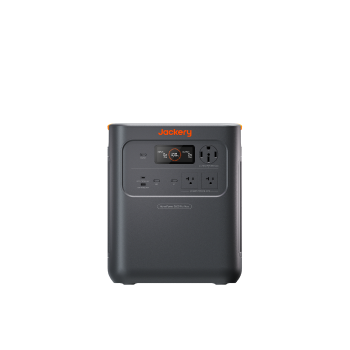
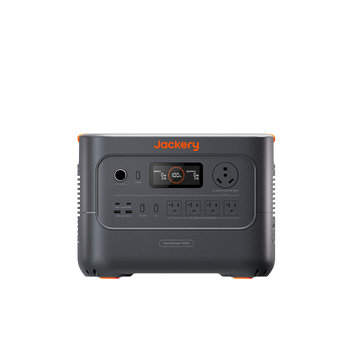
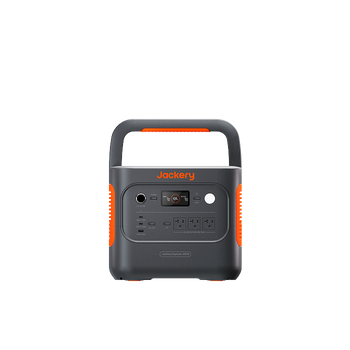
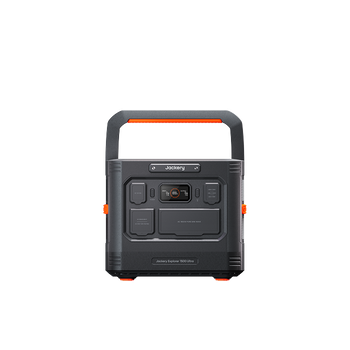
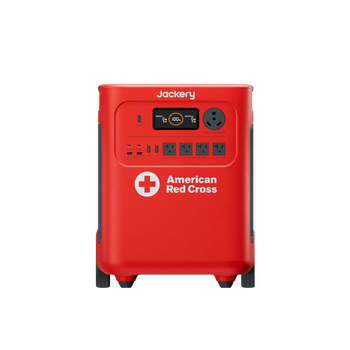
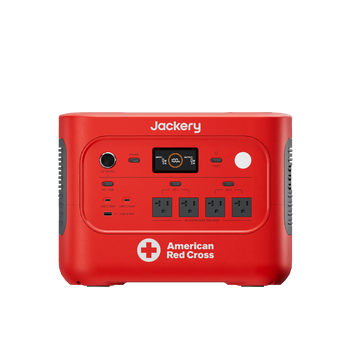
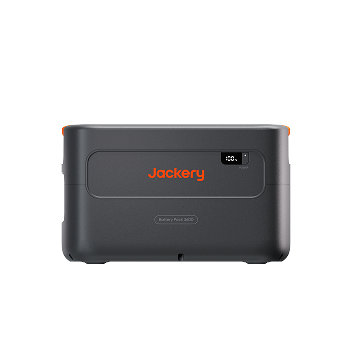
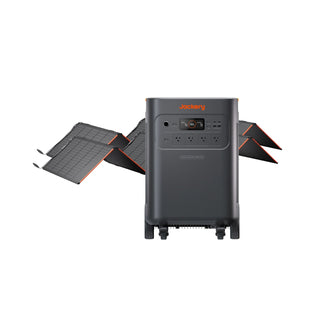
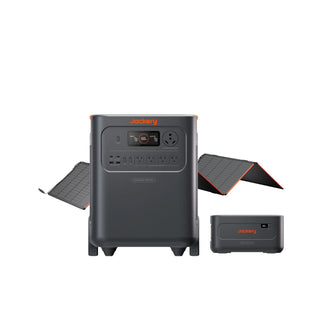
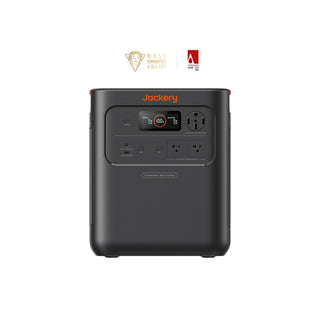
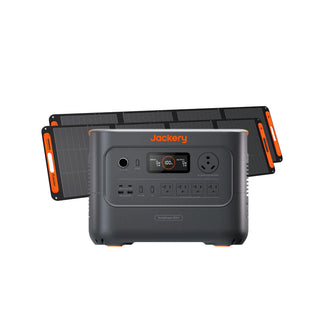
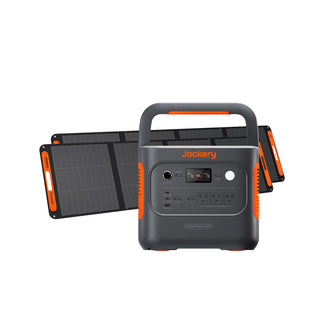
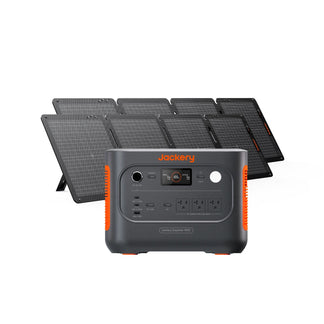
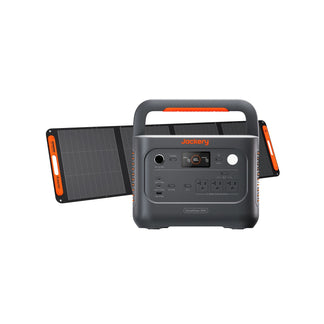
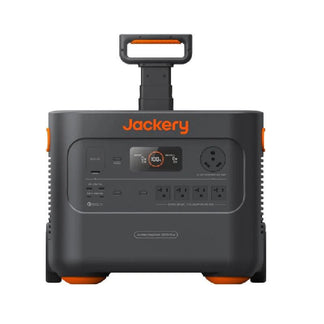
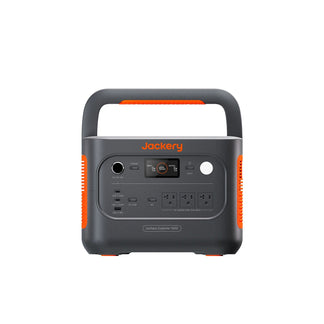
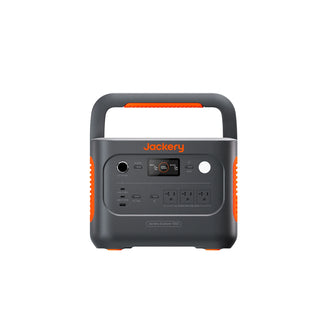
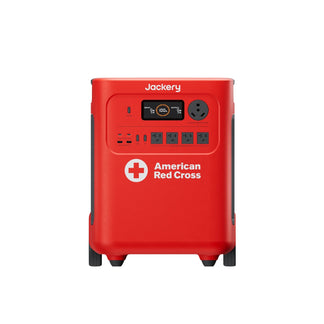
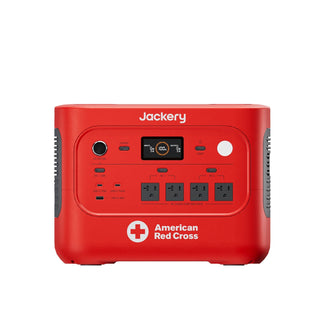
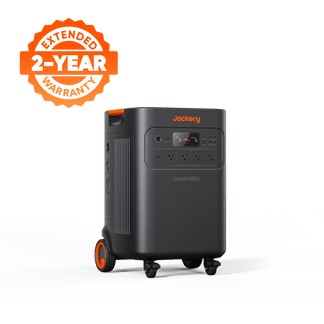
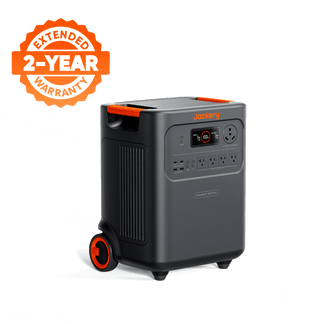
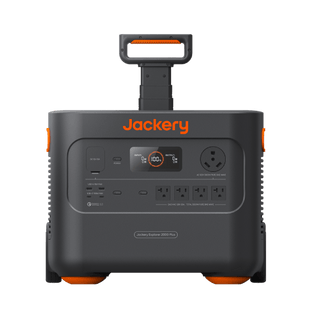
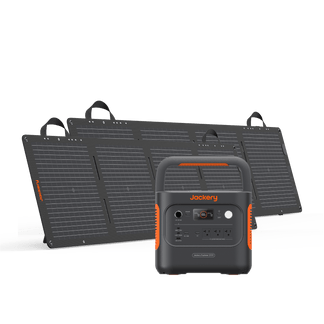
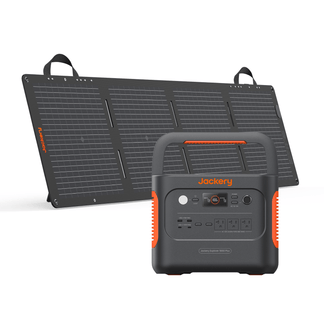
Jackery Explorer 1000 v2
- Boasts a large 1070Wh capacity, making it ideal for longer trips, family camping, or emergency preparedness.
- Includes dual 100W USB-C PD ports, allowing you to charge your iPhone 17 and a MacBook Pro simultaneously at their fastest speeds.
- Incorporates advanced ChargeShield 2.0 technology, offering 62 forms of protection for safe, stable, and reliable power delivery.
- Use case: Ensures you and your family stay connected and powered up, no matter where your adventures take you.
What Are Other On-the-Go Charging Alternatives?
- Laptop or USB-C Hub Ports: Slower charging but effective in a pinch. Can provide a trickle charge when other options are unavailable.
- Car Chargers: Useful for charging while driving. Ensure the car charger supports USB-C PD for faster charging.
Quick Troubleshooting for Common Charging Problems
Even with the right gear, you may occasionally run into issues. Here are quick solutions to the most common charging problems.
How Should You Clean Charging Ports and Pads?
- USB-C Port: Use a dry, soft brush or compressed air to gently clean out debris.
- Wireless Charging Pads: Wipe the surface with a soft, lint-free cloth.
- Benefit: A clean connection prevents slow charging, connection issues, and heat buildup.
Why Is My iPhone Charging Slowly?
Charging may be slower when the phone is in active use, such as gaming or streaming. This is a normal thermal management feature that helps protect the battery's health by reducing heat.
What If My New iPhone Isn't Charging?
If a new iPhone doesn't charge, ensure you have a compatible USB-C power adapter, not just the included cable. Many users need to purchase a new, compatible charging block separately.
Key Takeaways for Smart iPhone 17 Charging
Knowing how to charge an iPhone 17 properly ensures you get the best performance today while preserving your battery for tomorrow.
- Embrace USB-C Power Delivery: For the fastest and most efficient wired charging, pair your iPhone 17 with a 40W+ USB-C PD adapter and a high-quality, certified cable.
- Charge strategically: Use high-speed charging for quick boosts when time is critical. For routine or overnight charging, use a gentler, lower-power method to protect long-term battery health. For more tips on charging external batteries, read our guide on how to charge a power bank.
- Prepare for power anywhere: A portable power station is an essential tool for reliable charging away from the grid. It's the ultimate iPhone 17 charger for travel, emergencies, and outdoor life.
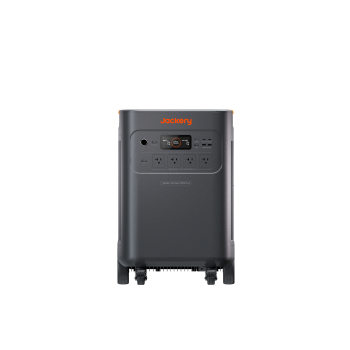
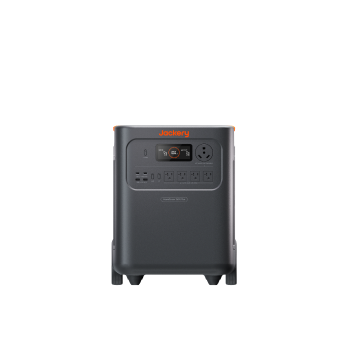
- The Jackery Explorer 300 Plus is ideal for superior portability and daily power needs.
- The Jackery Explorer 1000 v2 is the perfect choice for extended trips and powering multiple devices at once.
Frequently Asked Questions
Can I use my old Lightning cables and adapters with the iPhone 17 via an adapter?
Yes, but a USB-C to Lightning adapter may not support the fastest charging speeds. For optimal performance, it is best to use a native USB-C PD charger and cable.
How does the iPhone 17's fast charging impact its overall lifespan compared to previous models?
The primary factor in battery degradation is heat, not speed itself. The iPhone 17's advanced thermal management and smart charging features help mitigate risks, making the impact similar to previous models if you follow best practices.
Are there any specific third-party charger brands that are officially recommended or certified by Apple for the iPhone 17?
With the shift to the universal USB-C PD standard, the "Made for iPhone" (MFi) certification is less critical for chargers. Look for reputable brands that are USB-IF certified and clearly state support for Power Delivery.
What are the best practices for charging my iPhone 17 in extreme temperatures (very cold or very hot environments)?
In hot environments, charge in the shade and avoid demanding tasks. In extreme cold, bring the phone to a warmer temperature before charging, as charging a frozen battery can cause permanent damage.
Will using a portable power station like the Jackery models void my iPhone 17's warranty or negatively affect its battery?
No, using a high-quality, certified portable power station like a Jackery will not void your warranty. Jackery's advanced safety systems deliver clean, stable power that is as safe or safer than a standard wall outlet.


