






















































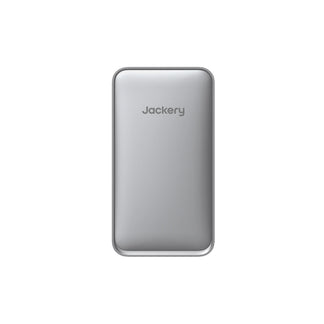
![[Add-on] Jackery SolarSaga 500 X - Jackery](http://www.jackery.com/cdn/shop/files/add-on-jackery-solarsaga-500-x-1493607.webp?v=1786503068&width=324)
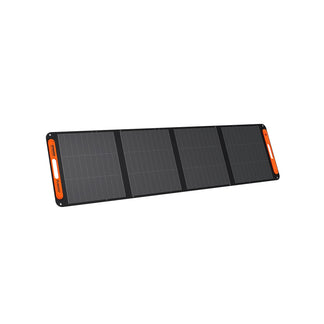
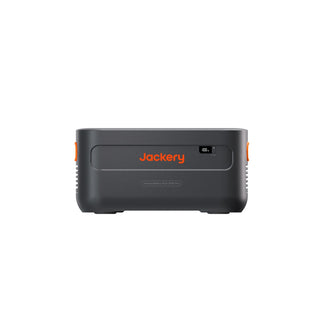
![[Add-on] Jackery Battery Pack 5000 Plus - Jackery](http://www.jackery.com/cdn/shop/files/add-on-jackery-battery-pack-5000-plus-6713401.webp?v=1786503068&width=324)












When the FIFA World Cup 2026 schedule kicks off on June 11, millions of fans across North America will tune in to witness history. But what happens if a sudden summer thunderstorm or grid strain cuts your power at minute 117 of the final? If you sized your UPS battery backup based on the optimistic label on the box, your screen is going dark right before the decisive penalty shootout.
Preventing a game-day blackout isn't about buying the most expensive backup system you can find; it is about doing the precise math to handle transient GPU spikes, accounting for battery degradation, and securing enough runtime to outlast extra time.
Why is Summer Outage Protection Critical for the World Cup?
Standard consumer-grade UPS systems frequently suffer immediate shutdown failures during summer World Cup viewings due to several common hardware limitations and sizing oversights:
- Dynamic Home-Theater Loads: Standard televisions and projectors do not draw a completely static, predictable wattage. A projector lamp requires a high initial "striking" current to turn on, and modern HDR-enabled smart TVs can experience sudden, brief power spikes during highly bright or fast-action sporting scenes. A UPS sized only for average draw can easily overload and shut down under these sudden transient peaks.
- Silent Battery Degradation: Standard lead-acid batteries lose 20% to 30% of their original capacity after just three years of use. An aging battery that worked perfectly during last season's matches may fail completely when trying to sustain your TV and router through a long, extra-time penalty shootout.
- VA vs. Real Watts Confusion: Volt-Amps (VA) and Watts are not equal. A standard "1500 VA" backup may sound massive, but at a standard 0.6 power factor, it only delivers 900 real Watts. If you plug in a large television, a high-draw soundbar, and a streaming console simultaneously, you can easily exceed this real wattage threshold.
- Physical Outlet Limits: Most standard backups only provide four to six battery-protected outlets. This forces you to make hard compromises between powering your television, your streaming stick, your high-end soundbar, and your vital Wi-Fi router to keep the live stream online.
How Do You Calculate Your True Game-Day Power Budget?
To avoid system overloads, you must calculate your baseline load before the match begins. Let's look at the average power consumption for a standard home viewing setup:
|
System Component |
Typical Real-World Draw |
|
55-inch LED Television |
120 Watts |
|
Cable / Satellite Box |
16 Watts |
|
Cable Modem |
10 Watts |
|
Wi-Fi Router |
10 Watts |
|
Total Base Viewing Load |
156 Watts |
If you prefer playing alongside the action, adding a PlayStation 5 draws an additional 200 W, an Xbox Series X draws 180 W, and a high-end gaming PC can pull anywhere from 350 W to 500 W. To ensure you have adequate power, use these critical sizing rules:
- Measure, Don't Guess: Appliance nameplate ratings are maximum theoretical draws—often 20% to 40% higher than real-world use. Use a plug-in Kill-A-Watt meter to measure actual draw during active gameplay or streaming.
- Add a 20% Transient Buffer: GPU power spikes can briefly double your system's draw. Sizing with a 20% safety margin ensures your system can absorb these transient spikes without tripping overload protection.
- The 80% Loading Rule: Never load your backup system beyond 80% of its rated Watt capacity. Operating at the ceiling leaves zero margin for battery aging or temperature fluctuations.
- Convert Watts to VA: If your total measured load is 195 W, divide by a 0.8 power factor to find your apparent power requirement (244 VA).
What Formula Estimates Real-World Backup Runtime?
To calculate exactly how many hours of viewing time your system can supply during an outage, use this standard engineering formula:
Estimated Hours = Battery Watt-Hours (Wh)x 0.85x 0.90 / Continuous Load Watts
This formula applies two critical efficiency factors: 0.85 accounts for internal DC-to-AC inverter conversion losses, and 0.90 covers wiring and connection resistance inside the unit.
-
Example 1 (Base Load): Running a standard 156 W TV and internet setup on a high-capacity 1,500 VA (approx. 900 Wh battery) system yields:
(900 × 0.85 × 0.90) ÷ 156 = 4.4 hours (about 4 hours and 24 minutes)—more than enough to cover regulation, extra time, and penalties. - Example 2 (Adding Convenience): Adding a 70 W mini-fridge raises your load to 226 W, dropping your runtime to roughly 3 hours. Refer to our UPS battery backup capacity guide to plan for larger appliance loads.
Why Do Pure Sine Wave Output and Fast Transfer Speed Matter?
Your sensitive, expensive gaming gear and home theater electronics require high-quality power to prevent hard crashes:
- The Active PFC Problem: Most high-end 80+ Gold and above PC power supplies utilize Active Power Factor Correction (PFC). If you feed them a cheap, "simulated" stepped sine wave, the system will instantly reboot or shut down during an outage transition.
- Pure Sine Wave is Mandatory: Pure sine wave output replicates clean, utility-grade AC power, allowing your equipment to transition to battery power seamlessly.
- Transfer Time limits: Standard PCs and consoles can only hold their internal voltage stable for 16 to 20 milliseconds after a power cut. Your backup must switch over in 4 to 10 ms to prevent system reboots. This is why standard line-interactive systems must feature rapid automatic transfer switches.
- Automatic Voltage Regulation (AVR): AVR corrects low-voltage grid dips (brownouts) down to 97V without draining your battery reserves, preserving full capacity for actual blackouts.
What is the Lifespan Difference: Lead-Acid vs. Lithium-Ion?
The battery chemistry inside your system dictates how often you will have to pay for replacement cells:
|
Battery Metric |
Standard Lead-Acid (VRLA) |
Lithium Iron Phosphate (LiFePO4) |
|
Average Lifespan |
3 to 5 years (drops sharply in temperatures above 25°C) |
10+ years (retains capacity in warm conditions) |
|
Cycle Life (to 80% DoD) |
200 to 300 cycles |
6,000+ cycles |
|
Physical Weight |
Heavy and bulky |
40% lighter than lead-acid equivalents |
|
Maintenance Requirements |
Requires regular physical checks and replacement cartridges |
Solid-state; completely maintenance-free |
How Can Jackery Solar Generators Serve as Scalable UPS Alternatives?
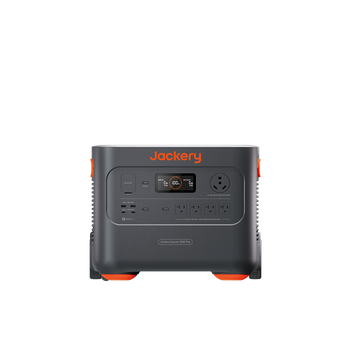
Traditional UPS systems max out at 1,500 VA, providing only 15 to 30 minutes of runtime under heavy gaming loads. If you want to keep watching through a prolonged outage, a portable, high-capacity solar generator is the ideal solution. These units combine robust lithium batteries, pure sine wave inverters, and fast automatic transfer switches into a single plug-and-play system. If you want to compare them to combustion-based options, read our guide on the advantages over a traditional backup generator.
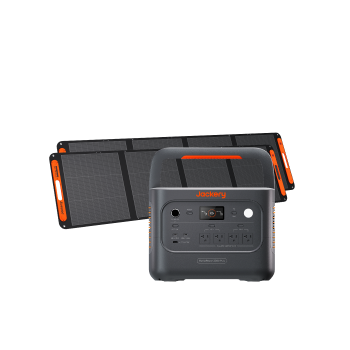
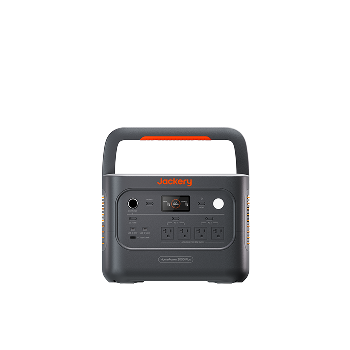
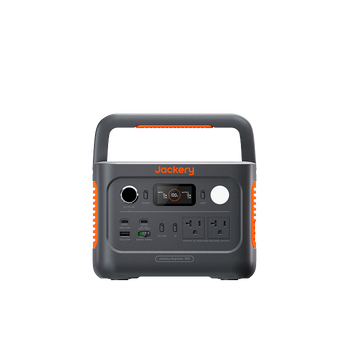
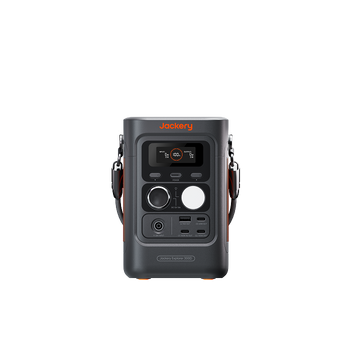
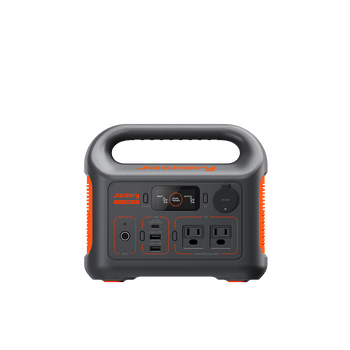
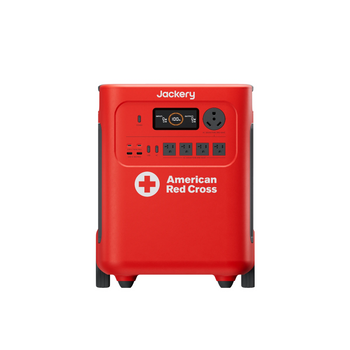
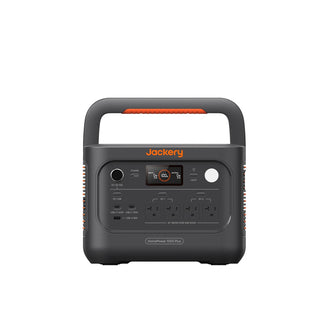
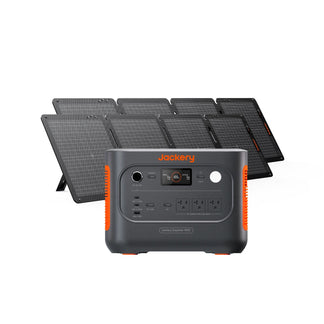
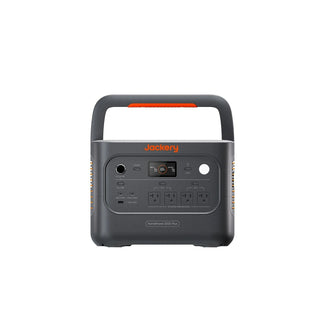
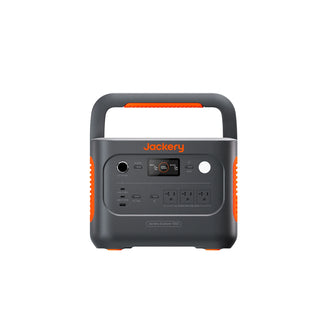
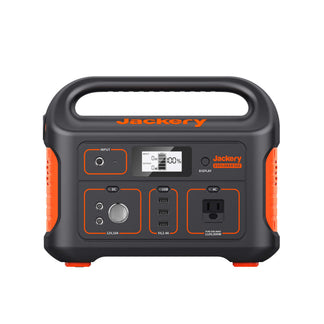
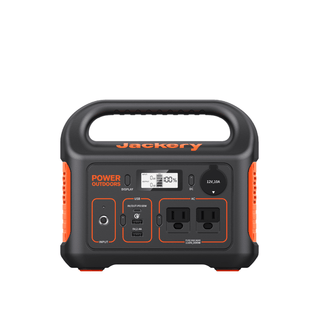
Three premium Jackery units are engineered to keep your home theater and communication systems online through any blackout:
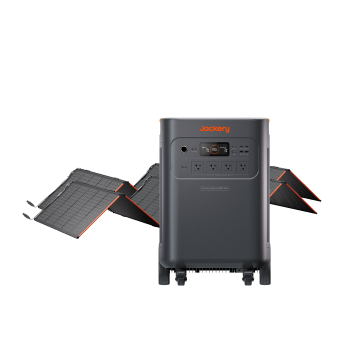
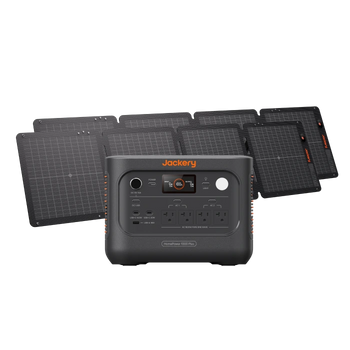
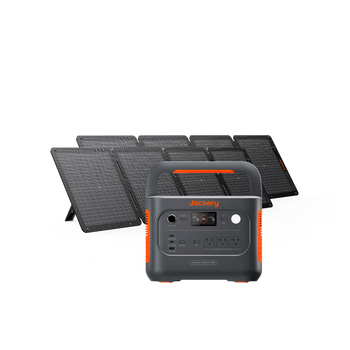
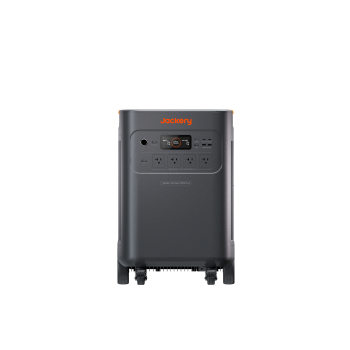
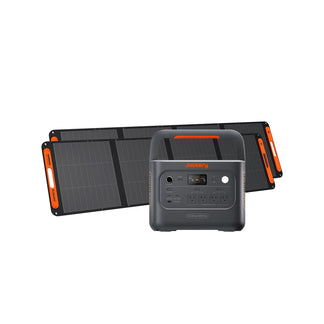
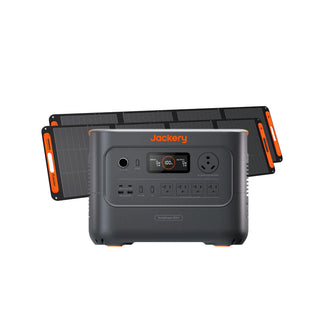
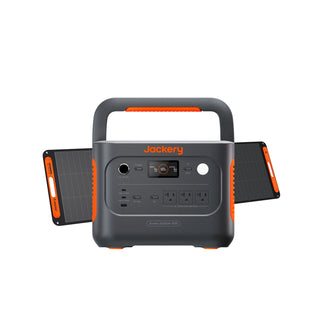
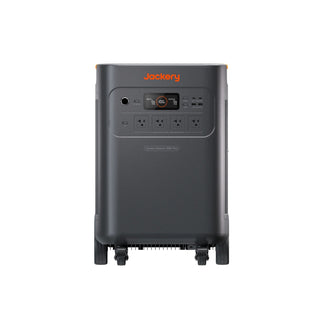
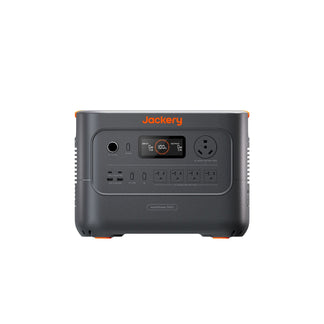
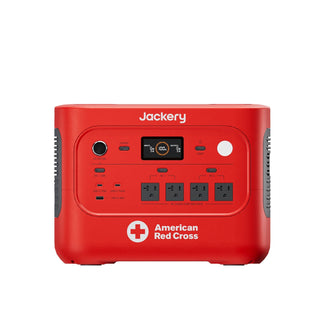
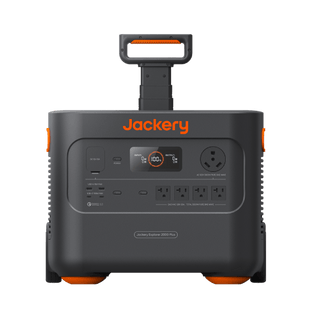
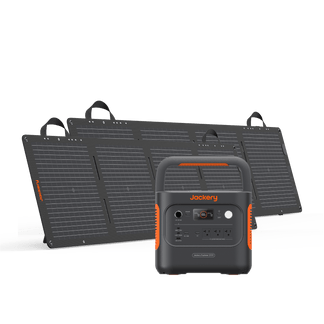
1. Jackery Solar Generator HomePower 3600 Plus + SolarSaga 500X
This high-capacity system is built for extended, multi-match runtimes:
- Massive Runtime: Holds 3,584 Wh of LiFePO4 capacity, capable of running a 155 W entertainment system for up to 19 hours on a single charge.
- Seamless Protection: Features pure sine wave output and a sub-20ms UPS switchover to prevent gaming rigs and consoles from rebooting.
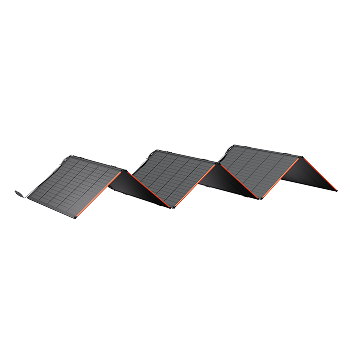
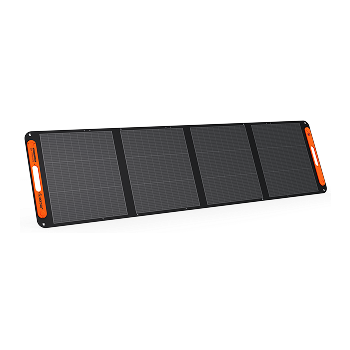
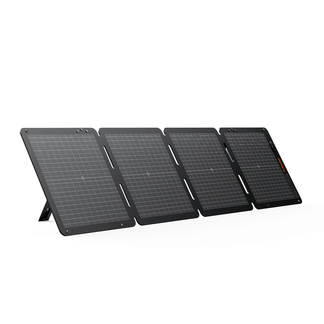
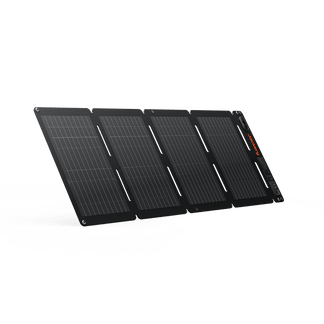
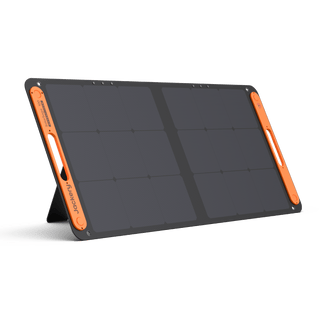
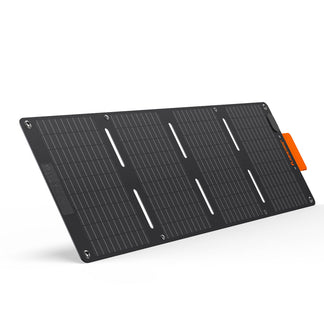
- Continuous Recharging: Bundled with a SolarSaga 500X solar panel to replenish the battery during the day so you can bypass grid power completely.
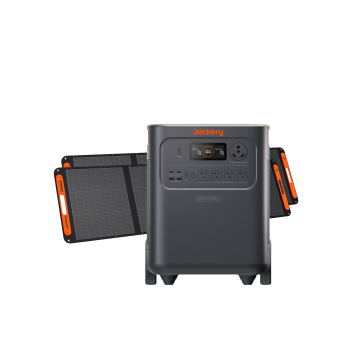
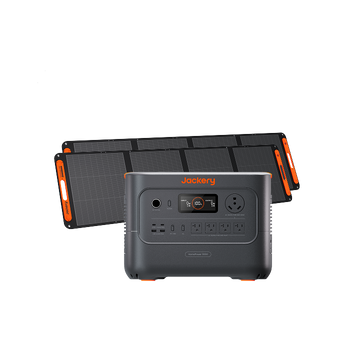
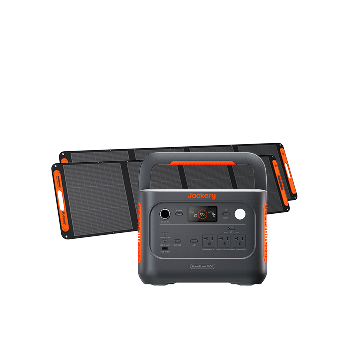
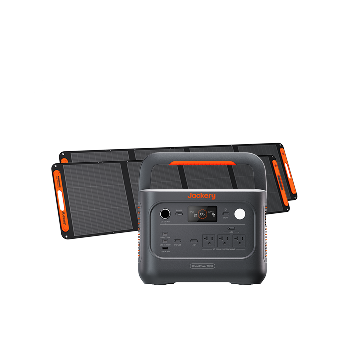
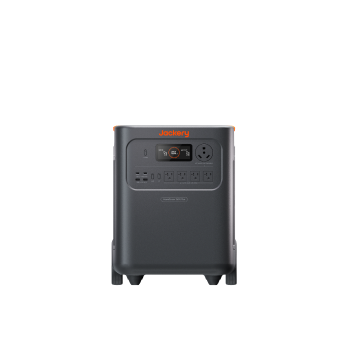
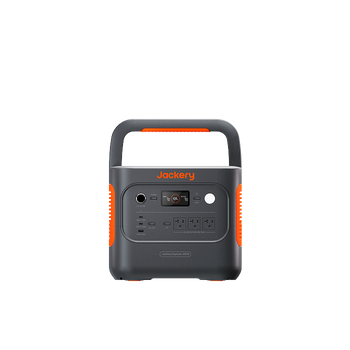
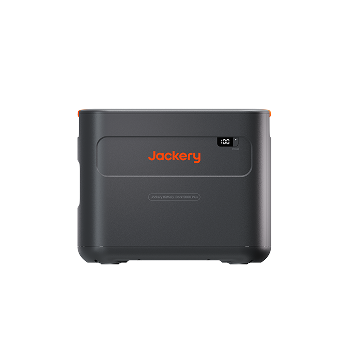
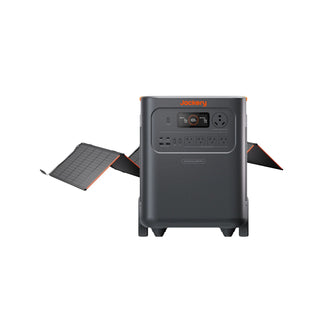
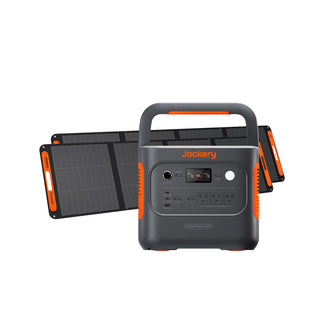
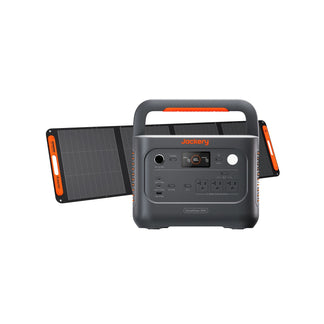
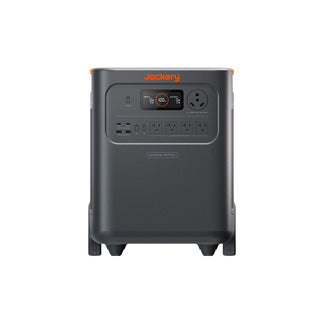
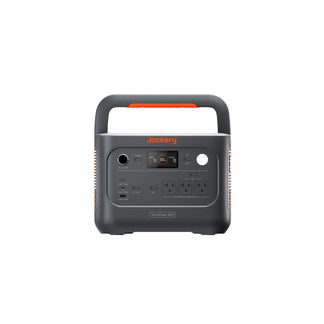
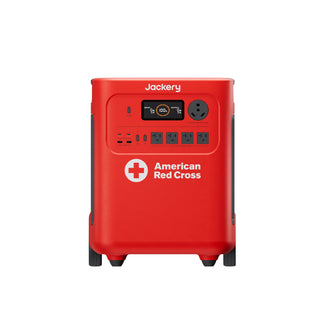
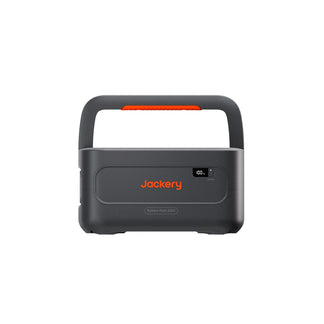
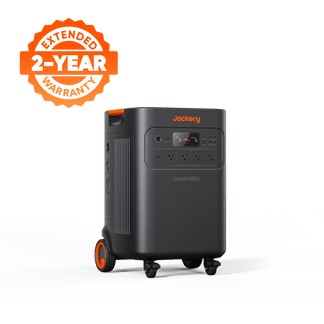
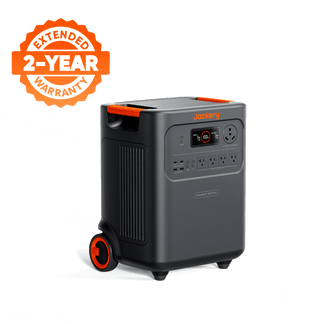
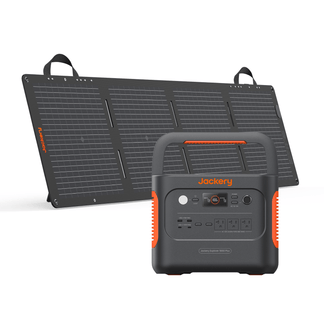
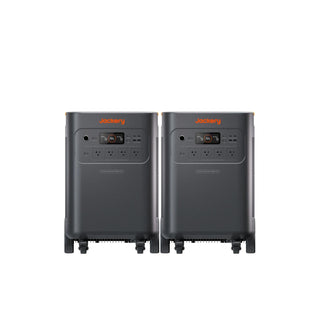
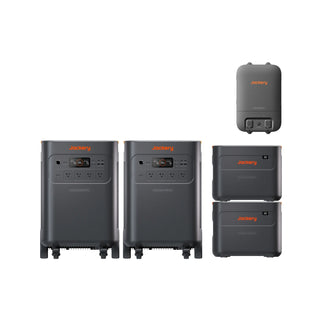
2. Jackery Solar Generator 5000 Plus + 2x SolarSaga 500X
The ultimate backup system for high-end home theaters, dual-screen setups, and heavy household loads:
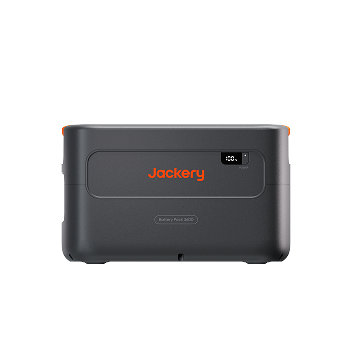
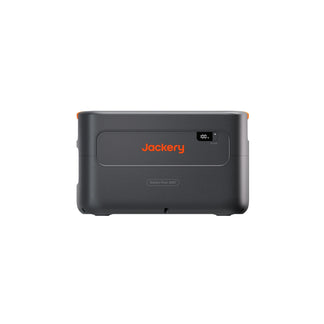
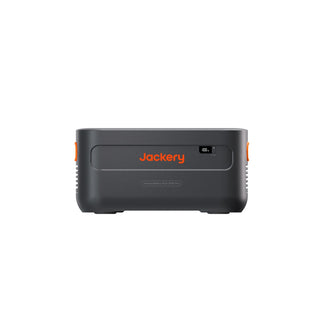
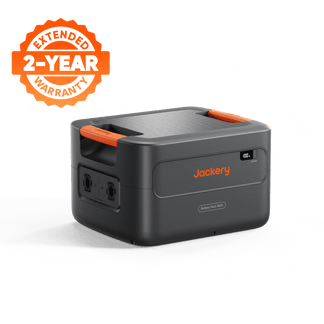
- Premium Capacity: 5,040 Wh base capacity (expandable up to 60 kWh) runs a 155 W base load for over 27 hours continuously.
- Zero-Downtime UPS: Features true **0ms online UPS switchover**, ensuring absolutely no power interruption for highly sensitive electronics.
- Heavy Solar Input: Supports up to 1,000W of solar input from dual SolarSaga 500X panels for rapid daytime recharging.

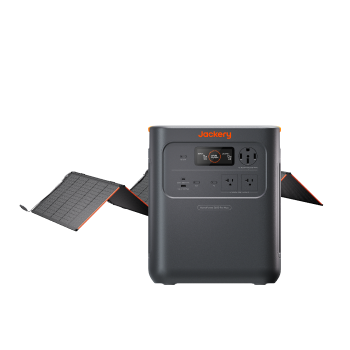
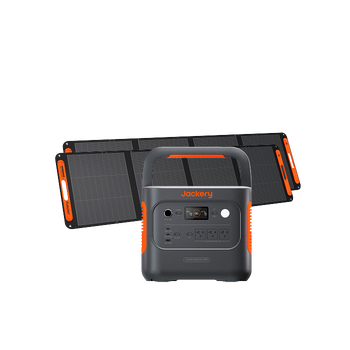
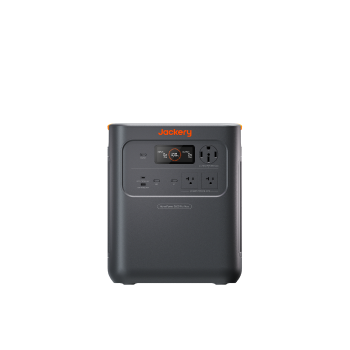
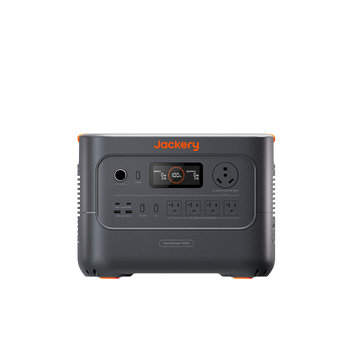
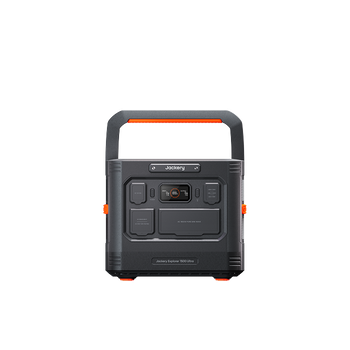
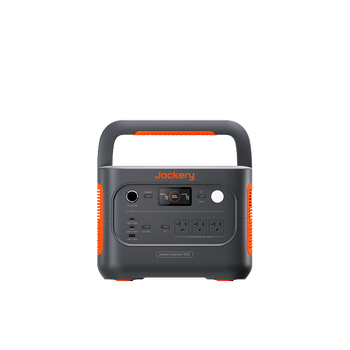
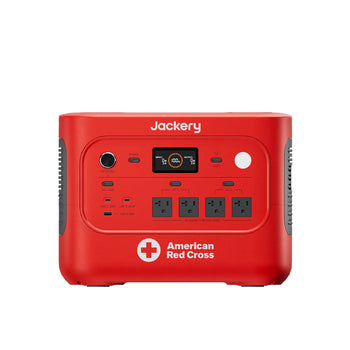
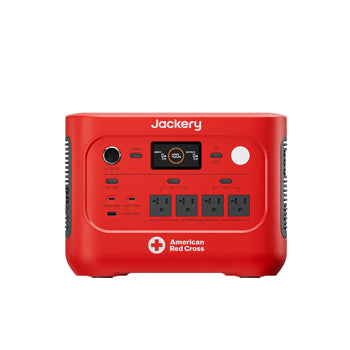
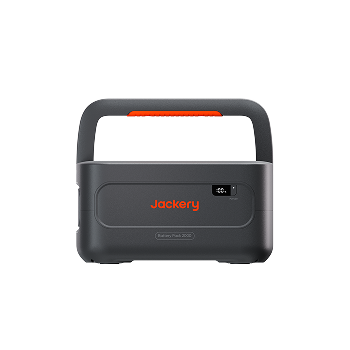
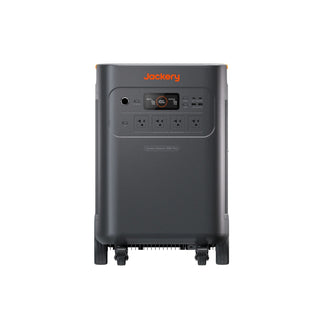
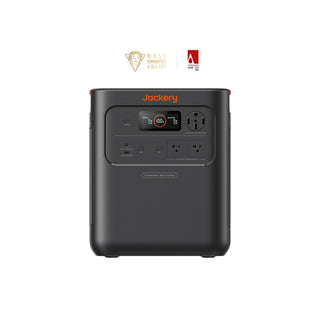
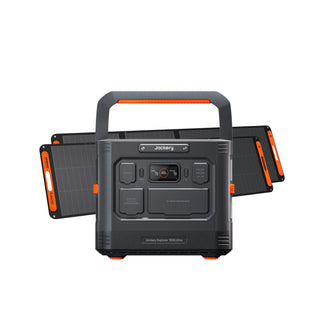
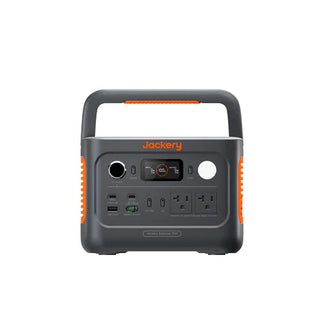
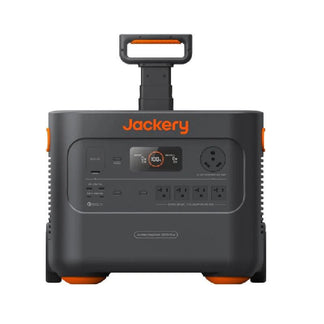
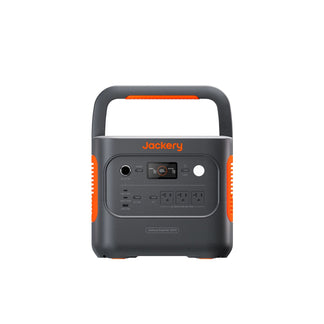
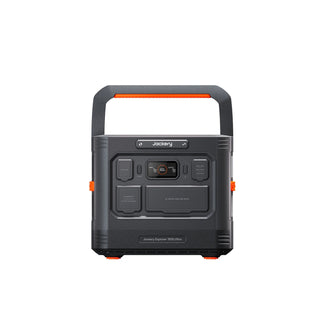
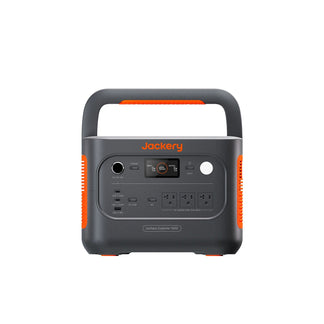
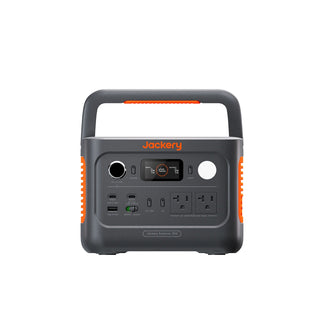
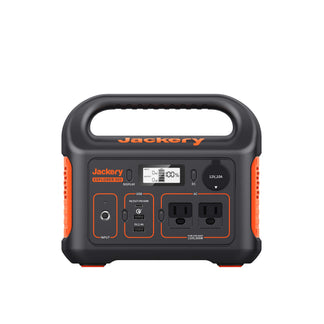
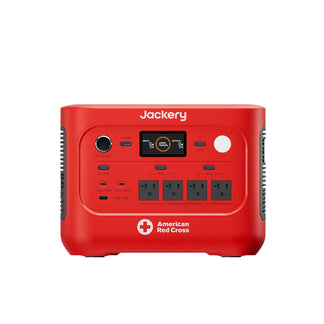
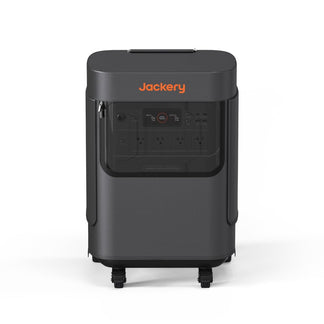
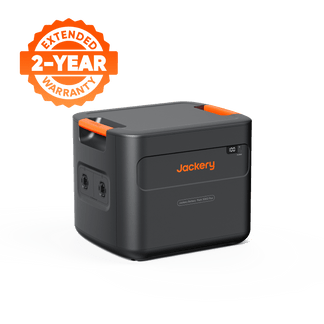
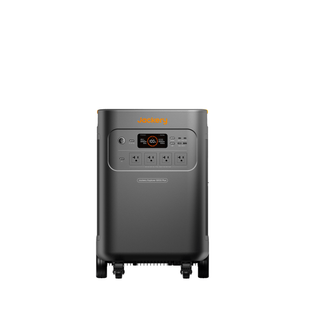
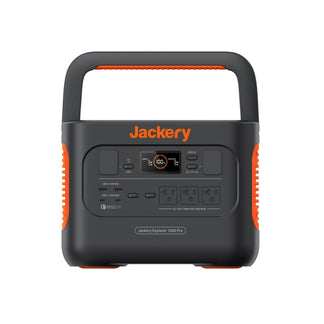
3. Jackery Explorer 2000 v2 Portable Power Station
The compact, highly portable backup system that fits neatly under a desk or entertainment console:
- Reliable Capacity: Packs 2,042 Wh of capacity to run your TV and console setup for up to 10 hours.
- Console Protection: Features sub-20ms transfer times to prevent consoles from sudden reboots that can corrupt SSD drives during autosaves. Consult our guide on backup power for game consoles to learn more.
- Lightweight Design: Weighs only 39.5 pounds (34% smaller in volume than standard lead-acid backups) and features a 1.7-hour AC fast charge.
Frequently Asked Questions
Can I plug my UPS into a power strip or surge protector?
No. Daisy-chaining surge protectors or plugging a UPS into a power strip can interfere with the system's internal surge suppression circuitry and create a severe fire hazard. Always plug your UPS directly into a standard wall outlet.
Do I need to replace the battery myself or buy a new unit?
Many high-quality systems feature user-replaceable battery cartridges. This allows you to swap out the degraded battery cells after several years of use for a fraction of the cost of buying a completely new system.
Will a UPS protect my electronics against direct lightning strikes?
A UPS with built-in surge suppression can handle minor grid voltage spikes, but a direct lightning strike carries massive current that will bypass consumer surge protectors. True lightning protection requires a whole-house surge suppressor installed directly at your main electrical panel.
How do I know when my UPS battery is beginning to fail?
Watch for short backup runtimes, frequent or continuous warning beeps, or an active "replace battery" warning light on your unit's front display or monitoring software.
Can I run a space heater or microwave on my gaming UPS?
No. High-draw resistive appliances like space heaters, microwaves, hair dryers, or laser printers draw massive wattage (often exceeding 1,500W) that will instantly overload and trip consumer-grade UPS systems.
Can a Jackery system power my Wi-Fi router and modem?
Yes. Jackery power stations are highly efficient at running low-draw communication equipment, allowing you to easily power your Wi-Fi router and modem for days on a single charge to keep your home online during an emergency.


