






















































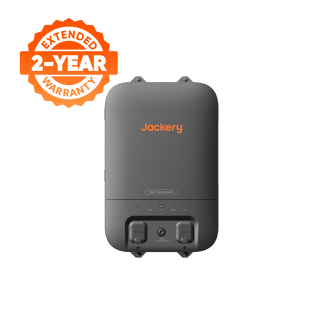
![[Add-on] Jackery SolarSaga 500 X - Jackery](http://www.jackery.com/cdn/shop/files/add-on-jackery-solarsaga-500-x-1493607.webp?v=1786503068&width=324)
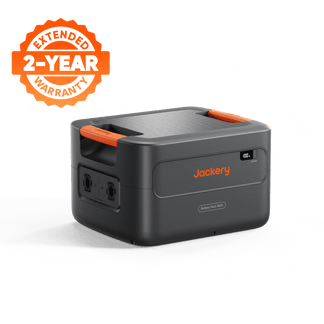
![[Add-on] Jackery Battery Pack 5000 Plus - Jackery](http://www.jackery.com/cdn/shop/files/add-on-jackery-battery-pack-5000-plus-6713401.webp?v=1786503068&width=324)











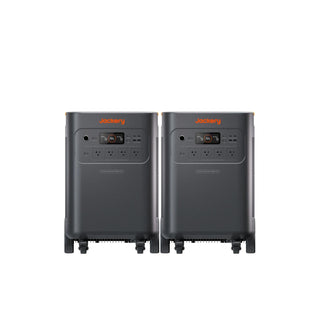
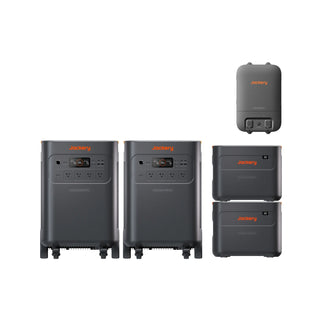
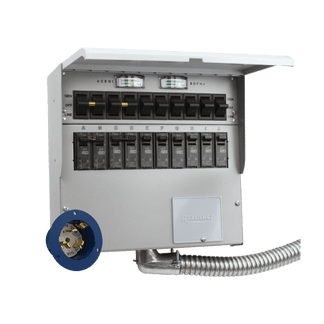


Your home's electricity goes out and you are suddenly staring at a dead internet router. The question that really matters in this emergency is not “what size battery should I buy?”—it is “do I need split-second protection to keep my desktop computer from rebooting, or do I need a large-capacity system to run my family refrigerator for 12 hours?”
A dedicated whole home UPS solves one specific problem: maintaining seamless power continuity. A portable power station solves another: providing long-term energy endurance. Mixing these technologies up can lead to severe frustration—your backup battery might run dry far too quickly, or your sensitive desktop computer might still experience a hard shutdown during a grid flicker. This guide will walk you through transfer speeds, capacity scaling, and how to design the ultimate home backup setup.
Understanding the Core Difference: Continuity vs. Endurance
To choose the right backup equipment, you must understand how continuity devices differ from endurance machines. An Uninterruptible Power Supply (UPS) is engineered specifically to prevent immediate system downtime. It monitors incoming AC voltage constantly and, the microsecond it detects a grid sag or failure, switches to its internal battery.
For sensitive electronics, this switchover must occur in under 10 milliseconds. This is because standard desktop power supply units (PSUs) only have a built-in "hold-up time" of roughly 16 milliseconds before their internal capacitors drain and the computer reboots, resulting in corrupted files or lost work.
A UPS, however, is not built to run your household appliances. Its internal battery is small, designed to provide only 5 to 15 minutes of runtime—just enough time for you to save your progress and safely shut down your active workstations. Attempting to run a refrigerator or space heater off a standard office UPS will quickly overload its sensitive inverter electronics.
Portable power stations, on the other hand, are built for long-term energy endurance. They utilize high-capacity Lithium Iron Phosphate (LiFePO4) battery chemistry designed to deliver hours or days of continuous backup power. A 2,000 Wh power station running a 40W load (such as an internet router, modem, and a few LED lights) can run continuously for over 50 hours, keeping your household connected through prolonged storm outages. The core distinction is simple: use a UPS for split-second data protection, and a portable power station to ride out extended blackouts.
Point-of-Use UPS vs. True Whole Home UPS Systems
Point-of-use UPS units are the compact, heavy blocks sitting under office desks or behind entertainment centers, designed to protect a single workstation. A true whole home UPS is a completely different system. It is hardwired directly to your home’s main breaker panel or critical loads subpanel, protecting entire circuits across your household. When paired with a smart automatic transfer switch, these high-capacity battery systems achieve a rapid 20-millisecond or less transfer time at the panel level. This allows standard home appliances to transition smoothly, while true 0-millisecond online double-conversion architecture is available directly through the physical unit's built-in NEMA 5-20 outlets to keep your most sensitive electronics running with zero interruption.
Standard standby portable power stations typically feature an emergency power supply (EPS) switchover speed of 10 to 20 milliseconds. While this delay is perfectly fine for laptops (which utilize internal batteries to buffer the transition) or Wi-Fi routers, it can be too slow for some desktop computers' internal power supply units, causing the machine to reboot. To completely eliminate this gap for sensitive home office workstations, you can plug your computer directly into the 0-millisecond online UPS outlets on the power station itself.
Inductive Load Warning: You must never plug high-surge or heating appliances into a standard office UPS. Devices like laser printers (which draw a massive startup current to heat their fuser elements), electric space heaters, and hair dryers can easily draw sudden current spikes that exceed the UPS inverter's safety rating, causing immediate system damage.
Additionally, battery lifespans differ significantly between these technologies. Traditional desk-side UPS units utilize sealed lead-acid (SLA) batteries that degrade rapidly under constant float charging, requiring physical replacement every 3 to 5 years. Modern portable power stations utilize high-performance LiFePO4 chemistry that retains 70% capacity after 4,000+ cycles (and up to 6,000+ cycles on premium whole-home models), delivering up to 10 to 15 years of reliable service and lower long-term ownership costs.
When a Portable Power Station is the Better Fit
If your local grid outages typically last more than an hour, a portable power station is the only sensible choice. A standard UPS battery will run dry long before the utility company can restore power. A high-capacity power station can keep critical appliances—including your refrigerator, internet modem, emergency lighting, and fans—running for 10 to 40 hours on a single charge.
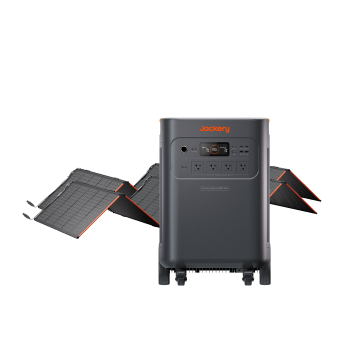
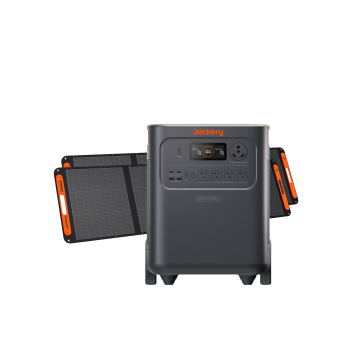
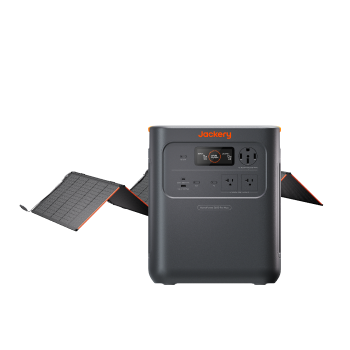
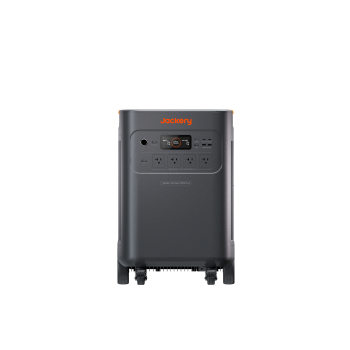
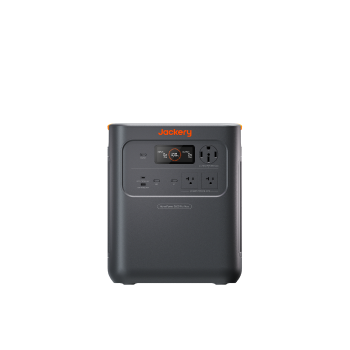
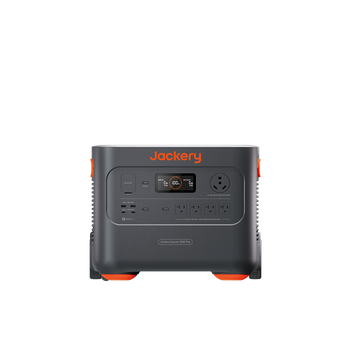
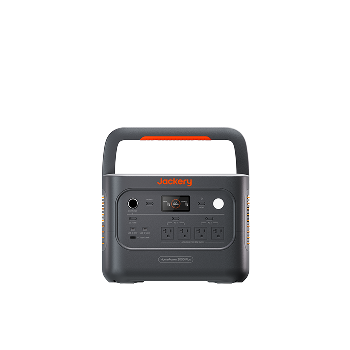
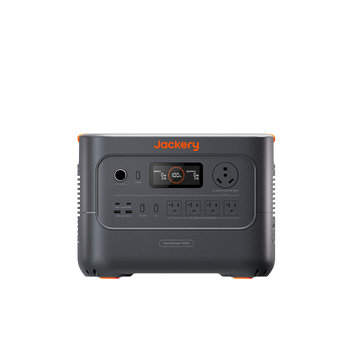
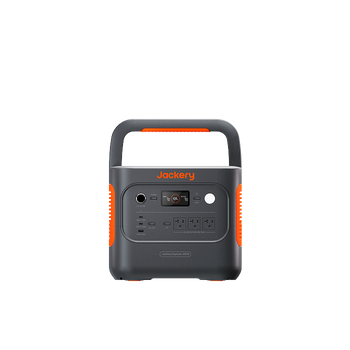
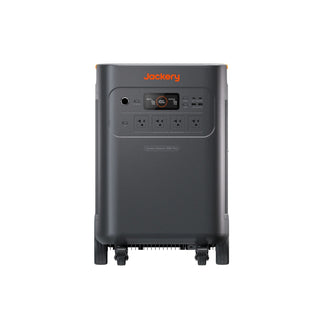
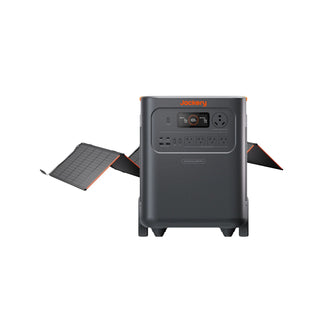
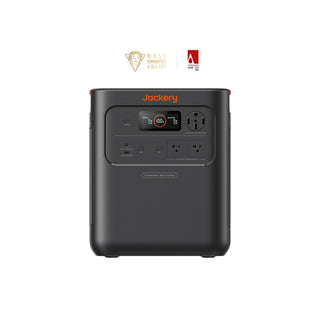
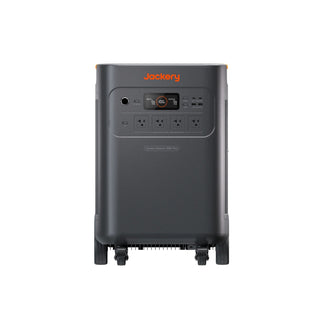
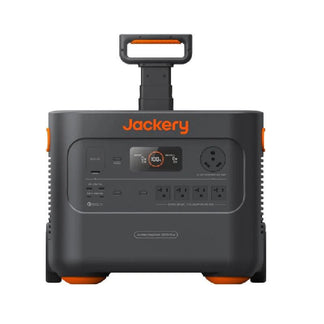
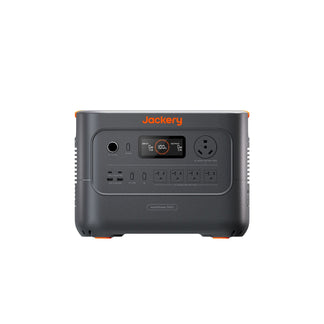
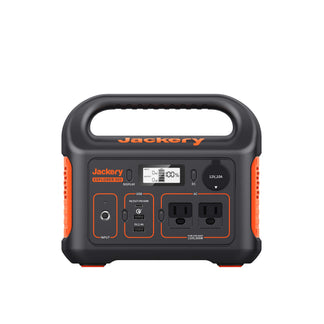
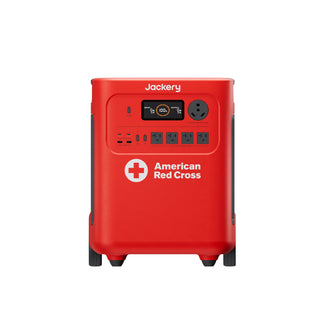
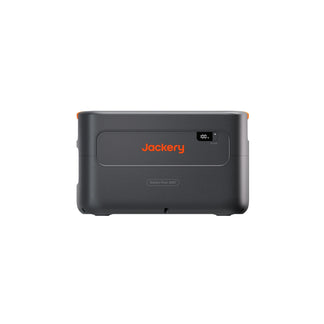
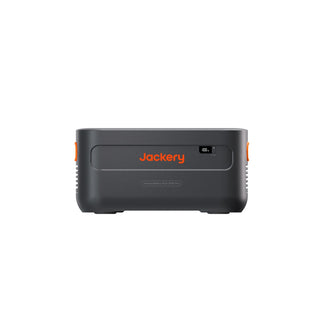
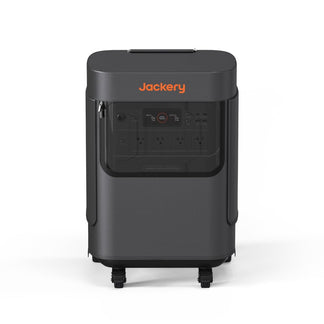
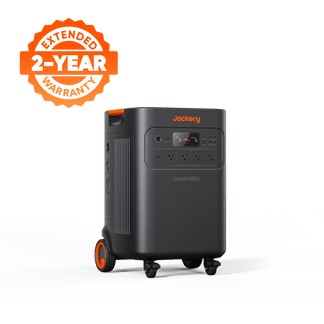
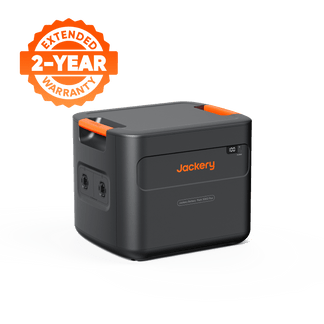
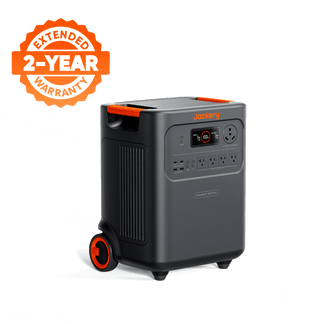
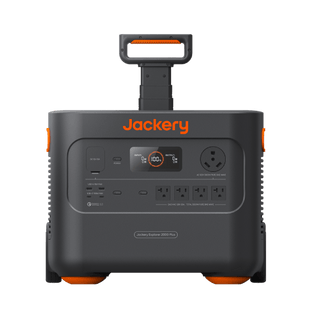
Portability is another major advantage of smaller battery power stations. You can easily load a 39 lb unit like the Jackery Explorer 2000 v2 into your vehicle for camping trips, tailgates, or remote job sites. In contrast, heavy-duty essential home solutions like the 134.5 lb Jackery Explorer 5000 Plus are designed as semi-permanent home setups featuring heavy-duty wheels for transport. Because they run silently with zero emissions, they are completely safe to operate indoors, unlike gasoline-guzzling standby generators.
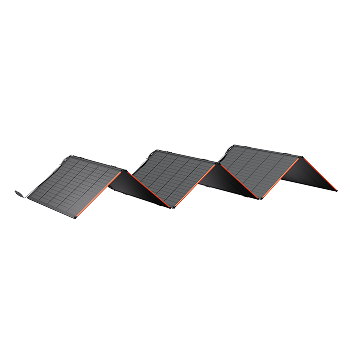
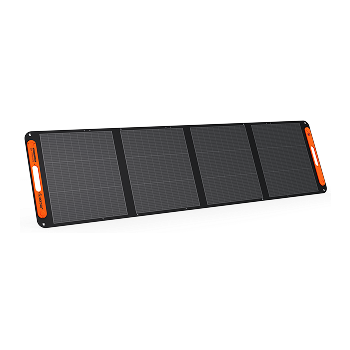
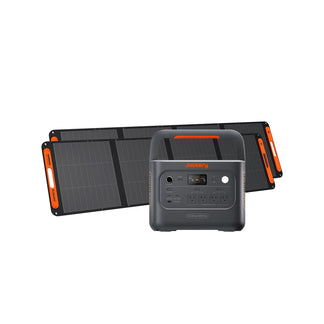
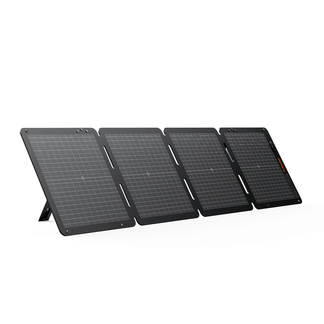
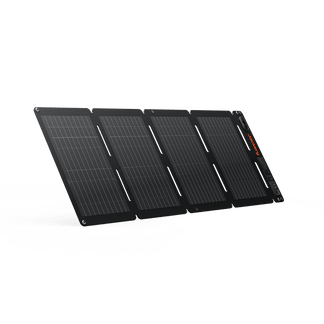
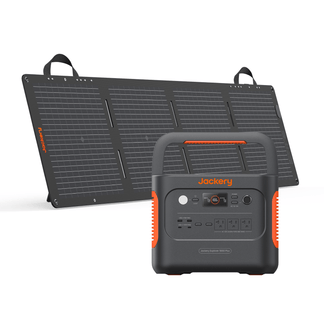
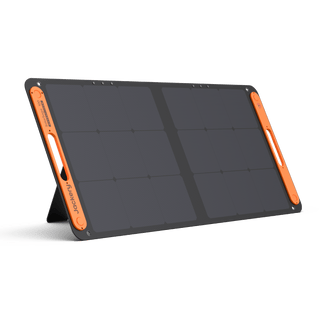
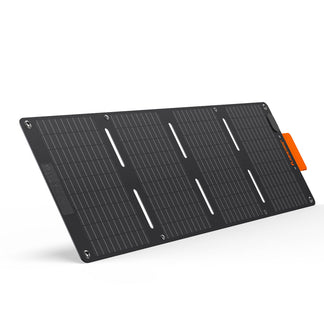
Furthermore, solar compatibility provides long-term off-grid resilience. When paired with high-efficiency portable solar panels, a power station transforms into a self-contained solar generator, allowing you to recharge your system indefinitely during extended multi-day outages. Traditional UPS units have no direct solar charging inputs; once their internal battery dies, your backup power is completely depleted.
Your power source must also have sufficient continuous output wattage to handle inductive motor-starting surges. While a standard UPS may output only 900W (enough for a computer and monitor), portable power stations with 2,000W to 4,000W continuous output ratings can easily handle the high starting currents of refrigerator compressors, sump pumps, and window air conditioners without shutting down.
The Ideal Home Setup: Combining Both for Full Protection
The most practical, cost-effective configuration for complete home protection is layering a small desk-side UPS with a high-capacity portable power station. During a sudden power cut, the local desktop UPS holds your workstation and internet router online for the first 10 minutes, giving you ample time to transition your home’s critical appliances to the portable power station or safely shut down your active work files without data corruption.
This layered setup ensures that each device is performing the task it was engineered to optimize: the local UPS handles the sub-10ms transfer speed, while the power station handles the long-term energy load. Trying to force a single device to do both can be incredibly expensive; an online double-conversion UPS sized to run a refrigerator for 10 hours would be comically heavy, loud, and inefficient.
Gifting & Wiring Rule: Never daisy-chain your backup systems. Attempting to charge a portable power station from a desk-side UPS will introduce compounding conversion losses, draining the batteries of both devices rapidly. If your home office runs exclusively on a laptop, you do not need a desk UPS; the laptop's internal battery will easily handle the transfer gap.

Jackery Essential Home Backup Solutions
Jackery’s portable power stations and solar generators bridge the gap between a standard UPS and a robust home backup power source, allowing you to scale your system's capacity to match your family's exact emergency demands:
|
Model Name |
Capacity (Wh) |
Switchover Speed |
Whole-Home Capability |
|
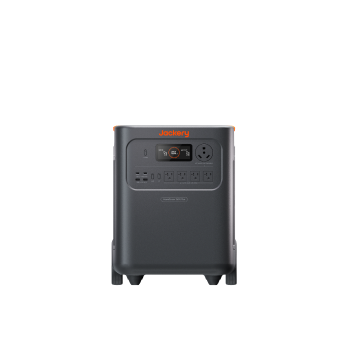
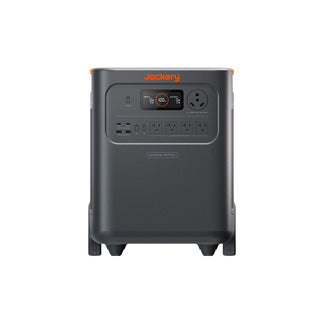
Jackery HomePower 3600 Plus |
3,584 Wh |
Rapid <20ms transfer |
Partial (Critical loads) |
|
Jackery Solar Generator 5000 Plus |
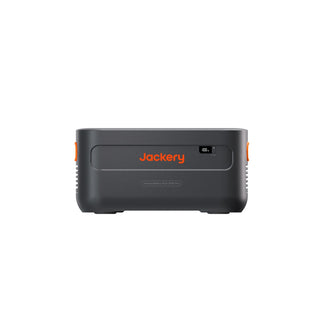
5,040 Wh (Expandable to 60 kWh) |
True 0ms (with Transfer Switch) |
Yes (Complete Critical Panels) |
|
Jackery Explorer 2000 v2 |
2,042 Wh |
Standard EPS (~20ms) |
No (Room-to-room portable) |
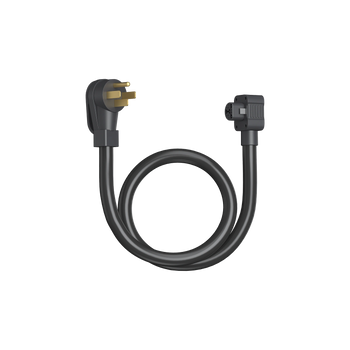
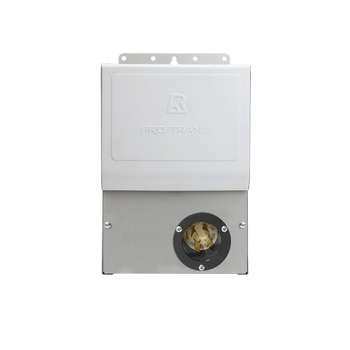
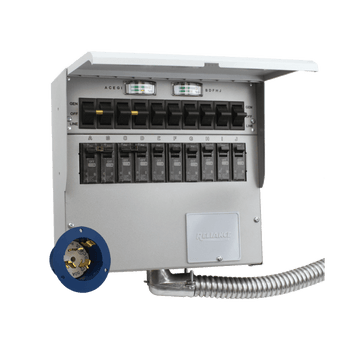
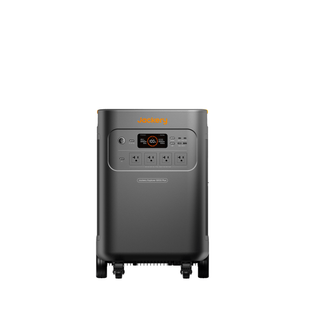
For standard household requirements, the Jackery Solar Generator 5000 Plus represents the gold standard for seamless, whole-home critical circuit backup. When integrated with Jackery’s Smart Transfer Switch directly to your main breaker panel, it achieves a flawless 0ms transfer time, ensuring your lights, refrigerators, and medical equipment stay online without a single flicker.
To calculate your home's total critical load requirements, explore our guide on essential home backup power planning. You can also analyze total system wattage draws in our guide on can Jackery power a house to plan your project with confidence.
Frequently Asked Questions
Can a portable power station replace a UPS for my desktop PC?
Not reliably for sensitive desktop computers. Most standard portable power stations feature an emergency switchover delay of 10 to 20 milliseconds, which can cause a sensitive desktop PSU to trip and reboot. Laptops, which utilize internal batteries, handle this transfer gap easily and do not require a separate UPS.
How long will a UPS keep my Wi-Fi running during a blackout?
Because standard internet modems and Wi-Fi routers consume very little power (typically 10W to 20W), a small desk-side UPS can keep them running for 1.5 to 4 hours depending on its battery capacity, due to the energy efficiency losses of lead-acid UPS inverters operating at very low loads. To keep your internet online for days, plug your router into a high-capacity portable power station instead.
What devices should I never plug into a standard UPS?
You should never plug high-draw inductive or heating devices into a standard office UPS. Laser printers, electric space heaters, hair dryers, and unrated home medical equipment can easily draw sudden current spikes that exceed the UPS inverter's safety rating, causing immediate system shutdowns.
How do I calculate the backup runtime I need for a whole home UPS?
To find your estimated runtime, divide your system's usable battery capacity (in Wh) by your total simultaneous continuous load (in Watts). For whole-home or critical circuit backup, a scalable system with a base capacity of at least 5,000 Wh to 10,000 Wh is recommended to cover extended outages safely.
Is a whole home UPS worth it for a home office with a laptop?
No. Because laptops utilize internal batteries that bridge the grid transfer gap automatically, a dedicated whole-home system is unnecessary. Instead, pair your laptop with a portable power station to provide hours of runtime, and use a compact, low-cost local UPS to protect your Wi-Fi router from dropping during brief outages.


