

































































![[Add - on] SolarSaga 200W - Jackery](http://www.jackery.com/cdn/shop/files/add-on-solarsaga-200w-4834329.png?v=1754016915&width=324)


11 Years
of Reliable Battery*
11 Years
of Reliable Battery*


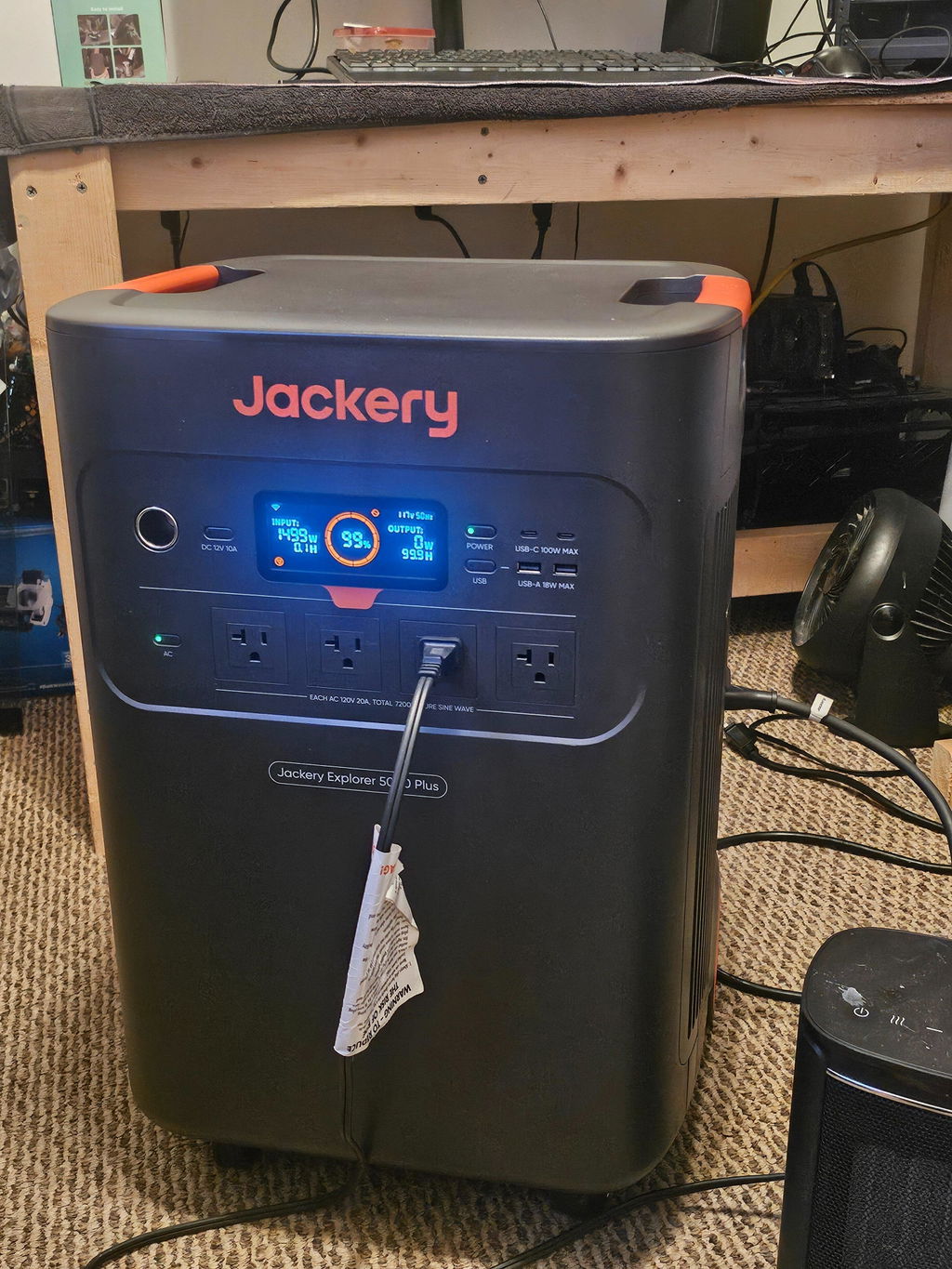
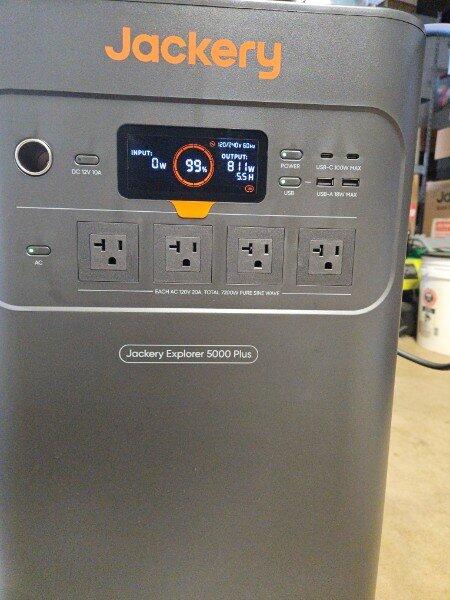
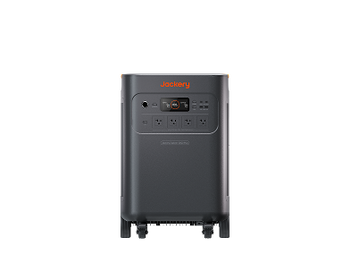
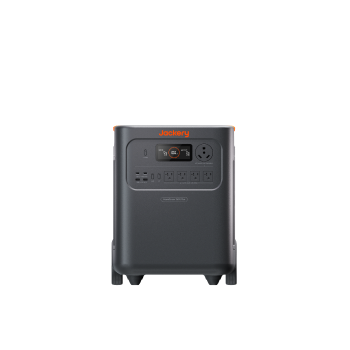
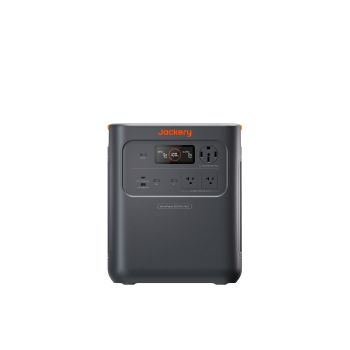
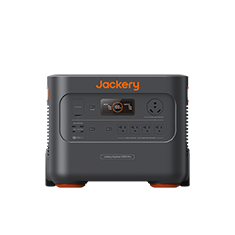
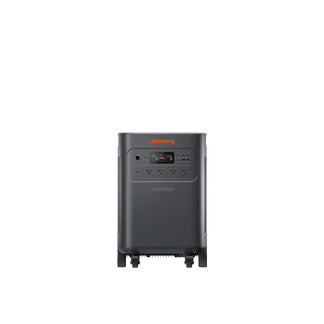
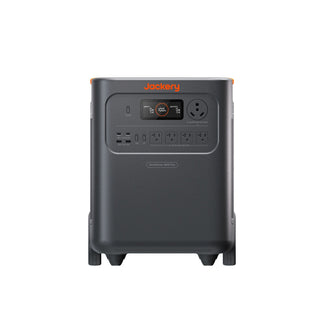
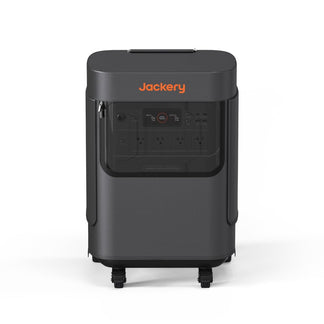
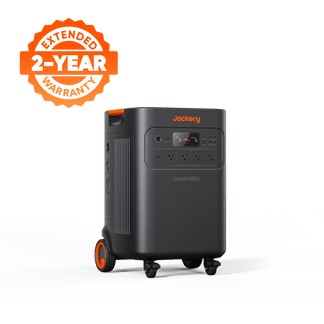
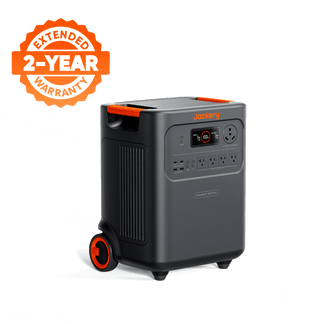
Run major home appliances with 7200W of rated power (14,400W surge). Supports both 120V and 240V for powering more devices, even a 5-ton AC for comfortable indoor temperatures or a water heater for a hot shower.
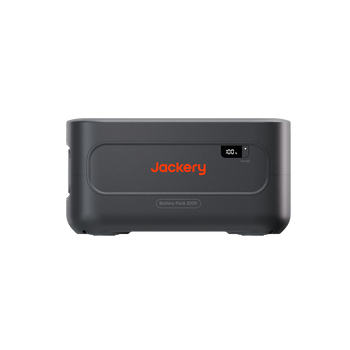
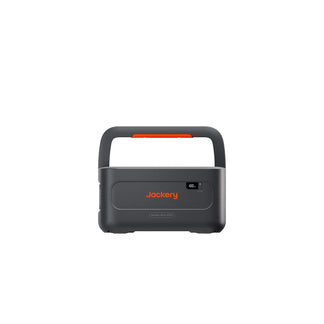
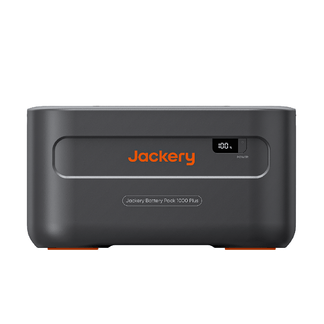
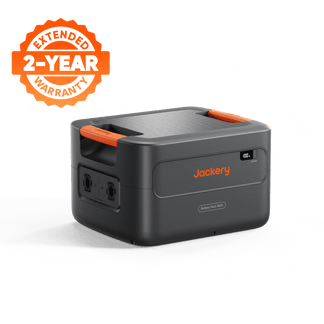
A 5040Wh capacity, expandable up to 60kWh — enough to keep your home running through an extended outage, not just overnight.
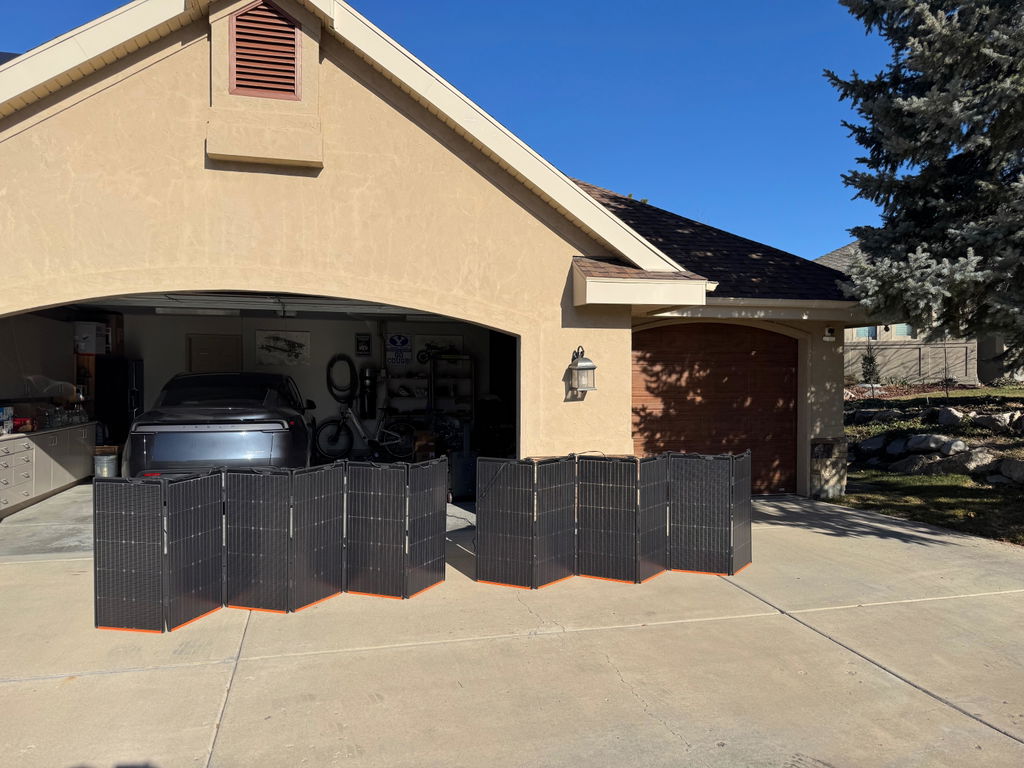
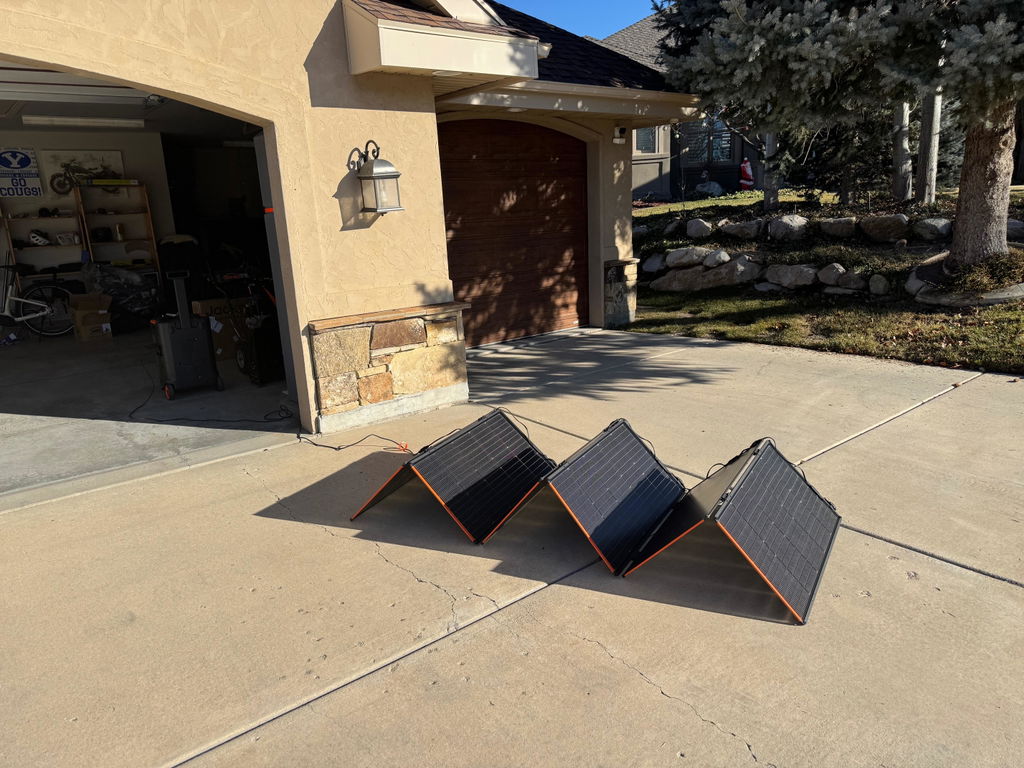
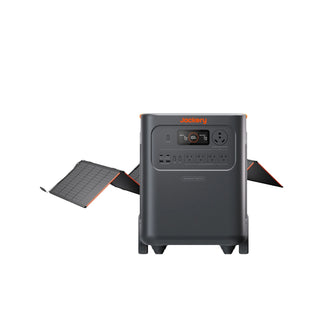
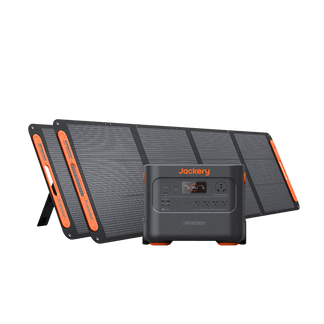
Compatible with both high- and low-voltage solar panels, recharge in about 2 hours with up to 4000W input, staying powered in home or RV.
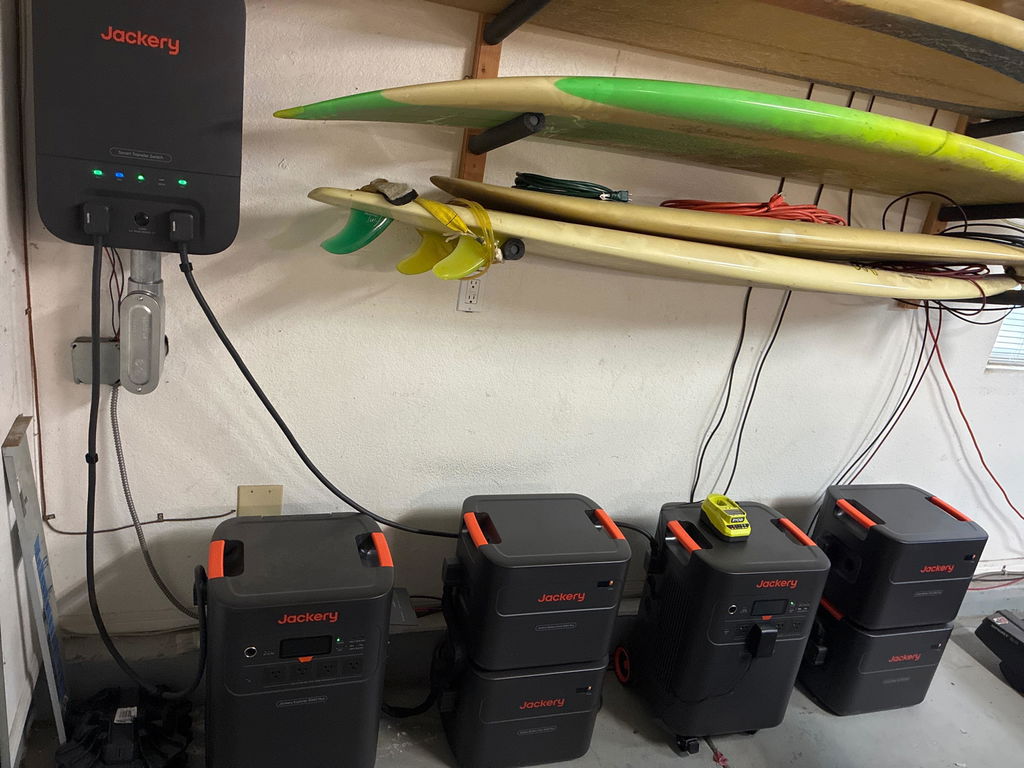
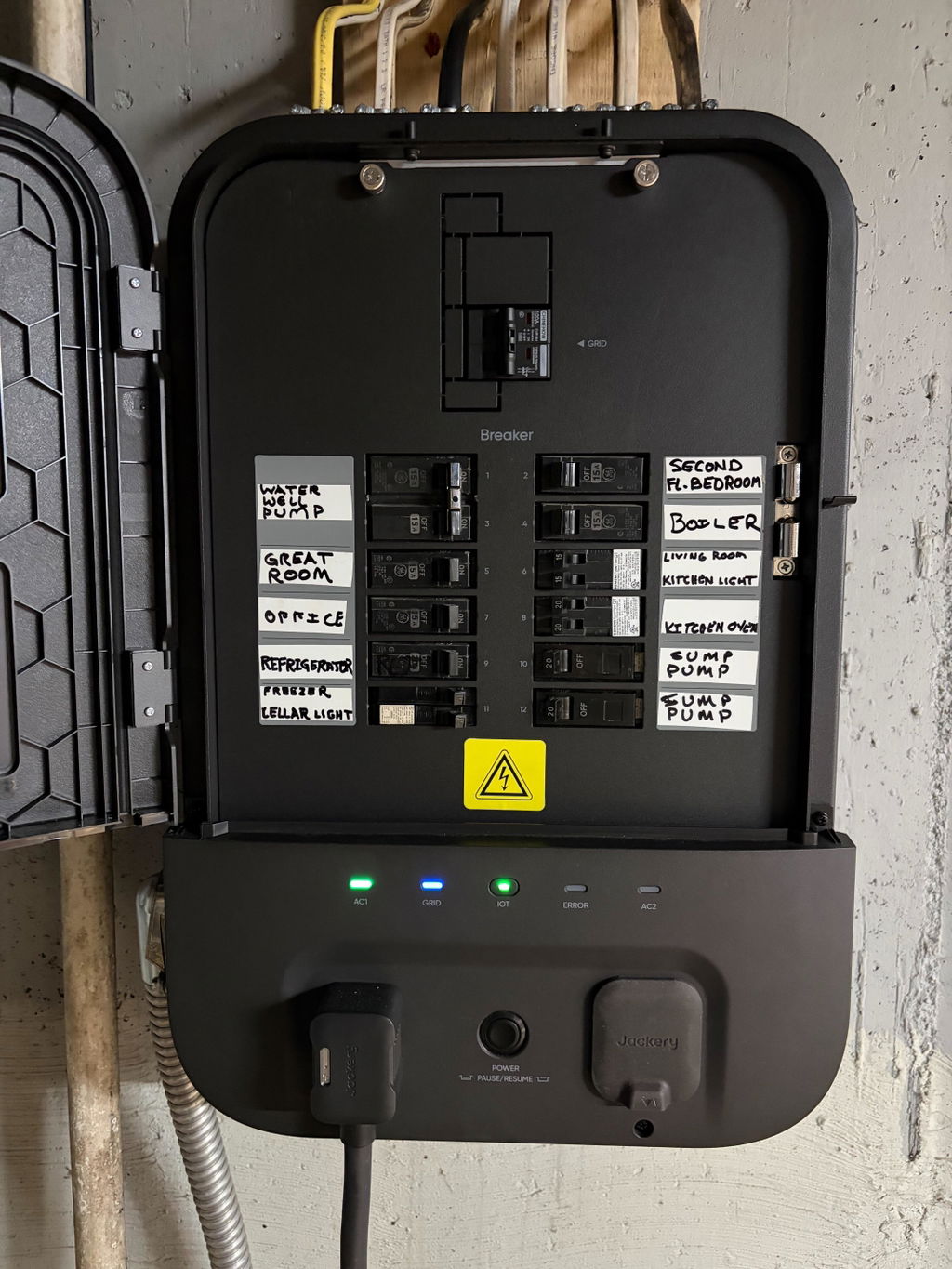
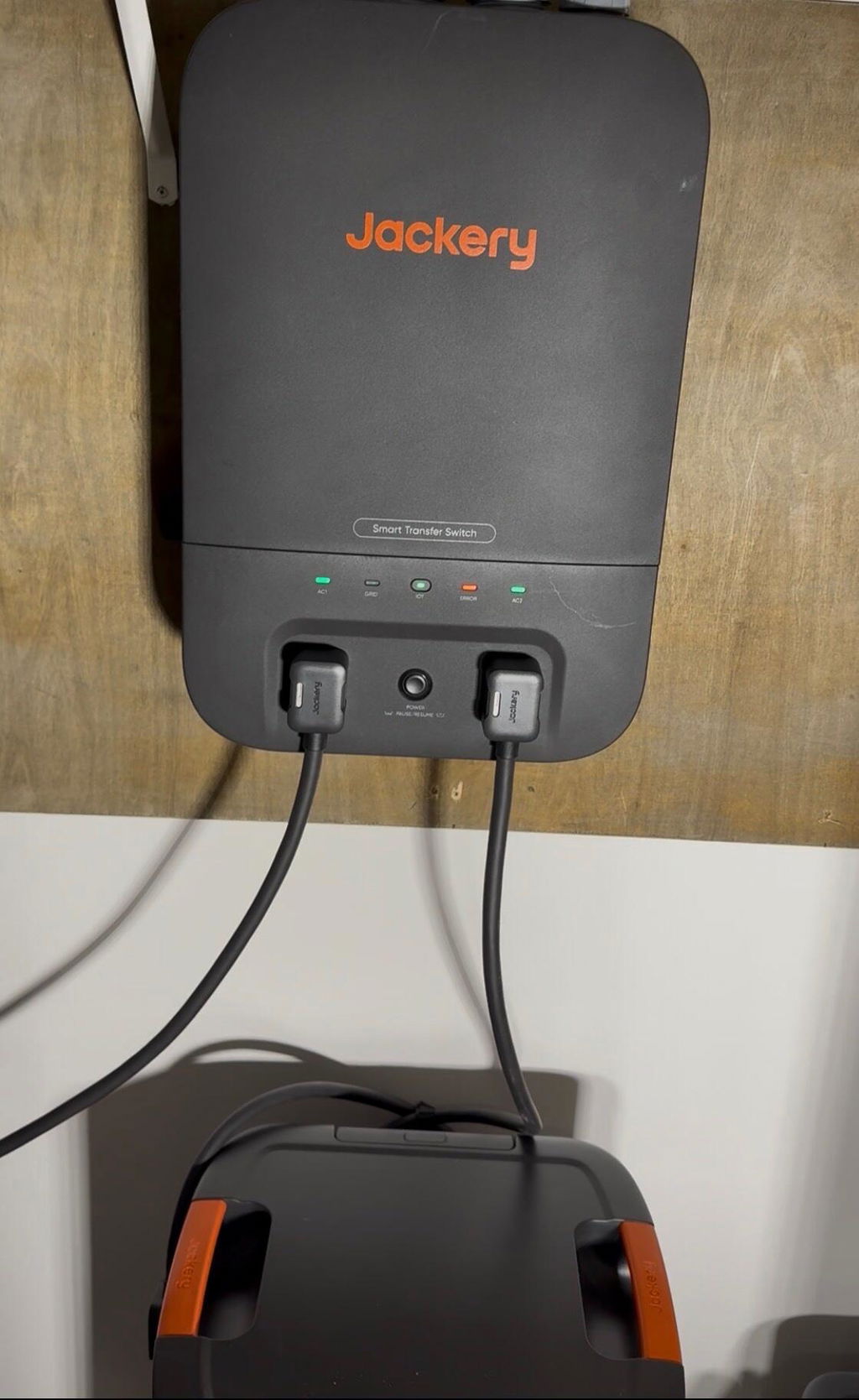
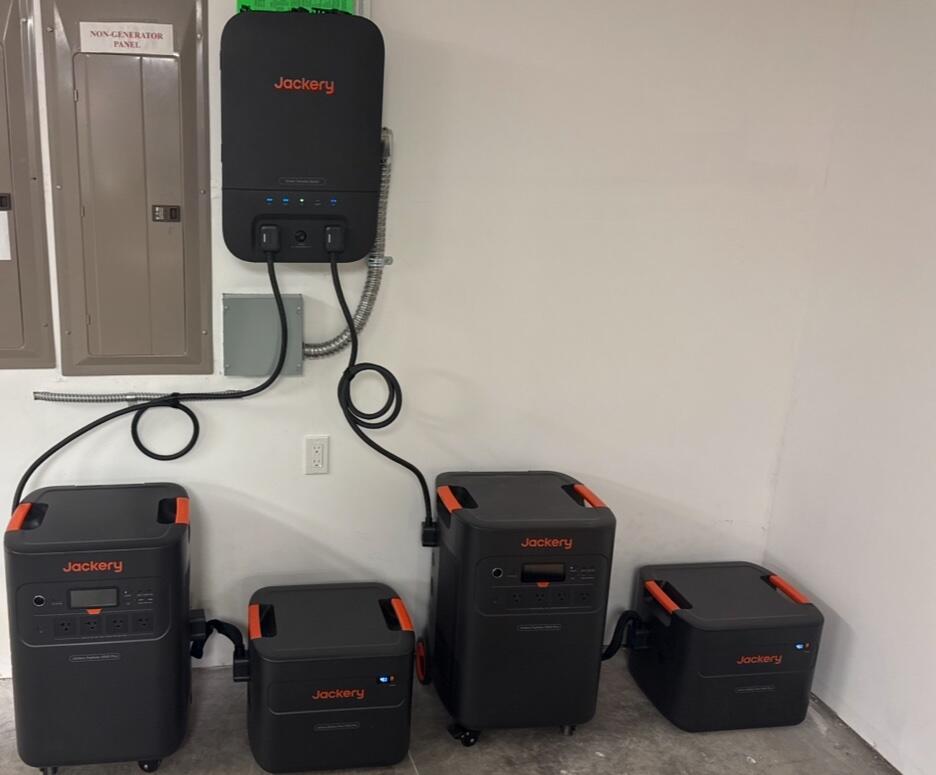
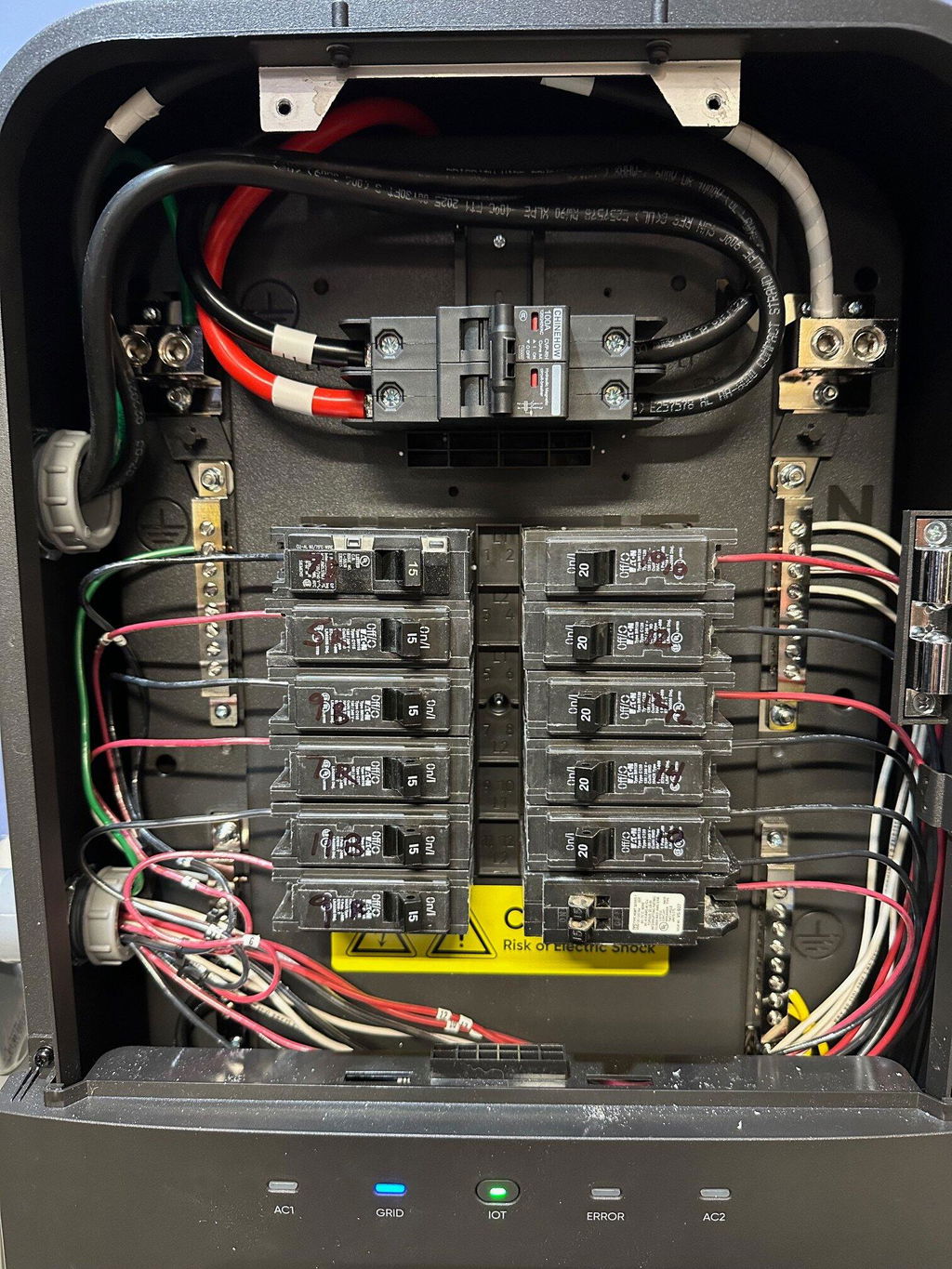
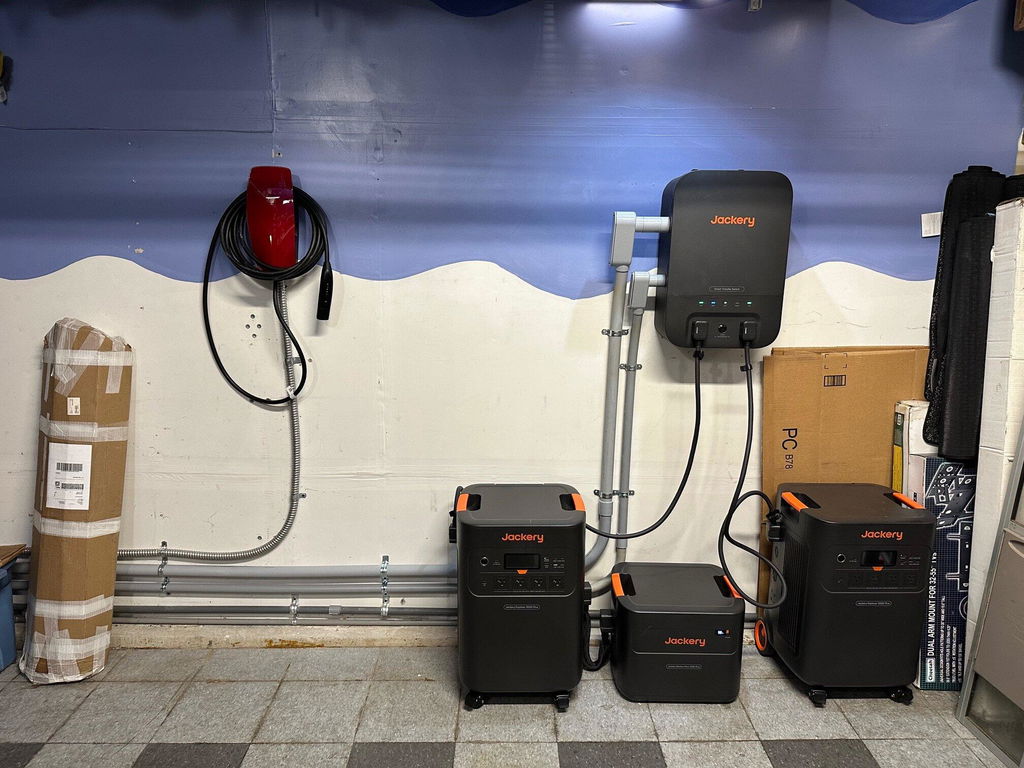
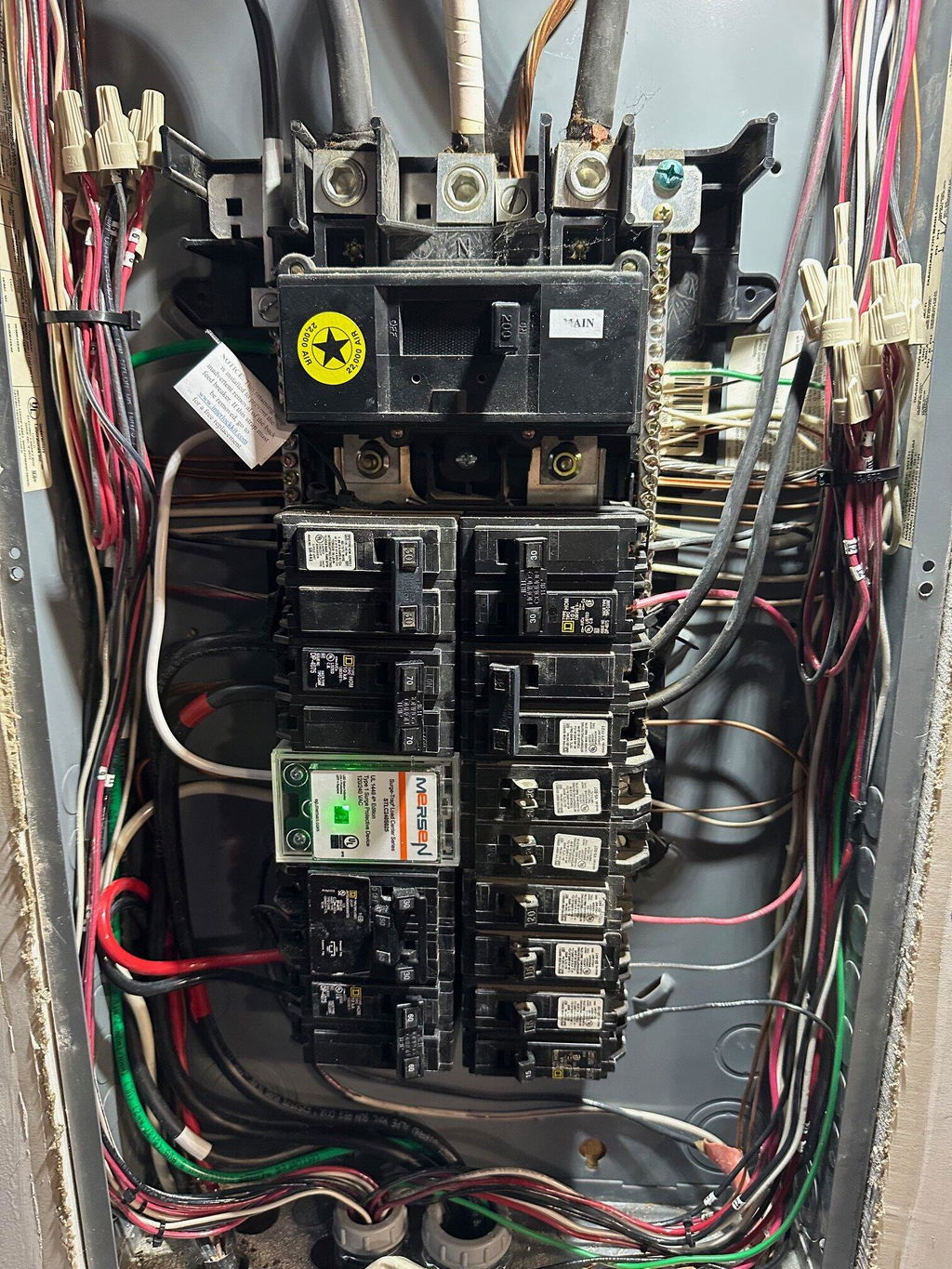
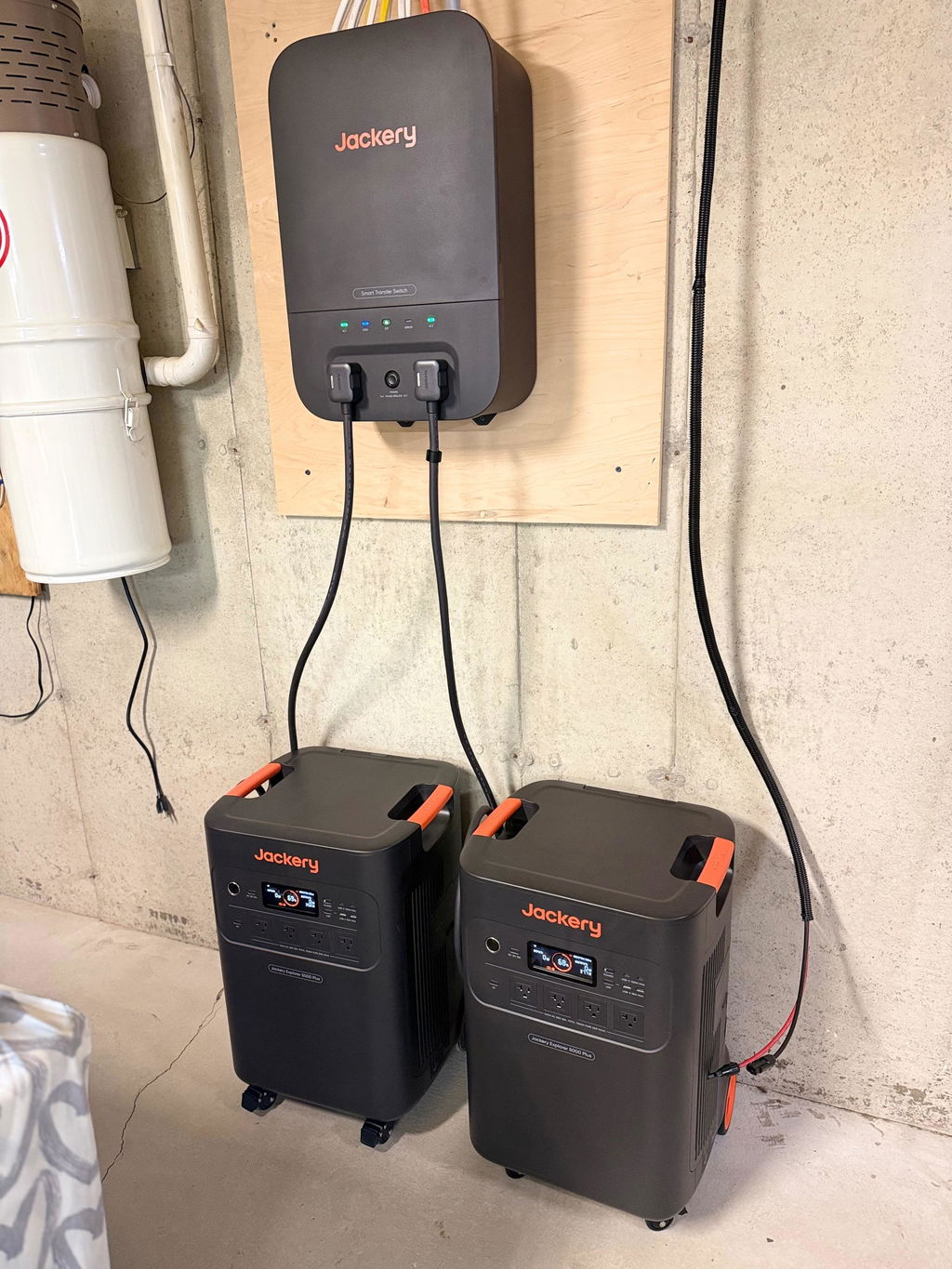
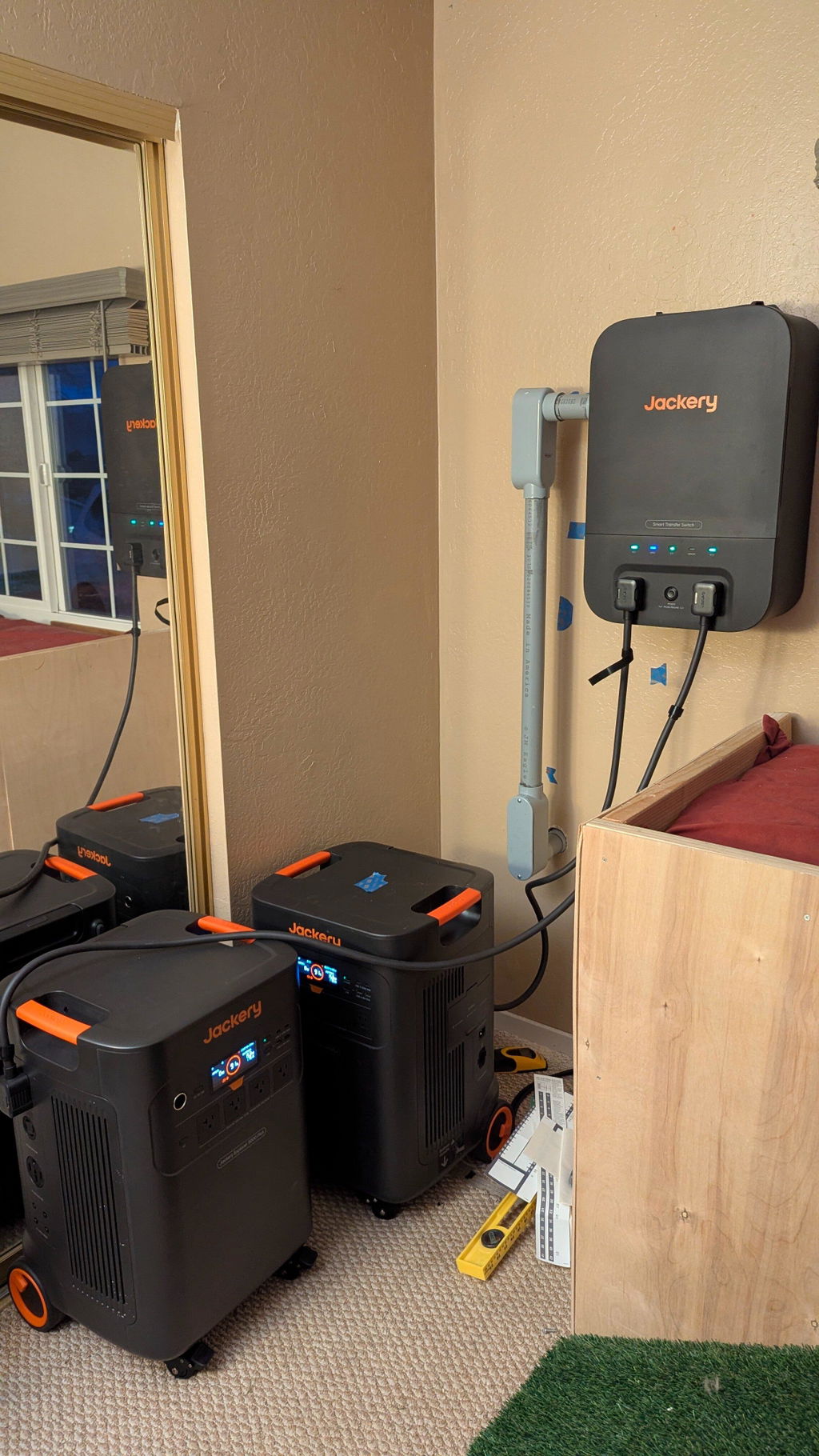
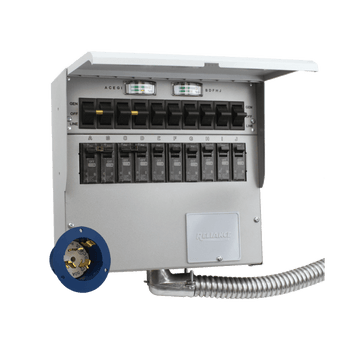
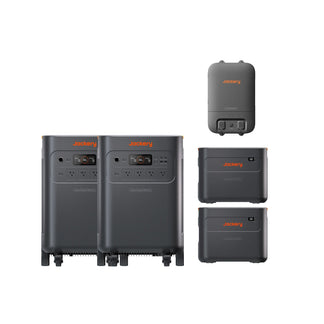
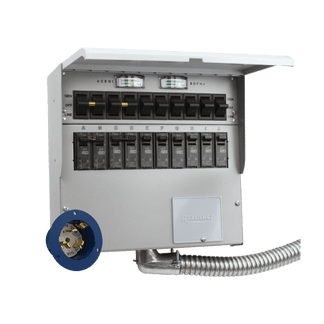
Pair with the Jackery 60A Smart Transfer Switch to power up to 12 circuits at 120V or 6 circuits at 240V.
Less than $1 a day for up to 11 years of peace of mind, powered by durable LiFePO₄ battery cells and ChargeShield™ 2.0 protection.
True 0ms UPS switching keeps computers, appliances, and critical devices running without interruption.


Order by 7 AM (PDT) to enjoy 2-Day Delivery in select cities across 36 states.
Experience seamless installation by certified electricians and get your free quote in clicks.
Special Add-Ons

$179.00 $219.00

$2,609.00 $2,999.00

$799.00 $999.00

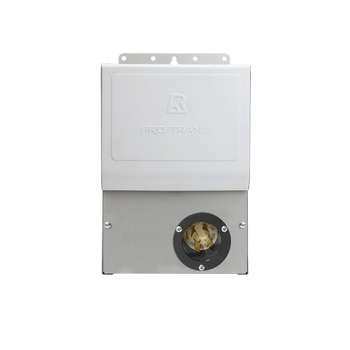
Smart automatic backup for your home circuits.
$1,159.00 $1,699.00

Connect to your home grid to power your circuits.
$550.00

$350.00

$99.99

$59.00

$149.00

$250.00

$230.00

$39.00

$39.00
Special Add-Ons
$179.00 $219.00
$2,609.00 $2,999.00
$799.00 $999.00
Smart automatic backup for your home circuits.
$1,159.00 $1,699.00
Connect to your home grid to power your circuits.
$550.00
$350.00
$99.99
$59.00
$149.00
$250.00
$230.00
$39.00
$39.00
Special Add-Ons
$179.00 $219.00
$2,609.00 $2,999.00
$799.00 $999.00
Smart automatic backup for your home circuits.
$1,159.00 $1,699.00
Connect to your home grid to power your circuits.
$550.00
$350.00
$99.99
$59.00
$149.00
$250.00
$230.00
$39.00
$39.00
Special Add-Ons
$179.00 $219.00
$2,609.00 $2,999.00
$799.00 $999.00
Smart automatic backup for your home circuits.
$1,159.00 $1,699.00
Connect to your home grid to power your circuits.
$550.00
$350.00
$99.99
$59.00
$149.00
$250.00
$230.00
$39.00
$39.00
Special Add-Ons
$179.00 $219.00
$2,609.00 $2,999.00
$799.00 $999.00
Smart automatic backup for your home circuits.
$1,159.00 $1,699.00
Connect to your home grid to power your circuits.
$550.00
$350.00
$99.99
$59.00
$149.00
$250.00
$230.00
$39.00
$39.00
Special Add-Ons
$179.00 $219.00
$2,609.00 $2,999.00
$799.00 $999.00
Smart automatic backup for your home circuits.
$1,159.00 $1,699.00
Connect to your home grid to power your circuits.
$550.00
$350.00
$99.99
$59.00
$149.00
$250.00
$230.00
$39.00
$39.00
Special Add-Ons
$179.00 $219.00
$2,609.00 $2,999.00
$799.00 $999.00
Smart automatic backup for your home circuits.
$1,159.00 $1,699.00
Connect to your home grid to power your circuits.
$550.00
$350.00
$99.99
$59.00
$149.00
$250.00
$230.00
$39.00
$39.00
Worry about installation?
Right at Home
Right at Home


What is
Essential Home Backup Power
What is
Essential Home Backup Power
Unlike expensive whole-home systems, Jackery provides simple, flexible backup power for home essentials at a cost that makes sense for everyday homes.
Unlike expensive whole-home systems, Jackery provides simple, flexible backup power for home essentials at a cost that makes sense for everyday homes.


Options for Every Home
Options for Every Home


Get Your Estimated Runtime
Get Your Estimated Runtime
Input power does not exceed the maximum AC output of Explorer 5000 Plus
Input power does not exceed the maximum AC output of Explorer 5000 Plus


Quieter Than Gas Generators
Around 30 dB*—about as quiet as a library. The 5000 Plus can run inside with confidence, whether you’re sleeping at night or working in a quiet office.
Invest in Saving up to $11,800*
Use smart charging schedules to charge during off-peak hours and draw on stored power when rates are highest. The app sets it up — you just save.
Seamless Backup, Zero Disruptions
Whether you're working, watching TV, on a video call, or keeping essential home appliances running, seamless switching helps keep your home powered without noticeable interruption.
Quieter Than Gas Generators
Around 30 dB*—about as quiet as a library. The 5000 Plus can run inside with confidence, whether you’re sleeping at night or working in a quiet office.

Invest in Saving up to $11,800*
Use smart charging schedules to charge during off-peak hours and draw on stored power when rates are highest. The app sets it up — you just save.

Seamless Backup, Zero Disruptions
Whether you're working, watching TV, on a video call, or keeping essential home appliances running, seamless switching helps keep your home powered without noticeable interruption.


Included
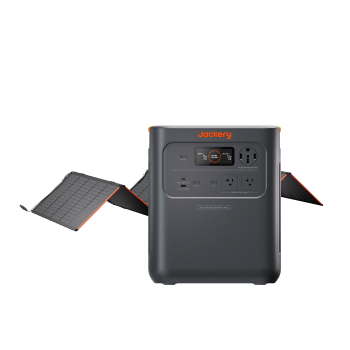
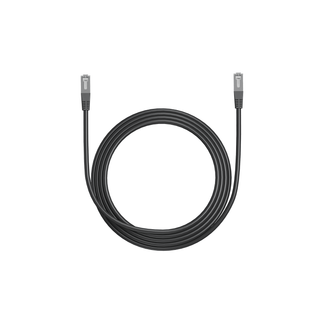
1 x Explorer 5000 Plus
1 x AC Charging Cable
1 x MC4 Wrench


Included
1 x Explorer 5000 Plus
1 x AC Charging Cable
1 x MC4 Wrench
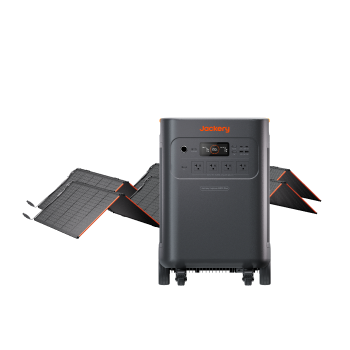
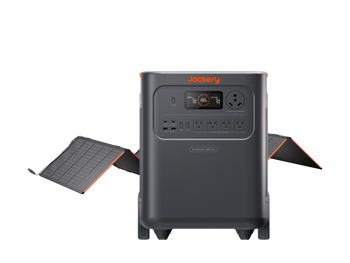
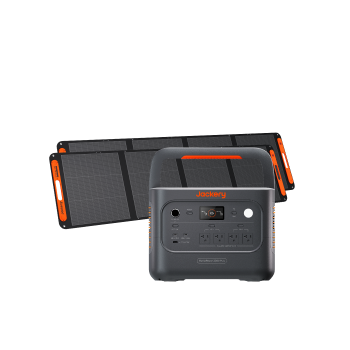
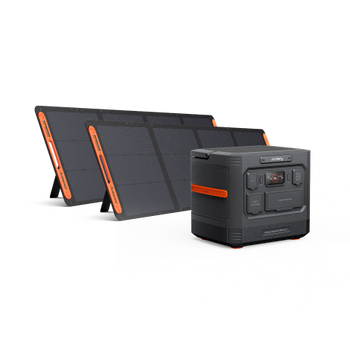
2 x SolarSaga 500 X


Included
1 x Explorer 5000 Plus
1 x AC Charging Cable
1 x MC4 Wrench
1 x Smart Transfer Switch
2 x SolarSaga 500 X
11 Years
of Reliable Battery*
11 Years
of Reliable Battery*
Built for Diverse Environments
Built for Diverse Environments
Engineered for extreme weather with ceramic battery cells tested up to 302°F with strong performance as low as -4°F.
Engineered for extreme weather with ceramic battery cells tested up to 302°F with strong performance as low as -4°F.
Built to Last 11+ Years
Built to Last 11+ Years
4,000 Cycles
4,000 Cycles
Automotive-grade LiFePO₄ battery with 4,000 cycles delivers durable power you can depend on.
Automotive-grade LiFePO₄ battery with 4,000 cycles delivers durable power you can depend on.
ChargeShield 2.0™
ChargeShield 2.0™
combines 62 BMS protection algorithms, dual cell protection, and AI variable charging speed for safer, more reliable charging.
combines 62 BMS protection algorithms, dual cell protection, and AI variable charging speed for safer, more reliable charging.
8 Ways To
8 Ways To
RE-CHARGE 5000 PLUS
RE-CHARGE 5000 PLUS


Compact for Its Capacity
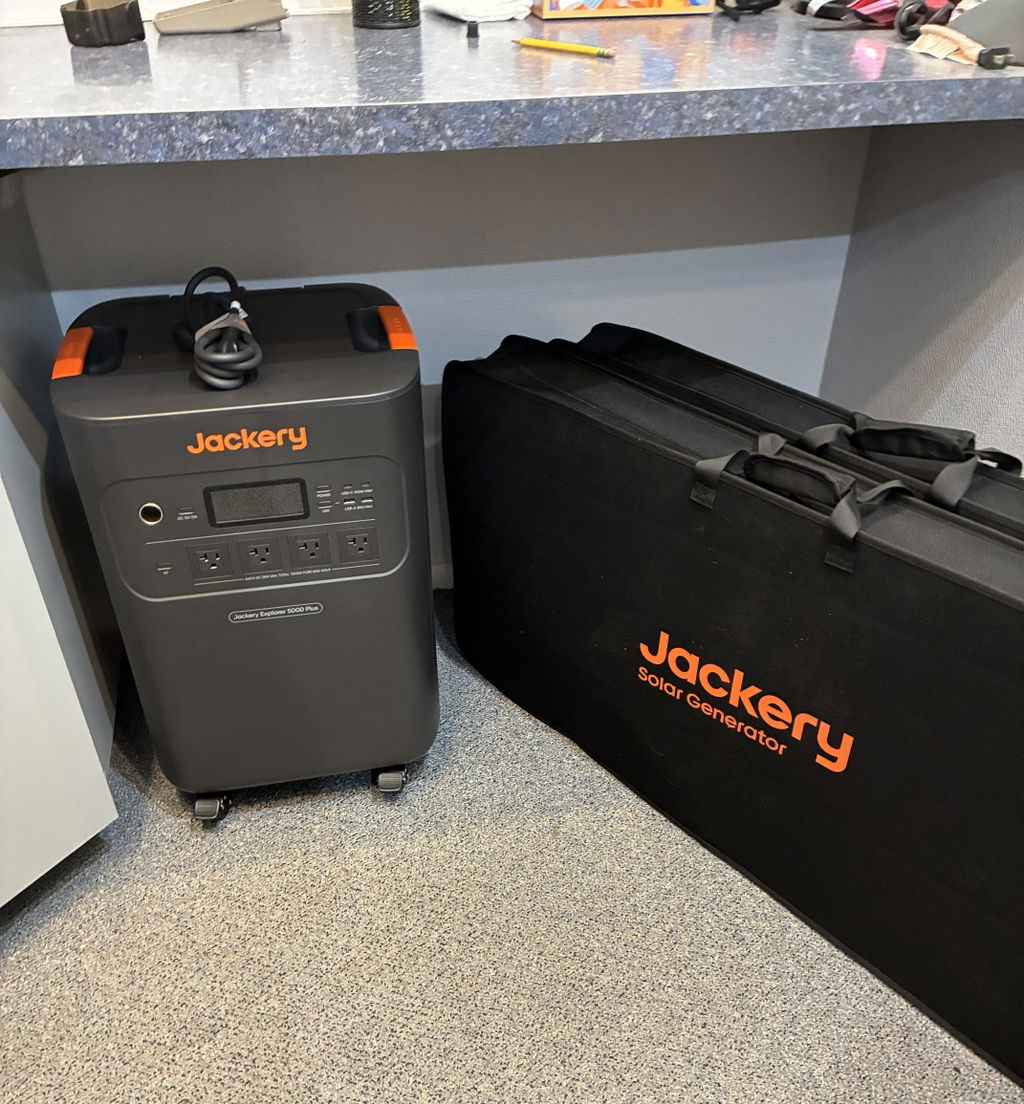
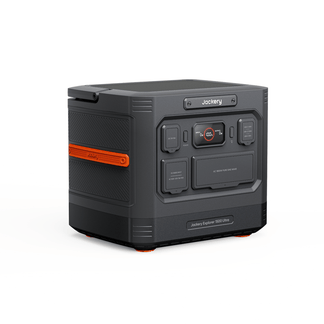
At just 134.5 lbs, it packs a massive 5kWh capacity into a compact 3kWh-sized body — significantly smaller than comparable systems at this power level.
Built to Move
From the garage to the living room to the back patio — no dolly, no second person.
Plug In and Go
One-button start and plug-and-play setup make backup power simple for anyone to use — no technician, no complicated install, no learning curve.
Compact for Its Capacity
At just 134.5 lbs, it packs a massive 5kWh capacity into a compact 3kWh-sized body — significantly smaller than comparable systems at this power level.

Built to Move
From the garage to the living room to the back patio — no dolly, no second person.

Plug In and Go
One-button start and plug-and-play setup make backup power simple for anyone to use — no technician, no complicated install, no learning curve.

Upgrade to Solar Power
Upgrade to Solar Power


Use our guide to find your right fit in seconds!
Use our guide to find the right fit in seconds!
Data Note
1. Noise level measured at a distance of 1 meter from the unit. Operates at just 30 dB in Quiet Mode, and 51.7 dB at full load.
2. 11 years refers to the battery cell’s theoretical service life, calculated based on 4,000 charge cycles.
3. The $11,800 electricity cost difference is based on a dual-unit system with 10 expansion batteries, assuming a peak–off-peak price spread of $0.60/kWh. The theoretical value is calculated after accounting for self-consumption and conversion efficiency. Actual results may vary depending on real-world usage.
4. 1.7 hours charge time was achieved via Smart Transfer Switch charging.
5. 5-year warranty available exclusively when you buy directly from Jackery.com.
6. You'll need to connect the two units to an Smart Transfer Switch to run them in parallel.
Data Note
1. Noise level measured at a distance of 1 meter from the unit. Operates at just 30 dB in Quiet Mode, and 51.7 dB at full load.
2. 11 years refers to the battery cell’s theoretical service life, calculated based on 4,000 charge cycles.
3. The $11,800 electricity cost difference is based on a dual-unit system with 10 expansion batteries, assuming a peak–off-peak price spread of $0.60/kWh. The theoretical value is calculated after accounting for self-consumption and conversion efficiency. Actual results may vary depending on real-world usage.
4. 1.7 hours charge time was achieved via Smart Transfer Switch charging.
5. 5-year warranty available exclusively when you buy directly from Jackery.com.
6. You'll need to connect the two units to an Smart Transfer Switch to run them in parallel.
Customers praised this 5000Wh power station for reliable home backup and off-grid use. Many reported running refrigerators, AC units, and well pumps for hours. "Far exceeded our expectations" said one shopper. However, several noted customer support issues and limitations like no pass-through charging when connected to transfer switches, plus challenges with 240v resistance loads.
This generator is saving me a ton of money on my electricity bills. I have a 30 kWh system and it runs everything in my house for days. I have (14) 415 watt solar panels plugged into the two generators so the batteries charge back up super fast.
Purchased the 5000 so the wife could plug it into the manual transfer switch and just turn it on. We've had 5 power outages this year so far. I was so impressed I purchased an expansion battery. Power goes out, plug it in to the transfer switch, turn it on and flip ithe transfer switches to Generator. It's running a tv/DVD player, two inverter window ACs, a freezer and fridge, LED lights, two Coway airmegas, two small fans, some office equipment, two CPAP machines, a nebulizer, two pond pumps ... Basically we are using under 2000 Watts of power at any one time. I just got a second expansion battery and am currently charging it. We now have a 15kWh system. No solar, we gotta change it with a generator or a wall outlet. It does take almost 1800 watts to change via the AC charging cable, we have a dedicated 20 amp circuit in the house when there's power, or a dedicated 20 amp inverter generator power. I'm absolutely impressed with the ease of use. Batteries at night, Generator during the day. Hooray
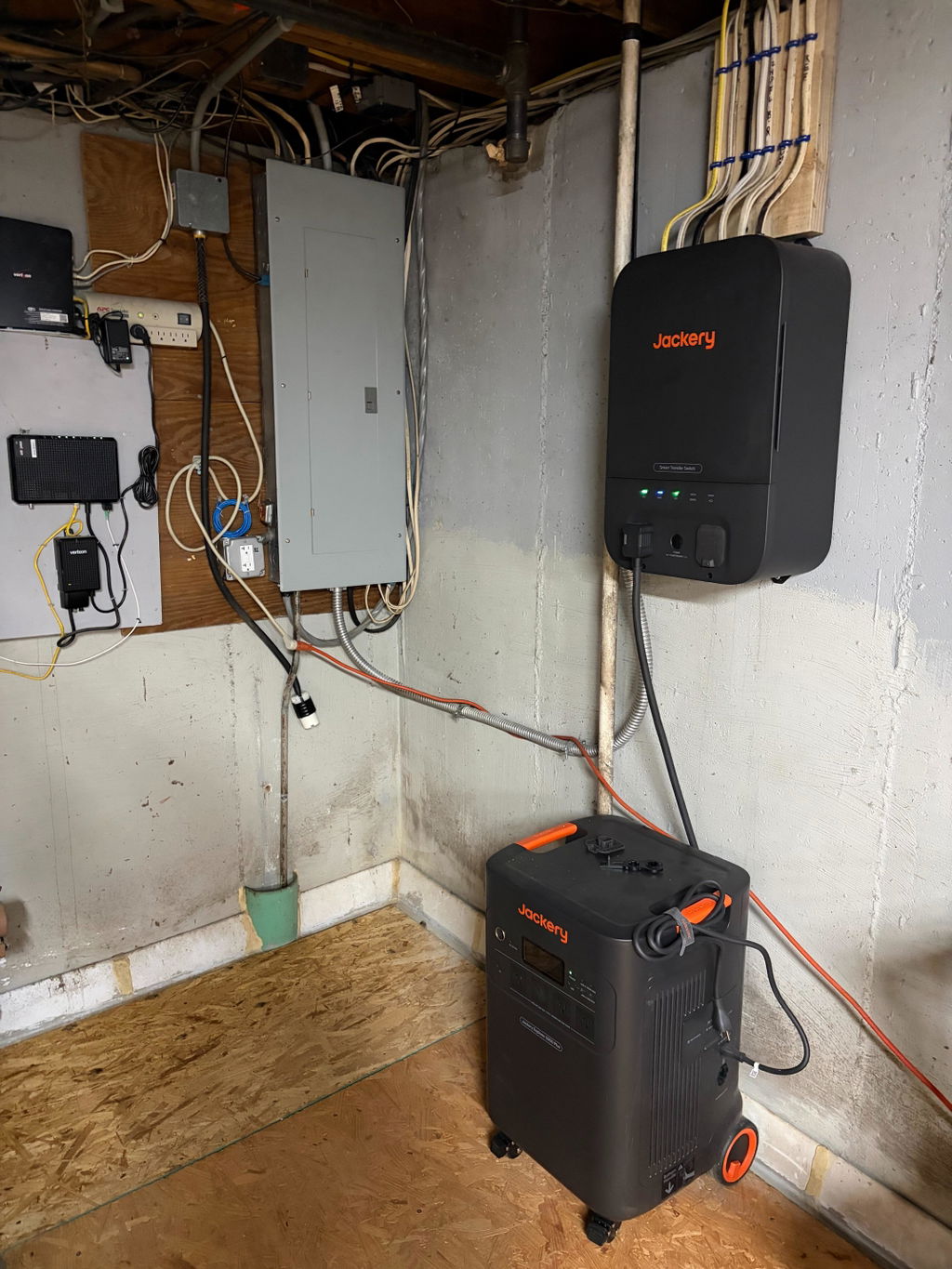
I have the Jackery 5000 with the STS installed (no solar panels). So far I am very pleased with it. I have had it about two months and it has carried me through 2 power failures without issues. The first power failure lasted about 5 hours and the second was about 3 hours. In both cases I used less than 50% of the power. The system kept my network running and my essential circuits going without issue.
My only issue was the cost of the installation. It was higher than I was estimating, but that was driven by the number of circuits I have backed up (10).
In both cases, the system ran flawlessly! My previous backup (which I am keeping as second level fallback) is a gasoline generator. To start it, I previously, had to go outside (usually in a storm rain/snow) and start it, manually throw the transfer switch, then run extension cords around the house. Now, everything I need (network, fridge, critical circuits) switched without any actions from me! Great!
All in all the 20KWH whole home system is amazing! It works effortlessly, carrys the entire home load, except i kept high load circuits like my electric clothes dryer and whole home AC unit on the grid for obvious reasons. Excellent product Jackery.
I have noted a few potential concerns and have discussed with the tech team. Seems like a future patch is a potential to resolve them, otherwise i would give this product the highest score!
If Grid goes down for multiple days, and you do not have solar charging the 5000’s, or if you do, but need some additional juice, there is no way to charge via the 110 cord, unless you manually disconnect the cable from the smart switch. The Smart switch disables this ability on the base units themselves. If you do not have a smart switch plugged in, this 110 A/C charging does work.
When charging the 20kwh batteries via the smart switch, you are charging at 4kw per unit. So its an 8k draw until batteries are full. This is great in some cases. For me, due to a 2nd rack of solar i have thats tied to the grid at 120V this 8kw draw far exceeds what that system generates. I would love the ability to either charge at 8kw or bump it back to lets say a medium charge rate and cut it in half. That would maximize my solar generation and help reduce my electric costs.
Those are the only two things that “I” would love to see the app approve on.
If your looking to buy, this system is very good/solid and no general performance issues so far.
March 16 2026 received an email stating save$2700 on Solar Explorer 5000 +. I chatted, emailed and called Jackery and all they would give me was an additional $100 off for the inconvenience plus $1500 that was offered when you clicked shop. To me they should have honored the $2700 as advertised. I am a repeat customer I own a 3000 Home plus which I love but decided I needed more storage capacity.
While the systems still need time to be tested, it seems it should perform power as it states. My issues is it only allows the recharging of the batteries when the power comes back on when hooked up to the automatic transfer switch. It’s hard to find this information through the internet sales sites. I only discovered this after it was installed.
At this point when the system is discharging it can ONLY be charged by a solar powered input.
Now it can be charged by a generator if NOT hooked up to a smart transfer switch through the supplied power cord, if you want to move it around the house and directly plug in into your appliances.
So if you want to use it as a whole house power and backup system BEWARE it can only be charged by solar input while discharging and hooked up to a smart transfer switch.
You would think that they would allow the system to recharge from a generator and not only solar when being used as whole house backup.
It good product...expansion battery should only be about 1299 not1799.
Bought the Explorer 5000 Plus a few weeks ago, along with the additional battery. Both are working great. Solar charging was straight forward with surprisingly good results in less than ideal conditions. The Explorer, although quite heavy, moves easily given the wheels and handle. Very happy with the purchase!
The unit is of outstanding quality and came packaged professionally. I will need to purchase another two batteries in the future to provide reasonable long-term power outage.
The installation service includes removing my old EV charger and install new Tesla wall charger. Install STS and port over 12 breakers. He had to extend each set of lines over to the new breaker. Tested regular backup and UPS mode. Both worked flawless. Installation cost is $3800 plus $387 for WA tax. Total is $4187.60 for 7 hours of work.
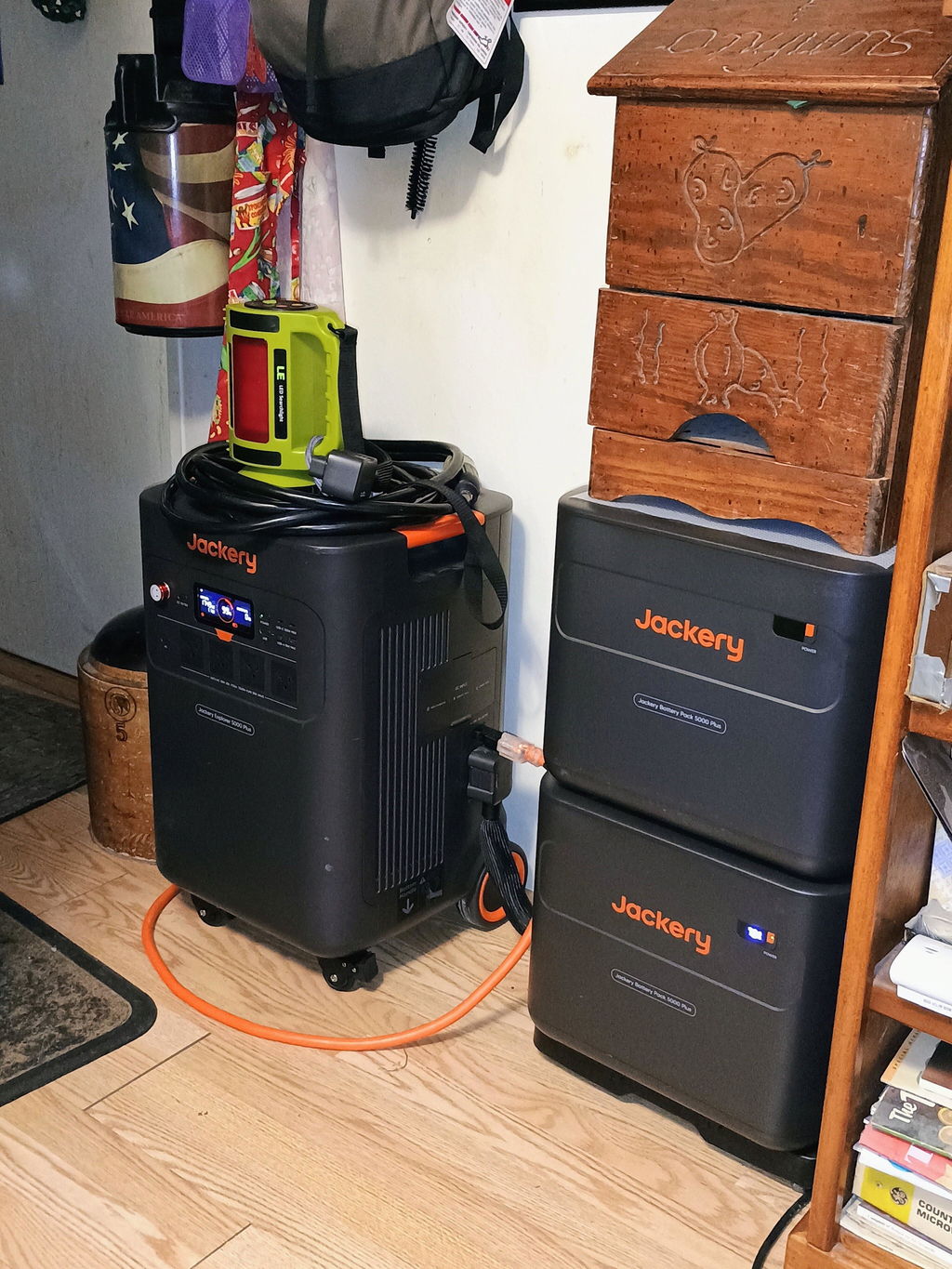
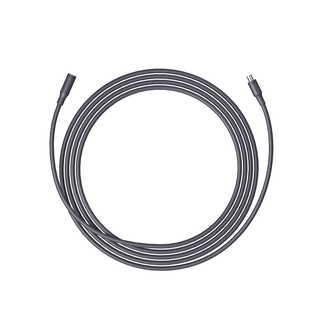
The app shows how much my daily electrical usage so I can see how much battery pack I'll need for future purchase. Got this setup because my neighbor keeps opening my refrigerator during power outage. The only downside is the add-on battery pack can only go on the right side of the full unit due to short connector cable. It would have been nice if the add-on is stackable to save space like the EcoFlow.
So far so so good!
This unit exceeded my expectations for a power station. My blower on my furnace started quietly and spun up quickly while also powering a refrigerator, well pump, outdoor boiler and lighting. We loose power often and this will provide a quiet solution from my generator for overnight power.
Product works great and was easy to install and integrated into my home. I bought two Explorer 5000's and a Smart Transfer Switch and didn't realize the cable that connects them comes with the switch and only comes with one, then found out they didn't have any available to order online yet. I reached out asking if I could somehow buy one anyways to complete my set up and they responded in less than 12 hours that they would ship one out to me free of charge! Only complaint so far is the system works too well as a back-up and TOU reduction system and now I want to be able to go semi-off-grid so will need to buy additional batteries when I have more money!
Explorer 5000 Plus
Lost power for the 1st time since the install and did pickup at first that the power was out except for an alert from my power company
Nice!
Jackery Explorer 5000 Plus
It does everything it’s advertised. The best part is that I can hook it up to my solar panels and I can run it with the STS and it’ll run most of my house. I purchased two of them so that way I can get the maximum output from the STS for the whole house. I really like the fact that it’s has wheels and can be moved when going on camping trips so I can use it as a dry camp location without having to hook up to electricity from outside sources. The fact that it has 240 V output. I can also allow hook up for my brother’s RV at the same time.
Explorer 5000 Plus
Explorer 5000 Plus
We purchased the Jackery Explorer 5000 Plus + SolarSaga 500 X x 2 + Smart Transfer Switch and are super pleased with the quality and the ease of the back up power. With the transfer switch you hardly notice when it switches from grid to back up power. It's amazing!
I CHARGED IT. NOW IT IS WAITING FOR A POWER OUTAGE
I received everything in great shape. I unpacked the s 5,000 + and charged it from the AC 120volt outlet at about. 28% charge to 100% in about 2 and a half hours. The app works great and it Is ready for me to use as a backup for my house.I also am getting ready to install the new transfer switch so I can use the 5,000+ most of the time for my 120 volt house circuits while using the grid for my Heat (natural gas and my dryer). Both are 220 volts. The Dryer uses more wattage when it is in use.
I'm having issues with charging my battery backups from the switch, the switch works perfectly, the battery backups work perfectly, but when they're hooked up to the switch, they are not charging, they are depleting. I am currently working with someone on your side to resolve this issue, but it is not resolved. Yet I do enjoy the equipment and the idea that it does work because I did test the system and it does work when the power goes off.
What voltage can be used for input charging when unit is in by-pass mode?
Dear Customer,
Thank you for reaching out.
When the unit is in bypass mode, the maximum input charging voltage is 120V. In this mode, the unit’s output power will be limited to within 1440W.
Thank you for your understanding.
If you have any other questions, please feel free to reach out anytime.
Best regards,