















































































































![[Add - on] SolarSaga 200W - Jackery](http://www.jackery.com/cdn/shop/files/add-on-solarsaga-200w-4834329.png?v=1754016915&width=324)





For the 2.4 million customers that are served under Ameren, power outage could become a frustration if outage updates and timelines are not conveyed properly. This guide will help you to decode Ameren’s outage map, get the most accurate updates, and build a resilient backup power plan.
Decoding the Ameren Outage Map
The Ameren outage map is your first source of information when you experience a power disruption. Understanding its features and limitations is key to managing your expectations and making informed decisions.
How to Access Information
You can find official outage information through several channels. The primary resource is the Ameren Guest Outage Center. Ameren also provides updates through its official mobile app and social media accounts, which are particularly useful during widespread events.
What Are the Key Map Features?
When you view the map, you'll notice several key features designed to provide a snapshot of the situation. Affected areas are typically color-coded to show the density of outages. Clicking on a specific area reveals the number of customers affected and, most importantly, the Estimated Time of Restoration (ETR).
What Are the Common Map Limitations?
While useful, the map has limitations that can cause confusion. An outage cause listed as "Undetermined" simply means crews are still in the process of assessing the damage, and more specific information will follow once the problem is identified.
You may also notice a data lag, where the map shows "no outages" even when your power is clearly off; this delay can occur between the initial event and the system's update cycle.
The most important takeaway is that the map is a valuable snapshot, not a real-time guarantee. It provides a high-level view of the utility's response but may not reflect the exact status at your specific address at any given moment.

Proactive Steps: Reporting Outages and Getting Accurate Updates
Relying solely on the public map is a passive approach. Taking proactive steps to report your outage and sign up for direct communications will provide you with more accurate and personalized information.
How to Report an Outage
Do not assume Ameren automatically knows your power is out. You can report an outage directly through:
- The Ameren mobile app
- Their website
- Calling the dedicated outage hotline at 1-800-552-7583
Keep this number saved in your phone for quick access.
Why Is Reporting an Outage Important?
Customer reports are crucial for utility crews. They help confirm the scope and boundaries of an outage, which can speed up the process of locating the fault. The more customers in an area who report an outage, the more data crews have to work with, potentially improving the accuracy of the Ameren outage map itself.
What Are Some Pro Tips for Getting the Best Information?
To get the most reliable updates, go beyond the map.
- Enable Direct Alerts: Enable text and email alerts through your online Ameren account for address-specific notifications, including when crews are dispatched and when your power is restored.
- Cross-Reference Information: It is wise to cross-reference information with other sources, such as third-party trackers like PowerOutage.us for a broader regional context or local news outlets during major storms. Read this blog article for more information on outage maps to understand when your power will be back on.
- Prepare for the Worst-Case Scenario: Do not depend entirely on the ETR; use it as a guideline but have a backup plan ready in case the outage lasts longer than expected.
Your Essential Outage Preparedness Checklist
A comprehensive preparedness plan means having the physical supplies and strategies in place to remain safe and comfortable until power is restored.
What Should Be in Your Emergency Kit?
Every home should have a well-stocked emergency kit. Gather essentials such as:
- Flashlights with extra batteries
- A comprehensive first-aid kit
- A battery-powered or hand-crank radio to receive emergency broadcasts
- A three-day supply of non-perishable food that requires no cooking
- One gallon of bottled water per person, per day
How Can You Protect Your Home and Valuables?
Power outages can pose a risk to your home and electronics. Prevent damage from power surges by unplugging sensitive electronics like computers, televisions, and gaming consoles when the power goes out.
To preserve food, keep refrigerator and freezer doors closed as much as possible, as a full freezer can stay at a safe temperature for about 48 hours. Log the time the outage begins for potential insurance claims on spoiled food.
How Do You Create a Communication Plan?
Modern communication relies on power. Keep your cell phones, tablets, and portable power banks fully charged, especially if severe weather is in the forecast. Designate an out-of-area friend or relative as a central contact for all family members to check in with, ensuring everyone can confirm they are safe if local communication lines are down.
Preparing Backup Power During Outages
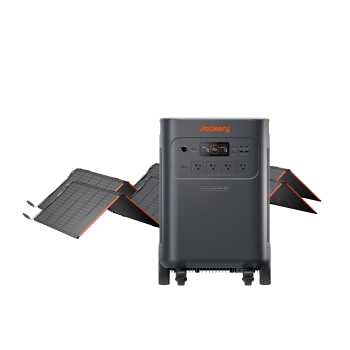
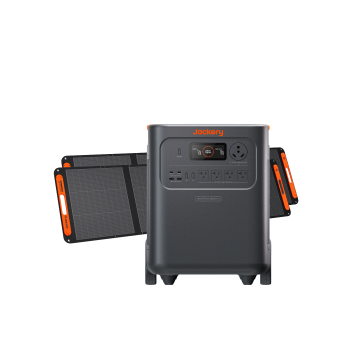
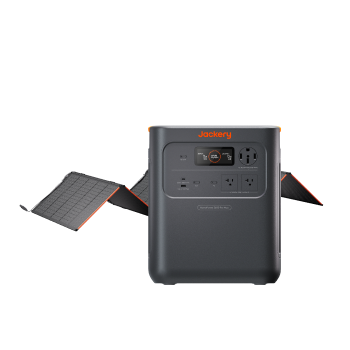
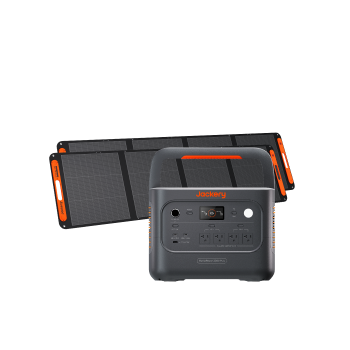
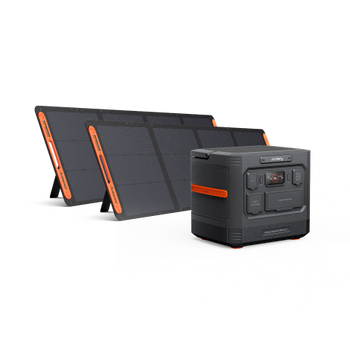
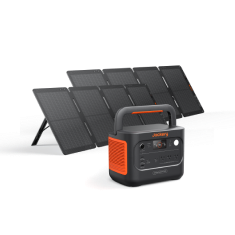
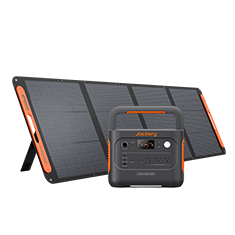
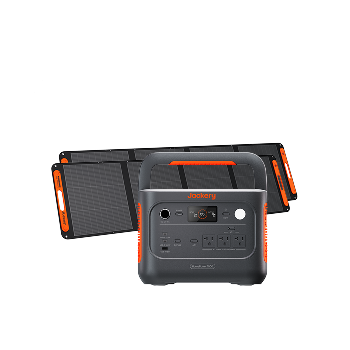
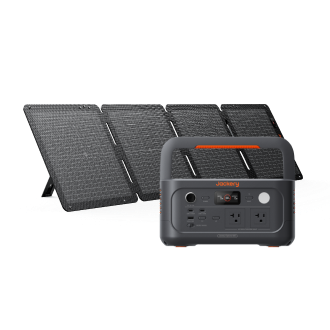
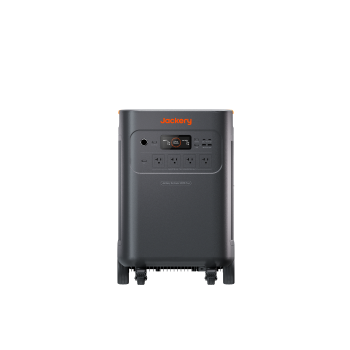
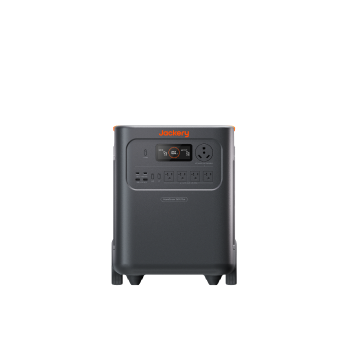
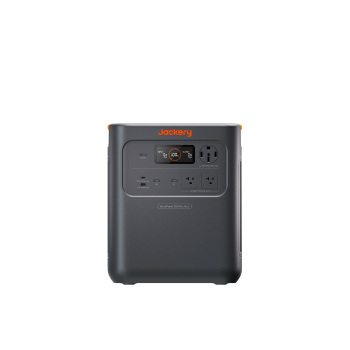
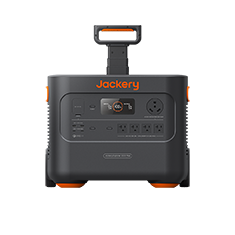
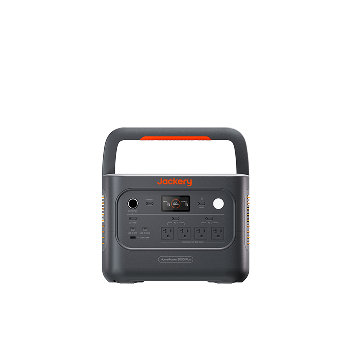
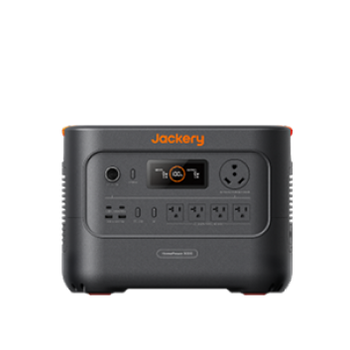
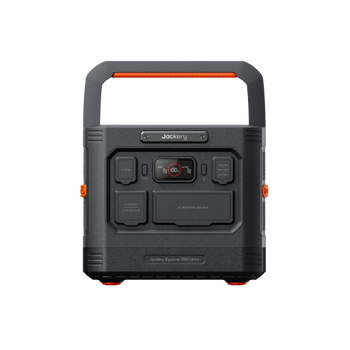
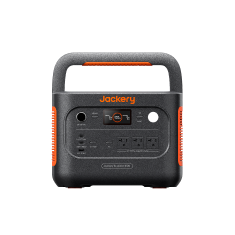
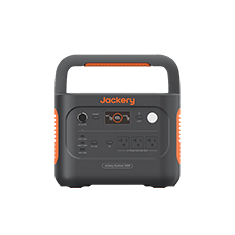
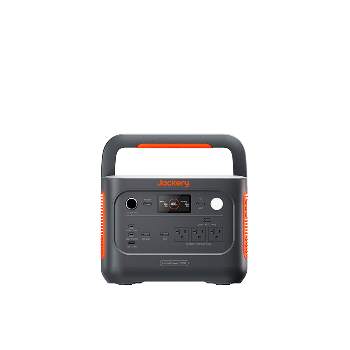
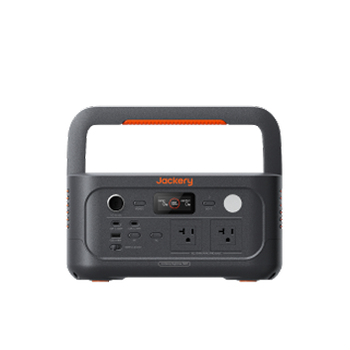
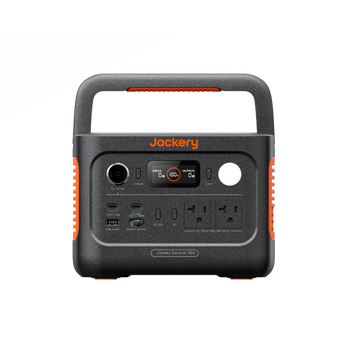
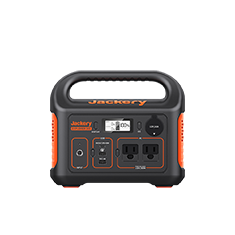
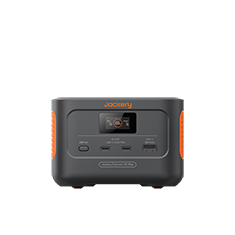
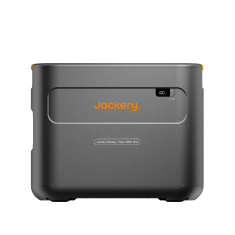
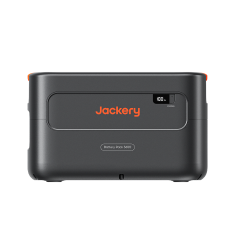
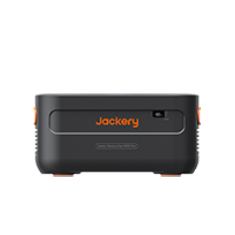
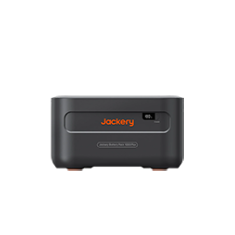
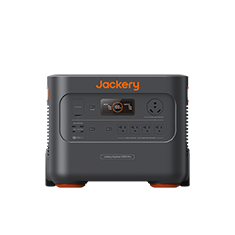
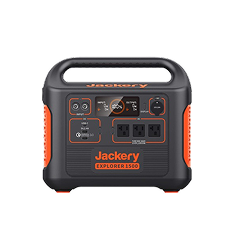
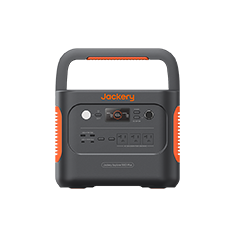
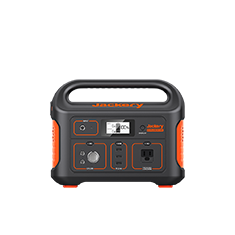
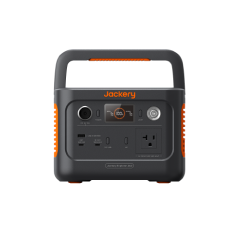
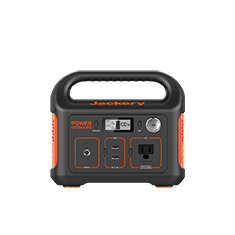
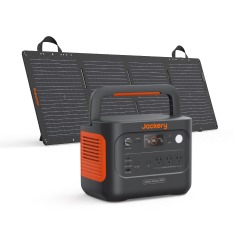
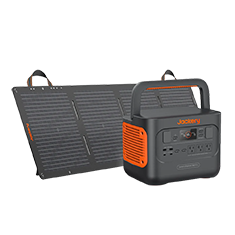
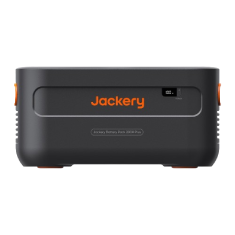
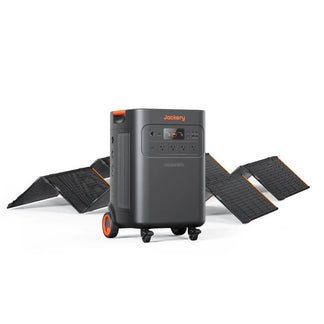
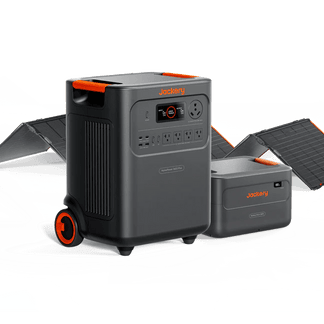
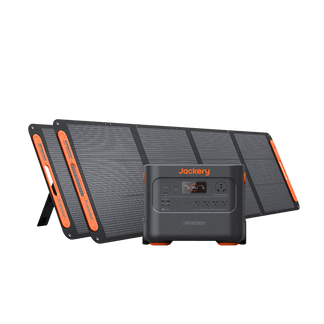
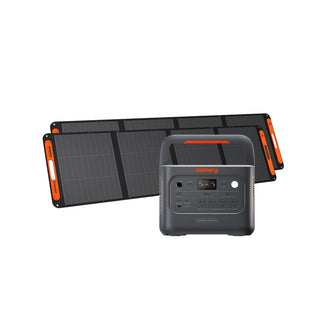
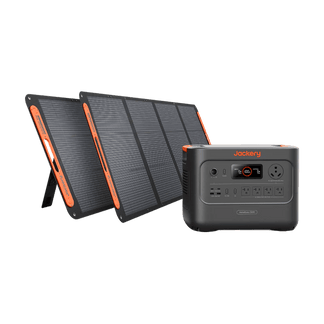
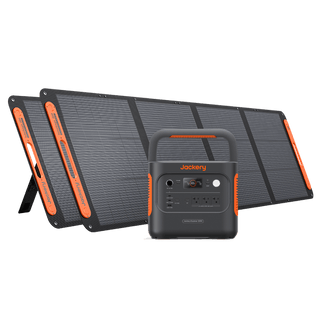
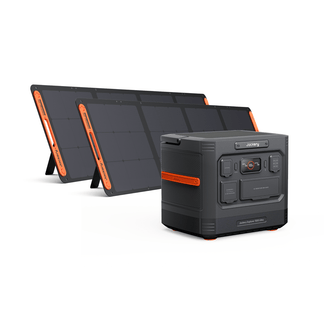
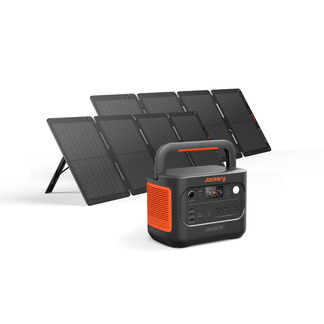
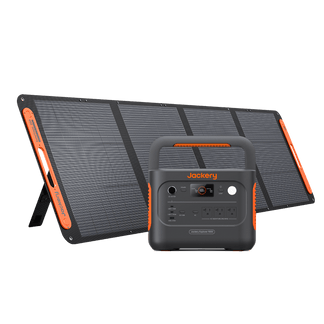
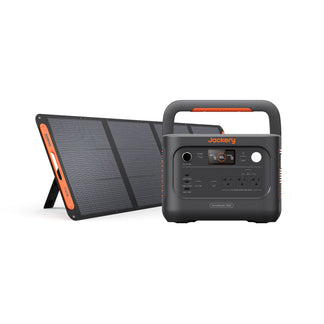
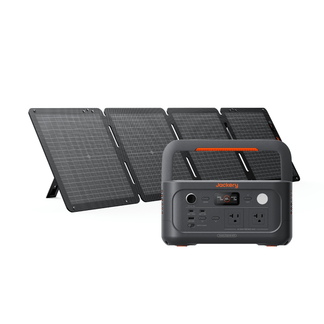
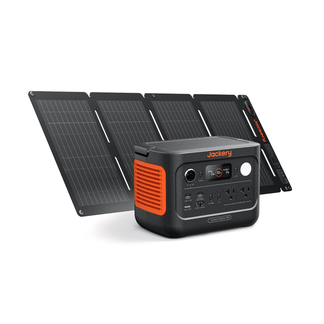
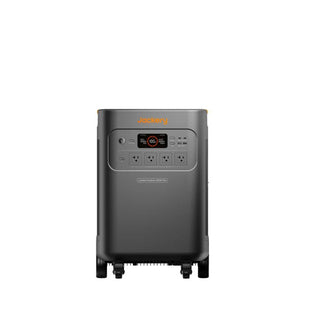
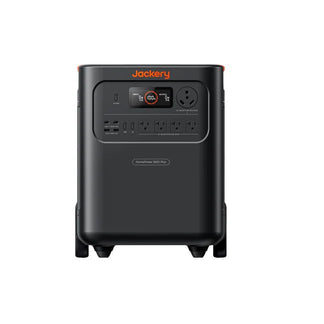
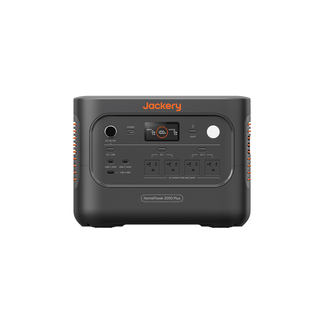
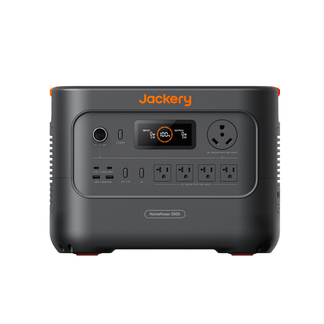
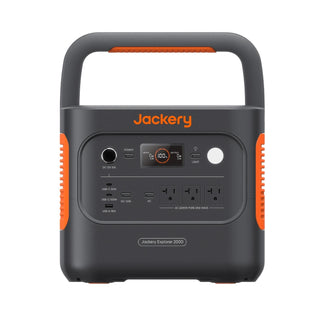
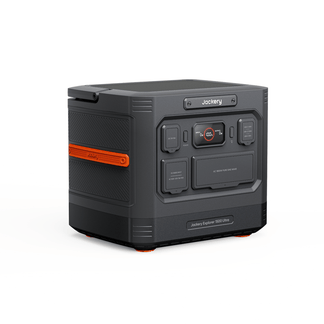
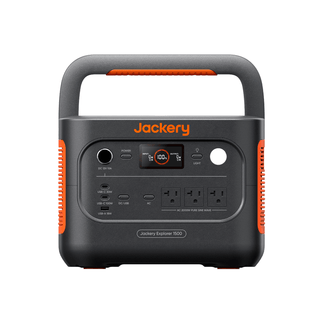
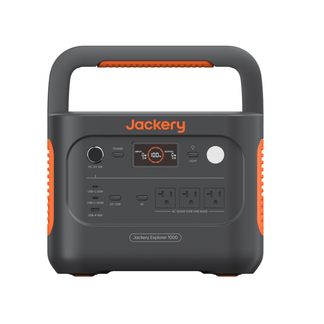
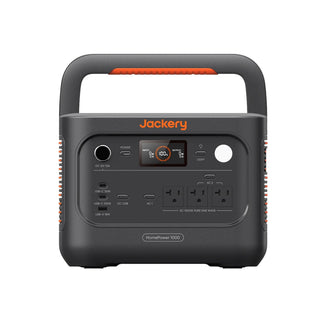
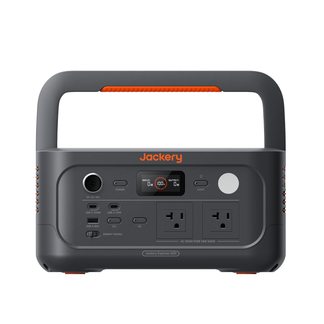
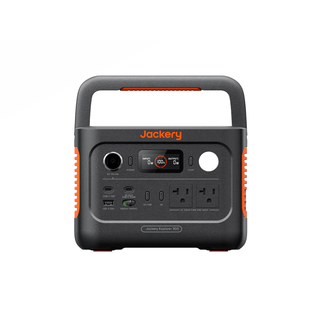
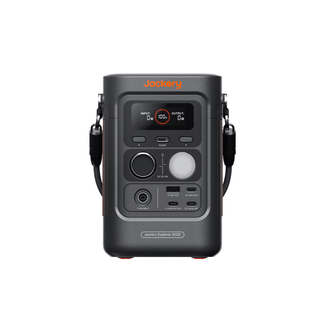
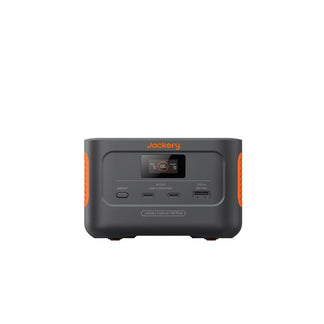
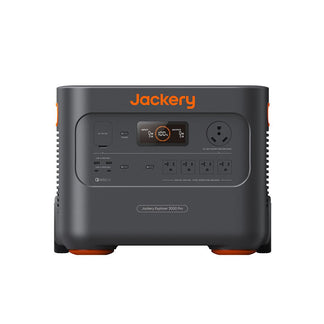
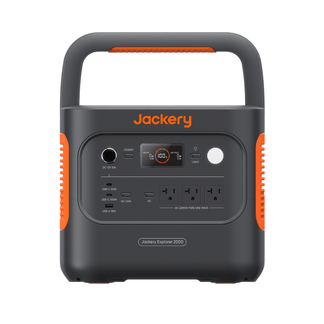
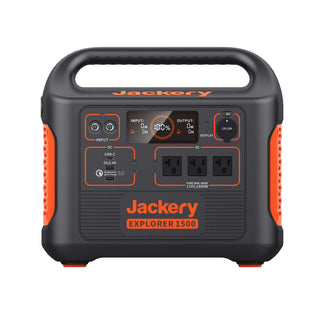
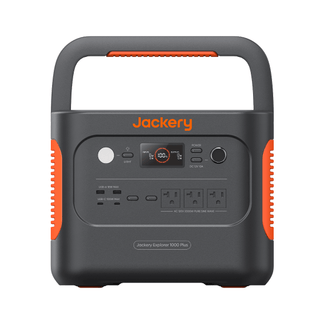
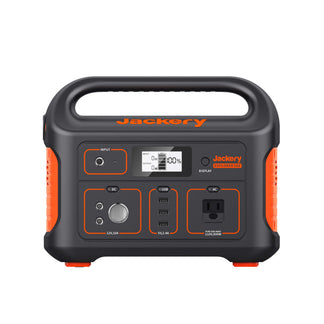
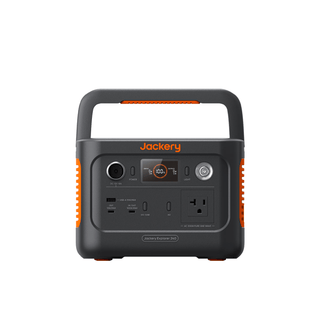
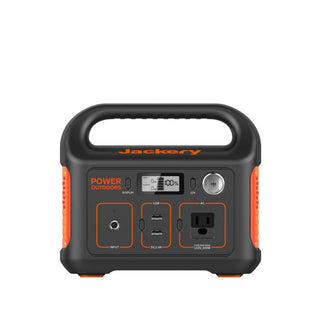
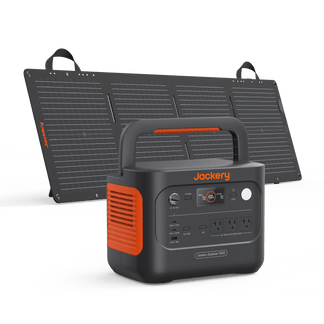
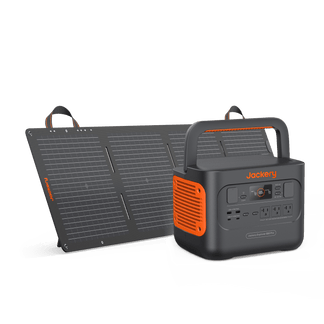
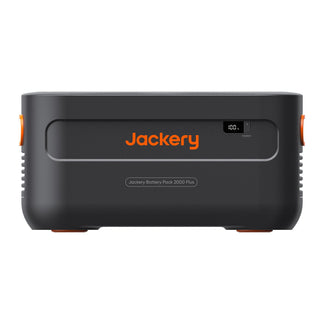
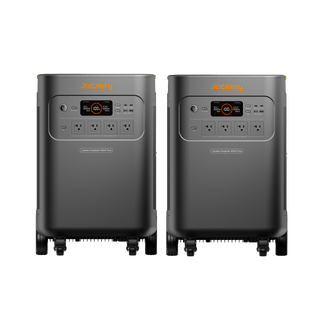
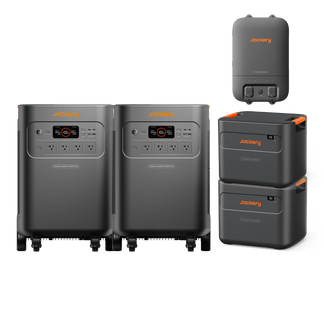
A portable power station is the key to maintaining a sense of normalcy during Ameren outages. To choose the right solution, start by calculating your needs and identifying the critical devices you can't live without. Refer to the table below on which Jackery Portable Power Station is best suited for your scenario:
|
Feature |
|||
|---|---|---|---|
|
Capacity |
288Wh |
1070Wh |
3072Wh |
|
Rated Output |
300W |
1500W |
3600W |
|
UPS Switchover |
N/A |
N/A |
<20ms |
|
AC Recharge Time |
2 Hours |
1 Hour |
1.7 Hours |
|
Best For |
Phones, Laptops, Router |
Refrigerator, CPAP, Sump Pump |
Whole-Home Essentials, High-Wattage Appliances |
What to Do During and After an Outage
Knowing the right steps to take during and after a power outage ensures safety and a smooth return to normal.
What Should You Do During the Outage?
Safety should always be your first priority. Stay far away from any downed power lines, as they may still be energized and are extremely dangerous; report them to Ameren immediately. Conserve your backup power by using your portable power station for essential devices first. Continue to monitor your text alerts and local news for updates on restoration progress.
What Should You Do After Power is Restored?
Once the lights come back on, take a methodical approach. Check appliances for any signs of damage from the outage or a potential surge before plugging them back in. Restore power to your home gradually by turning on major appliances one at a time to avoid overloading the electrical system as it stabilizes.
Finally, document everything for potential insurance claims. Note the total duration of the outage and take clear photos of any spoiled food or other property damage that occurred as a result.
Sources for Reliable Information
During an outage, it's best to consult a mix of official and third-party sources to get the most complete picture.
- Ameren: The official Guest Outage Center and mobile app are your primary sources for ETRs and crew status.
- Third-Party Tracking: Websites like PowerOutage.us provide a broader, non-utility-specific view of outages across regions and states
- Emergency Preparedness: For general guidance on creating kits and plans, Ready.gov is an excellent government resource
Take Control of Your Power
Using the Ameren outage map as a guide while relying on direct alerts and a solid preparedness plan for ground truth. An emergency kit handles the absolute basics, but a portable power station is what truly ensures your comfort, security, and connectivity.
Frequently Asked Questions
What specific criteria does Ameren use to determine the "estimated time of restoration" (ETR) on their outage map, and how frequently is this updated?
Ameren calculates ETRs based on factors like the initial damage assessment, crew availability, weather conditions, and the complexity of the repair. ETRs are updated as crews provide new information from the field, which can be frequent during active restoration efforts.
If I have a medical device requiring continuous power, what is the best way to register this with Ameren to ensure priority communication or assistance during an outage?
You can enroll in Ameren's Medical Equipment Registry program through their website or by calling customer service. This flags your account so you receive additional notifications about planned and unplanned outages.
Beyond the general "power surge" advice, are there specific types of sensitive electronics that are particularly vulnerable to damage during an outage and subsequent power restoration?
Electronics with complex microprocessors, like high-end gaming PCs, smart home hubs, and modern network-attached storage (NAS) devices, are especially vulnerable. Their sensitive components are less tolerant of the voltage fluctuations that can occur when power is restored.
How does Ameren handle situations where an ETR has passed but power has not been restored, and what is the recommended next step for customers in that scenario?
If an ETR passes, it often means crews discovered more extensive damage than initially thought, requiring a new plan and a revised ETR. If your power remains off well past the ETR, check your text alerts for an update or report the outage again online or by phone.
What are the potential long-term impacts of frequent power outages on home appliances, even if they aren't immediately damaged by surges?
Frequent, abrupt power cycles can cause cumulative wear and tear on motors, compressors (in refrigerators and AC units), and electronic control boards. This can reduce the appliance's overall lifespan and lead to premature failure or calibration problems over time.


