


































































































































A TV is one of the lowest-power appliances most people own, which is exactly why nobody bothers calculating what it actually costs. A typical 100W TV running 5 hours a day costs about $0.09 daily, $2.75 a month, and around $33 a year at the current US average electricity rate of 18.34 cents per kWh. However, a bigger screen, a second TV in the bedroom, and hours that go over a movie-heavy weekend add up faster to increase the overall cost.
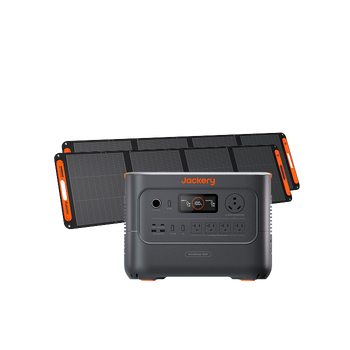
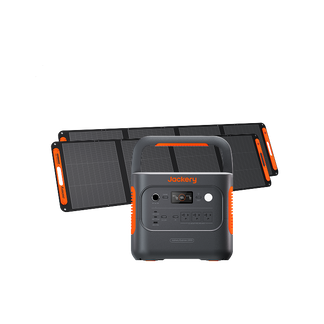
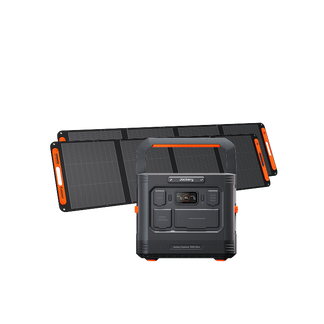
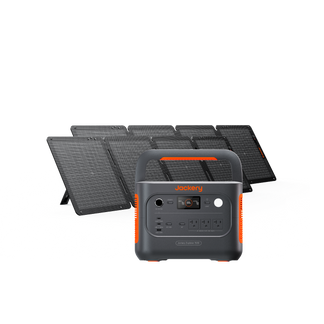
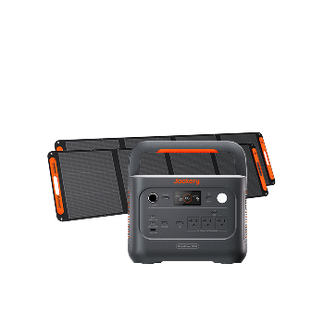
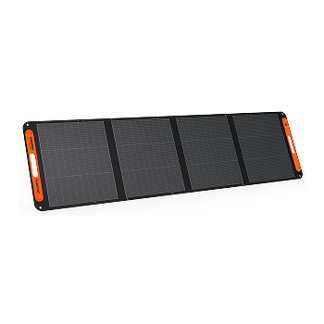
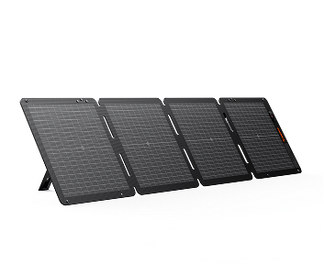
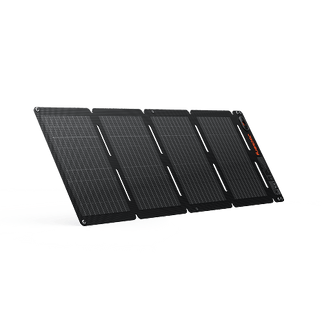
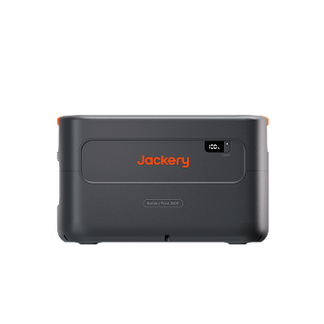
Jackery Solar Generators can keep a TV running for hours at a time, which makes them a practical way to power movie nights off solar energy, or to keep the TV (and whatever streaming box or game console is attached to it) running through a power outage without touching the grid at all. Even if you are hosting an outdoor movie night, the solar generators will help you supply steady electricity to TVs alongside other essential appliances.
Key Takeaways
- TVs typically draw between 30W and 250W, depending mainly on screen size and panel technology (LED, OLED, QLED).
- At the US average rate of 18.34¢/kWh, a 100W TV running 5 hours a day costs about $0.09 daily, $2.75 monthly, and roughly $33 a year.
- Screen size matters more than most people expect in estimating the overall cost to run a TV. For example, a 75-inch TV can draw 3 to 4 times what a 32-inch set does, even within the same panel technology.
- Jackery Solar Generators are essential home backup solutions that can comfortably power a TV, whether for a solar-powered movie night or to keep the screen on during an outage.
How Many Watts Does a TV Use?
TV wattage depends mostly on two things: how big the screen is, and what display technology it uses. Bigger screens need more backlighting or more individually lit pixels, and OLED panels, which light each pixel separately rather than using a single backlight, tend to draw more than LED sets of the same size on bright content. You can see the full breakdown by model in our guide on how many watts does a TV use.
By Screen Size (LED/LCD, typical range):
|
Screen Size |
Typical Wattage |
|
32-Inch |
30W – 55W |
|
43-Inch |
45W – 80W |
|
55-Inch |
70W – 120W |
|
65-Inch |
90W – 160W |
|
75-Inch |
110W – 200W |
|
85-Inch |
150W – 350W |
By Panel Type (at a comparable size):
|
TV Type |
Typical Wattage |
|
LED/LCD |
30W – 150W |
|
QLED |
60W – 150W |
|
OLED |
60W – 200W |
|
Plasma (Older) |
150W – 400W |
If you cannot find the wattage printed on the back panel or in the manual, 100W is a reasonable planning estimate for a mainstream mid-size TV, while 150W or higher is safer for a large or especially bright screen.
How Much Does It Cost to Run a TV?
If you want to calculate the exact cost to run a TV, multiply the TV's wattage by the hours it runs per day, divide by 1,000 for kilowatt-hours, then multiply by your electricity rate per kWh.
For example, running a 150W large-screen TV for 5 hours a day uses 0.75 kWh daily. At the national average rate of 18.34 cents per kWh, that is $0.14 a day, $4.13 a month, and about $49.52 a year.
How Much Does It Cost to Run a TV by State
As the electricity rates vary in different US states, the same TV can cost roughly three times as much to run in one place versus another. If you are using a 100W TV running 5 hours a day as the baseline, here’s how much does it cost to run a TV:
|
State |
Rate (¢/kWh) |
Daily Cost |
Monthly Cost |
Yearly Cost |
|
New Jersey |
24.95 |
$0.12 |
$3.74 |
$44.91 |
|
New York |
29.49 |
$0.15 |
$4.42 |
$53.08 |
|
Illinois |
19.89 |
$0.10 |
$2.98 |
$35.80 |
|
Ohio |
19.19 |
$0.10 |
$2.88 |
$34.54 |
|
North Dakota |
14.12 |
$0.07 |
$2.12 |
$25.42 |
|
South Dakota |
15.36 |
$0.08 |
$2.30 |
$27.65 |
|
Florida |
15.10 |
$0.08 |
$2.27 |
$27.18 |
|
Georgia |
16.36 |
$0.08 |
$2.45 |
$29.45 |
|
North Carolina |
14.74 |
$0.07 |
$2.21 |
$26.53 |
|
South Carolina |
15.55 |
$0.08 |
$2.33 |
$27.99 |
|
Texas |
15.94 |
$0.08 |
$2.39 |
$28.69 |
|
Colorado |
17.13 |
$0.09 |
$2.57 |
$30.83 |
|
Idaho |
14.37 |
$0.07 |
$2.16 |
$25.87 |
|
Alaska |
28.21 |
$0.14 |
$4.23 |
$50.78 |
|
Hawaii |
52.72 |
$0.26 |
$7.91 |
$94.90 |
|
US Average |
18.34 |
$0.09 |
$2.75 |
$33.01 |
Source: Electric Power Monthly, U.S. Energy Information Administration (EIA)
Note: These figures assume a 100W TV running 5 hours a day. Rates change periodically, so check the EIA link above for the latest figures in your state.
Does a TV Use Electricity When It is Off?
Yes, TVs use electricity when they are off or on standby. Most modern TVs draw somewhere between 0.5W and 3W in standby mode to power features like the remote sensor, network connection, and quick-start function. On its own, that adds up to roughly $1 to $3 a year for a single TV.
Standby power across all the devices in an average home (TVs, consoles, chargers, and everything else that's "off" but still plugged in) might add up to a meaningful chunk of the yearly electricity bill. If you want to eliminate it entirely for a TV and its connected devices, a power strip with a physical switch is the simplest fix.
Official Tips to Reduce the Cost to Run a TV
TV does not use a lot of wattage per hour, but it often runs for multiple hours a day. If you have more than one TV in your home, the cost can add up and impact your electricity bills. Here are some tips offered by Energy Star and the US Department of Energy to lower the power consumption:
Choose Energy Star Certified TVs
According to the Energy Star reports, the Energy Star-certified TVs are 25% more energy efficient than conventional models. They save energy in all usage models: sleep, idle, and so on.
Unplug the Appliances
Some household appliances keep on consuming electricity in standby mode or when they are switched off, costing you around $100 per year. TVs quietly drain electricity, even when they are turned off. One way to reduce the power consumption of a TV is by unplugging the appliance.
Adjust Viewing Habits
Consider lowering brightness and contrast settings to reduce the power consumption without sacrificing viewing quality. Many TVs have an energy-saving model that can further lower the running cost of the appliance.
Use a Power Strip or Smart Plugs
You can use a power strip that features on/off switches to plug in the TV. Surge protector power strips come with such switches that can be used to turn off the TV when not in use. It prevents the TV from consuming power in standby mode.
Invest in a Solar-Powered Generator
Jackery Solar Generators can power TVs and electronic entertainment devices with the help of solar energy. It can help you offset the usage of grid electricity. If you live in an outage-prone area, the solar-powered generator ensures essential appliances like TVs, fridges, fans, and lights stay powered for long hours.
How to Save on Your Electricity Bill With Jackery Solar Generators
Because TVs draw so little power relative to most household appliances, even Jackery's smaller solar generators can run one for hours on a single charge. A 55-inch LED TV running 5 hours a day draws around 100W, which works out to just 0.5kWh daily, or about $0.09 a day and $2.75 a month at the US average electricity rate of 18.34 cents per kWh.
The cost increases with a larger OLED screen (closer to 150–200W) or a household that leaves it running well past 5 hours, but even then, a TV rarely competes with the big appliances for who's actually driving your bill up. Where it does matter is during an outage. Losing power mid-movie or mid-game is an inconvenience most people would rather avoid.
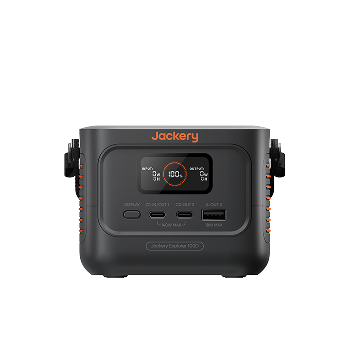
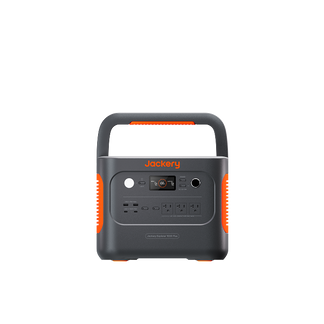
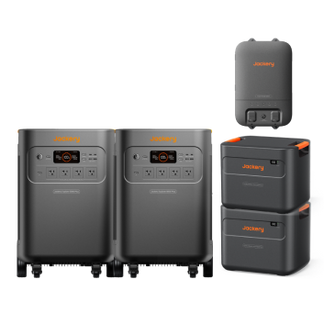
A Jackery Solar Generator combining a portable power station and solar panel can keep a TV (and the streaming box, router, and soundbar that usually come with it) running on stored solar power for hours or even days, so the lights going out doesn't automatically mean the screen does too. Here's how three of them compare for solar-powered TVs.
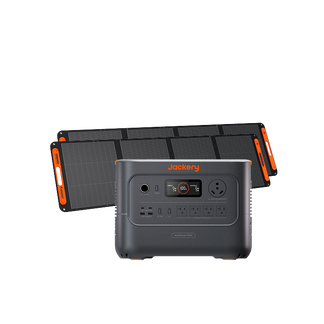
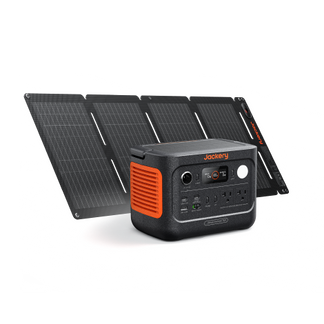
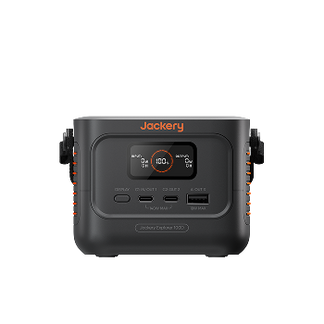
Jackery Solar Generator 600 v2
The Jackery Solar Generator 600 v2 is a compact, 640Wh option that is easy to set up for an outdoor movie night or a bedroom TV during a short outage. If you are using a 60W LED TV running 5 hours a day, it costs about $0.06 daily and $1.65 monthly in grid electricity at the national average rate. You can bypass this cost entirely by running the TV off the Jackery Solar Generator 600 v2 charged with a solar panel.
Appliances Running Time
- LED TV (60W) = 7.5H
- QLED TV (90W) = 5.2H
- OLED TV (120W) = 4.0H
- Large 75-Inch TV (150W) = 3.3H
Who Should Buy This
The Jackery Solar Generator 600 v2 is ideal for a single small-to-mid-size TV, a projector-and-speaker setup for backyard movie nights, or anyone who mainly wants a lightweight, grab-and-go unit rather than a full home backup system.

Customer Review
The Jackery 600 v2 was tested on something small such as a 34in TV, a router and a PS4 from a surge protector plugin with minimal game play mostly YouTube just to see power consumption. At just a little bit over 100 volts the Jackery 600 v2 lasted 6 hours, and charged in 2 1/2 hours. Even at a full drain to 0% with another test also charged in 2 1/2 hours from a wall outlet. Thank you Jackery for this little powerhouse.
— Forever G.
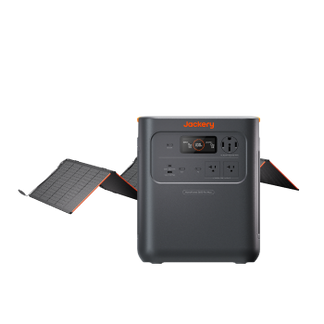
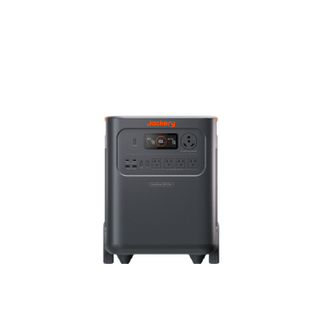
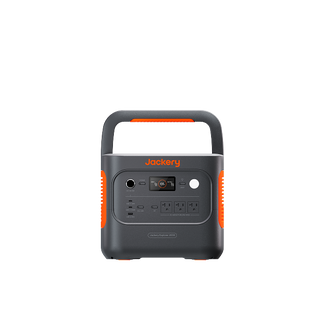
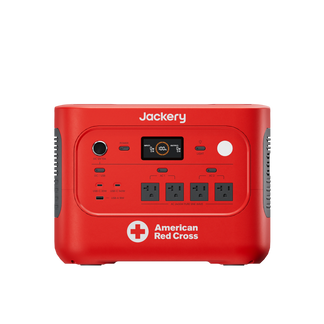
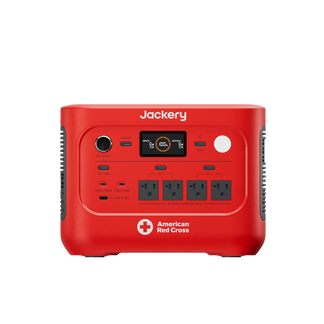
Jackery Solar Generator 1000 v2
The Jackery Solar Generator 1000 v2 gives you enough capacity to run a mid-size QLED or OLED TV for a full evening of viewing, with power left for a soundbar or streaming device on the same charge. For a 90W QLED TV running 6 hours a day, the cost comes to about $0.10 daily and $2.97 monthly at the national average rate. With the Jackery Solar Generator 1000 v2, you can not only offset the cost to run a TV but also ensure other essential appliances remain powered.
Appliances Running Time
- LED TV (60W) = 11.7H
- QLED TV (90W) = 8.4H
- OLED TV (120W) = 6.5H
- Large 75-Inch TV (150W) = 5.3H
Who Should Buy This
The Jackery Solar Generator 1000 v2 is a solid pick for a full living-room entertainment setup, or for anyone who wants a single unit versatile enough to cover a TV alongside a few other essentials during a power outage.

Customer Review
The generator itself is amazing. The screen is clear, it took no time to charge at home to 100%, and with the combined solar panel, I was able to keep the generator over 40% after charging tons and tons of phones, fans, portable lights, even a giant Misting fan. It was amazing to say the least.
— John-Mike N.
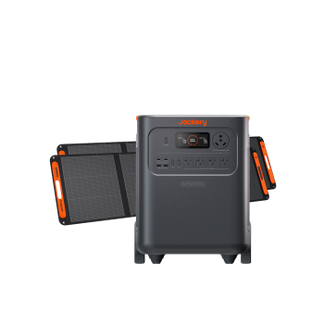
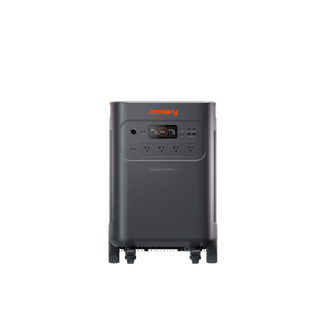
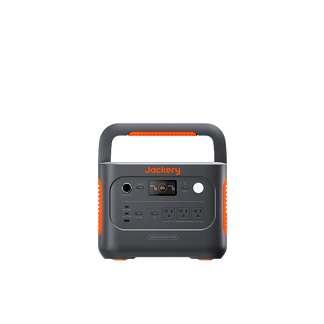
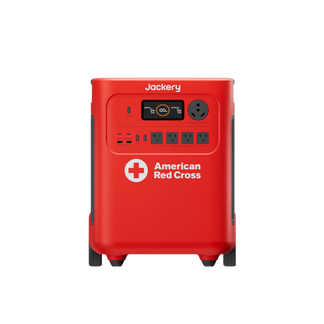
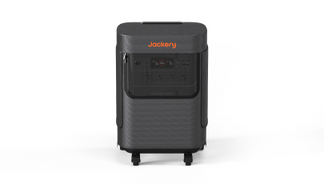
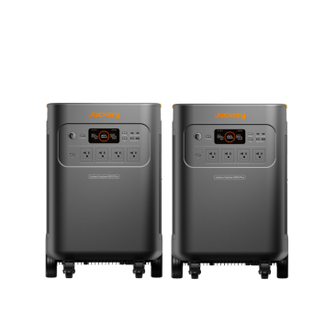
Jackery Solar Generator HomePower 2000 Plus v2
For a large-screen setup or multiple entertainment devices running at once, the Jackery Solar Generator HomePower 2000 Plus v2 offers 2,048Wh of capacity with 2,400W of output, enough to run a large 75-inch TV for most of a day, or a smaller TV for well over a day on a single charge. If you are using a 150W large-screen TV for 6 hours a day, it would otherwise cost about $0.17 daily and $4.95 monthly at the national average rate. With the Jackery Solar Generator HomePower 2000 Plus v2, you can offset this cost entirely.
Appliances Running Time
- LED TV (60W) = 22.0H
- QLED TV (90W) = 16.0H
- OLED TV (120W) = 12.0H
- Large 75-Inch TV (150W) = 10.0H
Who Should Buy This
The Jackery Solar Generator HomePower 2000 Plus v2 is the right fit for a large-screen home theater setup, a household that wants the TV covered alongside other essentials during longer outages, or anyone who would rather not think about recharging between movie nights.

Customer Review
It was delivered so quickly! I have assembled the solar panels, which are really big, and have been familiarizing myself with them. Took it out to the goat barn to run fan and lights and was impressed with how long it ran without much drop in stored power, 98%.
— Kathy W.
How Much Does It Cost to Run a TV FAQs
How much electricity does a TV use per hour?
Most TVs draw between 30W and 200W depending on screen size and panel type. At the national average electricity rate, that works out to roughly $0.005 to $0.04 per hour of viewing.
How much would it cost to leave a TV on 24 hours a day?
A 100W TV left on continuously uses 2.4 kWh a day. At the national average rate, that is about $0.44 a day and $13.20 a month, which is noticeably more than typical viewing habits, since most households don't run a TV around the clock.
Does TV size really change the electricity cost?
Yes, TV size can change the electricity cost. A 75-inch TV can draw 3 to 4 times what a 32-inch set of the same panel technology uses, since a larger screen needs considerably more backlighting or more individually lit pixels to reach the same brightness.
Is OLED more expensive to run than LED?
Generally, yes, OLED is more expensive to run than LED at a comparable screen size. OLED panels light each pixel individually rather than using a single backlight, which tends to draw more power on bright scenes, though the gap narrows on darker content since OLED pixels can turn off completely.
The electricity bill went up by $300 with the new TV. Is this normal?
A $300 increase in your electricity bill due to a new TV is unlikely to be solely attributed to the new TV. While TVs consume power, a $300 increase suggests other factors, such as increased overall usage or higher electricity rates, are at play. If you want to calculate how much it costs to run a TV, simply multiply the power consumption (in kilowatt-hours) by the local electricity rate.
Conclusion
A TV rarely shows up as a standout line on the electricity bill, but knowing its actual wattage by size and panel type makes it easy to see where a second TV, a bigger screen, or a high-brightness picture mode is quietly adding cost. Small adjustments like dimming the backlight or using a smart power strip help, but a TV's low power draw is also what makes it one of the easiest appliances to run entirely off solar. A Jackery Solar Generator charged during the day can power movie night or keep the screen on through an outage without pulling anything from the grid at all.


![How Many Watts Does a TV Use: 24, 32, 50, 55, 65 Inch TV and More [With a Data Table]](http://www.jackery.com/cdn/shop/files/how-many-watts-does-a-tv-use-24-32-50-55-65-inch-tv-and-more-with-a-data-table-5393610.jpg?v=1786014787&width=90)


