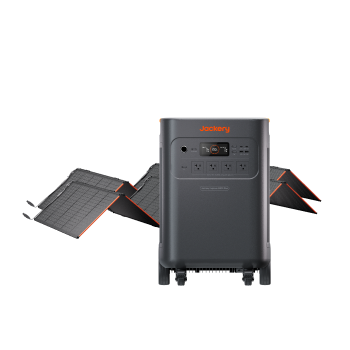
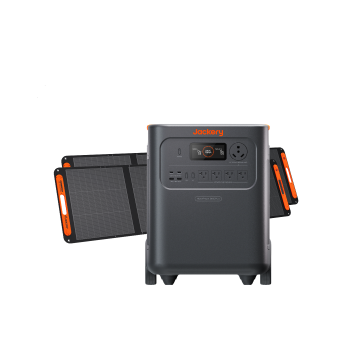
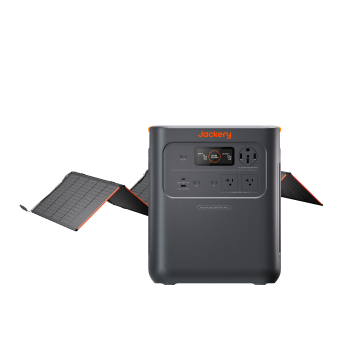
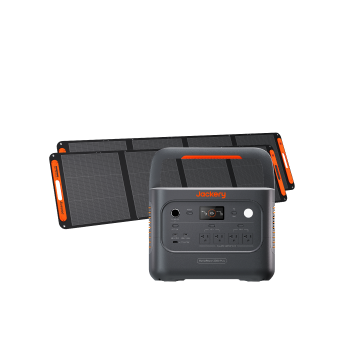
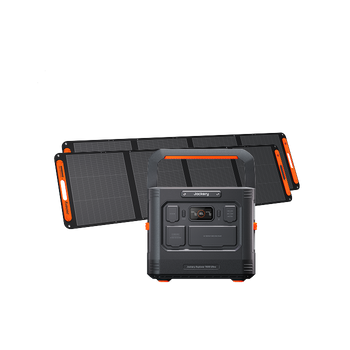
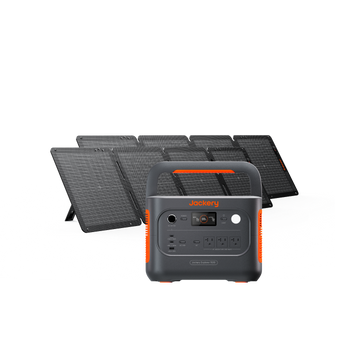
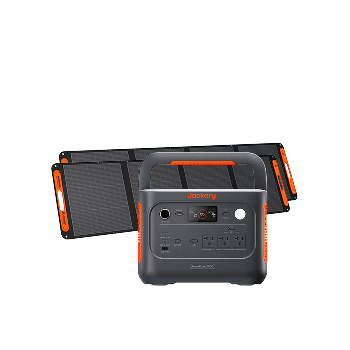
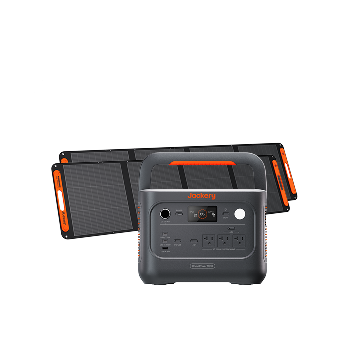


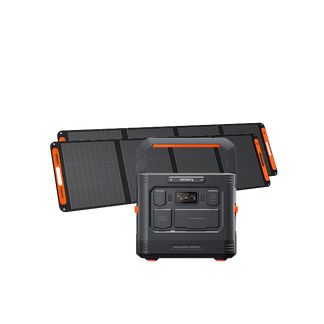
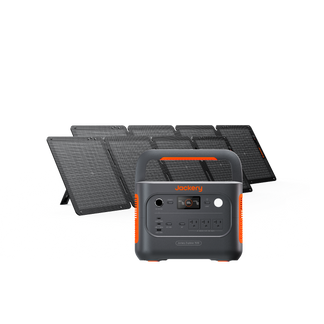
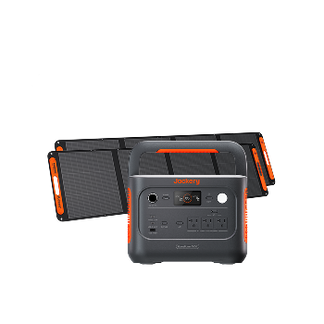



Best Portable Solar Panels

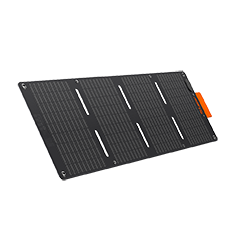
Choose a foldable panel you can comfortably carry and store. A higher-wattage model can collect more power in good sunlight, while a compact panel takes up less room on a trip.

    Get Solar Power Guides

    Get product updates, solar charging guides, and Jackery offers delivered to your inbox.

    How Do Portable Solar Panels Work?

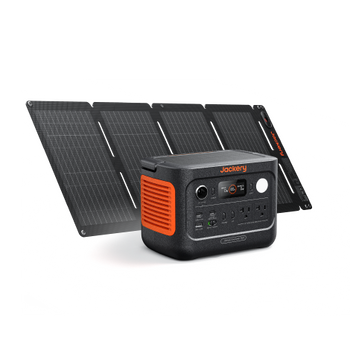
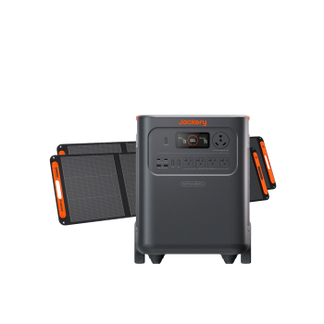
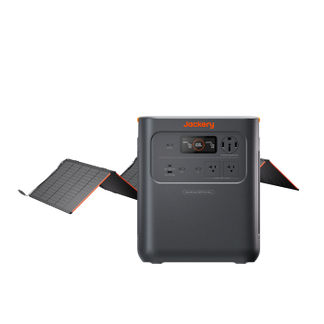
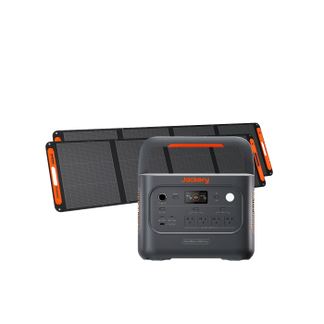
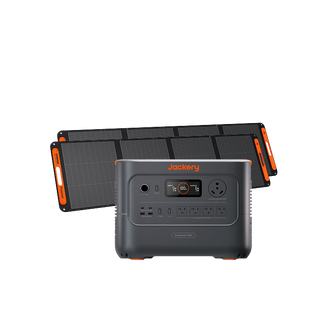
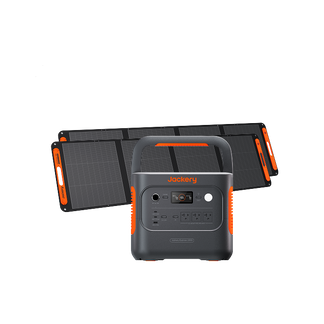
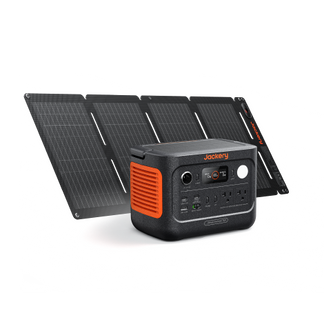
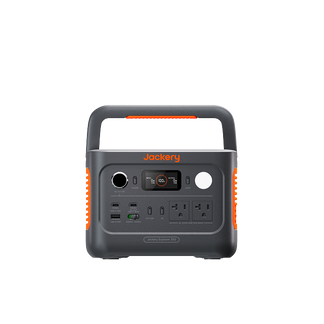
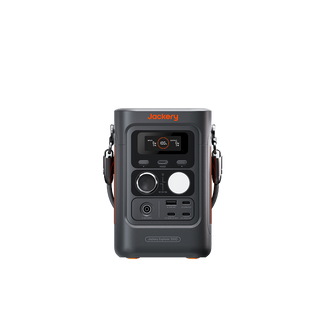
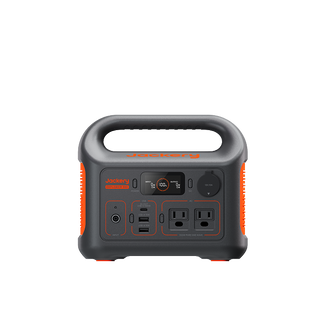
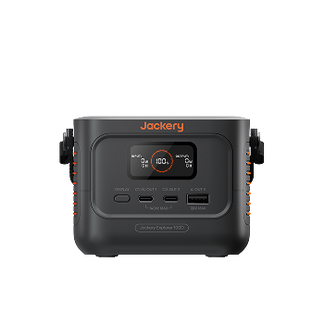
    Set a panel in the sun and connect it to a compatible Jackery power station. The panel makes electricity, and the power station stores it for your devices. Sunlight and shade affect how quickly it charges.

    01. Unfold the Panel

    02. Position It in Sunlight

    03. Connect a Compatible Explorer

    04. Store Solar Energy

    Choose Solar Panels for Camping

    A foldable panel packs away for the journey and opens up when you reach camp. Smaller panels leave more room for other gear; larger ones can collect more power during daylight. Choose a size you’ll be comfortable carrying and setting out each day.

      Subscribe for Updates

      Get portable solar tips, product updates, and Jackery offers delivered to your inbox.

      Choose Solar Panels for RVs and Road Trips

      Set out a foldable panel when you park, then pack it away before you drive on. Choose a size that fits your storage space and leaves enough room to unfold at your stop. If you want a panel that stays mounted, explore the 100 Light and 100 Prime.

        Subscribe for Updates

        Get RV solar tips, product updates, and Jackery offers delivered to your inbox.

        Choose Solar Panels for Home Backup

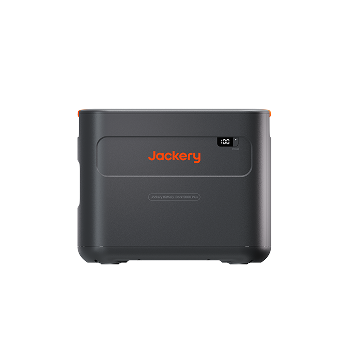
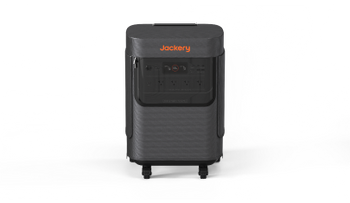
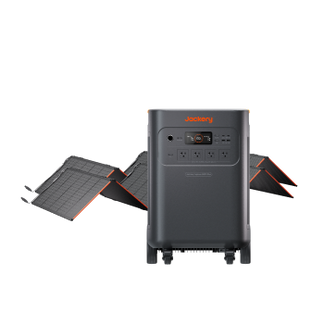
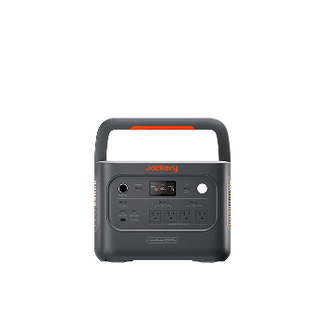
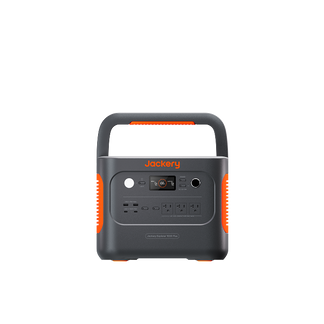
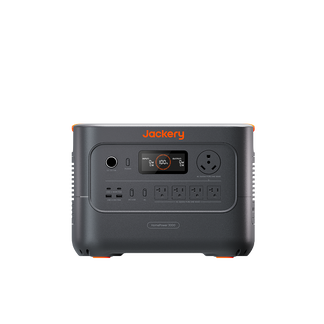
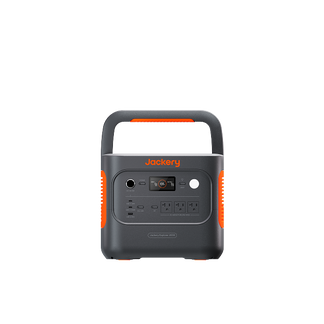
        During an outage, a solar panel can recharge your Jackery power station while the sun is out. The station stores energy for later and supplies power to your devices. Choose its battery capacity and outlets around the essentials you want to keep running.

          Subscribe for Updates

          Get home backup planning tips, solar guides, and Jackery offers delivered to your inbox.

          Solar Panels

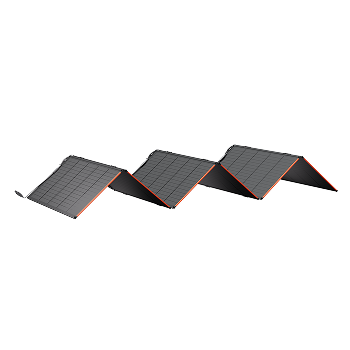
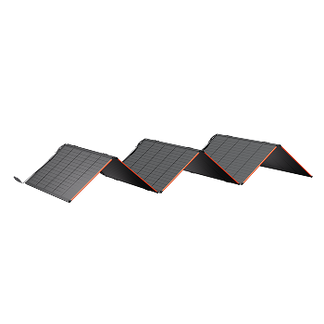
          • Jackery SolarSaga 500 solar panel unfolded in its M-shaped stand, sold as an add-on
            SolarSaga 500 X
            Bifacial Solar Panel | IP68 Waterproof
            $999.00
            SOLD OUT
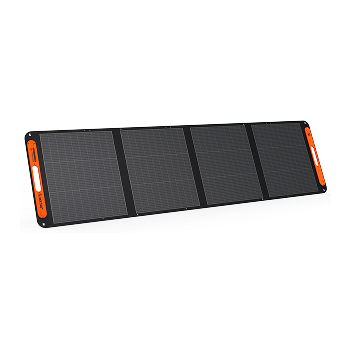
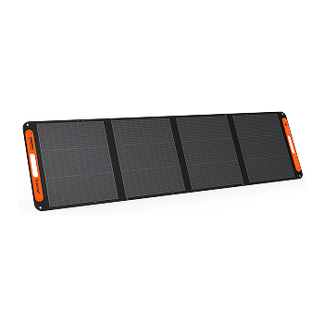
          • Jackery SolarSaga 200W Solar Panel - Jackery
            SolarSaga 200W
            Bifacial Solar Panel | IP68 Waterproof
            $429.00
            SOLD OUT
          • Jackery Solar Generator 100
            SolarSaga 100 Prime
            Easy Setup | IP68 Waterproof
            $249.00
            SOLD OUT
          • Jackery Solar Generator 100
            SolarSaga 100 Light
            Bifacial Solar Panel | IP68 Waterproof
            $299.00
            SHOP NOW
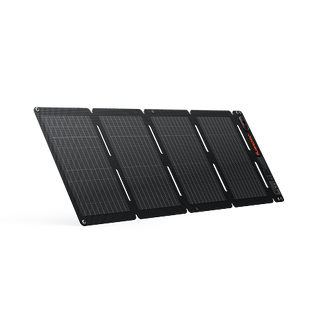
          • Jackery SolarSaga 100 Air - Jackery
            SolarSaga 100 Air
            Bifacial Solar Panel | IP68 Waterproof
            $299.00
            SOLD OUT
          • Jackery SolarSaga 40 Air - Jackery
            SolarSaga 40 Air
            Bifacial Solar Panel | IP68 Waterproof
            $129.00
            SOLD OUT
          COMPARE PANEL DESIGNS

          A Few Appliances or Your Home’s Circuits?

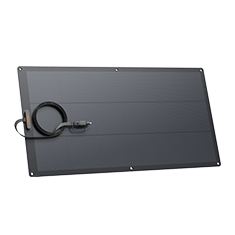
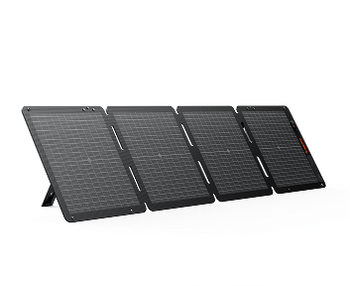
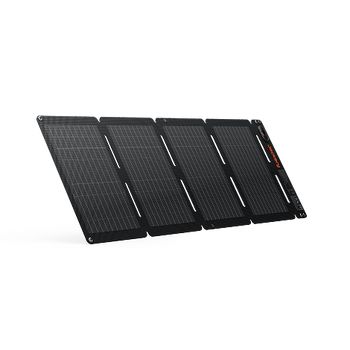
          All three panels are rated at 100W. The main difference is how you use them: fold the 100 Air for travel, fit the flexible 100 Light to a suitable mounting surface, or mount the rigid 100 Prime in place.
          Image

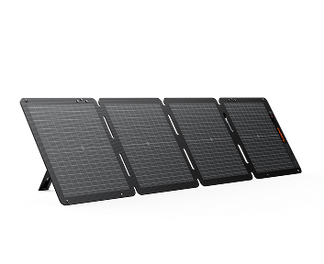
          Fold and carry: 100 Air

          Its four-fold design packs away for travel, and its built-in stand supports the panel at each stop. The 100 Air is not compatible with Explorer 300 v2, Explorer 300, 300D or 240D for recharging.

          View 100 Air ↗

          Flexible installation: 100 Light

          The 100 Light bends to fit suitable curved surfaces. Its installation guide shows how far it can bend and how to secure it in place.

          View 100 Light ↗
          Image
          Image

          Rigid installation: 100 Prime

          The 100 Light bends to fit suitable curved surfaces. Its installation guide shows how far it can bend and how to secure it in place.

          View 100 Light ↗
          Already own an Explorer? Our connection guide lists panel combinations by power-station model. Back to all panels ↑
          PLAN YOUR SOLAR CHARGING

          How much solar power do you need?

          Image

          Start with the devices you use each day

          Watts (W) describe power at a given moment. Watt-hours (Wh) describe energy used or collected over time. A 60W device running for one hour uses 60Wh.

          A simple daily-use example. A 60W device running for 3 hours uses 180Wh. A 10W light on for 5 hours uses another 50Wh, for a total of 230Wh. These are example figures. Allow extra battery capacity for energy lost during charging and use, plus any reserve you want to keep. For a fridge that switches on and off, use its daily energy use rather than assuming it runs all day.

          Choose the power station first. Its battery needs to last for the hours you’ll use your devices. Its outlets also need to handle their power needs, including the brief extra power some appliances draw when starting.

          How long might a recharge take? For example, adding 400Wh at a steady 80W gives a basic estimate of 5 hours. Allow extra time for changing sunlight, charging losses and slower charging as the battery fills.

          100W, 200W or 500W? A higher-wattage panel can recharge faster when sunlight is strong and your Explorer can accept the extra power. It also takes more room to carry and set up. Start with the combinations listed for your Explorer in our connection guide, then compare how much space you have and how long you’ll be stopped in the sun.

          Match a solar panel to your Explorer by wattage, connectors, supported panel count, and solar input limit.

          Find My Solar Panel
          BEFORE YOU CONNECT

          Match the panel to your power station

          Already own a Jackery Explorer? Find its full model name on the power-station label, then open that model in our connection guide.

          Find the panel combination for your Explorer

          Choose a listed panel combination. The connection guide groups supported panels by Explorer model and shows the panel quantity and connection arrangement.

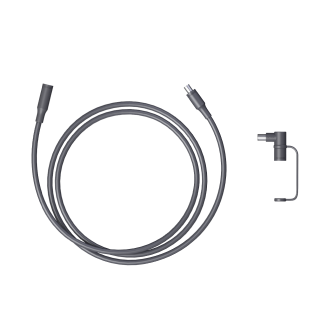
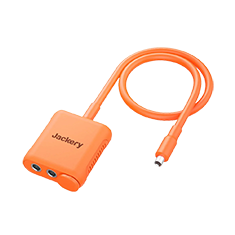
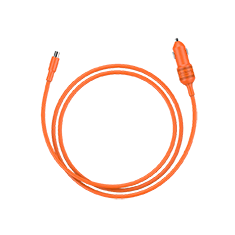
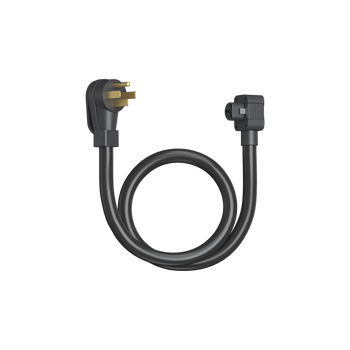
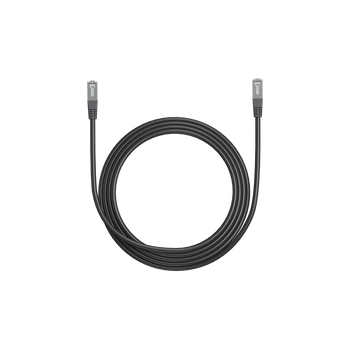
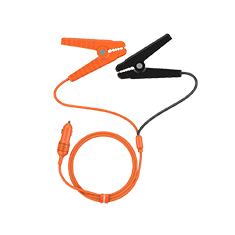
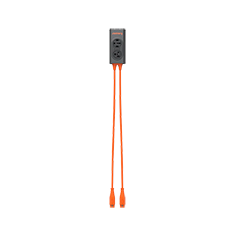
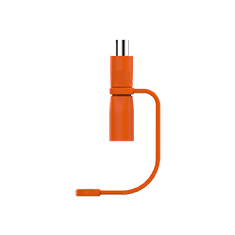
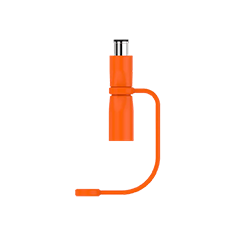
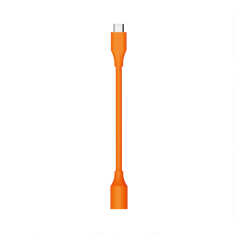
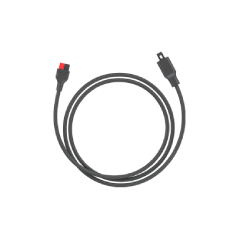
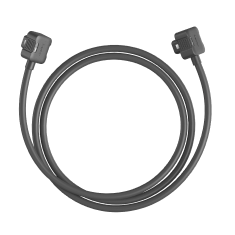
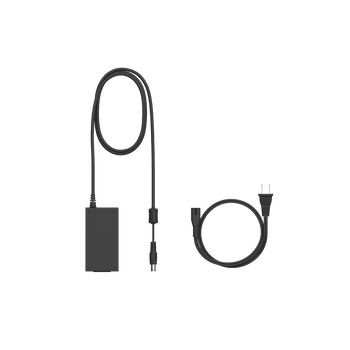
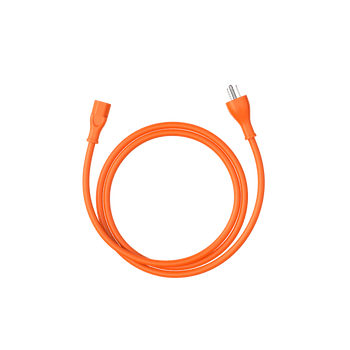
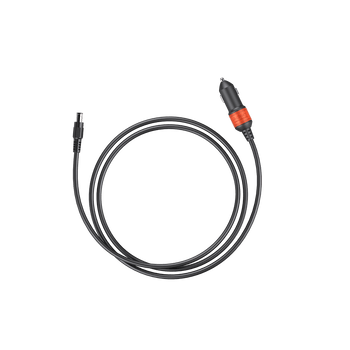
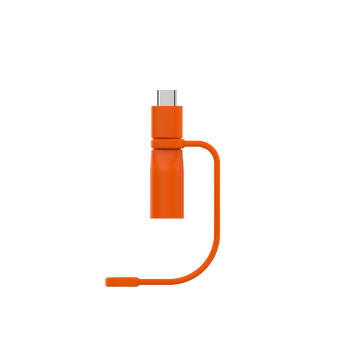
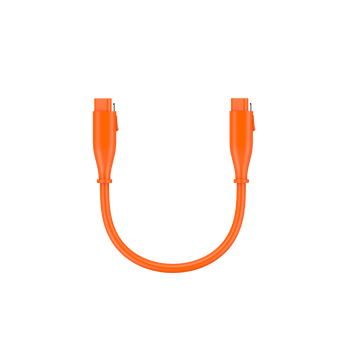
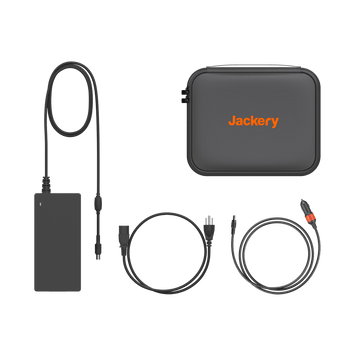
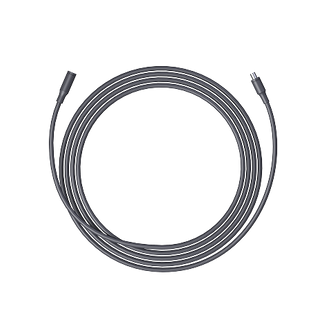
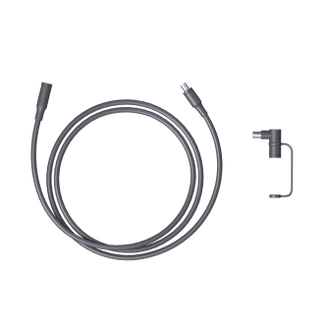
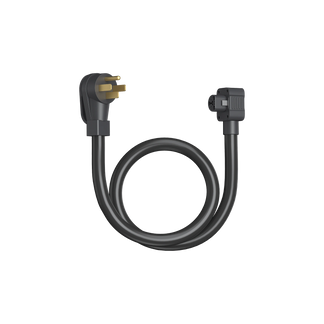
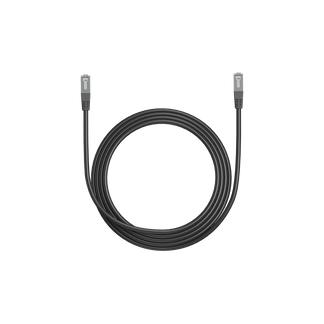
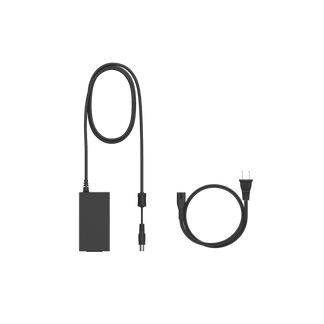
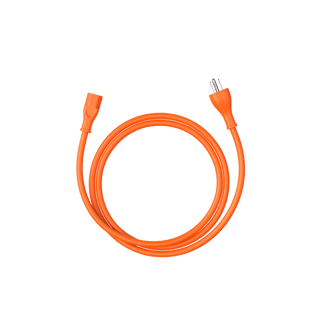
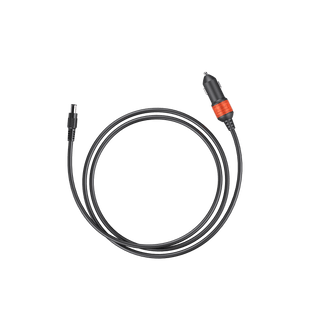
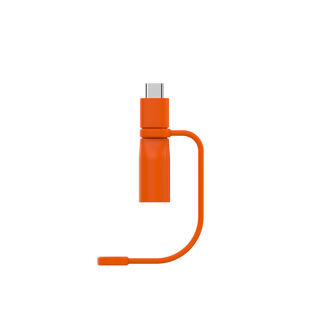
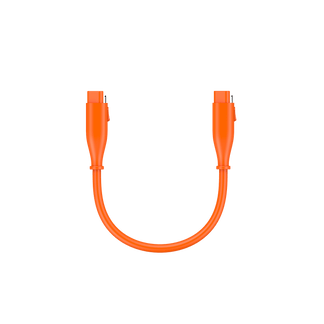
          Choose the matching cable. Use the cable or adapter shown for that panel combination. The product’s package list tells you which accessories are included.

          Adding more panels? For a simple setup, use matching panels of the same model. The guide shows how many your Explorer supports and how to connect them, including the cable or adapter for that setup.

          Let us help you choose

          Tell us your Explorer model and whether you plan to carry the panel or mount it. Our team can help you find a panel and the connection accessories for your setup.

          Get help choosing a panel ↗

          Read the Connection Guide ↗ Find your product manual ↗

          Get More from Your Solar Panels

          Recognition Across the Jackery Range

          Explore awards across our range and the products recognized by each program.
          TIME Best Inventions 2022
          Red Dot Award
          iF Product Design Award
          CES Innovation Awards 2026 Honoree
          REAL PLACES. EVERYDAY NEEDS.

          Hear from Our Customers

          Image Home Backup
          Ready for the Next Sunny Window
          Shaped by a lifetime in the military, Andrew uses Jackery to stay prepared for off-grid travel and home backup before problems arise.
          Read the Story 
          Image Home Backup
          From Sunlight to Stored Backup Power
          For Christina, and for anyone who's ever sat in a dark house with food spoiling in the silent fridge, Jackery isn't just about electricity. It's about knowing you're ready. It's the quiet confidence that turns panic into peace when storms hit.
          Read the Story 
          Image Home Backup
          A Simpler Way to Recharge Off Grid
          When a storm left a family reception in the dark, Gary brought his Jackery Explorer 5000 Plus and gave everyone a better answer than lights alone.
          Read the Story 
          Image Off-Grid Living
          Quiet Solar Charging Outdoors
          Mechanical engineer Sébastien uses Jackery to build a quiet, modular power system for his cabin, hunting trips, and home backup, bringing reliability without generator noise.
          Read the Story 
          Image Mobility
          Solar Energy for the Worksite
          Phoenix artist Mario uses Jackery to bring music into public spaces, turning creative ideas into experiences without power limitations.
          Read the Story 
          Image Mobility
          Open Sky, Portable Solar
          Astronomy enthusiast Monica uses Jackery to power nights under dark skies, capturing the universe and sharing it with her community.
          Read the Story 
          Image Camping
          Cold Camps, Clear-Sky Charging
          In retirement, Pat uses Jackery to simplify camping and enjoy flexible off-grid travel without relying on ice.
          Read the Story 
          Image Home Backup
          When the Grid Goes Down
          Darryl uses Jackery to prepare for the unexpected, from winter outages at home to emergencies in remote outdoor settings.
          Read the Story 
          Image Off-Grid Living
          Solar Charging for the Trailhead
          Chemistry professor Bryan uses Jackery to power his off-grid cabin and stay connected in the forest.
          Read the Story 
          Image Off-Grid Living
          Portable Solar for Creators
          For Angelique, Jackery is a practical tool and a creative enabler. It frees her to follow stories, to sleep where the camera points, and to keep working when the grid is unreliable.
          Read the Story 
          Image Off-Grid Living
          A Panel That Fits the Setup
          Farmer and educator Robert in Pennsylvania uses portable solar to power his greenhouse aquaponics system and teach sustainability—quiet, modular, and off-grid ready.
          Read the Story 
          Image Home Backup
          Solar Recharging After the Storm
          Jackery powers a Florida firefighter Kyle’s home through hurricanes, keeping his family safe with quiet, reliable backup energy—so he can focus on saving others.
          Read the Story 

          Portable Solar Panel FAQs

          • Are all Jackery solar panels foldable?

            No. SolarSaga 40 Air, 100 Air, 200W and 500 X fold for transport. The 100 Light is flexible, while the 100 Prime has a rigid frame. For camping and road trips, choose a foldable model; for a mounted setup, compare the 100 Light and 100 Prime.

          • Can a solar panel power my refrigerator or microwave?

            Not directly. A refrigerator or microwave plugs into a power station, and the solar panel recharges that station. Choose a station with enough AC output to run the appliance and enough battery capacity for the hours you need. For a refrigerator, allow for the extra power it draws when starting.

          • Which solar panel fits my Jackery Explorer?

            For example, SolarSaga 40 Air works with Explorer 300 v2, and SolarSaga 200W works with Explorer 1000 v2. SolarSaga 100 Air does not support Explorer 300 v2. For your exact Explorer, our connection guide lists the supported panels, quantities and cables.

          • Can I leave a portable panel outside permanently?

            We do not recommend leaving portable foldable panels outside permanently. Pack them away after use and bring them in during severe weather. For a fixed installation, consider the rigid SolarSaga 100 Prime, fitted according to its mounting instructions.

          • Can I charge a phone directly from a solar panel?

            Yes. SolarSaga 40 Air, 100 Air and the current SolarSaga 200W have USB-A and USB-C outputs for charging a phone directly, without a power station. Connect your phone with a suitable USB cable and place the panel in sunlight. Charging slows or stops as sunlight fades.

          • Can I connect different solar panels together?

            Some different models can work together if their power and voltage ratings match and your Explorer supports the combination. We recommend using the same panel model for a simpler setup. For a mixed set, send us the panel model numbers and your Explorer model so we can confirm the right connection.

          • Why is my solar input lower than the panel’s rated watts?

            Your input can be lower because clouds, shade, heat and the sun’s angle reduce output compared with the panel’s test conditions. The power station can also limit how much solar power it accepts. Move the panel into full sunlight and adjust its angle where possible to improve charging.

          • How long will a solar panel take to recharge my power station?

            For example, an Explorer 1000 v2 takes around 7.5 hours with one SolarSaga 200W panel, or around 3.8 hours with two. These are reference charging times for that setup; sunlight, temperature and the battery’s starting charge affect the actual time. Other Explorer models and panel combinations have different recharge times.

          Complete Your Portable Solar Setup

          Solar Generators

          Solar Generators

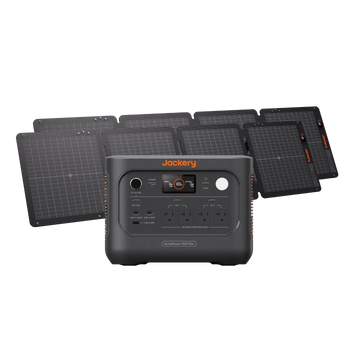
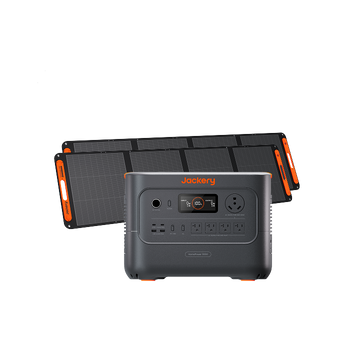
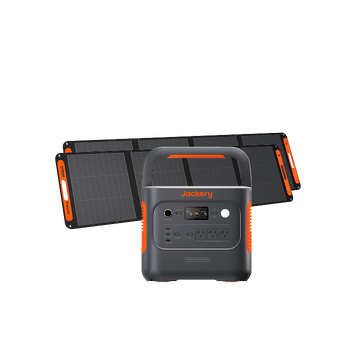
          Explore matched panel-and-power-station bundles for camping, RV travel, off-grid use, and backup planning.

          Learn More
          Portable Power Stations

          Portable Power Stations

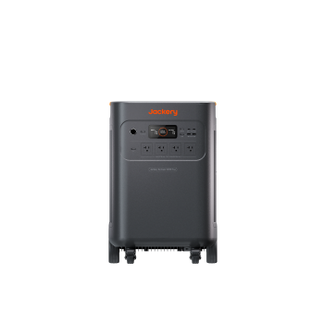
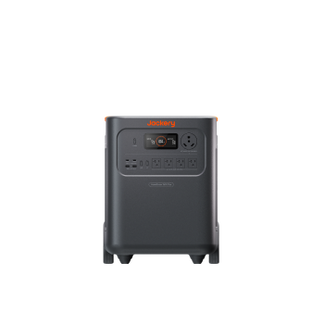
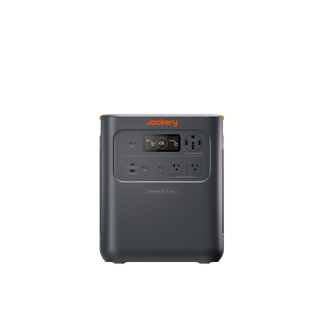
          Store solar energy in a compatible power station for outdoor use, road trips, or emergency backup.

          Learn More
          Solar Panels

          Solar Panels

          Perfect for camping, RV trips, emergencies, and home backup.

          Learn More